MyChatPDF: First Look at the New AI Document Chat Tool With Page-Level Citations
By Day Zero Guides Editorial · How we produce guides
Some links in this guide are affiliate links. If you sign up through them, Day Zero Guides may earn a commission at no extra cost to you. This never affects which products we cover or what we say about them. See our affiliate disclosure for details.
Who this is actually useful for
- A paralegal or small-firm lawyer reviewing a 90-page lease or contract who needs to find every clause about termination rights, with a page citation to quote back to a client.
- A grad student or researcher who has downloaded a stack of PDFs for a literature review and wants to ask "which of these papers used a sample size under 50?" without opening each file.
- A finance or ops person digging through a vendor's Word-format SOW and a related PDF appendix at the same time, asking questions that require pulling facts from both.
- Someone prepping for a meeting who was handed a 40-page PDF an hour beforehand and needs the three most relevant points, with proof they're actually in the document before repeating them out loud.
What it's not well-suited for: open-ended research where you want the AI to reason beyond the document, or creative brainstorming. It's a retrieval-and-citation tool, not a general reasoning assistant — which is exactly the point for the use cases above.
What MyChatPDF actually does
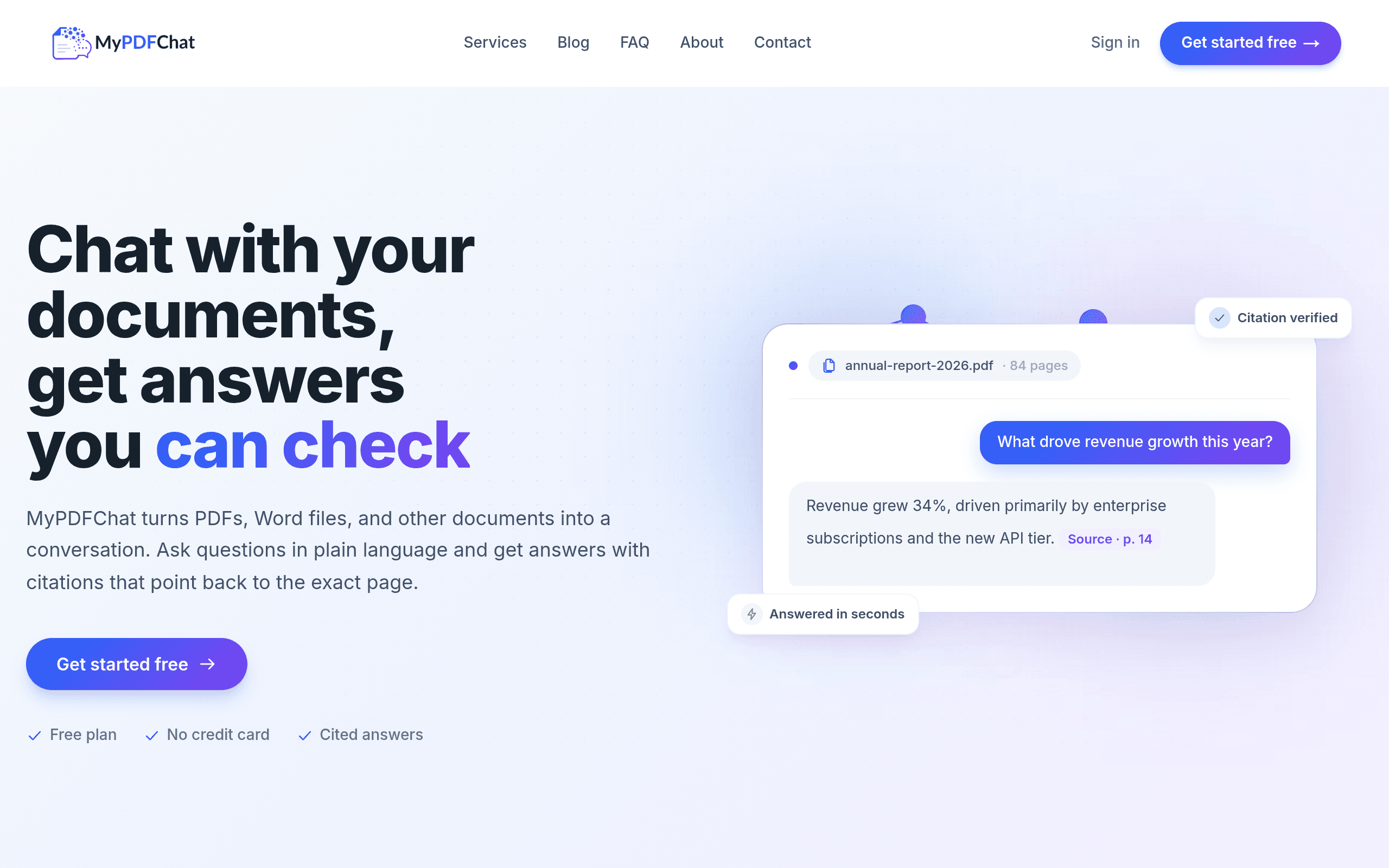
MyChatPDF (found at mypdfchat.com) is a document chat tool: you upload a PDF or Word file, and instead of scrolling through it yourself, you ask questions in plain English and get answers back. The pitch that separates it from a dozen similar tools launched in the last two years is citations — every answer is supposed to point back to the specific page and passage it came from, rather than giving you a confident-sounding paragraph that may or may not reflect what's actually in the document.
That citation-first approach matters because the biggest complaint about AI document tools isn't that they're slow — it's that they occasionally invent details that sound plausible but aren't in the source. MyChatPDF's design bet is that showing its work (page number, highlighted passage) is worth more to users than a slightly more fluent-sounding answer.
It also supports multi-document conversations, meaning you can load several files into one session and ask questions that span across them — useful if you're comparing two contracts, cross-referencing a report against its appendix, or checking whether three vendor proposals all address the same requirement.
Pricing: what's confirmed and what isn't
MyChatPDF offers a free plan with no credit card required, which is enough to test the core workflow — upload a file, ask questions, check citations — before deciding whether to pay for anything. The site references paid plans for heavier use, but as of this writing, MyChatPDF has not published specific tier names, monthly prices, or usage caps (documents per month, pages per file, etc.) on its homepage or pricing page. That's a notable gap for a tool trying to win users away from established options like ChatPDF, which does publish its tiers.
Practical takeaway: start on the free plan, run your actual documents through it, and treat any upgrade decision as something you'll need to confirm directly on their site or by contacting them, since the public pricing page doesn't yet spell out what you'd get for paying.
How it compares to ChatPDF, DocQuery, and Perplexity
| MyChatPDF | ChatPDF | DocQuery | Perplexity | |
|---|---|---|---|---|
| Price | Free plan (no card required); paid tiers exist but amounts not published | Free tier (limited pages/requests per day); paid at $19.99/month for higher limits | Open-source library — free to self-host, but requires developer setup | Free tier available; Pro at $20/month |
| Citations | Page- and passage-level citations built into every answer | Basic source snippets, less granular page linking | Depends on implementation — no built-in UI, it's a Python/dev tool | Cites web sources, not document-specific pages unless you upload a file |
| Multi-document chat | Yes, converse across multiple uploaded PDFs/Word files at once | Limited — mostly single-document focus per session | Possible but you build it yourself | Not document-native; better for open web research |
| File types | PDF and Word (.docx) | PDF only | PDF (via configuration) | Can accept file uploads, but it's a general search/answer engine, not a document-first tool |
| Best for | Non-technical users who need cited answers from their own PDFs/Word docs, especially across multiple files | Quick single-PDF Q&A for casual users | Developers building custom document search into their own app | General research and web-sourced Q&A, occasional document upload |
The practical difference: if your job is "I have specific documents and need trustworthy, checkable answers from them," MyChatPDF and ChatPDF are the direct competitors, and MyChatPDF's edge is Word file support plus multi-document sessions. If you're comfortable writing code, DocQuery gives you more control but no polished interface. If your question is more "help me understand this topic broadly" rather than "what does this specific file say," Perplexity is the better tool — it's built for open research, not document fidelity.
Should you try it today?
If you regularly get handed PDFs or Word docs and need fast, verifiable answers rather than a general summary, the free plan is low-risk to test right now — no card needed, and you can immediately check whether the citation feature actually holds up on your own documents (upload something you know well and see if the page references are accurate). The open question is pricing transparency once you outgrow the free tier; until MyChatPDF publishes real numbers, budget-conscious teams comparing it against ChatPDF's published $19.99/month tier won't have an apples-to-apples cost comparison. For a one-off document or occasional use, that's a non-issue. For a team evaluating a recurring subscription, it's worth emailing their support to get real pricing before you commit workflow dependency to the tool.