NativoBuilder: A First Look at the Gutenberg-Native Page Builder Plugin
Some links in this guide are affiliate links. If you sign up through them, Day Zero Guides may earn a commission at no extra cost to you. This never affects which products we cover or what we say about them. See our affiliate disclosure for details.
What NativoBuilder Actually Is
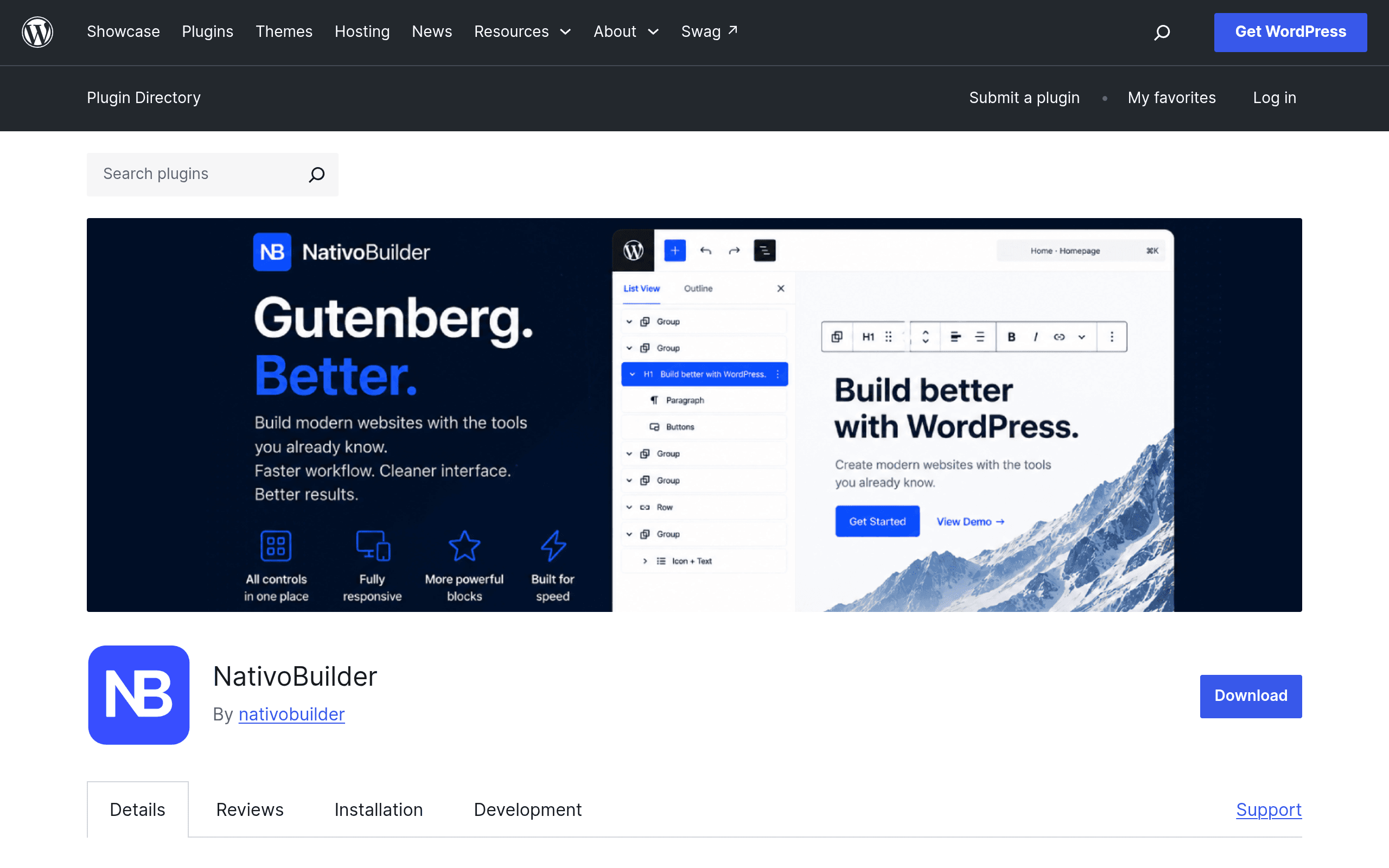
NativoBuilder is a free WordPress plugin, listed on the official plugin repository at wordpress.org/plugins/nativobuilder/, that sits on top of the native Gutenberg block editor rather than replacing it. That distinction matters more than it might sound: plugins like Elementor and Beaver Builder run their own editing canvas and, in Elementor's case, store content as shortcode-like markup that's tightly coupled to the plugin. NativoBuilder instead adds new blocks and controls directly into the Gutenberg block library, and the content it produces is still standard Gutenberg block markup under the hood.
Practically, that means if you ever deactivate NativoBuilder, your pages don't turn into a wall of broken shortcodes — you're left with regular WordPress blocks (some of which may lose their extra styling options, but the underlying content structure survives).
What's In the Box
Based on the plugin's current feature set:
- Extra design blocks on top of core Gutenberg blocks (things like enhanced containers, spacers, and layout blocks that go beyond what ships in WordPress by default)
- A Post Grid block for building blog listings, portfolio grids, or archive-style layouts without a separate query-loop plugin
- A built-in icon library, so you're not pasting in SVGs manually or loading Font Awesome via a third-party plugin
- Responsive device preview controls for adjusting spacing, sizing, and visibility per breakpoint (desktop/tablet/mobile) directly in the block editor
- No external account or service requirement — there's no "connect your site to our cloud dashboard" step, no API key, and no phone-home license activation to use the core plugin
That last point is worth underlining because it's increasingly rare. A lot of modern Gutenberg add-ons (and nearly all page builders) now want you to create an account on their platform even for the free tier. NativoBuilder installs and works locally, which will appeal to agencies and developers who are wary of adding another third-party dependency to client sites.
Pricing: What We Found
As of this writing, NativoBuilder does not have a published pricing page, and the wordpress.org listing shows it as a free download with no visible premium upsell inside the plugin itself. We could not find a documented "Pro" tier, add-on pack, or paid license anywhere in the plugin's public materials.
That could mean one of a few things: the plugin is genuinely free with no monetization plan yet, a premium tier is coming later (common pattern for young Gutenberg add-ons — build install numbers first, monetize second), or pricing exists but isn't publicly indexed yet. If you're evaluating this for a client project or a site where budget certainty matters, don't assume it will stay free forever — but as of today, there is no cost to install and use it.
Who Should Actually Try This Today
Good fit:
- You're already building in Gutenberg and want more layout flexibility (a proper Post Grid, more icon options, finer responsive control) without switching your entire workflow to a page builder
- You maintain multiple WordPress sites and want to avoid plugins that require cloud accounts or recurring "activation" checks
- You're a freelancer or small agency building relatively simple marketing sites, blogs, or portfolios and don't need Elementor-level design freedom (custom CSS per element, motion effects, a huge template library)
- You want a soft on-ramp for clients who will edit their own content later — native Gutenberg blocks are closer to what WordPress itself teaches in its own documentation and default themes
Not a great fit:
- You need pixel-precise custom design work, complex conditional logic, or WooCommerce builder templates — that's Elementor Pro or Beaver Builder Pro territory
- You're already deep into Elementor or Beaver Builder on a site — migrating is not something NativoBuilder is built to do, and there's no import tool for competitor layouts
- You need guaranteed long-term support/pricing certainty for a client contract — with no pricing model published yet, you can't budget for it confidently
Concrete Use Cases
- A local service business site (plumber, dentist, small law office) built entirely in block themes like Twenty Twenty-Four — NativoBuilder's Post Grid block replaces a separate "latest posts" plugin for a blog/news section, and the icon library covers the service-list icons without adding Font Awesome separately.
- An agency standardizing on lightweight builds — instead of installing Elementor on every client site (with its own asset bundle and update cadence to manage), a shop building 10+ small sites a year uses NativoBuilder to keep everything in native Gutenberg markup, reducing plugin bloat and future migration risk.
- A content-heavy blog or niche publication — the Post Grid block handles category archive pages and "related posts" sections without a query-loop configuration headache, while responsive controls fix the common problem of images or columns looking fine on desktop but breaking on mobile.
- A developer building a custom block theme who wants a few extra layout primitives (better spacers, containers with more padding/margin control) without pulling in a 2MB+ page builder plugin and its associated CSS/JS payload.
How It Compares
| NativoBuilder | Gutenberg (Core) | Elementor | Beaver Builder | |
|---|---|---|---|---|
| Price | Free (no published paid tier as of writing) | Free, built into WordPress | Free core plugin; Pro from ~$59/year (1 site) up to ~$199+/year for multi-site/agency plans | Free core plugin; Pro from ~$99/year, Agency ~$399/year (lifetime options available) |
| Editing model | Extends native Gutenberg blocks in place | Native block editor, no extensions | Separate drag-and-drop canvas with its own widget system | Separate front-end drag-and-drop builder |
| Content portability | Stays as standard Gutenberg block markup | Standard Gutenberg block markup (baseline) | Elementor-specific data structure; content degrades significantly if deactivated | Beaver Builder-specific layout data; needs the plugin to render as designed |
| Account/cloud requirement | None | None | None for core; Elementor.com account for template library and updates | None for core plugin |
| Post/query grid layouts | Built-in Post Grid block | Requires core Query Loop block (more manual setup) | Available in Pro via Posts widget | Available via Beaver Themer (separate paid add-on) |
| Icon library | Built-in | None (requires separate plugin or theme support) | Built-in (Font Awesome-based) | Built-in |
| Best for | Users who want more from Gutenberg without leaving it | Anyone wanting zero dependencies and full WordPress-core alignment | Complex custom design, WooCommerce builder pages, non-technical clients wanting a visual canvas | Developers/agencies wanting a stable, code-friendly front-end builder with a long track record |
The Bottom Line
NativoBuilder isn't trying to be an Elementor or Beaver Builder competitor in the traditional sense — it's a bet that most WordPress users would rather have Gutenberg get slightly more capable than switch to an entirely separate builder ecosystem. If you're comfortable in the block editor already and just want a real Post Grid block, some extra icons, and better responsive controls without installing a heavier plugin or creating another account, it's a low-risk install today — it's free, it doesn't lock your content into proprietary markup, and removing it later won't wreck your pages.
The open question is pricing. With no published paid tier, you're getting a fully-featured plugin for free right now, but there's no guarantee that continues, and support/roadmap commitments are harder to gauge for a plugin without a clear business model yet. For a low-stakes personal site or blog, that's a non-issue — install it and see if the extra blocks earn a permanent place in your toolkit. For agency work under contract, it's worth a short pilot on one site before you standardize on it across a client roster.