Newcraft Moneybird Sync for WooCommerce: First Look at the New Flowwise-Powered Accounting Bridge
Some links in this guide are affiliate links. If you sign up through them, Day Zero Guides may earn a commission at no extra cost to you. This never affects which products we cover or what we say about them. See our affiliate disclosure for details.
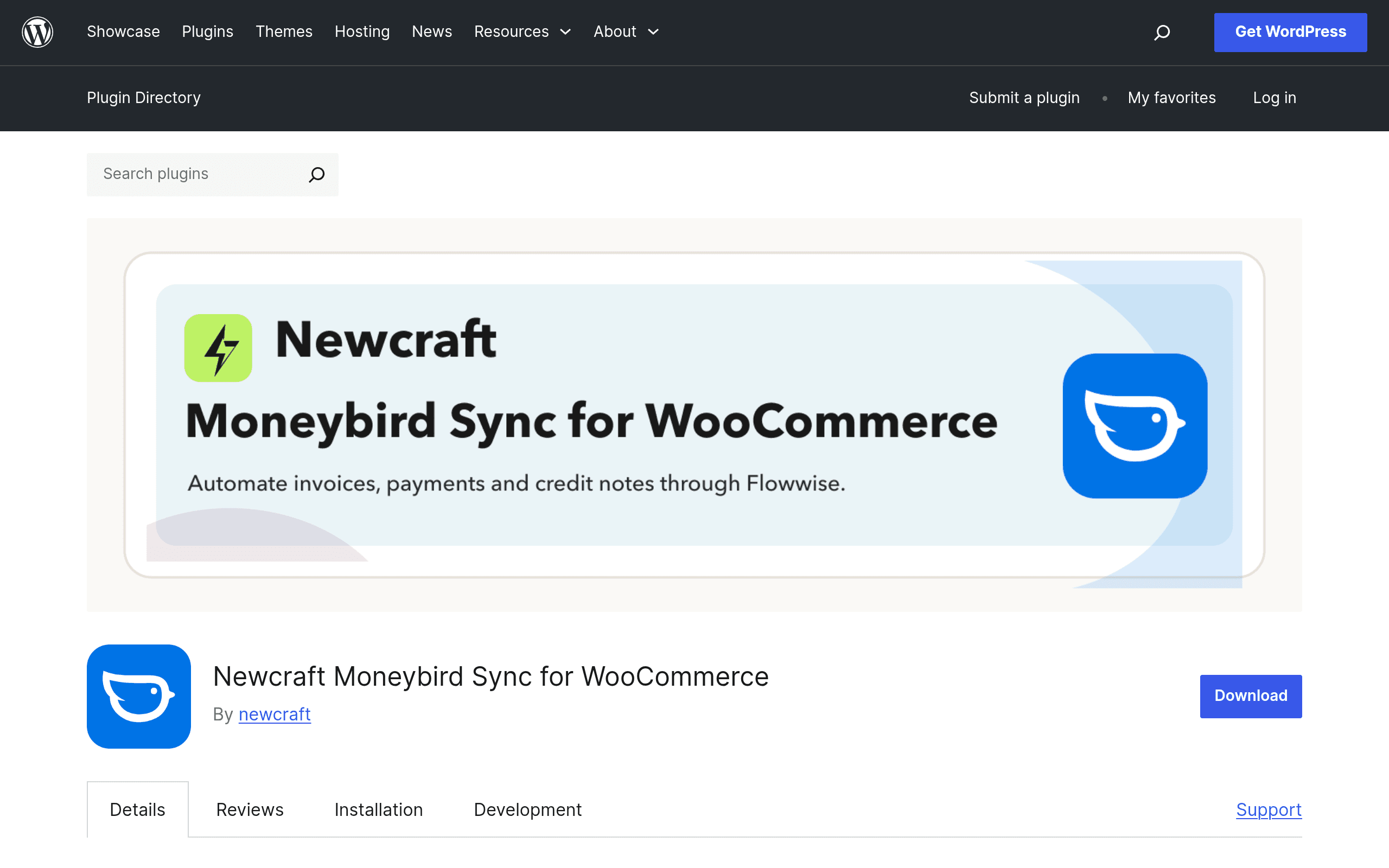
What this plugin actually does
If you run a WooCommerce store and do your books in Moneybird (the Dutch accounting platform popular with freelancers and small businesses in the Netherlands and Belgium), you already know the manual workaround: export orders, reformat them, and hand-key invoices and contacts into Moneybird every week. Newcraft Moneybird Sync for WooCommerce is a new plugin on the WordPress.org repository that automates that entire loop.
Instead of building the sync logic directly into WordPress, the plugin acts as a connector to Flowwise, a third-party integration/automation platform. When a WooCommerce order is placed, updated, refunded, or paid, the plugin pushes that event to Flowwise, which talks to the Moneybird API over an OAuth connection and:
- Creates or updates a contact in Moneybird from the WooCommerce customer/billing data
- Generates a sales invoice matching the order line items, tax, and totals
- Registers payments against that invoice when WooCommerce marks the order as paid
- Issues credit notes automatically when an order is refunded or cancelled
- Uses idempotency checks to avoid creating duplicate contacts or invoices if an order is edited or a webhook fires twice
This is a meaningfully narrower, more opinionated tool than a general-purpose automation builder — it's built for exactly one pairing (WooCommerce → Moneybird) and nothing else.
How setup actually works
After installing the plugin from the WordPress.org repo, you connect your store to a Flowwise account via OAuth — you're not entering API keys manually, which is a nice touch for store owners who aren't comfortable digging through Moneybird's developer console. From there, Flowwise handles the field mapping (order line items → invoice lines, billing address → contact fields, etc.) and the ongoing sync runs in the background rather than requiring you to babysit a workflow builder.
The tradeoff: because the actual sync engine lives on Flowwise's servers, not in your WordPress install, you're depending on a second platform's uptime and pricing structure, not just the plugin itself.
Pricing: what's published, and what isn't
As of this writing, no pricing is published on the WordPress.org plugin page. The plugin listing itself is free to download and install, which is standard for WordPress.org — but given that the sync logic runs through Flowwise, it's very likely that Flowwise's own subscription tiers (which are not detailed on the plugin page either) determine how many orders, contacts, or sync events you get before hitting a paywall or usage cap.
Practically, this means: budget for an unknown recurring cost until you connect your Flowwise account and see their plan screen. If you're evaluating this today, don't assume "free plugin" means "free integration" — treat the WordPress.org listing as the install step, not the pricing page, and check Flowwise's dashboard before committing a client or your own store to it.
Concrete use cases where this makes sense
- A Dutch webshop doing 50–300 orders a month that currently has a bookkeeper manually re-entering WooCommerce orders into Moneybird once a week — this plugin removes that entire manual step and keeps invoices current in near real-time.
- A subscription or repeat-customer store where the same buyer places multiple orders — automatic contact deduplication in Moneybird means you're not creating five copies of the same customer record.
- Stores with meaningful refund volume (fashion, apparel) where credit notes need to mirror WooCommerce refunds exactly for VAT reporting — automating this removes a common source of bookkeeping errors at quarter-end.
- Agencies managing multiple WooCommerce + Moneybird clients who want a single connector pattern they can replicate across stores rather than rebuilding a Zapier or Make scenario for each one.
Where it's probably not the right fit: if you need to sync WooCommerce to an accounting platform other than Moneybird, or if you want to customize the mapping logic beyond what Flowwise exposes, you'll hit a wall quickly since this plugin doesn't touch other accounting systems.
How it compares to the general-purpose alternatives
Most stores solving this problem today are using a horizontal automation tool and building the WooCommerce-to-Moneybird logic themselves. Here's how Newcraft's purpose-built connector stacks up:
| Newcraft Moneybird Sync for WooCommerce | Zapier (WooCommerce → Moneybird) | Make (Integromat) | PieSync | |
|---|---|---|---|---|
| Price | Plugin free; Flowwire backend pricing not published | Free tier (100 tasks/mo), paid plans from ~$19.99–$69/mo+ depending on task volume | Free tier (1,000 ops/mo), paid plans from ~$9–$29/mo+ scaling with operations | Discontinued — HubSpot shut down PieSync in mid-2023; no longer available for new signups |
| Setup effort | Low — OAuth connect, prebuilt mapping for orders, contacts, invoices, credit notes | Medium — you build the Zap yourself, mapping each field manually | Medium-high — visual scenario builder, more flexible but requires configuration time | N/A (discontinued) |
| Scope | Narrow: only WooCommerce ↔ Moneybird, but deep (invoices, payments, credit notes, dedup) | Broad: works with 6,000+ apps but Moneybird-specific logic (credit notes, payment registration) must be built manually | Broad: similar flexibility to Zapier, slightly cheaper per operation at scale | Was contact-sync only — never handled invoices or payments |
| Best for | Stores that want a plug-and-play Moneybird-only pipeline without building logic themselves | Teams already using Zapier for other workflows who want everything in one automation hub | Technical users who want more control over branching logic and lower per-op cost at volume | N/A today — legacy option, avoid |
The honest takeaway: if Moneybird is your only accounting destination and you don't want to hand-build invoice and credit-note logic in Zapier or Make, this plugin's narrower scope is actually its selling point. If you're already deep into Zapier or Make for other store automations (inventory alerts, CRM syncs, etc.), adding one more scenario there might be less overhead than managing a second platform (Flowwise) just for this one connection.
Should you install it today?
It's a reasonable one-hour experiment: install the free plugin, connect via OAuth, and see what Flowwise's pricing screen actually shows before you decide. Because the plugin is new and pricing isn't public, treat this as an evaluation, not a commitment — run it on a staging store or a low-volume period first, confirm credit notes and payment registration behave correctly with a few real test orders, and check Flowwire's plan limits against your actual monthly order volume before switching your bookkeeper over to trusting it fully.