NordPass Review: Pricing, Features, and How It Compares in 2024
By Day Zero Guides Editorial · How we produce guides
Some links in this guide are affiliate links. If you sign up through them, Day Zero Guides may earn a commission at no extra cost to you. This never affects which products we cover or what we say about them. See our affiliate disclosure for details.
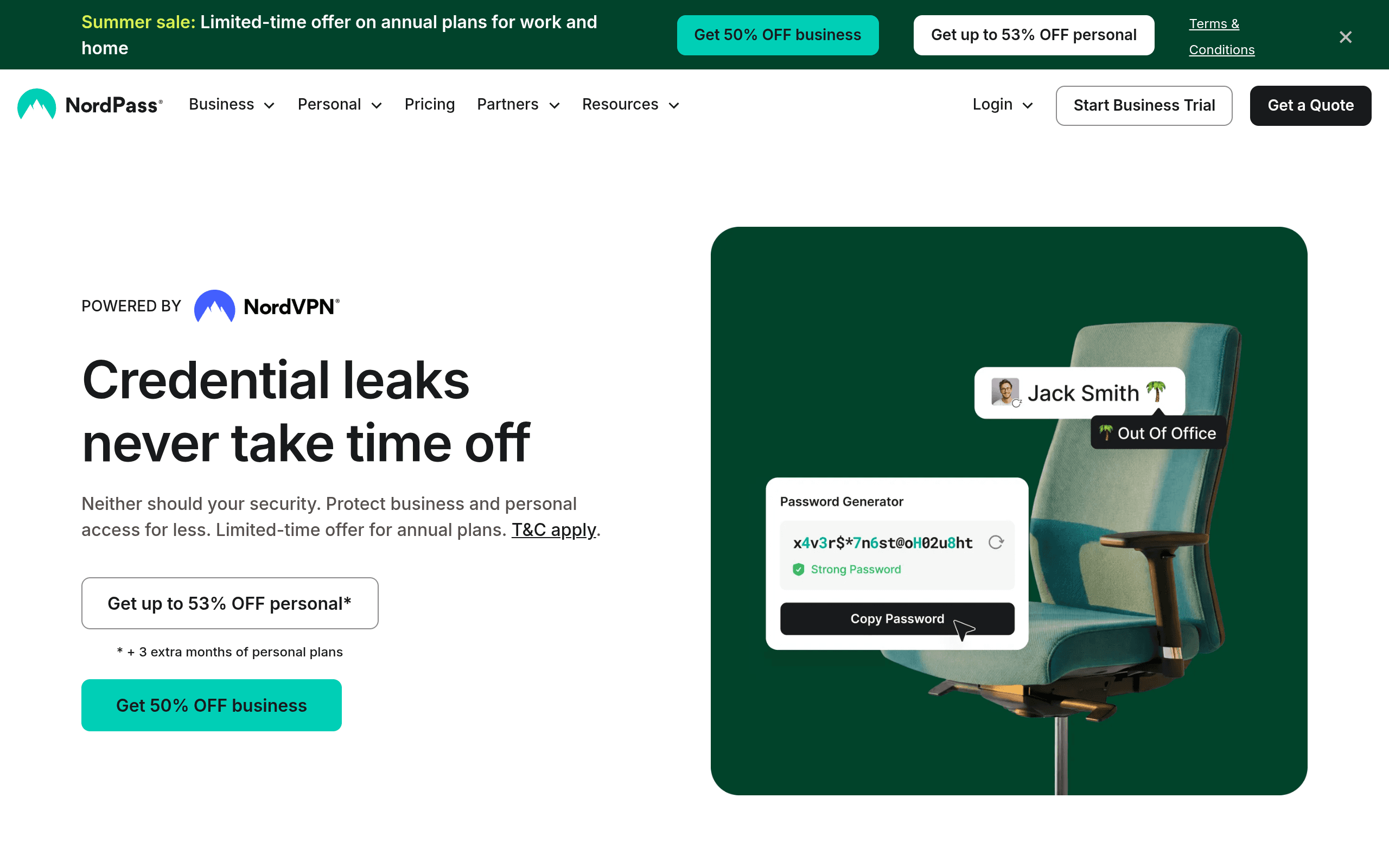
What NordPass Actually Is
NordPass is the password manager arm of Nord Security, the same company behind NordVPN and NordLocker. It stores passwords, credit card details, secure notes, and documents, and it's built around XChaCha20 encryption rather than the more common AES-256 used by most competitors — not a dealbreaker either way, but worth knowing if you care about the underlying cryptography.
It's positioned for both individuals and businesses, with separate personal and business product lines, team credential sharing, activity logs, and admin controls on the business side.
Pricing Breakdown
NordPass pricing isn't fixed on a single public rate card — like most of Nord Security's products, the price you see depends on billing term, region, and active promotions. That said, the tiers as currently structured look like this:
Personal plans:
- Free — one device active at a time, unlimited passwords, basic autofill and password generator
- Premium — roughly $1.69–$2.39/month when billed on a 1- or 2-year term (renews higher, often around $3.99–$4.99/month equivalent), or about $4.99/month billed monthly. Adds data breach scanner, unlimited device sync, secure sharing, and dark web monitoring
- Family — around $3.69/month billed over 2 years, covers up to 6 separate Premium accounts
Business plans:
- Teams — starts around $1.99–$3.09/user/month depending on team size, minimum seat counts apply
- Business — around $3.99–$5.99/user/month, adds Active Directory integration, security dashboards, and password health reporting
- Enterprise — custom pricing, includes SSO, dedicated account management
The free tier is genuinely usable for a single person on a single device, but the one-device-at-a-time restriction (you have to actively switch which device is "active") is more limiting in practice than Bitwarden's free tier, which syncs across unlimited devices.
Core Features
- Password and item storage: logins, credit cards, secure notes, and now passkey storage
- Data breach scanner: checks stored logins against known breach databases
- Password health: flags weak, reused, or old passwords
- Dark web monitoring: alerts if your email/credentials show up in leaked data (Premium+)
- Secure sharing: share individual items or folders with other NordPass users
- Activity log: audit trail for account access (Business tiers)
- Password policies and enforcement: admins can require MFA, set password strength rules (Business)
- Browser extensions and apps: Chrome, Firefox, Edge, Safari, Brave, plus native Windows, macOS, Linux, iOS, and Android apps
Who This Actually Makes Sense For
- Existing NordVPN subscribers who want to consolidate billing and already trust Nord Security's account ecosystem
- Small teams (5–20 people) who want credential sharing and basic admin controls without paying 1Password Business or Dashlane Business rates
- Families who want a straightforward shared vault without per-seat complexity — the Family plan at
$3.69/month for 6 accounts undercuts Dashlane Family and is close to Bitwarden Families' $40/year ($3.33/month) - Passkey adopters who want a manager that stores passkeys alongside traditional passwords, since NordPass added this earlier than some competitors
Where it's a weaker fit: if you want the most mature, audited, enterprise-grade product with the deepest third-party security track record, 1Password still has a longer independent audit history. And if budget is the main driver, Bitwarden's free tier is more generous than NordPass's.
How It Compares
| NordPass | 1Password | Dashlane | Bitwarden | |
|---|---|---|---|---|
| Free tier | Yes, but 1 device at a time | No free tier | Yes, 1 device, 25 passwords | Yes, unlimited devices & passwords |
| Cheapest paid individual plan | ~$1.69–$2.39/mo (multi-year term) | ~$2.99/mo (annual) | ~$4.99/mo (annual) | ~$0.83/mo ($10/year) |
| Family plan | ~$3.69/mo for 6 accounts | ~$4.99/mo for 5 accounts | ~$7.49/mo for 6 accounts | ~$3.33/mo ($40/yr) for 6 accounts |
| Business entry pricing | ~$1.99–$3.09/user/mo | ~$7.99/user/mo | Custom, typically higher | ~$4/user/mo (Teams) |
| Dark web / breach monitoring | Yes (Premium+) | Yes (Watchtower) | Yes (Premium+) | Limited, mainly via HaveIBeenPwned integration |
| Passkey support | Yes | Yes | Yes | Yes (added later) |
| Encryption | XChaCha20 | AES-256 | AES-256 | AES-256 (end-to-end) |
| Independent security audits | Periodic, less extensive history | Long-standing, frequent third-party audits | Regular audits | Open source + regular audits |
The Honest Verdict
NordPass is a solid, competitively priced password manager, particularly if you're already inside the NordVPN ecosystem or need affordable team seats for a small business. The multi-year pricing on Premium and Family plans is genuinely cheaper than 1Password or Dashlane for the same core functionality.
It's not the obvious pick if you want the single most battle-tested, heavily audited option (that's still 1Password) or the most generous free tier (that's Bitwarden, by a wide margin). But as a middle-ground option — better free tier flexibility than 1Password, cheaper paid tiers than Dashlane, and a cleaner interface than Bitwarden's more utilitarian design — NordPass earns its spot on the shortlist. Just don't buy on the advertised multi-year rate alone; check what the renewal price looks like before you commit.