Npcink Ad First Look: A Privacy-Respecting Way to Run Your Own Ads and Announcements in WordPress
Some links in this guide are affiliate links. If you sign up through them, Day Zero Guides may earn a commission at no extra cost to you. This never affects which products we cover or what we say about them. See our affiliate disclosure for details.
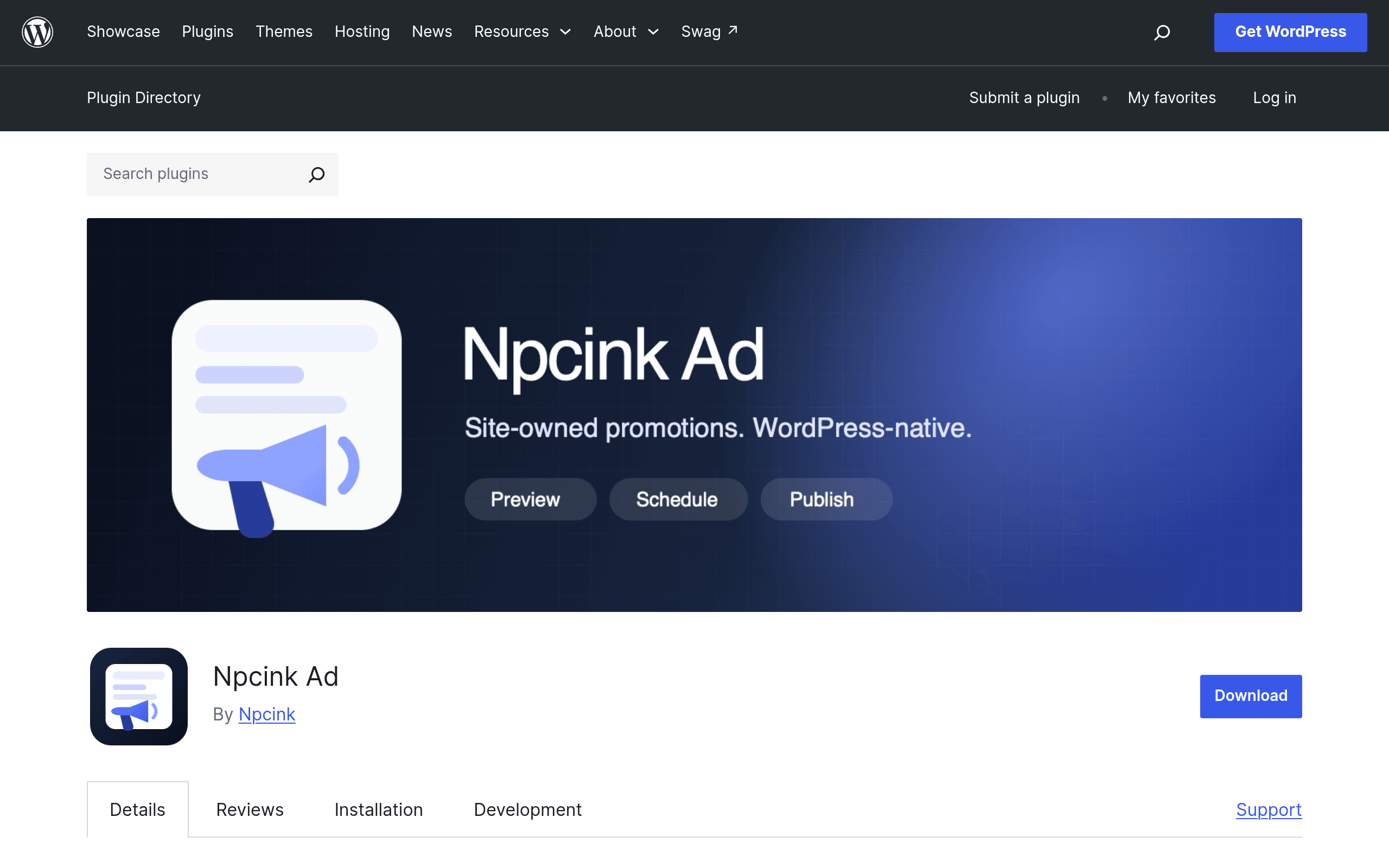
What Npcink Ad Actually Does
Npcink Ad is a free WordPress plugin, distributed through the official WordPress.org plugin repository, that lets site owners build and manage their own promotional blocks — think announcement bars, affiliate product cards, internal cross-promotions, or sponsor callouts — without routing anything through an external ad network. It's built entirely on native WordPress blocks (Gutenberg), so there's no separate visual builder to learn and no shortcode syntax to memorize.
The pitch is narrow and clear: if you want to sell your own ad space, promote your own products, or run affiliate cards without handing visitor data to Google or a third-party analytics stack, Npcink Ad gives you the placement controls (where the ad shows), scheduling controls (when it shows), and device targeting (desktop vs. mobile vs. tablet) — all inside the block editor you already use, with a real-page preview so you can see the placement in context before publishing.
What it deliberately does not do: it doesn't collect click-through analytics, impression counts, or visitor tracking data. That's a real trade-off, not a missing feature by accident — the plugin is positioned for people who want ad/promo placement without adding another tracking script to their site.
Key Features Worth Knowing
- Native block-based creation — ads and promo cards are built as Gutenberg blocks, so they inherit your theme's typography and spacing instead of looking like a bolted-on widget.
- Placement targeting — choose where a promo appears (e.g., specific pages, post types, or in-content positions) rather than relying on a single global sidebar slot.
- Scheduling — set start/end windows for a promotion, useful for time-boxed sales, limited affiliate offers, or seasonal announcements.
- Device selection — show or hide a given ad block on desktop, tablet, or mobile independently.
- Real-page preview — see the block rendered on an actual page of your site during setup, instead of guessing from an abstract editor panel.
- No visitor tracking — no analytics layer, no cookies for ad measurement, nothing to disclose in a tracking-specific privacy policy update.
Pricing
At the time of writing, Npcink Ad is listed on WordPress.org as a free plugin, and no separate pro tier, paid add-on, or subscription pricing has been published by the developer. That means:
- Cost today: $0 to install and use.
- What's unclear: whether a premium tier (extra placement rules, reporting, multi-site support) will be introduced later. Nothing on the plugin page currently indicates a freemium upsell, but this is worth rechecking before you build critical revenue infrastructure on top of it, given how new the plugin is.
If you need guaranteed long-term support or an SLA, treat this as an early-stage free tool rather than a purchased product with a roadmap commitment.
Concrete Use Cases
- A niche blog running its own affiliate cards instead of a plugin like AAWP or ThirstyAffiliates, when the site only needs simple styled cards with a link and doesn't need Amazon API price syncing.
- A local business site that wants a homepage announcement bar for a seasonal promotion ("20% off through Sunday") that automatically disappears after the scheduled end date without manual editing.
- A multi-author publication selling direct ad space to a handful of sponsors, where each sponsor's banner needs to run only on specific category pages for a fixed two-week flight, without integrating Google Ad Manager for what is essentially a handful of manual placements.
- A membership or course site that wants to promote its own upsell product inside blog content on desktop only, keeping mobile reading distraction-free.
- Any site tightening its privacy posture — e.g., ahead of a cookie-consent audit — that wants promotional content without adding another script that needs disclosure.
How It Compares
| Npcink Ad | Google AdSense | WordPress Native Blocks | Elementor Pro | |
|---|---|---|---|---|
| Price | Free (no published paid tier) | Free to join, but Google takes a revenue cut on served ads | Free (built into WordPress core) | $59–$259/year depending on tier |
| Ad source | Your own ads/promos/affiliate content only | Third-party network-served ads | None — you'd hand-build promo blocks manually | None — you'd build promo sections manually with its widgets |
| Visitor tracking | None by design | Extensive (required for ad serving/targeting) | None (no ad functionality at all) | None built-in, but adds page-load/tracking scripts for its own builder features |
| Scheduling/targeting | Built-in: placement, device, date-based scheduling | Ad network handles targeting, not placement scheduling on your end | Not available — no scheduling logic exists | Available for general content via Pro's display conditions, but not ad-specific |
| Best for | Site owners monetizing directly or running house ads/affiliate cards without a network | Publishers wanting passive ad revenue from a global ad network | Sites that just need basic content blocks with zero extra plugin | Sites already using Elementor as their page builder who want promo sections styled consistently with the rest of the design |
The honest read: Npcink Ad isn't a replacement for AdSense if your goal is passive network-served ad revenue — it has no ad network, no bidding, no fill-rate mechanism. It's a replacement for the manual work of building affiliate cards or sponsor banners with raw HTML blocks or a heavier page builder. Elementor Pro can do similar visual layout work, but you're paying an annual license and inheriting its full builder overhead just to style a promo box.
Should You Try It Today
Install it if you already sell direct ad space, run affiliate content, or post recurring internal promotions and you've been hand-coding those blocks or misusing a widget area to do it. The scheduling and device targeting alone save real time over manually toggling visibility.
Hold off if you're expecting network-served ad revenue (that's AdSense's job, not this plugin's), or if you need analytics on ad performance — Npcink Ad's no-tracking design means you won't get impression or click data from inside the plugin itself.
Given it's free with no lock-in, the lowest-risk path is to install it on a staging site, build one scheduled promo block, and check the real-page preview against your actual theme before rolling it out on production content.