NumroQ: First Look at the WordPress Plugin Packing 200+ Numerology and Astrology Calculators
Some links in this guide are affiliate links. If you sign up through them, Day Zero Guides may earn a commission at no extra cost to you. This never affects which products we cover or what we say about them. See our affiliate disclosure for details.
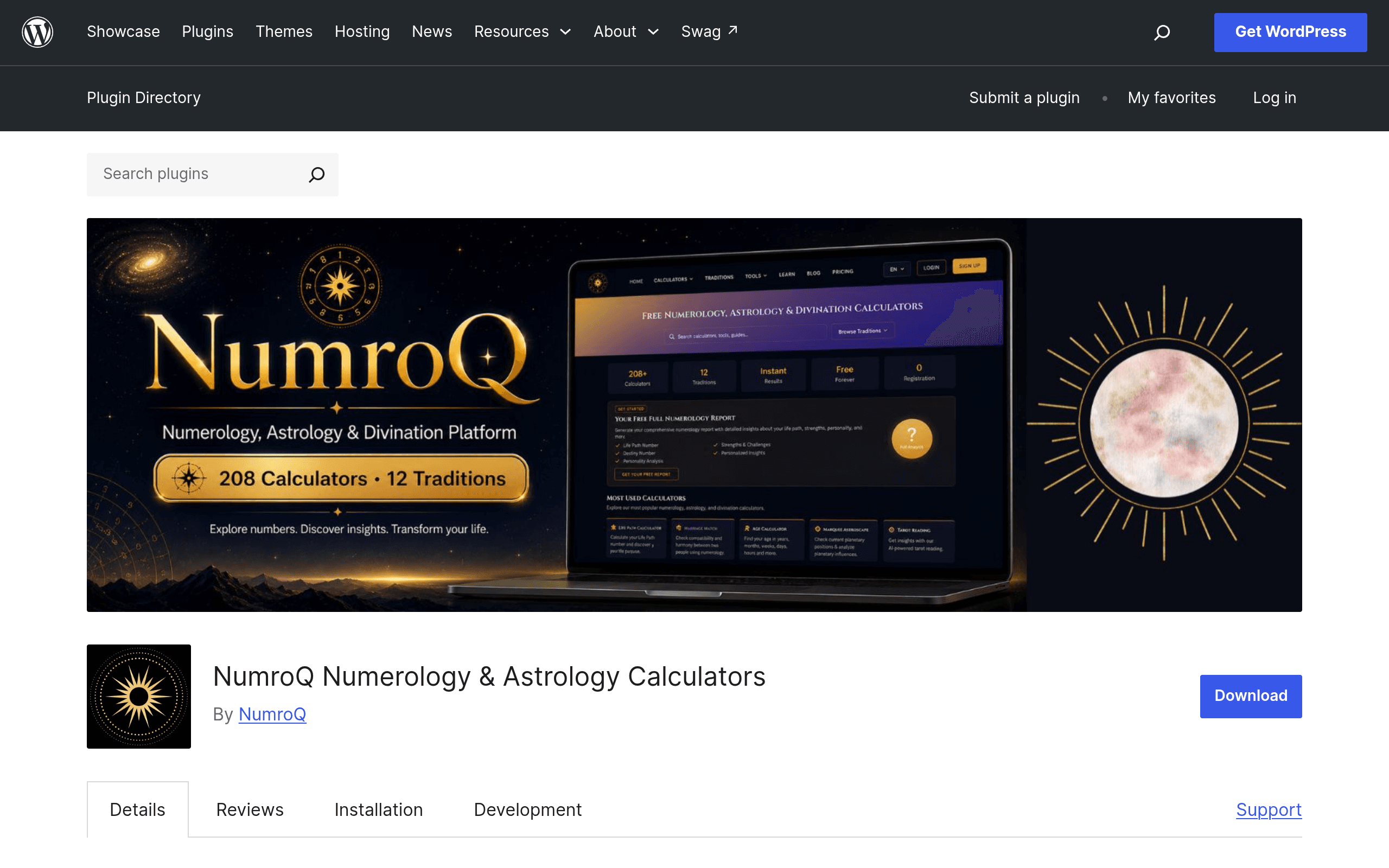
What NumroQ Actually Is
NumroQ is a WordPress plugin that drops numerology and astrology calculators straight into your posts and pages using shortcodes. It's not a theme, it's not a page builder — it's a calculator engine. Install it, activate a free API key, paste a shortcode like [numroq_life_path_number] or [numroq_western_chart] into a page, and a functioning calculator appears on the frontend. There are reportedly 200+ of these covering Western astrology, Vedic (Jyotish) astrology, Chaldean numerology, Pythagorean numerology, Tarot draws, compatibility/matching tools, and name-based calculators.
The key architectural detail: calculations don't happen in PHP on your server. Every calculator call is sent to the NumroQ API, processed there, and the result is returned to render on your page. That means the plugin itself is lightweight, but it also means your site now depends on an external API being up, and every calculation counts against an API quota tied to your key.
How Setup Actually Works
- Install and activate the plugin from the WordPress.org repository (search "NumroQ" in Plugins > Add New, or upload the zip).
- Register on NumroQ's site to generate a free API key — the plugin will not calculate anything without one plugged into its settings screen.
- Browse the shortcode library in the plugin's admin dashboard, which groups calculators by category (Numerology, Western Astrology, Vedic Astrology, Tarot, Compatibility).
- Copy the shortcode for the calculator you want, paste it into a page or post, publish, and test it live.
There's no drag-and-drop builder — it's shortcode-first, which means it'll work in the Classic Editor, Gutenberg (via a Shortcode block), and most page builders that support raw shortcodes (Elementor's shortcode widget, Divi's code module, etc.).
Pricing Breakdown
The plugin download itself is free and always will be — there's nothing gated inside the WordPress plugin behind a license key. The cost structure lives entirely on the API side:
| Tier | Monthly Cost | What You Get |
|---|---|---|
| Free | $0 | Free API key with a capped number of calculator calls per month — enough to test the plugin and run a low-traffic hobby page |
| Paid (volume) | Paid, scales with usage | Higher monthly call limits for sites with real traffic, so calculators don't stop working mid-month |
| Paid (white-label) | Paid, higher tier | Removes NumroQ branding/attribution from calculator output and unlocks white-label use for client or agency sites |
Because NumroQ is a young plugin still iterating on its API service, exact call-limit numbers and dollar figures on the paid tiers move — check the current numbers in the plugin's own settings screen or on the NumroQ site before you commit a client site to it. The practical takeaway: if you're a blogger or hobbyist embedding a couple of calculators on a low-traffic site, the free key is probably enough. If you're building a numerology or astrology business around this plugin with real visitor volume, budget for a paid API plan.
Concrete Use Cases
- A wellness coach's WordPress site adding a "Find Your Life Path Number" calculator to a landing page as a lead magnet, without hiring a developer to build the math from scratch.
- An astrology blogger on WordPress who wants a free-standing Western natal chart calculator embedded in a "Tools" page, sitting alongside their written content, instead of sending readers off-site to Astro Seek.
- A Vedic astrology practitioner who needs a Jyotish-specific calculator (not just generic Western sun-sign tools) embedded directly in their booking funnel.
- A tarot reader or spiritual shop owner embedding a simple card-draw widget on a page to give visitors a taste before booking a paid reading.
- An agency building numerology/astrology niche sites for clients who wants white-label calculators without "powered by" branding — this is the one case where the paid API tier becomes necessary, not optional.
What it's not great for: anyone needing pixel-perfect design control over calculator output, or anyone whose site must work if the NumroQ API has downtime — since calculation happens server-side via an external call, an API outage means a broken calculator on your page, not a graceful fallback.
How It Stacks Up Against the Established Players
Astro Seek, Numerology.com, and Cafe Astrology are the standalone destination sites people already use for this content — NumroQ's pitch is different: it lets you own the calculator on your domain instead of sending traffic elsewhere.
| NumroQ (WP Plugin) | Astro Seek | Numerology.com | Cafe Astrology | |
|---|---|---|---|---|
| Price | Free plugin; free API tier, paid tiers for volume/white-label | Free to use, ad-supported, optional paid reports | Free basic readings, paid personalized reports (~$20-70 one-time) | Free, ad-supported |
| Where it lives | Embedded on your own WordPress site via shortcode | Standalone destination website | Standalone destination website | Standalone destination website |
| Calculator breadth | 200+ across numerology, Western, Vedic, Chaldean, Tarot | Very deep Western/Vedic astrology charts and synastry tools | Numerology-focused, lighter on astrology | Deep Western astrology charts and articles |
| Branding/white-label | Possible on paid tier | Not applicable (their own brand) | Not applicable (their own brand) | Not applicable (their own brand) |
| Best for | Site owners who want calculators embedded in their own content/funnel | Astrology enthusiasts wanting detailed free chart tools | People wanting numerology reports without owning a website | Astrology readers wanting long-form free content plus charts |
| Dependency risk | Relies on external NumroQ API being available | None for the end user — it's their own infrastructure | None for the end user | None for the end user |
The honest framing: NumroQ isn't trying to out-feature Astro Seek's chart depth or Cafe Astrology's decades of written content. It's solving a narrower problem — "I want this kind of calculator on my own WordPress site without building it myself" — which none of those three destination sites are set up to let you do at all.
Should You Install It Today
If you already run a WordPress site in the astrology, numerology, tarot, or general spirituality/wellness niche and want interactive tools without commissioning custom development, NumroQ is a low-risk way to test the idea — it costs nothing to install, nothing to try, and you can delete it in five minutes if the API dependency or output styling doesn't fit your site. The bigger question to sit with before rolling it out on a monetized or high-traffic page is call-volume cost and API reliability, since that's the one part of this stack you don't control. Start on the free key, watch how many calls a realistic traffic level burns through, and only move to a paid tier once you know the plugin is actually driving engagement worth paying for.
Bottom line: free to try, real utility for niche WordPress publishers, but read the API terms before you build a business around it.
Update — 2026-08-19
The guide omits several calculator types now supported: Islamic Abjad and Ism-e-Azam, Chinese astrology, Matrix of Destiny, and Jewish/Greek numerology variants. The guide also doesn't mention the Open-Meteo geocoding API dependency for location autocomplete in astrology calculators, which is now documented as a required external service.