O7 Interactive PDF FlipBook: First Look at the New Self-Hosted Flipbook Plugin for WordPress
Some links in this guide are affiliate links. If you sign up through them, Day Zero Guides may earn a commission at no extra cost to you. This never affects which products we cover or what we say about them. See our affiliate disclosure for details.
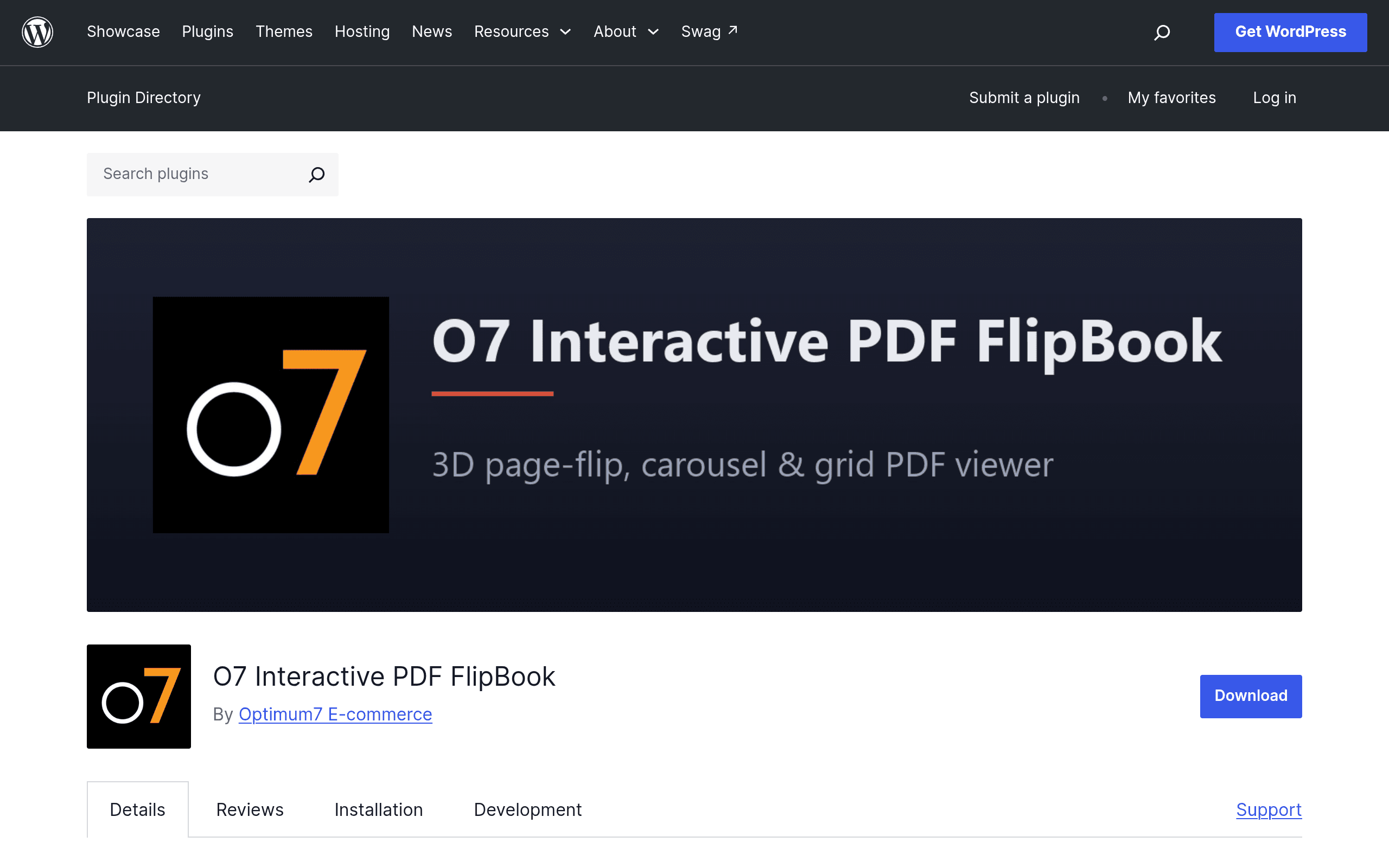
What O7 Interactive PDF FlipBook actually does
O7 Interactive PDF FlipBook is a WordPress plugin that takes a PDF you already have — a catalog, annual report, menu, lookbook, whatever — and turns it into an embeddable digital magazine on your own site. Instead of linking to a static PDF that visitors have to download, you drop in a shortcode and get a page-turning viewer with a 3D flip animation, plus alternate carousel and grid display modes if you don't want the skeuomorphic page-curl look.
It's built as a self-hosted plugin, not a SaaS platform. That's the headline difference from most of the flipbook tools people already know: the PDF, the rendered pages, and the viewer all live on your own WordPress install rather than on a third-party cloud service.
Core features found in the current release
- Three viewing modes: classic 3D page-flip, a horizontal carousel, and a thumbnail grid — switchable per flipbook, so a product catalog and a quarterly report don't have to look the same.
- Zoom controls for reading fine print on mobile or smaller embeds without opening a lightbox.
- Auto-play, useful for kiosk displays or embedding a flipbook as a passive slideshow on a landing page.
- Theme customization for background color, toolbar styling, and page shadow/lighting effects, so the embed can be made to match a site's branding instead of looking like a bolted-on widget.
- Shortcode-based embedding, meaning you can drop a flipbook into any page, post, or widget area the same way you'd embed a gallery or form.
- Multiple flipbooks per site, each configured independently — so an agency or publisher managing several PDFs isn't stuck with one global style.
Pricing: what we found (and what we didn't)
As of this writing, O7 Interactive PDF FlipBook is distributed through the official WordPress.org plugin repository, which means the core plugin is free to install under the GPL, like every other wordpress.org-hosted plugin. There is no pricing page, tier chart, or upgrade prompt published anywhere in the plugin's readme or listing at the time of this guide.
That's worth flagging rather than glossing over: plugins in this category (PageFlip, Real3D FlipBook, FlipBook by WP Pagebuilder) very often start free on wordpress.org and later reveal a "Pro" add-on sold separately through a developer's own site, once the plugin has built up install numbers and reviews. We did not find a public Pro version, license key system, or paid tier for O7 at launch — but given the pattern in this niche, don't be surprised if one appears. If you're evaluating this today, budget for "free, with the possibility of a paid upgrade path later" rather than assuming it stays free forever.
Where it actually makes sense to use
- A print shop or local business with an existing PDF catalog who wants a nicer on-site viewing experience than "click to download" without paying a monthly SaaS fee.
- A school, HOA, or nonprofit publishing a newsletter or annual report that already lives on WordPress and doesn't want another login-based platform in the stack.
- A restaurant turning a designed PDF menu into a flip-through viewer directly on the site instead of linking out to Issuu or a raw PDF file.
- An internal or low-traffic use case — think an intranet page, a real estate agent's single listing brochure, or a conference program — where data residency (keeping the file on your own server) matters more than discovery features like public search indexing.
Where it's probably the wrong tool: if you want the PDF to be discoverable by a public audience beyond your own site (Issuu's marketplace-style discovery), or if you need analytics on reader engagement, page-level heatmaps, or lead-capture forms baked into the viewer — those are the kinds of features hosted platforms build their paid tiers around, and a self-hosted shortcode plugin generally doesn't compete there.
How it stacks up against the established players
| O7 Interactive PDF FlipBook | FlipHTML5 | Issuu | Calaméo | |
|---|---|---|---|---|
| Price | Free (WordPress.org plugin); no published paid tier found | Free tier with watermark; paid plans start around $8.25/mo billed annually, scaling up for higher page/view limits | Free tier is limited; paid plans start around $25/mo (Starter), with higher tiers for teams and analytics | Free tier available; Pro plans roughly €8–€15/mo depending on storage and branding removal |
| Hosting | Self-hosted — files and viewer run on your own WordPress server | Cloud-hosted on FlipHTML5's platform | Cloud-hosted on Issuu's platform | Cloud-hosted on Calaméo's platform |
| Key feature | Native WordPress shortcode embedding with 3D flip, carousel, and grid modes in one plugin | Wide format/export options (video embeds, image galleries, HTML5) and strong SEO tools for hosted pages | Built-in publisher audience/discovery network and content marketing distribution | Simple, lightweight publishing with straightforward embed codes and multilingual UI |
| Best for | Sites that want the flipbook to live entirely on their own domain without a third-party dependency | Businesses wanting a polished hosted catalog with marketing features and export flexibility | Publishers wanting reach through Issuu's own reader audience, not just their own site | Casual or budget-conscious publishers wanting a no-frills embed |
| Data/analytics | None built in — you're limited to whatever WordPress/analytics stack you already run | Page-level analytics on paid plans | Detailed reader analytics on paid plans | Basic view counts, deeper stats on paid plans |
The honest verdict
If you already run WordPress and just want a nicer way to present a PDF you control end-to-end — no third-party branding, no external account, no upload limits tied to someone else's free tier — O7 Interactive PDF FlipBook is a reasonable, low-risk thing to install today precisely because it costs nothing to try. The tradeoff is that you also give up the things hosted platforms bundle in: audience discovery, reader analytics, and guaranteed long-term support behind a paid contract.
Given there's no visible pricing page or roadmap yet, treat this as an early-stage plugin: install it on a staging site first, check plugin support responsiveness in the WordPress.org forums before committing a production catalog to it, and keep a fallback PDF download link in place in case display quirks show up on older PDF layouts or complex embedded fonts, which is a common failure mode for any client-side flipbook renderer.