Open24 Security: A First Look at the No-Frills WordPress Hardening Plugin
By Day Zero Guides Editorial · How we produce guides
Some links in this guide are affiliate links. If you sign up through them, Day Zero Guides may earn a commission at no extra cost to you. This never affects which products we cover or what we say about them. See our affiliate disclosure for details.
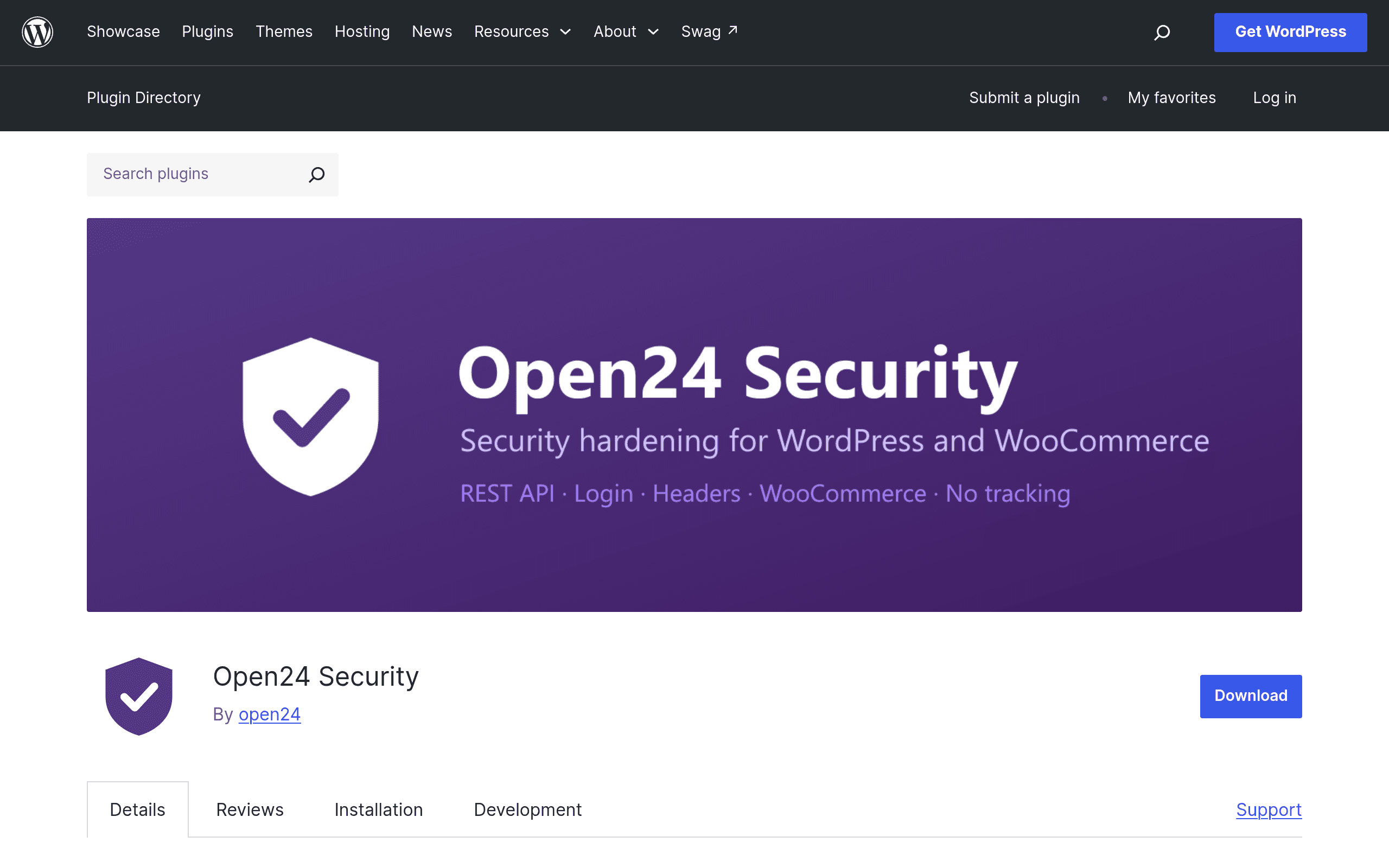
What Open24 Security Actually Does
Open24 Security is a free WordPress plugin that just landed on WordPress.org, and it takes a noticeably different approach than the big-name security suites. Instead of bundling a firewall, malware scanner, and login CAPTCHA into one always-on package, it ships as a collection of discrete hardening toggles — every single one off by default — that you switch on individually from a settings screen.
The feature set breaks down into five areas:
- REST API restrictions — limit or lock down REST endpoints that expose user data, post content, or site metadata to unauthenticated requests
- Login protection — hardening around the wp-login.php flow and authentication handling
- Protocol security — controls tied to how the site handles HTTP/HTTPS and related request-level behavior
- HTTP security headers — the ability to set headers like X-Frame-Options, X-Content-Type-Options, and similar response headers without editing .htaccess or server config
- WooCommerce-specific protections — hardening aimed at store data and checkout-adjacent endpoints, relevant to anyone running WooCommerce rather than a plain WordPress site
There's no cloud dashboard, no external API calls, and no account signup. Everything runs locally on your server, and the plugin doesn't phone home or collect data. For a security tool, that's a meaningful design choice — you're not handing site data to a third-party service to get hardening applied.
Pricing
Open24 Security is completely free and open source, distributed through the official WordPress.org plugin directory. There's no premium tier, no paid add-ons, and no upsell path at the time of this writing — what you see in the settings panel is the whole product. This puts it in a different category from most competitors, which typically use free-to-paid funnels.
Who This Is Actually For
Given the current feature set, Open24 Security makes the most sense for a few specific situations:
- Developers hardening client sites at handoff. If you build WordPress sites for clients and want to lock down the REST API and add security headers before delivery, without installing a heavier suite the client will need to manage long-term, this plugin's toggle-based settings are a fast way to do it.
- WooCommerce store owners who want targeted hardening without bloat. The WooCommerce-specific protections are useful if your main concern is store and checkout endpoints rather than general malware scanning.
- Privacy-conscious site owners who don't want a cloud-connected security tool. Since it runs entirely locally with no external data collection, it fits situations where sending traffic or site metadata to a third-party scanning service isn't acceptable (agency contracts, data residency requirements, internal policy).
- Sites that already have server-level or hosting-provided security (a managed WAF, for example) and just need application-layer hardening — headers, REST API limits, login flow tightening — as a supplement rather than a full security stack.
What it is not built for, at least in its current form: it doesn't include a malware scanner, a web application firewall, brute-force IP blocking with a threat intelligence feed, or file integrity monitoring. If you need those, you're still looking at a heavier tool or a layered setup.
How It Compares
| Open24 Security | Wordfence Security | Sucuri Security | iThemes Security | |
|---|---|---|---|---|
| Price | Free, no paid tier | Free; Premium from $119/yr per site | Free scanner; Sucuri Firewall/paid platform from ~$199.99/yr | Free; Pro from $99/yr (up to 1 site) |
| Core approach | Local, toggle-based hardening (REST API, login, headers, WooCommerce) | Built-in firewall + malware scanner + login security, cloud threat feed on paid tier | Malware scanning + remote firewall/CDN (Sucuri paid) + hardening checklist | Hardening + brute-force protection + two-factor auth, file change detection |
| External data/cloud dependency | None — fully local, no account required | Free tier scans locally; Premium uses Wordfence's cloud threat intelligence | Firewall is a cloud/DNS-level proxy service; requires routing traffic through Sucuri | Local by default; some Pro features (like reCAPTCHA integration) call external services |
| WooCommerce-specific protections | Yes, built in | No dedicated WooCommerce module | No dedicated WooCommerce module | No dedicated WooCommerce module |
| Malware scanning | Not included | Yes, included in free tier | Yes, included in free tier | Limited; mainly file change detection, not full malware scanning |
| Best for | Developers/agencies wanting lightweight, privacy-respecting hardening on top of existing security | Site owners wanting an all-in-one free firewall + scanner | Sites that want a remote firewall/CDN layer plus cleanup services if compromised | Users wanting granular hardening controls plus 2FA out of the box |
Setup Notes and What to Expect
Because every feature starts disabled, installing Open24 Security by itself changes nothing — you have to go through the settings and decide which protections to turn on. This is good for avoiding the classic "security plugin broke my site" scenario (a common complaint with more aggressive all-in-one suites that enable firewall rules by default), but it does mean you need to actually understand what each toggle does before flipping it. Test REST API restrictions carefully if your site relies on any headless setup, mobile app, or third-party integration that calls wp-json endpoints — locking those down too aggressively can break functionality you don't immediately notice.
Since it's a new listing on WordPress.org, expect a smaller install base and less battle-testing than Wordfence (5M+ active installs) or iThemes Security (1M+ active installs). Check the plugin's support forum and changelog before deploying to production, and keep a backup handy the first time you enable the REST API and login protection settings together.
Bottom Line
Open24 Security isn't trying to replace Wordfence or Sucuri as a full security platform — there's no scanner, no firewall, no cloud threat feed. What it offers instead is a free, transparent, locally-run set of hardening controls, with WooCommerce-specific protections that none of the three major alternatives bundle natively. If you want a lightweight way to tighten REST API exposure, add security headers, and harden login/checkout flows without introducing a cloud dependency, it's worth installing today. If you need active malware detection or a managed firewall, you'll still want to pair it with — or choose instead — one of the more established suites.