Optimyzee for WooCommerce: First Look at the AI Performance Max Campaign Builder for Your Product Catalog
Some links in this guide are affiliate links. If you sign up through them, Day Zero Guides may earn a commission at no extra cost to you. This never affects which products we cover or what we say about them. See our affiliate disclosure for details.
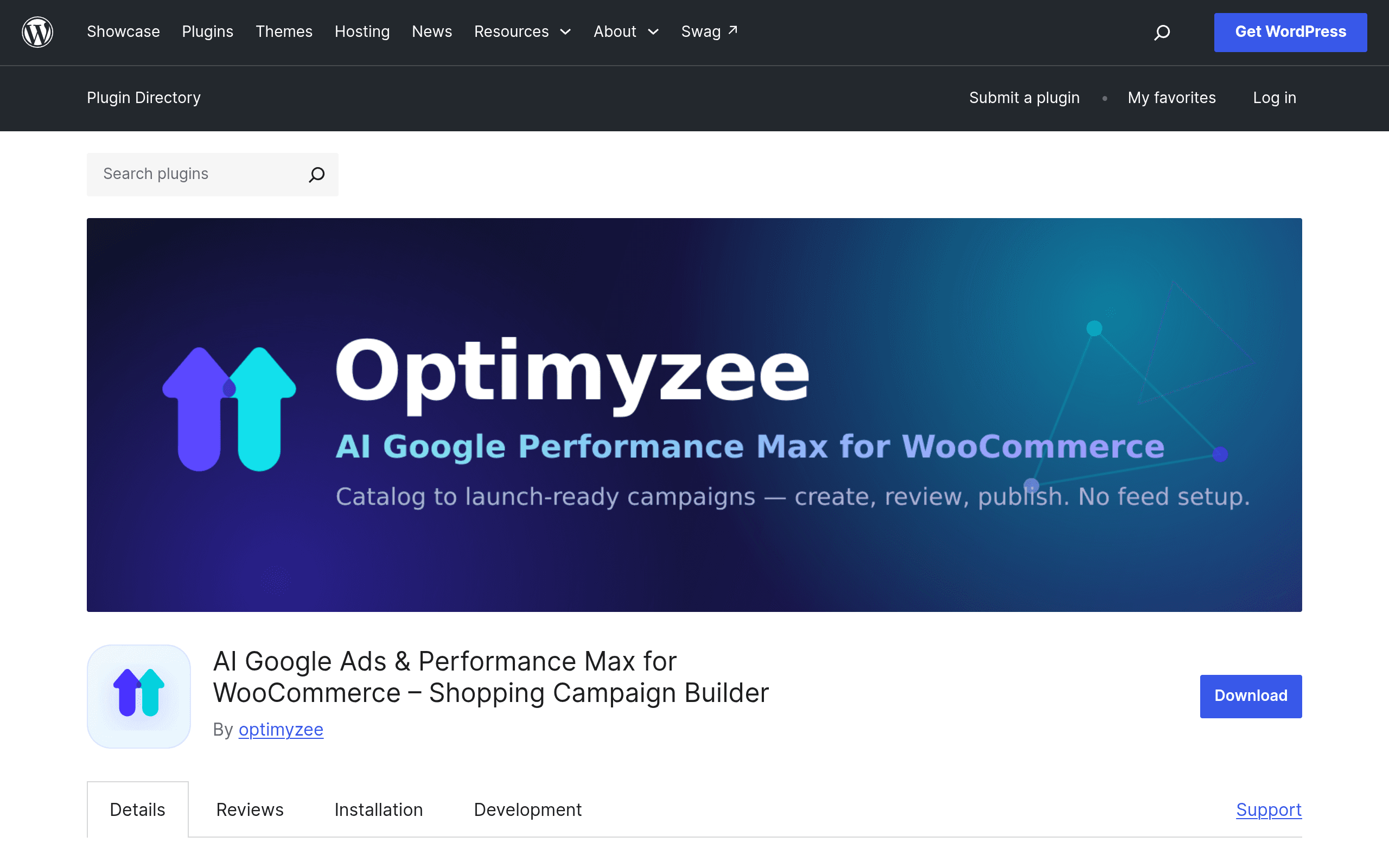
What Optimyzee for WooCommerce actually does
Optimyzee for WooCommerce is a free WordPress plugin (available now on the official WordPress.org plugin directory) that sits between your WooCommerce store and Google Ads. Instead of manually building a Performance Max (PMax) campaign in Google Ads — picking asset groups, writing headlines, uploading images, and guessing at audience signals — you connect three accounts:
- WooCommerce (your store and product catalog)
- Google Merchant Center (your product feed)
- Google Ads (your ad account)
Once connected, the plugin reads your product catalog directly from WooCommerce and Merchant Center, then uses AI to draft a complete PMax campaign structure — asset groups organized around your products or categories, headline and description variations, and suggested audience signals based on your catalog data. You review and edit everything inside WordPress before it publishes to your live Google Ads account. Nothing goes live without you clicking publish.
This is a meaningfully different workflow than the default path, which requires either hiring a PPC person, using Google's own "Smart" onboarding (which gives you almost no visibility into what's being built), or manually assembling asset groups product-by-product.
Setting it up: what to expect
Because this is a brand-new plugin, the setup flow is still fairly manual and clearly built for stores that already have their Google Merchant Center feed live and approved — this is not a tool for stores that haven't yet set up product feeds. In practice, before installing you should already have:
- WooCommerce active with a populated product catalog
- A Google Merchant Center account with an approved, syncing product feed
- An active Google Ads account with billing set up
- Admin access to authorize OAuth connections between all three
Once connected, the plugin pulls in product data (titles, images, categories, price) and generates a draft campaign. You can edit asset groups, swap headlines, adjust audience signals, and set budget before pushing to Google Ads. It does not appear to support bulk multi-campaign generation for very large catalogs yet in this initial release — expect it to work best for stores with a few dozen to a few hundred SKUs rather than catalogs in the tens of thousands.
Pricing: what's published (and what isn't)
As of this writing, Optimyzee for WooCommerce does not publish pricing on the WordPress.org plugin page — the plugin itself is a free download, which is standard for WordPress.org listings, but the plugin is clearly a companion to the broader Optimyzee platform (the standalone Optimyzee product), which does run on paid subscription tiers. Based on the connection flow, it's reasonable to expect that:
- The plugin download and basic connection setup is free
- Generating and publishing campaigns beyond a trial/limited usage likely requires an Optimyzee account, which may carry its own subscription cost tied to ad spend or number of campaigns
If you're evaluating this today, don't assume it's free to run at scale — install it, connect your accounts, and see what usage limits or upgrade prompts appear before you commit real ad budget to it. We'll update this guide once Optimyzee publishes an official pricing page for the WooCommerce plugin specifically.
Concrete use cases
- A WooCommerce store with 150 SKUs already running Shopping ads wants to move to Performance Max without spending a weekend manually building asset groups for every product category — this plugin drafts the structure in one sitting.
- A small agency managing 5–10 WooCommerce clients can use it to standardize PMax setup across accounts instead of rebuilding campaigns from scratch for each client.
- A solo store owner who has never built a PMax campaign gets a reviewable draft with headlines and audience signals already suggested, lowering the barrier to trying PMax at all versus staring at a blank campaign builder in Google Ads.
- A store that already has Merchant Center approved but has been avoiding PMax because of the asset-group learning curve now has a guided on-ramp inside the WordPress admin they already use daily.
What it's not a great fit for yet: stores without an approved Merchant Center feed, non-WooCommerce stores (Shopify, BigCommerce, custom carts aren't supported since this is a WordPress/WooCommerce-specific plugin), or teams needing bulk campaign generation across thousands of SKUs.
How it compares
| Tool | Price | Key Feature | Best For |
|---|---|---|---|
| Optimyzee for WooCommerce | Plugin free; Optimyzee platform pricing not yet published | AI-generates full PMax campaigns directly from your WooCommerce + Merchant Center catalog, inside WP admin | WooCommerce stores wanting a fast, guided PMax setup without leaving WordPress |
| Google Ads Editor | Free | Bulk edit and manage existing Google Ads campaigns offline, then upload changes | Advertisers who already know PMax structure and want fast bulk edits, not campaign generation from scratch |
| Semrush Campaign Management (part of Semrush plans, from ~$139.95/mo Pro) | Starts at $139.95/mo (Pro), $249.95/mo (Guru) | Keyword and competitor research feeding into ad campaign planning, plus PPC toolkit | Marketers who want research-driven campaign planning across Google Ads generally, not WooCommerce-specific automation |
| Optmyzee standalone platform | Subscription-based, platform pricing not public on plugin page | Same AI PMax generation engine but as a standalone SaaS not tied to WordPress | Non-WooCommerce merchants (Shopify, custom stores) who still want AI-built PMax campaigns |
Should you install it today?
If you're running WooCommerce, already have Merchant Center approved, and have been putting off Performance Max because building asset groups by hand is tedious, this is worth installing today — it's a free download and the worst case is you get a campaign draft you don't end up publishing. The bigger open question is cost at scale: since Optimyzee hasn't published pricing for ongoing use, connect your accounts and generate one draft campaign before you assume this is a free, unlimited tool long-term. For agencies or stores with catalogs in the thousands of SKUs, or anyone not on WooCommerce, it's worth watching this space rather than switching workflows immediately — check back as the plugin matures past its initial release and pricing becomes official.
Update — 2026-08-19
The plugin now explicitly requires an Optimyzee account (the current website states "Yes" to "Do I need an Optimyzee account?"), whereas the guide indicated pricing/account requirements were unpublished and unclear at the time of writing. Additionally, the current website lists specific new features (Google Shopping campaign creation, live ad previews, search themes) and a "Coming Soon" roadmap that weren't mentioned in the original guide.