OrderUnstick: First Look at the WooCommerce Plugin That Flags Stuck Paid Orders
Some links in this guide are affiliate links. If you sign up through them, Day Zero Guides may earn a commission at no extra cost to you. This never affects which products we cover or what we say about them. See our affiliate disclosure for details.
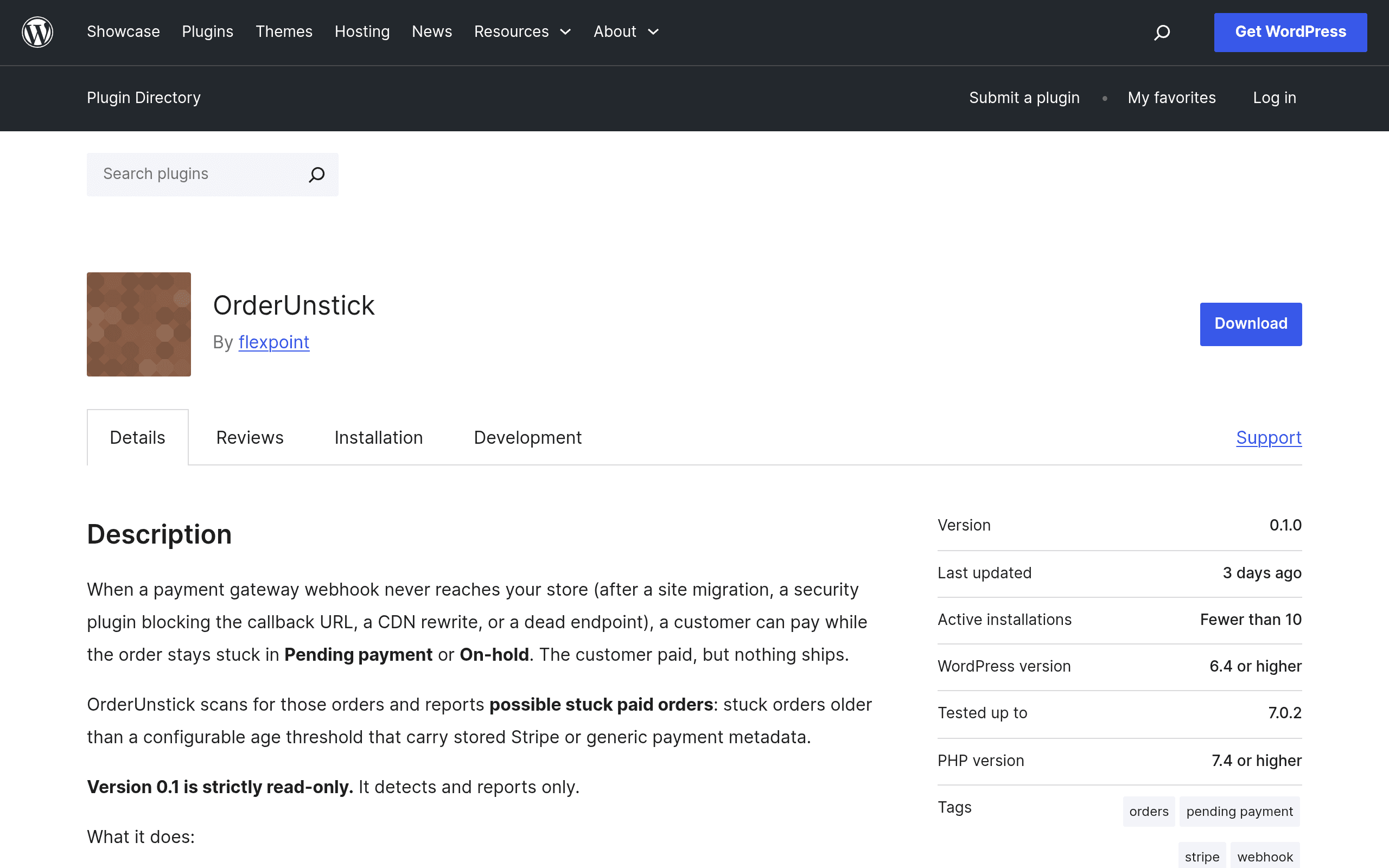
What OrderUnstick actually does
OrderUnstick is a WooCommerce add-on, currently sitting at version 0.1 on the official WordPress.org plugin directory, that solves one narrow but genuinely annoying problem: orders that sit in Pending payment or On-hold status even though the gateway metadata attached to them (a Stripe payment intent ID, a charge reference, etc.) suggests money may have actually moved.
This happens more often than most store owners realize — a webhook fails to fire, a redirect gets interrupted, a plugin conflict eats a status transition — and the customer is left wondering why their "paid" order still says pending three days later.
What OrderUnstick is not is important to understand before installing it:
- It does not call the Stripe API or any gateway API to verify whether a charge actually succeeded.
- It does not change order status, issue refunds, or auto-complete anything.
- It does not touch order data at all — it's read-only.
What it does is scan your wp_postmeta/order data for Pending and On-hold orders that carry stored payment gateway metadata, and generates a report flagging those orders as candidates for manual review. Think of it as a smoke detector, not a fire extinguisher — it points you at orders worth opening in your Stripe dashboard, not something that fixes them for you.
Pricing
OrderUnstick is distributed through the free WordPress.org plugin repository, and as of this v0.1 release there is no published pricing page, no premium tier, and no license key requirement. It installs like any other free wordpress.org plugin: search, install, activate. There's no indication yet of a paid "Pro" version, though given how early-stage this is (0.1, detection-only, no automation), it wouldn't be surprising if a future paid tier adds auto-remediation, gateway API verification, or bulk actions. For now: it costs nothing, and there's nothing to upgrade to.
Who should actually install this today
- Store owners fielding "I paid but my order is still pending" tickets. Instead of manually cross-referencing every complaint against your Stripe dashboard, run a scan and get a filtered list of suspects.
- Agencies auditing a client site after a migration or plugin update. If a client switched payment gateway plugins or WooCommerce versions recently, stuck orders tend to pile up quietly. This gives you a quick triage list before you start manually checking each one.
- Anyone doing monthly bookkeeping reconciliation between what Stripe says was charged and what WooCommerce's order table shows. This won't do the reconciliation for you, but it narrows the haystack.
- Not a fit if you need automated fixing, bulk status updates, or gateway-verified confirmation in the same tool — v0.1 doesn't do any of that, and you'll still need to open Stripe (or your gateway's dashboard) yourself to confirm each flagged order.
How it compares to what's already out there
OrderUnstick doesn't really compete head-on with any of these — it occupies a gap next to them — but here's how it stacks up against the tools merchants typically already have installed:
| OrderUnstick | WooCommerce Order Status Manager | Stripe for WooCommerce (official gateway) | PayPal Commerce Platform for WooCommerce | |
|---|---|---|---|---|
| Price | Free (WordPress.org, no premium tier yet) | ~$49/year (WooCommerce.com extension) | Free | Free |
| Core purpose | Detects Pending/On-hold orders with stray payment metadata | Create custom order statuses, bulk-edit order status workflows | Process Stripe payments inside WooCommerce | Process PayPal payments inside WooCommerce |
| Modifies order data? | No — read-only reports only | Yes — bulk status changes are its whole point | Yes — sets order status as part of payment processing | Yes — sets order status as part of payment processing |
| Calls gateway APIs to verify payment? | No | No | Yes, at checkout/webhook time | Yes, at checkout/webhook time |
| Best for | Spotting orders that need manual review | Fixing/organizing order statuses once you know what's wrong | Taking Stripe payments in the first place | Taking PayPal payments in the first place |
The practical takeaway: Stripe for WooCommerce and PayPal Commerce Platform are the plugins that create the payment metadata OrderUnstick is scanning for — they're not alternatives so much as prerequisites. WooCommerce Order Status Manager is the closest thing to a companion tool: it's what you'd reach for after OrderUnstick tells you which orders are suspect, since Order Status Manager can bulk-transition statuses once you've manually confirmed payment in Stripe.
A realistic workflow
- Install OrderUnstick, run a scan across Pending and On-hold orders.
- Review the generated report — it'll list orders with stored gateway metadata (Stripe payment intent IDs, etc.) that haven't progressed to Processing/Completed.
- Cross-check each flagged order manually in your Stripe dashboard to confirm whether the charge actually succeeded.
- For confirmed cases, update status yourself (or use Order Status Manager for bulk changes) — OrderUnstick won't do this step for you.
The honest verdict
For a v0.1 release, OrderUnstick is doing exactly one thing and doing it without any risk to your order data — that's a reasonable place to start, especially for a problem (stuck webhook-dependent orders) that's genuinely common in WooCommerce/Stripe setups. It's free, low-risk to install since it doesn't write anything, and useful as a triage step. Just don't expect automation yet: you'll still be doing the actual verification and status changes by hand, and there's currently no paid tier or roadmap published for when that might change.