Owl Security: First Look at the New Local-First WordPress Security Plugin
By Day Zero Guides Editorial · How we produce guides
Some links in this guide are affiliate links. If you sign up through them, Day Zero Guides may earn a commission at no extra cost to you. This never affects which products we cover or what we say about them. See our affiliate disclosure for details.
Who Should Actually Try This Today
- Freelancers managing a handful of client sites who want brute-force protection and activity logs without paying per-site licensing fees while they evaluate the plugin.
- Agencies with data-residency concerns — clients in regulated industries (healthcare, finance, EU-based businesses under GDPR scrutiny) who don't want scan data or login attempt logs leaving the server to a third-party cloud.
- Small business sites on shared hosting where a lightweight, locally-processed scanner is preferable to a plugin that leans heavily on external API calls that can slow down cron jobs or admin-ajax requests.
- Anyone replacing a bloated all-in-one plugin who wants to test whether a leaner core (firewall + 2FA + brute-force + logging) covers 80% of their needs without the extra dashboard widgets and upsell banners.
It's a weaker fit right now for larger e-commerce stores or high-traffic sites that need a managed WAF at the edge (before requests even hit WordPress) — Owl Security's firewall rules operate at the application layer, not the network/CDN layer.
What Owl Security Actually Does
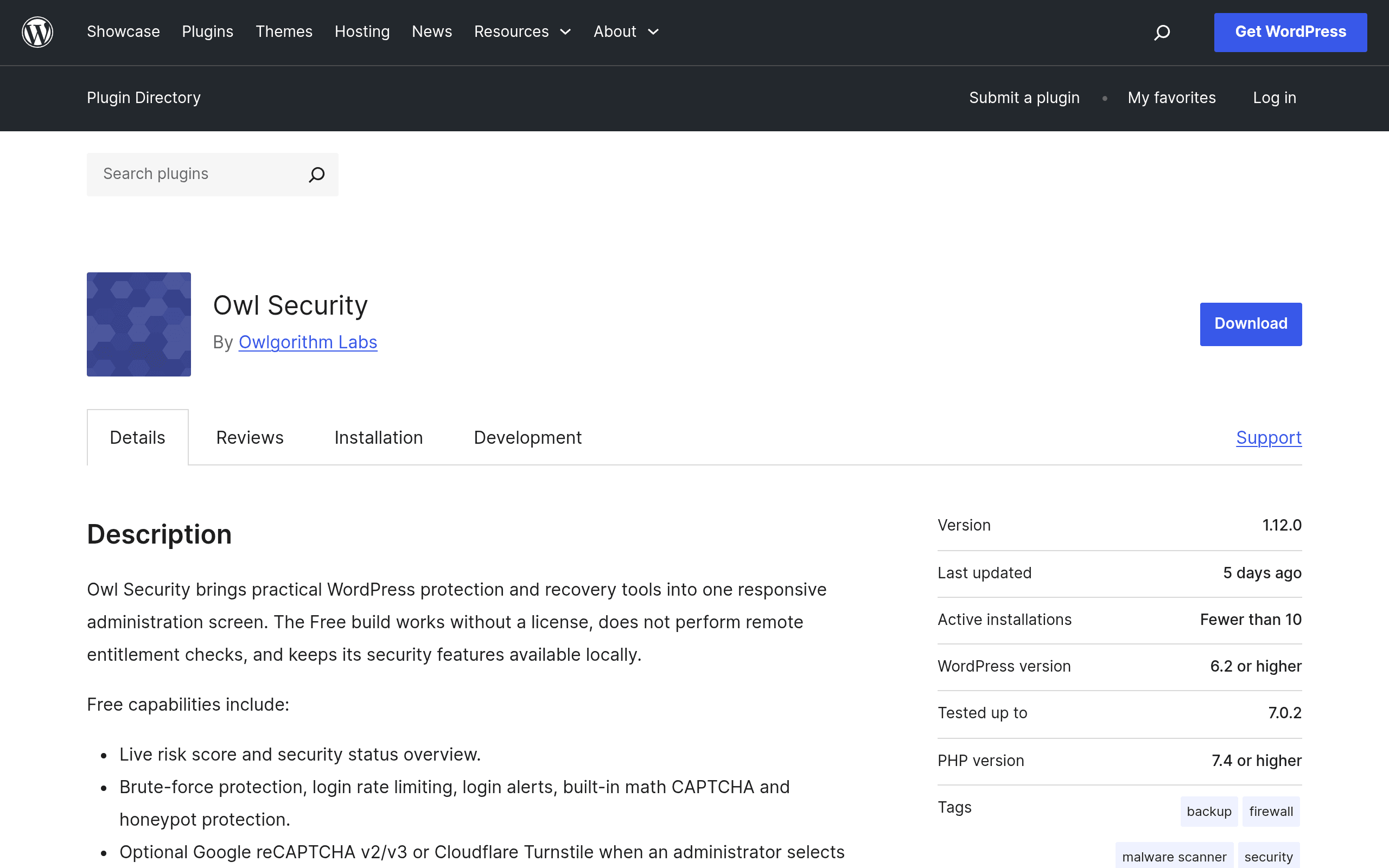
Owl Security is a WordPress security plugin distributed through the official WordPress.org plugin repository. It bundles the core feature set you'd expect from a security plugin — brute-force login protection, a malware scanner, firewall rules, two-factor authentication, and an activity log — but with one notable design choice: the free version runs its checks locally on your server instead of phoning home to a vendor's cloud service by default. Optional integrations exist for WPScan (vulnerability database lookups) and Google reCAPTCHA (login/comment spam filtering), but neither is required for the plugin to function.
This matters if you've been burned by security plugins that gate basic protection behind a mandatory account signup or a remote API call. Owl Security's pitch, at least in its current free form, is closer to "install it and it just works on your server" rather than "install it and connect it to our dashboard."
Pricing: What's Actually Published
Owl Security's core plugin is free, listed on WordPress.org with no license key, no forced account creation, and no remote check required to activate brute-force protection, the scanner, firewall rules, 2FA, or logging. As of this writing, the plugin's page does not publish pricing for any premium tier — there's no visible "Pro" version, add-on store, or upgrade prompt documented on the WordPress.org listing itself. If a paid tier exists or launches later (common for plugins that start free on WordPress.org and add a premium upsell down the line, as Wordfence and iThemes did), it isn't part of the current public listing. Treat the free version as the whole offer until the developer publishes otherwise.
How It Compares
| Owl Security | Wordfence Security | Sucuri Security | iThemes Security (Solid Security) | |
|---|---|---|---|---|
| Price | Free (no published premium tier yet) | Free; Premium from $119/yr per site | Free; paid firewall/cleanup plans from $199.99/yr | Free; Solid Security Pro from $99/yr per site |
| Malware scanning | Local scan, no forced cloud dependency | Local scan, real-time signature updates require Premium | Remote scanning via Sucuri's cloud + malware cleanup service | Local file change detection, not a full malware scanner |
| Firewall | Application-layer rules, runs on your server | Application-layer firewall; Premium adds real-time IP blocklist | Free tier is DNS-level via Sucuri's edge (requires DNS change); paid plans add full WAF | Application-layer, includes basic brute-force lockouts |
| 2FA | Built in, free | Built in, free | Not included — requires separate plugin | Built in, free |
| Best for | Users who want local-first processing with no mandatory cloud calls | Sites wanting the most mature free feature set and large user base | Sites wanting an edge-level WAF and professional malware removal service | WordPress-specific hardening (file permissions, DB prefix, etc.) alongside basic security |
What's Missing or Unproven
- No long track record. Because this is a first look at a newly listed plugin, there's no multi-year history of CVE disclosures, patch turnaround time, or how the developer handles a zero-day. Wordfence and Sucuri both have years of public incident response you can review; Owl Security doesn't yet.
- No edge/CDN-level protection. Unlike Sucuri's DNS-based firewall, Owl Security's protection happens after the request reaches your WordPress installation, which means a large-scale DDoS or pre-WordPress exploit attempt isn't blocked before it hits your server.
- Support channel is the WordPress.org forum. There's no published premium support tier, SLA, or dedicated account manager — reasonable for a free plugin, but worth knowing if you need guaranteed response times during an active incident.
- WPScan and reCAPTCHA integrations are optional, so if you skip them, vulnerability-database matching for installed plugins/themes won't be as current as a service pulling from a live feed.
Verdict: Should You Install It Today
If you're currently running a security plugin mainly for brute-force login protection, basic malware scanning, and 2FA — and you're uncomfortable with how much of that processing happens on a vendor's servers rather than yours — Owl Security is worth testing on a staging site this week. It's free, it doesn't ask for a license key, and the core feature set overlaps meaningfully with what most sites actually use from Wordfence or iThemes Security day to day.
If you need an edge-level WAF, a managed malware cleanup service, or a plugin with a multi-year security track record you can point to in a client contract, stick with Sucuri or Wordfence for now and revisit Owl Security in six to twelve months once it has a longer changelog and (if it arrives) a published premium tier to evaluate.