Panda Office Review: Drecov Pricing, Features, and How It Stacks Up Against EaseUS, Recuva, and R-Studio
By Day Zero Guides Editorial · How we produce guides
Some links in this guide are affiliate links. If you sign up through them, Day Zero Guides may earn a commission at no extra cost to you. This never affects which products we cover or what we say about them. See our affiliate disclosure for details.
What Panda Office actually sells
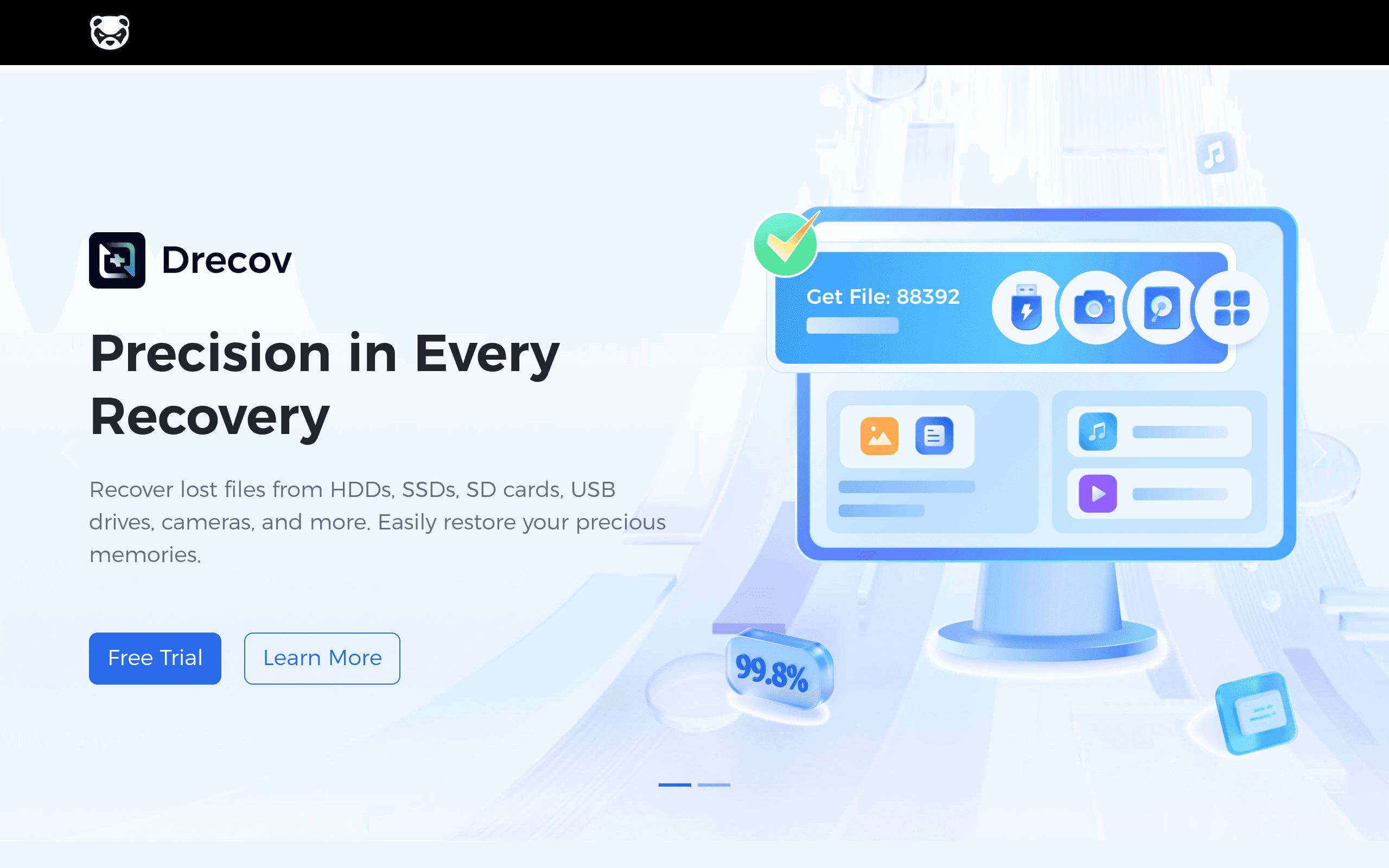
Panda Office is the company behind three separate Windows/Mac utilities: Drecov (data recovery), Drepair (corrupted file repair for photos, videos, Office documents, and archives), and Gifify (a GIF-making tool). Drecov is the flagship product and the one most people land on the site looking for — it recovers deleted or lost files from hard drives, SSDs, USB flash drives, SD cards, and formatted or corrupted partitions.
The company markets itself with big numbers — over 100 million users in 180+ countries and a claimed 99.8% recovery success rate. Those figures aren't independently verifiable (no third party audits them), so treat them as marketing copy rather than a guarantee of what you'll personally get back. In practice, recovery success depends heavily on how the data was lost (accidental deletion recovers far more reliably than physical drive failure or long-term overwriting), not on any single vendor's stated average.
What Drecov covers
- Recovery from accidental deletion, formatted drives, emptied Recycle Bin, and partition loss
- Support for HDDs, SSDs, USB drives, SD/CF cards, and some RAID configurations
- File preview before recovery, filtering by file type (photos, video, documents, email, audio)
- Recovery from Windows and macOS, sold as separate builds
What Drepair covers
- Repairing corrupted JPEG/PNG/RAW photos, MP4/MOV video files, and Word/Excel/PDF documents that won't open
- Useful specifically for files that exist but are damaged — not for files that are missing entirely (that's Drecov's job)
Gifify
- A separate, unrelated utility for converting video clips or image sequences into GIFs. It's not part of the recovery workflow and shouldn't factor into your decision on Drecov.
Pricing: the part Panda Office doesn't make easy
This is the biggest practical issue with Panda Office as a buying decision: pricing is not published on a standard pricing page. Like several recovery tools in this category, Drecov uses a scan-first model — you download the software, run a free scan that shows you what it can recover, and then you're prompted to pay to actually unlock and save the files. The license cost is presented at that point rather than up front, which makes it hard to comparison-shop before you've already invested time scanning your drive.
This isn't unique to Panda Office (EaseUS does something similar), but EaseUS, Recuva, and R-Studio all have public pricing pages you can check without installing anything, so you know the ceiling before you commit. With Panda Office, budget for some uncertainty and check the in-app quote before assuming it fits a particular price bracket.
Who this is realistically useful for
- Someone who just emptied the Recycle Bin or accidentally deleted a folder and wants a straightforward Windows tool to get it back without learning command-line recovery tools.
- A photographer or videographer whose SD card got formatted before offloading files — Drecov's file-type filtering is aimed squarely at this case.
- Someone with a corrupted (not missing) photo or video file — this is Drepair's actual use case, and it's worth knowing that a generic recovery tool won't fix a file that opens but is glitchy or won't render.
- Not a good fit for anyone dealing with a physically failing/clicking hard drive, a drive that needs a cleanroom, or an SSD with firmware-level failure — no consumer software tool (Panda Office included) can safely handle that, and running one on a failing drive risks making things worse.
How it compares
| Panda Office (Drecov) | EaseUS Data Recovery Wizard | Recuva | R-Studio | |
|---|---|---|---|---|
| Pricing transparency | Not published; quoted after in-app scan | Published tiers, roughly $69.95/month, $99.95/year, lifetime plans available | Free version available; Professional one-time license around $19.95–$29.95 | Published tiers from ~$49.99 (Standard) up to ~$899 (Technician/network) |
| Free tier limits | Free scan/preview, pay to recover | Free recovery up to 2GB | Full free version with fewer advanced features | Free trial recovers small files only, no full-size recovery |
| Best for | Casual users needing basic deleted-file recovery plus optional file repair (Drepair) in one bundle | Users wanting a polished, well-documented UI with broad OS/file-system support | Budget-conscious users who just need basic undelete on Windows | Advanced/technical users needing RAID reconstruction, disk imaging, or network recovery |
| File repair add-on | Yes (Drepair), sold separately | No built-in equivalent | No | No |
| Platform support | Windows and macOS (separate installs) | Windows and macOS | Windows only (no official Mac build) | Windows, Mac, Linux |
| Track record/transparency | Company-reported stats only, no independent audits | Long-standing product with widely cited user reviews and press coverage | Owned by Piriform/Gen Digital (CCleaner's parent), long track record | Long-standing, favored by IT professionals and data recovery technicians |
Honest take
Drecov does the basic job most people actually need: getting back a deleted file or recovering a formatted drive. The scanning and preview experience works the way you'd expect from this category of tool. Where Panda Office falls short compared to the competition isn't the recovery engine — it's transparency. EaseUS and R-Studio both publish pricing and have years of public reviews, teardown comparisons, and enterprise use to back up their claims. Recuva has the advantage of a genuinely free, no-nonsense tier for simple cases. Panda Office asks you to trust marketing statistics (100 million users, 99.8% success) that you can't verify, and to run a full scan before finding out what it'll cost you.
If you're dealing with simple, non-critical deleted files, Recuva's free tier is worth trying first — it costs nothing to rule out. If you need broader file-system support and don't mind paying a known price, EaseUS is the safer bet given its transparency and track record. If your case involves a damaged RAID array or you need forensic-grade imaging, R-Studio is built for that and Panda Office isn't a substitute. Panda Office's Drecov + Drepair bundle is worth considering mainly if you specifically want file repair and recovery from the same vendor and you're comfortable getting the price only after you've already run a scan.