PicEte Image Optimizer: A First Look at the Free Local-Compression Plugin With No Upsells
Some links in this guide are affiliate links. If you sign up through them, Day Zero Guides may earn a commission at no extra cost to you. This never affects which products we cover or what we say about them. See our affiliate disclosure for details.
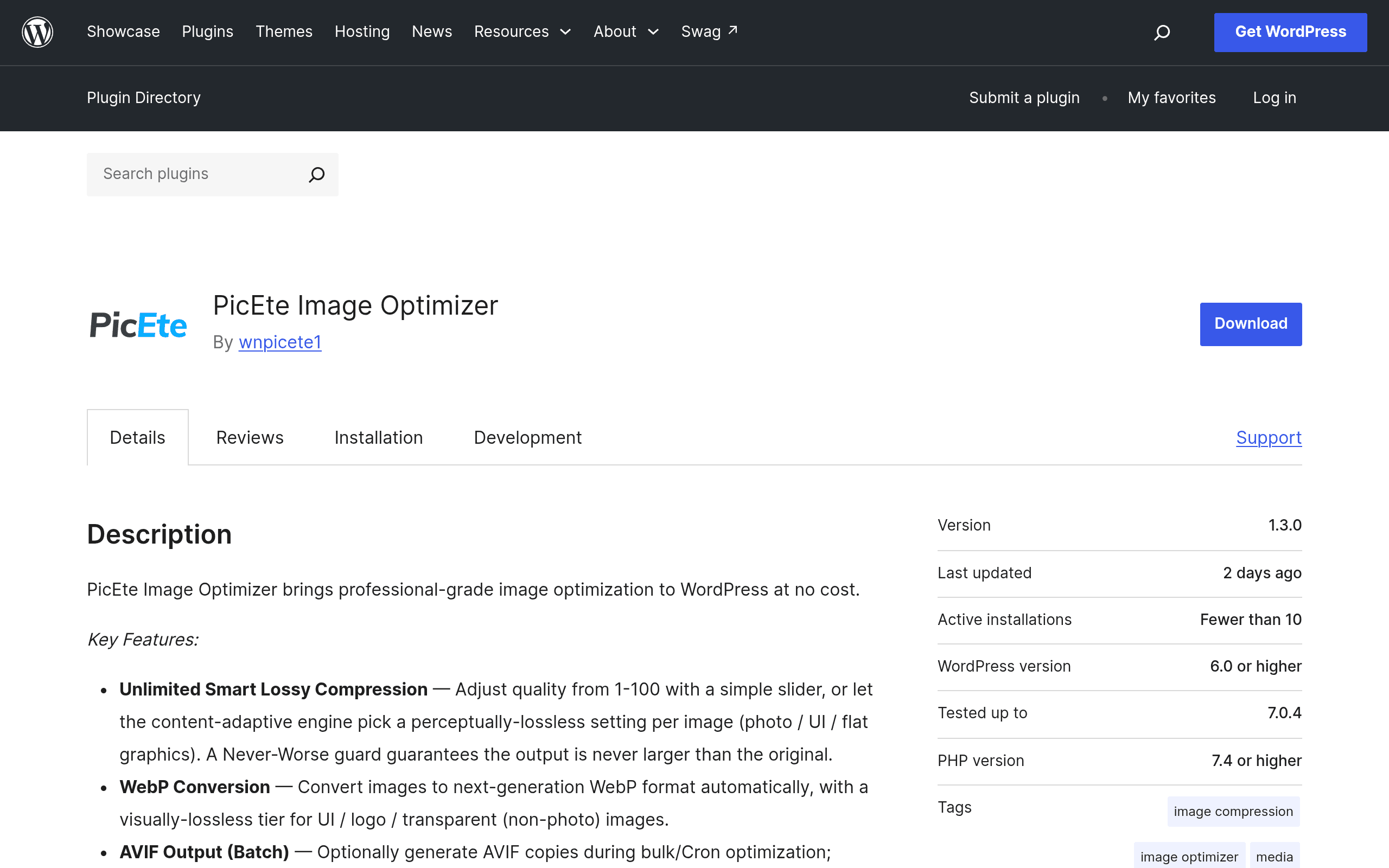
What PicEte Image Optimizer Actually Does
PicEte Image Optimizer is a WordPress plugin that compresses images directly on your own server, rather than uploading them to a remote API for processing. It uses content-adaptive quality settings, meaning it analyzes each image and picks a compression level suited to that specific file instead of applying one flat quality number to everything you upload. It supports conversion to both WebP and AVIF, the two modern formats that reliably shrink file sizes without the visible artifacts you'd get from just cranking down JPEG quality.
It also does batch optimization with no cap on the number of images processed, keeps automatic backups of your originals so you can revert if a compression pass looks off, and — if you want it — offers optional cloud compression through third-party APIs for people who'd rather offload the CPU work from their own hosting.
The part worth calling out plainly: there are no ads in the plugin, no paid tier, and no upgrade nags pushing you toward a "Pro" version. That's unusual in this specific corner of the WordPress plugin directory, where nearly every serious image optimizer eventually asks you to pay for anything beyond the basics.
Pricing
PicEte Image Optimizer is completely free. There is no premium tier, no per-image quota that unlocks with payment, and no feature gating behind a paywall. Everything described above — local compression, WebP/AVIF output, unlimited batch processing, automatic backups, and optional cloud compression — ships in the free plugin available on the WordPress.org plugin repository.
This matters because most of its competitors use a freemium model where the free tier is a limited trial of the real product. PicEte's entire feature set is the free version.
Who Should Actually Use This
- Site owners on shared hosting with strict image libraries. If you're running a WooCommerce store with thousands of product photos and don't want to hit a monthly image-processing quota, local compression with no cap is the practical draw here.
- Photography or portfolio sites migrating to AVIF. If you want AVIF support without paying for an API-based optimizer that charges per image credit, this gives you that path natively.
- Agencies managing multiple client sites. Because there's no subscription, you're not stacking per-site licensing costs across a client portfolio the way you would with some premium optimizers.
- Anyone burned by a plugin that later moved core features behind a paywall. This is a real pattern in the WordPress plugin ecosystem, and PicEte's current pricing structure is the appeal — though it's fair to note the project is new, and "free forever" claims are worth revisiting in a year.
Where It's Less of a Fit
If your hosting has weak CPU allocation (common on cheap shared hosting), local compression can be slower than a cloud-based service handling the processing on their own infrastructure. In that case, the optional cloud compression route inside PicEte helps, but at that point you're relying on a third-party API anyway, which narrows the gap between PicEte and cloud-first tools like ShortPixel.
How It Compares
| PicEte Image Optimizer | Smush | ShortPixel Image Optimizer | ImageRecycle | |
|---|---|---|---|---|
| Price | Free, no paid tier | Free tier + Smush Pro from $9.99/mo | Free (100 credits/mo) then plans from $9.99/mo (5,000 images) | Plans from $9.99/mo (1,000 images/PDFs), free trial only |
| Compression location | Local on your server (cloud optional) | Cloud-based (Pro also offers local via CDN) | Cloud-based only | Cloud-based only |
| Modern formats | WebP and AVIF | WebP (AVIF limited to Pro) | WebP and AVIF | WebP only |
| Monthly image limits | None | Unlimited on free tier, but limited features | 100 free images/month, then credit-based | No permanent free tier; credit-based always |
| Best for | Budget-conscious sites wanting full control and no recurring cost | Sites already inside WPMU DEV's ecosystem | Sites wanting hands-off cloud processing and fine-tuned compression controls | Sites optimizing PDFs alongside images |
The Honest Trade-Off
ShortPixel and ImageRecycle both lean on cloud processing, which tends to produce very consistent, tightly-tuned compression because the heavy lifting happens on infrastructure built specifically for that job — but you pay per image past a small free allowance, and you're sending your media files to a third party. Smush's free tier is generous for basic use but reserves WebP/AVIF depth and CDN delivery for Smush Pro.
PicEte's pitch is different: it trades some of that cloud-side polish for doing everything locally, for free, indefinitely, with cloud compression sitting there as an option rather than a requirement. If your hosting can handle the processing load, that's a straightforward win. If it can't, you're back to leaning on a third-party API — just now through PicEte's integration instead of a dedicated paid service.
Should You Try It Today
If you're currently paying for ShortPixel credits or bumping against Smush's Pro upsells just to get AVIF support, it's worth installing PicEte Image Optimizer on a staging site first, running a batch on a folder of real product or blog images, and comparing output file sizes and visual quality against your current setup. Because it's free with no signup wall, there's no real cost to testing it before deciding whether to switch it in on your live site.