Pinnacle Studio Review: Pricing, Features, and How It Compares to Premiere Pro, Resolve, and Final Cut
By Day Zero Guides Editorial · How we produce guides
Some links in this guide are affiliate links. If you sign up through them, Day Zero Guides may earn a commission at no extra cost to you. This never affects which products we cover or what we say about them. See our affiliate disclosure for details.
Who It's Actually For
Pinnacle Studio makes the most sense for:
- YouTubers and hobbyist creators doing straightforward cuts, text overlays, and color tweaks who don't want a subscription.
- Home movie / family archive editors converting old tapes or camcorder footage (Pinnacle still has decent legacy format and capture-card support, a holdover from its hardware roots).
- Small business owners making simple promotional or social clips without hiring an editor.
- Windows-only users who've ruled out Final Cut Pro (Mac-exclusive) and want something lighter than Premiere Pro.
It's a poor fit if you need advanced color grading, VFX compositing, multi-editor collaboration, or industry-standard delivery formats for client work — that's where Resolve, Premiere, and Final Cut clearly pull ahead.
What Pinnacle Studio Actually Is
If you remember Pinnacle Systems from the era of standalone video capture cards and boxed software at Best Buy, you're not wrong to be a little confused about where the brand stands today. Pinnacle Systems as a hardware company was absorbed into Avid in the 2000s, and the consumer software line — Pinnacle Studio — was later sold to Corel, which still develops and sells it. When you see marketing copy calling it "the #1 selling video editing software," that claim dates back to its retail-shelf heyday and isn't something you can independently verify today; Corel's own site doesn't post sales-rank data, and the current homepage mostly greets you with a cookie consent banner rather than product specifics. Treat the tagline as legacy marketing, not a current, sourced fact.
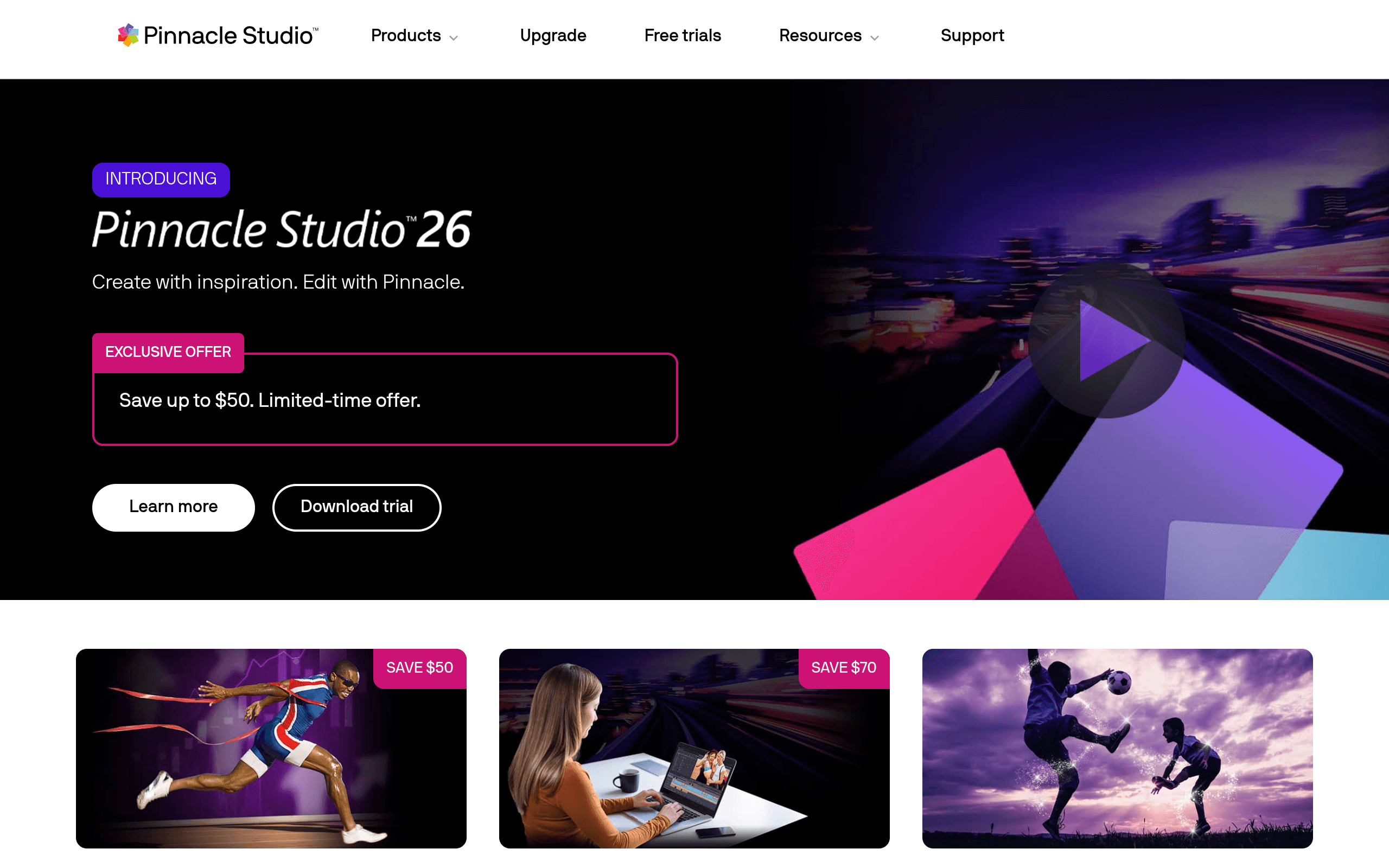
What Pinnacle Studio actually is, in 2024 terms: a Windows-only, prosumer-level video editor sold as a one-time perpetual license (not a subscription), aimed at hobbyists, YouTubers, and small business users who want more control than a phone app but don't need a professional post-production pipeline.
Pricing
Corel doesn't always make current pricing obvious on the landing page, and it shifts with sales and bundling, so verify exact numbers before buying. Historically and as of recent release cycles, Pinnacle Studio has shipped in three tiers:
- Pinnacle Studio (Standard) — around $59.99, one-time purchase. Core timeline editing, basic color correction, title templates, and export presets.
- Pinnacle Studio Plus — around $99.99, one-time purchase. Adds multicam editing, more effects/overlays, and split-screen video templates.
- Pinnacle Studio Ultimate — around $129.99, one-time purchase. Adds motion tracking, 360° video editing, additional masking tools, and extra plugin packs (NewBlue titler, effects bundles).
There's no monthly subscription tier — that's the single biggest differentiator from Adobe's model, and it's worth weighing heavily if you dislike recurring software bills. Corel periodically discounts these tiers by 30–50% during sales events, so the list price is rarely what most buyers actually pay.
How It Compares
| Pinnacle Studio | Adobe Premiere Pro | DaVinci Resolve | Final Cut Pro | |
|---|---|---|---|---|
| Price model | One-time license ($59.99–$129.99) | Subscription (~$22.99/mo standalone, or Creative Cloud bundle) | Free (Studio version $295 one-time) | One-time purchase (~$299.99) |
| Platform | Windows only | Windows & macOS | Windows, macOS, Linux | macOS only |
| Color grading | Basic correction tools | Lumetri Color, competent but not specialized | Industry-leading (Resolve's original purpose) | Solid, Apple-native color tools |
| Collaboration/pro pipeline | Minimal, single-editor focus | Strong, widely used in agencies/studios | Strong, especially with Resolve's multi-user project server | Strong, tight Apple ecosystem integration |
| Learning curve | Low — built for beginners/hobbyists | Moderate to steep | Moderate to steep (deep tool set) | Moderate — simplified but powerful |
| Best for | Casual creators avoiding subscriptions | Professionals needing cross-app Adobe workflow | Colorists, indie filmmakers, budget-conscious pros | Mac-based editors wanting speed and native optimization |
The Honest Verdict
Pinnacle Studio isn't trying to compete with Premiere Pro, Resolve, or Final Cut Pro on power — it's competing on price model and simplicity. If the idea of paying Adobe every month bothers you, or you find Resolve's node-based color page intimidating, Pinnacle Studio's one-time cost and template-driven interface is a legitimate, low-risk option for basic editing. The tiered pricing (Standard/Plus/Ultimate) also lets you pay only for what you'll use rather than unlocking a full professional suite you'll never touch.
Where it falls short is anywhere near professional delivery: no meaningful multi-user collaboration, thinner color tools, and a smaller effects/plugin ecosystem than the three alternatives above. It's also Windows-exclusive, which rules it out immediately for Mac users who might otherwise consider Final Cut Pro.
The "#1 selling" claim shouldn't be the reason you buy it — there's no current, verifiable sales data backing that up, and it reads like leftover marketing from Pinnacle's retail-software days. The real reason to consider it is narrower and more practical: a cheap, one-time-purchase, beginner-friendly editor for people who have simple projects and no interest in a subscription. If that's your use case, it's worth a look. If you need color grading depth, cross-platform flexibility, or professional-grade output, spend your money on DaVinci Resolve (free tier first) or Premiere Pro instead.