PW Security and Backup: A First Look at the New Local-Only WordPress Security Plugin
Some links in this guide are affiliate links. If you sign up through them, Day Zero Guides may earn a commission at no extra cost to you. This never affects which products we cover or what we say about them. See our affiliate disclosure for details.
What PW Security and Backup Actually Does
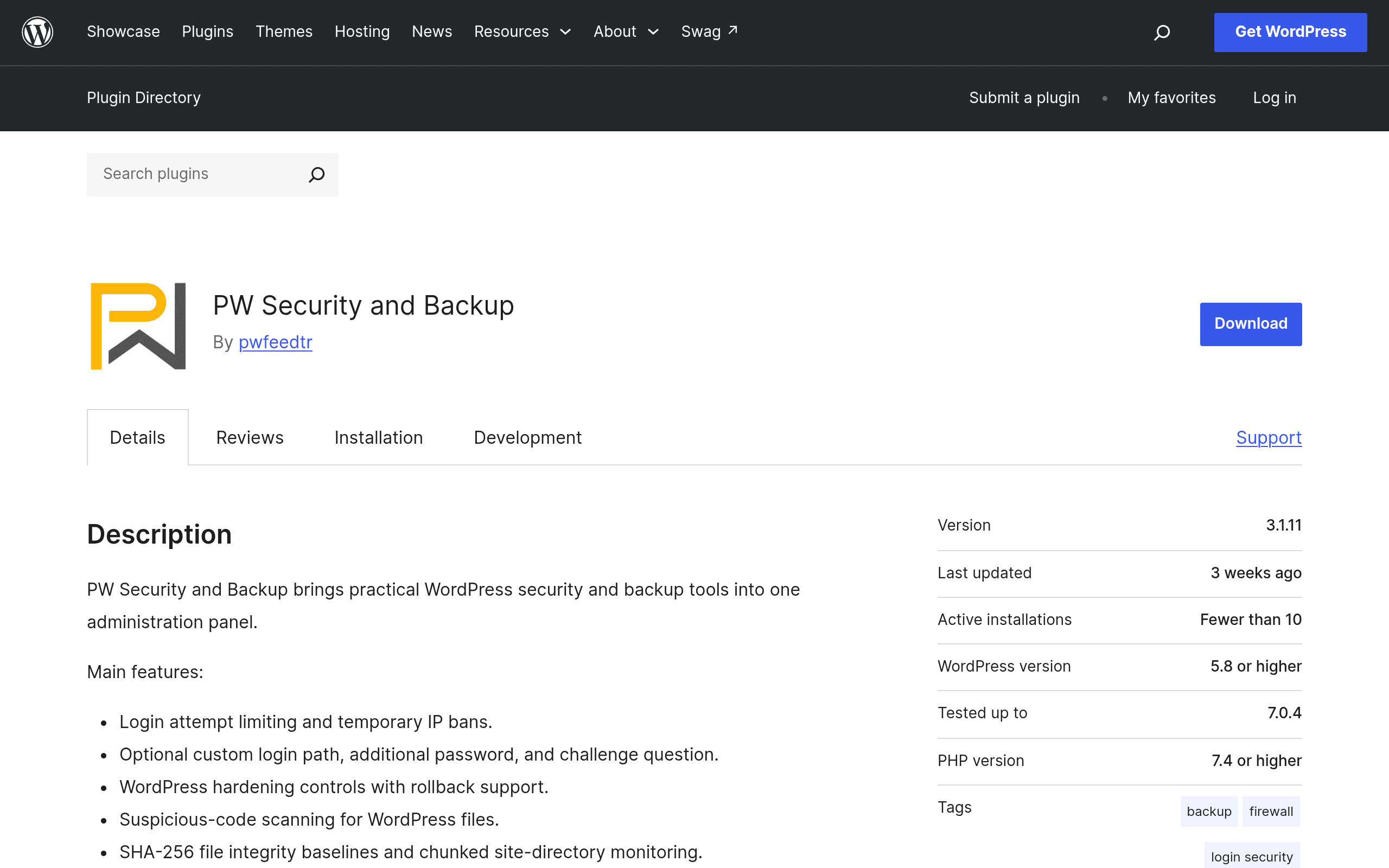
PW Security and Backup is a free WordPress plugin that just landed on the official wordpress.org repository, bundling four things site owners usually cobble together from separate tools: login attempt limiting, file integrity scanning, malicious code detection, and automated ZIP backups of your site and database. All of it runs from a single settings screen inside wp-admin, with no companion mobile app, no cloud dashboard, and — notably — no telemetry sent back to a vendor.
That last point is the plugin's real pitch. Backups get written as ZIP archives into a protected directory on your own server, and security logs stay local too. If you've ever been uneasy about a security plugin phoning home with scan results or storing your database backups on someone else's infrastructure, this is built specifically to avoid that.
Who Should Actually Try This Today
- Freelancers managing client sites on tight budgets who need baseline hardening (brute-force login protection, file change alerts) without adding a $99/year line item per site.
- Agencies with data residency concerns — healthcare, legal, EU-based clients — where sending scan data or backup files to a third-party cloud is a contractual non-starter.
- Self-hosters who already have off-site backup infrastructure (rsync to a NAS, S3 sync via cron) and just want local ZIP snapshots as a fast restore point, not a full disaster-recovery system.
- Anyone running a low-traffic brochure site or blog where a heavyweight security suite with a firewall dashboard and premium upsells is overkill.
Who should probably skip it for now: sites needing a real web application firewall (WAF) with rule updates pushed from a threat-intelligence network, or teams that want automated off-site backup storage (Dropbox, S3, Google Drive) baked in — this plugin doesn't do that natively since backups live on the same server.
Setup and What to Expect
Installation is the standard WordPress plugin flow — search, install, activate. Configuration is manual: you set login attempt thresholds yourself, choose backup frequency, and review scan results as they populate. There's no onboarding wizard pushing you toward a paid tier, mostly because there isn't one yet. As of this writing, PW Security and Backup has no premium version, no add-ons, and no licensing tiers — it's just free.
Pricing
| Plan | Price | What's Included |
|---|---|---|
| PW Security and Backup | Free | Login limiting, file integrity scanning, malware detection, local ZIP backups — full feature set, no paid tier exists |
There is currently no premium upgrade, no support contract, and no usage limits. That simplicity cuts both ways: no upsell friction, but also no dedicated support beyond the wordpress.org plugin support forum.
How It Compares
| PW Security and Backup | Wordfence Security | iThemes Security | Jetpack Security | |
|---|---|---|---|---|
| Price | Free (no paid tier) | Free / Premium $119/yr per site | Free / Pro $199/yr (up to 5 sites) | Starts at $9.95/mo, bundled with Jetpack |
| Backup storage | Local ZIP on your server | No native backup (Premium adds some) | No backup in core; needs BackupBuddy add-on | Off-site cloud backup (Jetpack VaultPress) |
| Telemetry / data sent externally | None — fully local | Sends scan data to Wordfence threat intelligence | Minimal, some cloud checks in Pro | Requires Jetpack cloud connection |
| Firewall (WAF) | Not included | Yes, with real-time rule updates (Premium) | Basic hardening, no full WAF | Basic brute-force protection only |
| Best for | Privacy-conscious users wanting local-only tools | Sites wanting active threat blocking | Sites wanting granular hardening rules | Sites already using Jetpack ecosystem |
The honest takeaway: PW Security and Backup isn't trying to out-feature Wordfence's firewall or Jetpack's cloud backup redundancy. It's solving a narrower problem — basic hardening and local recovery points — for people who specifically don't want a third party touching their data.
Concrete Use Cases
- A WooCommerce store owner wants nightly database backups before running plugin updates, without paying for a backup-specific SaaS. They schedule the built-in ZIP backup, download it via SFTP after big changes, and keep the last three copies locally as rollback points.
- A dev agency onboarding a new client site enables login attempt limiting immediately to stop the credential-stuffing attempts that hit every public wp-login.php within days of DNS propagation — no configuration beyond setting the lockout threshold.
- A blogger who got a "suspicious file modified" email from their host installs the plugin's file integrity scanner to get visibility into which core or theme files changed and when, without granting a third-party scanner read access to the whole filesystem.
The Catch
Because backups sit on the same server as the site, a full server compromise or host-level outage takes your backups down with it. This plugin is a good first layer, not a complete disaster-recovery plan — pair it with an off-site copy (even a manual monthly download to your own machine) if the site matters. It's also brand new, so the malware detection signatures and scanning logic haven't been battle-tested over years the way Wordfence's have. Worth trying today if the local-only model matters to you; not yet the plugin to bet a business-critical site on exclusively.