QBitFlow for WooCommerce: First Look at the Non-Custodial Crypto Payment Plugin
Some links in this guide are affiliate links. If you sign up through them, Day Zero Guides may earn a commission at no extra cost to you. This never affects which products we cover or what we say about them. See our affiliate disclosure for details.
What QBitFlow Actually Does
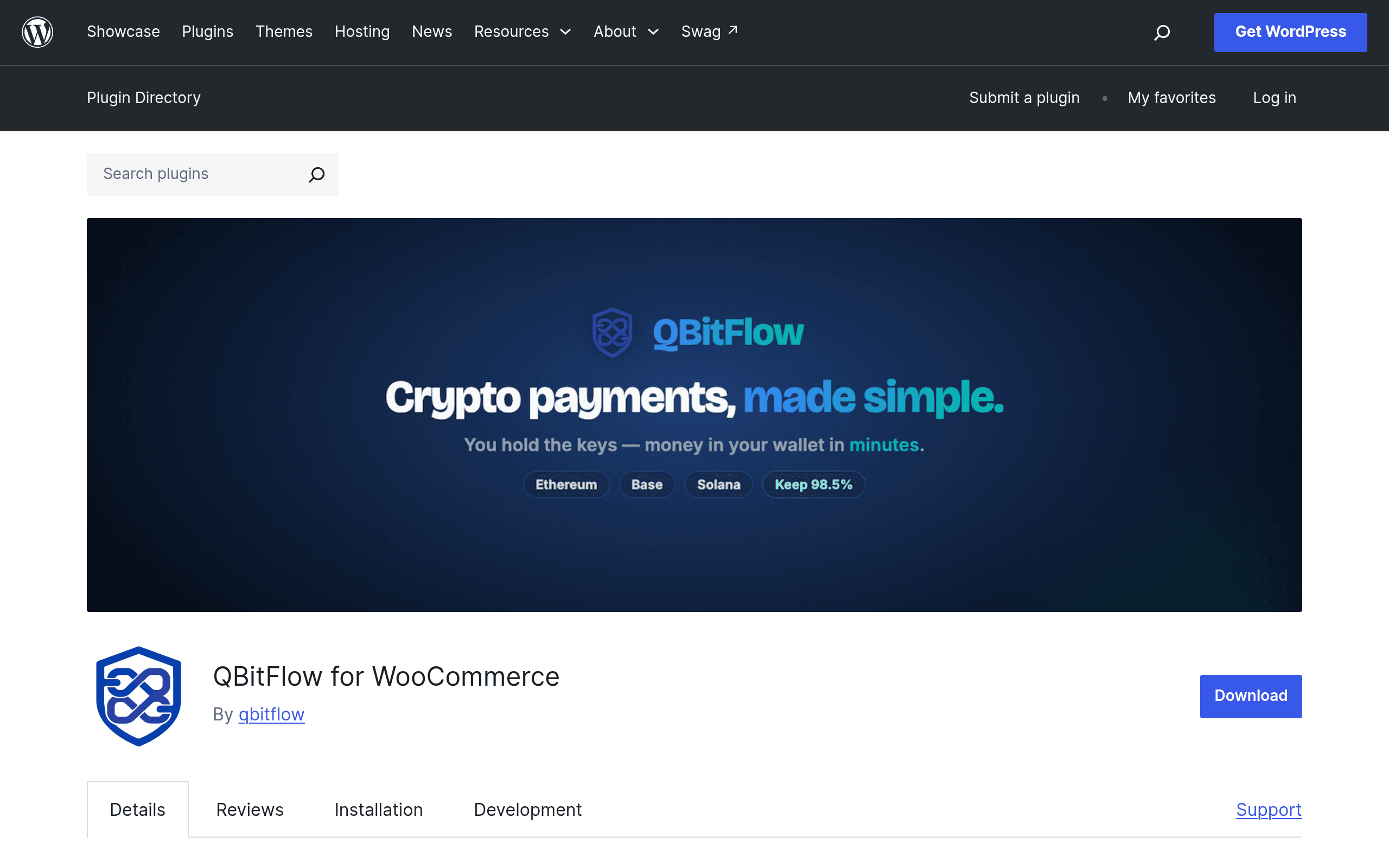
QBitFlow for WooCommerce is a free WordPress.org plugin that adds a crypto checkout option to any WooCommerce store. The pitch is simple: payments settle directly to a merchant's own wallet address via smart contract, rather than routing through a custodial processor that holds funds and converts them on your behalf. That's the core differentiator — this is non-custodial by design, which means the store owner controls the private keys and the plugin never takes possession of funds.
Supported assets at launch are ETH, SOL, USDC, and USDT, which covers the two dominant chains (Ethereum and Solana) plus the two largest stablecoins. That's a narrower list than some processors, but it's a sane starting set for a v1 release — it avoids the long tail of low-liquidity tokens that create support headaches.
Functionally, the plugin handles:
- Order syncing — WooCommerce order status updates automatically once a transaction confirms on-chain, so you're not manually reconciling payments against blockchain explorers.
- Webhook verification — confirms transaction validity server-side before marking an order paid, which matters for avoiding underpayment or race-condition fraud.
- Test mode — lets you run the full checkout flow on a testnet before going live, which is the single most useful thing a crypto payment plugin can ship, since debugging failed mainnet transactions is expensive and slow.
- Refund management — built-in tooling to process refunds back to the customer's wallet, which is normally the most annoying manual part of accepting crypto (there's no "refund" button on a blockchain, so this has to be handled at the application layer).
Setup, in Practical Terms
You install it like any WooCommerce extension: upload via the WordPress plugin directory, activate, then connect a wallet address (or addresses, per chain) where funds should land. Because it's non-custodial, there's no merchant account approval process to wait on — no KYC gate between installing the plugin and accepting your first payment, which is a meaningfully different experience from signing up with a custodial processor. The tradeoff is that you, not a processor, are responsible for wallet security, gas fee handling, and any on-chain conversion to fiat if you want to avoid holding volatile assets.
Run test mode first. Send yourself a testnet transaction, confirm the order status flips correctly, then check webhook logs before flipping to mainnet. This is not optional — the first live transaction on any crypto plugin should never be a real customer's order.
Pricing
QBitFlow's pricing is not published on the plugin listing or in available documentation as of this writing. The plugin itself is free to download from WordPress.org, which is standard for WooCommerce extensions distributed through the official directory — but that doesn't tell you whether there's a transaction fee taken on-chain, a paid "Pro" tier gating features like multi-chain support or advanced refund automation, or a flat SaaS fee for a hosted dashboard. If you're evaluating this for a production store, budget time to actually test a transaction and inspect the smart contract calls before assuming it's cost-free — non-custodial doesn't automatically mean fee-free, since gas costs and potential protocol fees are separate from any plugin licensing cost. Treat the absence of published pricing as a due-diligence item, not a green light.
Who This Is Actually For
- A merchant selling digital goods or services to a crypto-native audience who wants payments to land directly in a wallet they control, without a third party ever touching the funds — useful if you're philosophically or operationally opposed to custodial processors holding your revenue even briefly.
- A store already comfortable managing wallets — you need someone on the team who can handle gas fees, monitor wallet security, and understand what "non-custodial" means operationally when something goes wrong (a stuck transaction, a wrong network selection by a customer, etc.).
- A developer-run shop testing crypto checkout before committing to a paid processor — the free plugin plus test mode makes it cheap to prototype crypto payments before deciding whether to pay for a more polished, custodial alternative.
It's a weaker fit if you want fiat settlement without touching a wallet yourself, if you need a large list of supported tokens beyond ETH/SOL/USDC/USDT, or if you want a support team and SLA behind the payment rail — non-custodial plugins put more operational burden on you by design.
How It Compares
| QBitFlow for WooCommerce | Coinbase Commerce | BitPay for WooCommerce | Stripe Crypto Onramp | |
|---|---|---|---|---|
| Custody model | Non-custodial — funds go straight to your wallet | Custodial (Coinbase holds/converts) | Custodial (BitPay settles, offers fiat conversion) | Not a merchant payment rail — it's an onramp for buying crypto, not accepting it as payment |
| Pricing | Not published; plugin itself is free on WordPress.org | 1% fee on settlement | 1% fee, discounted with BitPay tokens | N/A for merchant crypto acceptance — Stripe doesn't offer direct crypto checkout for goods via this feature |
| Supported assets | ETH, SOL, USDC, USDT | 10+ assets including BTC, ETH, and various stablecoins | BTC, BCH, ETH, and select stablecoins | Crypto purchase only, not payment acceptance |
| Fiat settlement | None built-in — you hold what you receive | Optional auto-convert to USD | Optional daily settlement to bank/fiat | N/A |
| Best for | Store owners who want wallet-level control and no custodial middleman | Merchants who want a known brand and fiat conversion with minimal setup | Merchants wanting BTC support plus fiat settlement | Not a comparable use case — different product category |
The honest framing: Stripe's crypto onramp isn't really a competitor for accepting crypto as payment for goods — it's built for letting customers buy crypto, not for merchants to receive it at checkout — so it's included here mainly to rule it out for store owners searching for a crypto checkout option. The real decision is QBitFlow versus Coinbase Commerce or BitPay, and that decision hinges almost entirely on whether you want custodial convenience (fiat settlement, established support) or non-custodial control (your wallet, your keys, your responsibility).
Bottom Line
QBitFlow for WooCommerce is worth installing today if you're running a WooCommerce store and want to test non-custodial crypto acceptance without a signup gate — the test mode and webhook verification show a level of engineering care beyond a bare-bones "paste your wallet address" plugin. But go in with eyes open on two fronts: pricing isn't published anywhere yet, so verify actual costs before processing real customer orders, and non-custodial means you're the one managing wallet security and any fiat conversion — there's no safety net if you mismanage keys or send funds to the wrong network. For a crypto-comfortable merchant, it's a legitimate free alternative to Coinbase Commerce or BitPay's fee structure. For anyone wanting a fully managed, fiat-settling experience, stick with a custodial processor for now.
Update — 2026-08-19
The supported cryptocurrencies expanded from the original four (ETH, SOL, USDC, USDT) to "ETH, SOL, USDC, USDT, and more." Additionally, the plugin now supports block-based checkout in addition to classic checkout, and features new capabilities like automatic customer sync to QBitFlow, hosted invoice pages, and enhanced refund management with admin notices and one-click sync buttons.