ReplayPics First Look: Turning a Wedding WhatsApp Group Into a Reel-Ready Highlight Film
By Day Zero Guides Editorial · How we produce guides
Some links in this guide are affiliate links. If you sign up through them, Day Zero Guides may earn a commission at no extra cost to you. This never affects which products we cover or what we say about them. See our affiliate disclosure for details.
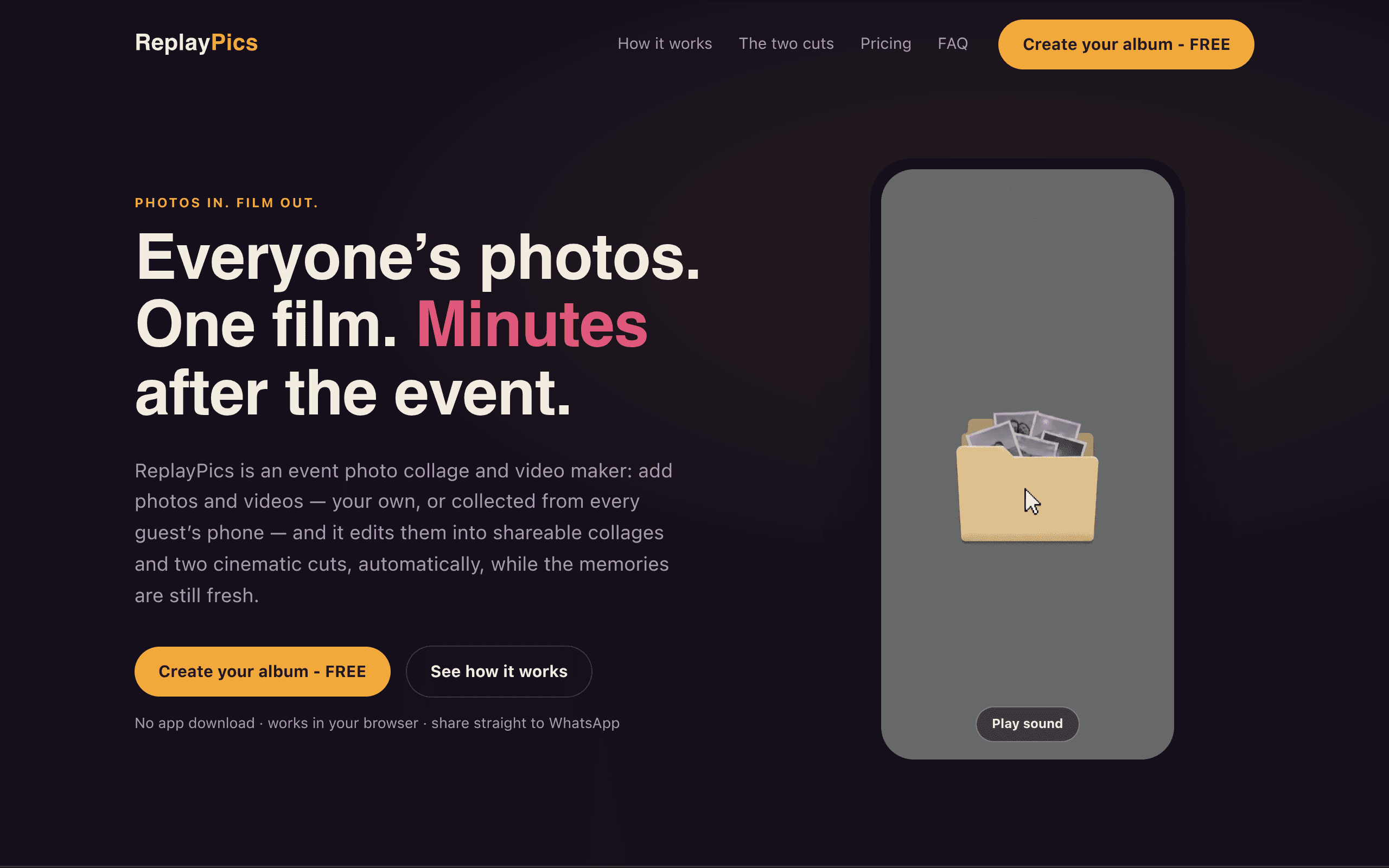
What ReplayPics Actually Does
ReplayPics is a browser-only tool (no app, no login wall to start) built around a very specific moment: the chaos after an Indian wedding, sangeet, birthday, or group trip when forty different phones have forty different versions of the same event, scattered across WhatsApp threads that nobody will ever scroll back through.
You create an event, share a link, and guests upload straight from their phone browser — no account creation required on their end. ReplayPics then does two things automatically:
- Generates styled photo collages from the pooled uploads, sorted and arranged without you manually picking images.
- Cuts two video versions from the same pool: a short, fast-paced edit sized for Instagram Reels, and a longer "cinematic narrative" cut meant for a proper highlight-reel feel — think slower pacing, music built for storytelling rather than a 15-second hook.
Everything up to that point — uploading, generating collages, and previewing the videos — is free, but previews are watermarked. You only pay when you want to share or download the full-quality, watermark-free version.
Pricing: What It Actually Costs
ReplayPics uses a pay-per-share model rather than a subscription:
- Free: unlimited guest uploads, auto-generated collages, and watermarked video previews
- ₹199 (~$2.08 / ~€1.81) per share: unlocks one full-quality, watermark-free share/download of a finished collage or video
There's no monthly plan, no seat-based pricing, and no storage tier to think about upfront — you only pay at the point where you'd actually be sending something to a group or posting it. For a single wedding, that likely means paying a few times: once for the collage, once for the Reel cut, once for the cinematic version, if you want all three watermark-free. Budget roughly ₹400–₹600 ($5–$7) if you want the full set unlocked for one event.
Where It's Actually Useful
- A wedding with 200+ guests and no photographer footage yet. You want something to post within 48 hours, not wait three weeks for the professional edit. ReplayPics can produce a shareable Reel from guest phone footage almost immediately.
- A birthday or sangeet where ten different people took videos on their own phones. Instead of asking everyone to individually AirDrop or WhatsApp you 4K files, you send one upload link and let the tool pool everything.
- A group trip (Goa, a bachelor trip, a family vacation) where nobody wants to manage a shared Google Drive folder. The auto-collage feature means you're not manually building a slideshow in Canva at 1am.
- Event organizers or wedding planners who want to hand couples a fast, low-cost preliminary video before the paid videographer's final cut arrives.
It is not built for professional delivery workflows — there's no frame-accurate review-and-approval system, no client proofing, no RAW file handling. It's built for speed and shareability, not post-production control.
How It Compares
| ReplayPics | Frame.io | Spaces by Wix | Google Photos Shared Libraries | |
|---|---|---|---|---|
| Price | ₹199 (~$2.08) per share; free to upload/preview | Free tier limited; paid plans from ~$15/user/month (Pro) | Free with Wix account; paid Wix plans vary | Free (uses Google Photos storage) |
| Core function | Auto-generates collages + 2 edited video cuts (Reel + cinematic) from pooled guest uploads | Frame-accurate video review, commenting, and approval for professional post-production teams | Shared media workspace tied to Wix sites, mostly file organization | Shared photo/video library with auto-sync across contributors, no editing |
| Auto-editing | Yes — automatic collage layout and two distinct video edits with music/pacing | No — it's a review tool, not an editor | No | No — purely storage and viewing |
| App required | No — fully browser-based for both host and guests | Desktop/web app, often paired with NLE plugins (Premiere, DaVinci) | Wix account and web app | Google account, app recommended for auto-upload |
| Best for | Fast, shareable event recaps (weddings, trips, parties) same-day or next-day | Professional video teams needing frame-level feedback and version control | Small businesses organizing brand/media assets on Wix | Families/friends pooling raw photos with no editing need |
The Honest Trade-offs
The pay-per-share model is refreshingly low-commitment compared to a subscription you'd forget to cancel, but it also means costs can creep if you want multiple polished outputs from one event — collage, Reel, and cinematic cut each count separately. There's also no indication yet of bulk-event pricing for wedding planners doing this repeatedly, which is a gap if you're running this as a service rather than a one-off.
Compared to Frame.io, ReplayPics isn't trying to compete on professional review tooling at all — it has zero commenting, timecode markup, or version history, because that's not the job it's doing. Compared to Google Photos Shared Libraries, ReplayPics does far more (actual auto-editing) but doesn't function as long-term photo storage — it's a generate-and-share tool, not an archive. And compared to Spaces by Wix, ReplayPics is narrower but sharper: it's not a general media hub, it's built for one moment — the 48 hours after an event when everyone wants the highlight reel now.
Should You Try It Today
If you have an event this week — a wedding, a sangeet, a trip wrap-up — and you want something shareable without waiting on a professional edit or manually stitching a Reel yourself, ReplayPics is worth testing simply because the free tier lets you see the actual output (watermarked) before paying anything. At ₹199 per unlock, the risk of trying it is low enough that the real question isn't "is it good" but "do I need more than one unlock for this event" — and that's worth mapping out before you start uploading.