RingList for WooCommerce: First Look at the New Automatic SMS Opt-In Sync Plugin
Some links in this guide are affiliate links. If you sign up through them, Day Zero Guides may earn a commission at no extra cost to you. This never affects which products we cover or what we say about them. See our affiliate disclosure for details.
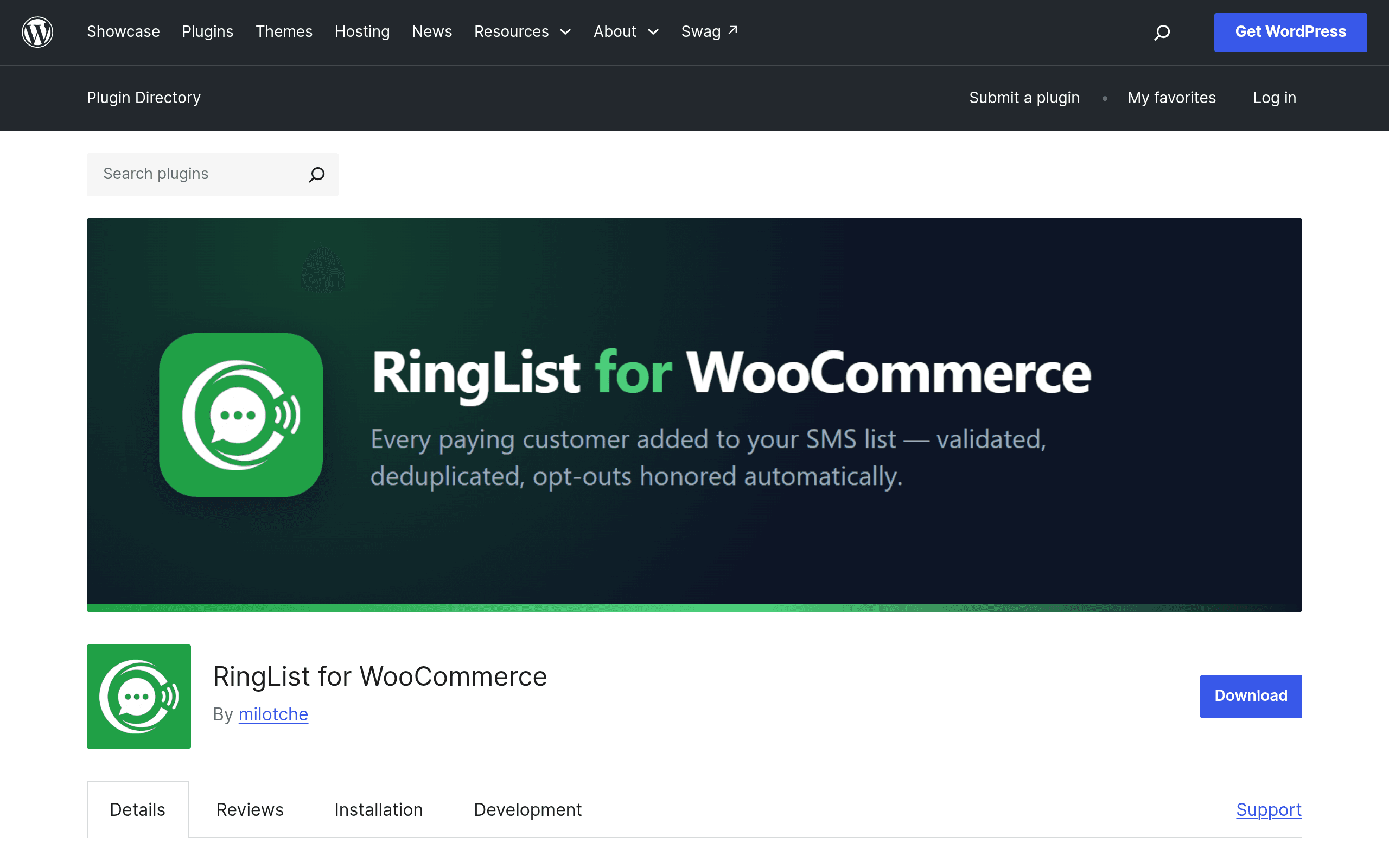
RingList for WooCommerce: First Look
RingList for WooCommerce just landed on the WordPress.org plugin directory, and it's aimed at a narrow but real problem: WooCommerce stores collect phone numbers at checkout constantly, but almost none of that data ever turns into a usable SMS marketing list. Most stores either don't bother, or they export CSVs by hand and paste them into a third-party SMS tool weeks later, by which point half the opt-ins are stale or invalid.
RingList for WooCommerce tries to close that gap automatically. It hooks into WooCommerce order events, pulls the phone number from paying customers, validates the number format, checks and records consent, and pushes it into a connected RingList account so it's ready for an SMS campaign without anyone touching a spreadsheet.
What it actually does
Based on the plugin's directory listing and its stated feature set, the core loop is:
- Automatic sync on purchase. When a WooCommerce order completes (or reaches a configurable status), the customer's phone number is sent to RingList.
- Phone number validation. Numbers are checked for valid format before syncing, which matters because a meaningful chunk of checkout phone fields contain typos, landlines, or placeholder digits that would otherwise bounce or get flagged by carriers.
- Consent/opt-in tracking. The plugin manages opt-in status per customer rather than assuming every checkout implies SMS consent — an important distinction if you're selling into regions with TCPA-style or GDPR-adjacent SMS consent rules.
- Campaign sending from RingList. Once numbers are synced, you send SMS campaigns from the RingList side, with per-country pricing shown before you hit send, so you're not guessing what a blast to a mixed US/UK/AU list will cost.
It is explicitly a bridge plugin, not a full SMS platform living inside WordPress. The list-building and validation happen in WooCommerce; the sending, deliverability, and campaign design happen in RingList itself.
Pricing: here's the catch
The plugin itself is free to install from the WordPress.org repository, which is standard for a connector plugin. Where it gets murkier is RingList's own pricing — as of this writing, RingList does not publish a public rate card or subscription tiers on its site. The plugin's own pitch is "transparent per-country pricing shown before you send," which means the cost is disclosed at send-time inside the RingList dashboard rather than upfront on a pricing page.
Practically, that means:
- You can install the plugin and connect a RingList account without hitting a paywall.
- You won't know your actual per-message cost for, say, a campaign to 2,000 US numbers versus 2,000 UK numbers until you're in the RingList send flow.
- There's no visible free tier, trial credit, or monthly plan structure documented publicly at launch — if you need budget sign-off before testing, you'll have to create an account and get a quote-in-context first.
This is the single biggest gap between "this looks useful" and "I can approve this today" for a lot of store owners, and it's worth flagging plainly rather than guessing at numbers.
Concrete use cases
- Back-in-stock and restock alerts. A store selling limited drops (sneakers, small-batch skincare, print runs) can sync every purchaser's number and text the list when a sold-out SKU restocks, instead of relying on email open rates that hover in the teens.
- Abandoned high-value cart recovery via SMS follow-up. For stores where average order value is high enough to justify SMS costs (say, $80+), a same-day text nudge after a completed purchase's related abandoned item tends to outperform a third or fourth recovery email.
- Order and shipping updates for stores without a dedicated transactional SMS provider. Rather than standing up a separate Twilio integration for shipping confirmations, a small store can route both marketing and light transactional-style updates through one synced list.
- Post-purchase upsell texts for consumables. Coffee, supplements, pet food — anything with a predictable reorder window benefits from a scheduled SMS nudge timed to when the customer is likely running low, built directly from the WooCommerce purchase timestamp.
- Consent cleanup for stores that already have a messy phone number field. If your checkout has been collecting numbers for years without real opt-in logic, the validation and consent layer gives you a defensible starting list instead of blasting everyone who ever typed a digit into a form field.
How it compares
| RingList for WooCommerce | Klaviyo | Twilio | Omnisend | |
|---|---|---|---|---|
| Pricing model | Plugin free; RingList SMS cost shown per-country at send time, no public rate card yet | Free up to 250 contacts, then tiered by contacts/messages starting around $20/mo, SMS billed separately by credits | Pure usage-based: pay per SMS segment (US | Free plan up to 250 contacts/500 emails; paid plans from ~$16/mo, SMS credits purchased separately by region |
| WooCommerce integration depth | Purpose-built: auto-syncs phone numbers directly from order events, native validation and consent tracking | Native WooCommerce integration via plugin, but built as a full email+SMS suite, more setup overhead | No native WooCommerce plugin — requires custom API/webhook work or a third-party connector | Native WooCommerce plugin, integrates email and SMS in one dashboard with segmentation |
| Consent/opt-in handling | Built-in opt-in status tracking tied to the sync itself | Built-in SMS consent fields and compliance tooling as part of the broader platform | None built-in — compliance and consent logic is entirely on the developer to build | Built-in opt-in checkbox and SMS consent management in campaign flows |
| Best for | Store owners who just want purchaser numbers to land in an SMS tool automatically, with minimal setup | Stores that want email and SMS marketing automation unified with deep segmentation | Developers who need full programmatic control over SMS/voice, not a marketing UI | Stores wanting an all-in-one email+SMS marketing suite with visual automation building |
Should you install it today?
If you're already comfortable creating a RingList account and you just want phone numbers flowing out of WooCommerce without manual export/import work, there's very little downside to installing the plugin — it's free, narrowly scoped, and doesn't ask you to rip out an existing email tool to use it. The validation and consent handling alone solve a real, boring problem that most stores ignore until a carrier or regulator makes them care.
The honest caveat is the pricing opacity. If your team needs a locked-in monthly cost before testing anything, RingList's site doesn't give you that yet — you'll need to connect an account and get to the send screen to see real numbers, which is a harder sell to a boss than Klaviyo's or Omnisend's plainly listed tiers. For a solo store owner just experimenting with SMS for the first time, that's a minor speed bump. For a larger store needing a forecasted SMS budget line item, it's a real blocker until RingList publishes rates.
Given that the plugin costs nothing to try and doesn't lock in your data, the lowest-risk path is: install it, connect a RingList account, sync a small batch of recent customers, and look at the actual per-message price before committing to a full list sync or your first campaign.