Roxio Review: Pricing, Features, and How It Compares
By Day Zero Guides Editorial · How we produce guides
Some links in this guide are affiliate links. If you sign up through them, Day Zero Guides may earn a commission at no extra cost to you. This never affects which products we cover or what we say about them. See our affiliate disclosure for details.
Who Roxio Is Actually For
Roxio makes the most sense for a fairly specific set of use cases:
- Digitizing old home movies. If you have a box of MiniDV tapes or VHS cassettes and a capture device, Roxio's tools are built for exactly this — capturing analog footage, cleaning it up minimally, and exporting to DVD or digital file.
- Burning discs. If you still need to create playable DVDs or audio CDs — for a client, an older relative's DVD player, or archival purposes — Roxio remains one of the few actively maintained tools that does this well on modern Windows versions.
- Simple gameplay capture and light editing. Roxio Game Capture is a budget alternative to Elgato's ecosystem for someone recording console gameplay who doesn't need a full streaming setup.
- Basic video projects for non-editors. Slideshow-style videos, family event compilations, simple trims and transitions — Roxio Creator NXT handles this without a learning curve.
What it's not built for: color grading, multi-track professional editing, motion graphics, or anything resembling a modern content-creation workflow. If that's your goal, look elsewhere.
What Roxio Actually Is
Roxio has been around since the late 1990s, originally known for CD/DVD burning software before expanding into video capture, editing, and media conversion. It's now owned by Corel — the same company behind Corel VideoStudio and WinZip — and the product line has settled into a few distinct tools rather than one all-in-one suite:
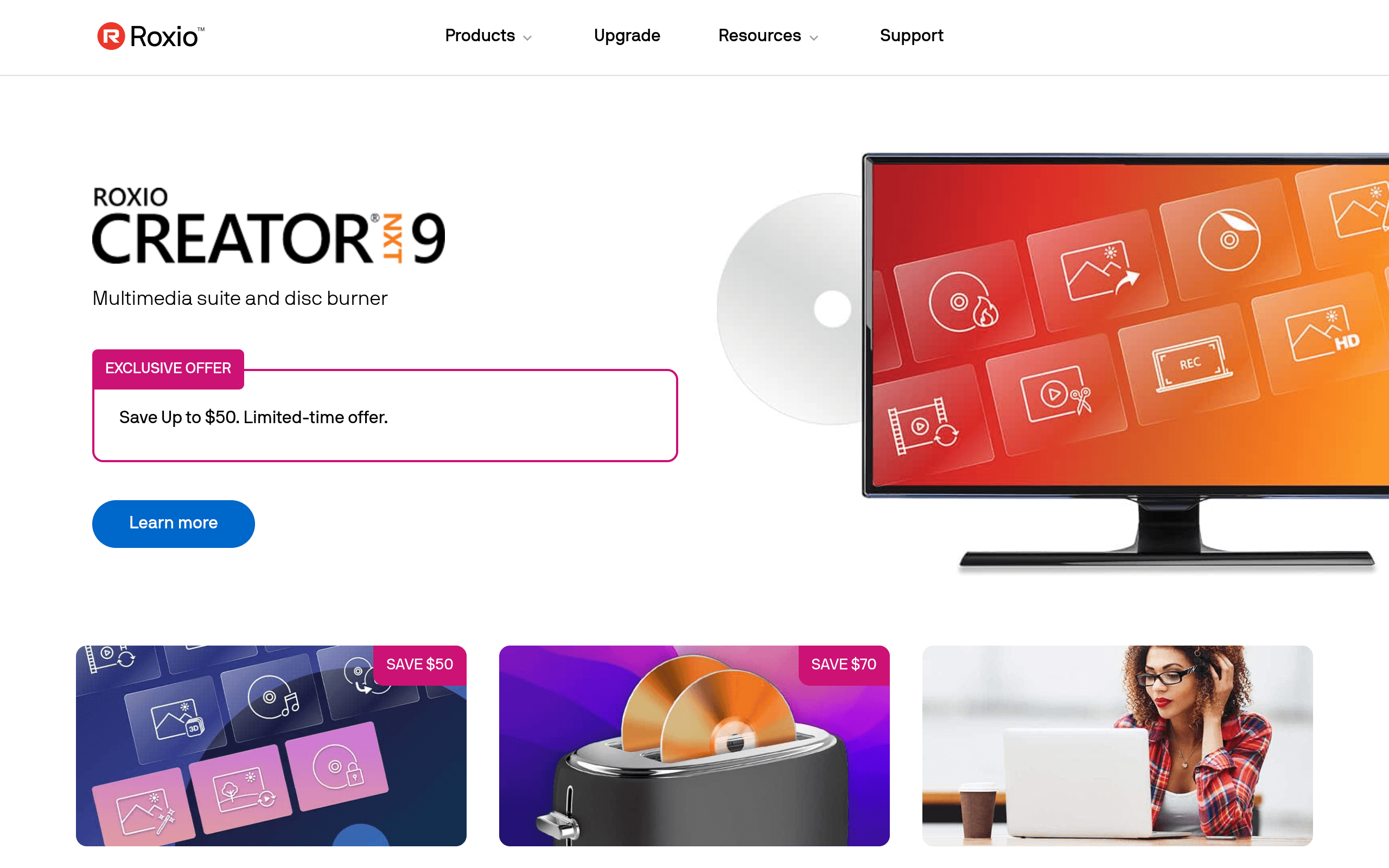
- Roxio Creator NXT (Windows) — the flagship suite: burning, video editing, audio editing, and media organization
- Roxio Toast (Mac) — Roxio's Mac-native version, focused on disc burning, video capture, and basic editing
- Roxio Easy VHS to DVD — a dedicated tool for digitizing old tapes
- Roxio Game Capture — for recording gameplay footage from consoles or PC
If you're coming to Roxio expecting a modern, Adobe Premiere-style editing experience, you'll be disappointed. Roxio's core value has always been format conversion and disc authoring — burning, ripping, converting between file types, and capturing analog media (VHS tapes, cassettes) into digital files. Video editing is included but is intentionally basic and aimed at non-professionals who want to trim clips, add transitions, and get something onto a DVD or into an MP4 quickly.
A Note on Pricing
Roxio doesn't make pricing easy to find right now — the current homepage is largely gated behind a cookie/privacy preference screen with no product pricing visible without digging through the site or a retailer listing. That's worth flagging up front: transparency here is worse than most of its competitors.
Based on historical retail and Corel store pricing, here's what you should expect to pay (verify current pricing before buying, since Roxio runs frequent discounts):
| Product | Typical Price | Platform |
|---|---|---|
| Roxio Creator NXT (standard) | ~$79.99 | Windows |
| Roxio Creator NXT Pro | ~$99.99–$129.99 | Windows |
| Roxio Toast 20 Titanium | ~$99.99 (upgrade pricing often ~$79.99) | Mac |
| Roxio Easy VHS to DVD | ~$49.99–$59.99 | Windows/Mac |
| Roxio Game Capture | ~$59.99–$79.99 | Windows |
These are one-time purchase licenses, not subscriptions — which is one of Roxio's real advantages over Adobe's model. There's no recurring fee to keep using the software you bought.
How It Compares
| Roxio Creator NXT | Adobe Creative Suite (Creative Cloud) | CyberLink PowerDirector | Corel VideoStudio | |
|---|---|---|---|---|
| Price model | One-time, ~$79.99–$129.99 | Subscription, ~$54.99/mo (single app) or ~$59.99/mo (all apps) | One-time ~$99.99 or subscription ~$69.99/yr | One-time ~$79.99–$99.99 |
| Best for | Disc burning, tape digitization, simple video projects | Professional-grade editing, motion graphics, color work | Prosumer video editing with modern effects/templates | Casual-to-intermediate video editing |
| Learning curve | Low | High | Moderate | Low–moderate |
| Disc authoring (DVD/Blu-ray) | Yes, strong | No | Limited | Yes |
| Video editing depth | Basic | Professional (Premiere Pro) | Advanced for the price | Intermediate |
| Platform | Windows (Toast for Mac separately) | Windows & Mac | Windows & Mac | Windows & Mac |
The honest takeaway: Roxio isn't competing head-to-head with Adobe or even PowerDirector on editing quality — it's competing on a niche it still owns, which is disc burning and analog-to-digital conversion. If you strip that use case away, PowerDirector or VideoStudio will give you a better editing experience for similar or less money.
Pros and Cons
Pros:
- One-time purchase, no subscription lock-in
- Still one of the few actively updated tools for DVD/Blu-ray burning
- Genuinely useful for VHS/tape digitization projects
- Low learning curve for basic tasks
Cons:
- Pricing is not transparently listed on Roxio's own site
- Video editing tools feel dated compared to PowerDirector or VideoStudio
- Mac support (Toast) is a separate product with a different feature set, not full parity
- Overkill or underwhelming depending on which specific task you need — there's no single "buy this and get everything" version anymore
Verdict
Roxio is worth buying if your actual need is narrow: you're digitizing old tapes, you need to burn playable DVDs regularly, or you want simple, no-subscription video trimming without touching a timeline-heavy editor. For anything more ambitious — actual video production, multi-camera editing, or professional output — CyberLink PowerDirector or Corel's own VideoStudio will serve you better for comparable money, and Adobe remains the ceiling if budget isn't the constraint. Don't buy Roxio expecting a modern all-purpose editing suite; buy it because you specifically need what it's still good at.