Scene Relay: First Look at the Free WordPress Plugin for Local Events Publishers
Some links in this guide are affiliate links. If you sign up through them, Day Zero Guides may earn a commission at no extra cost to you. This never affects which products we cover or what we say about them. See our affiliate disclosure for details.
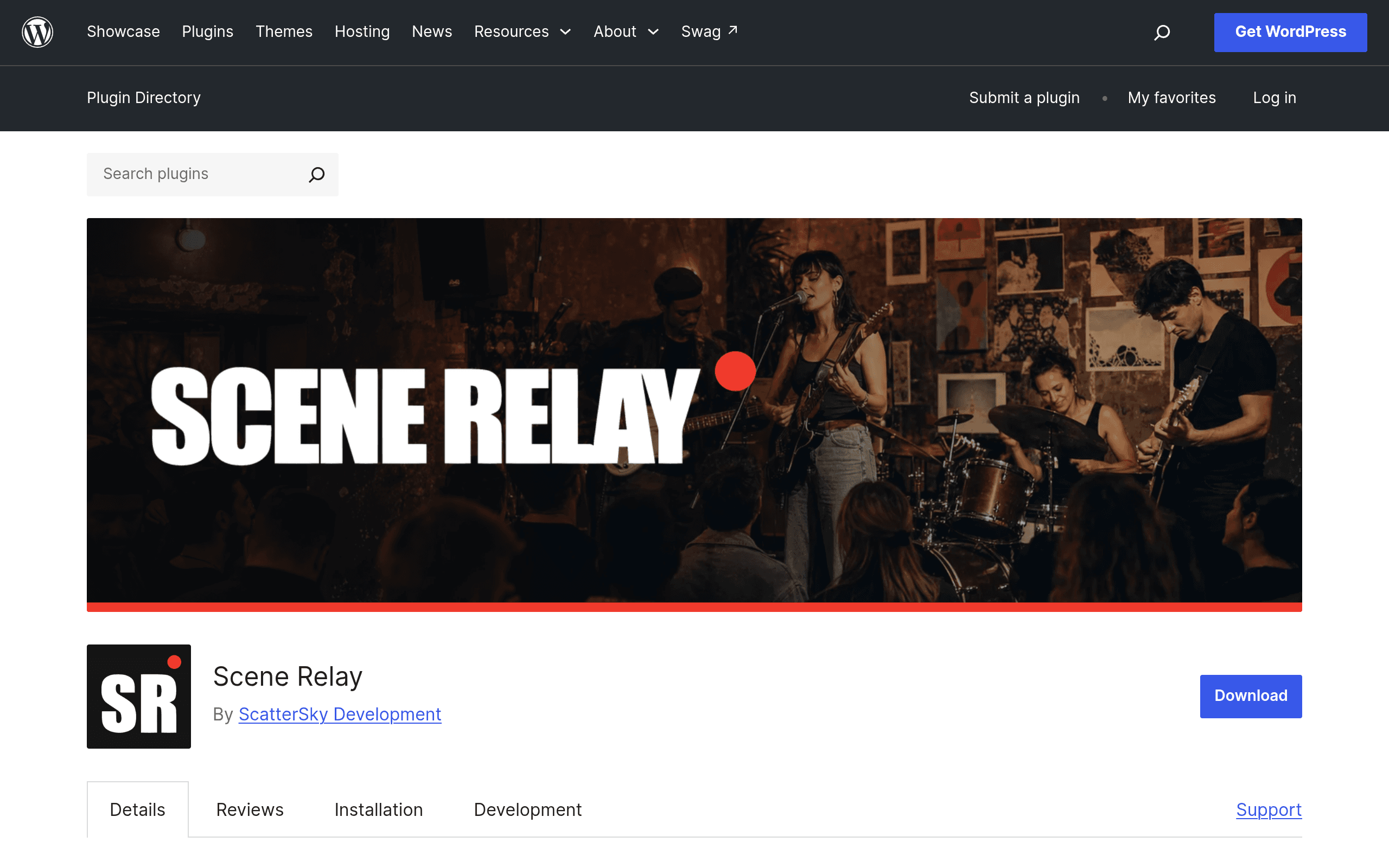
What Scene Relay Actually Does
Scene Relay is a WordPress plugin aimed at a narrow but underserved job: running a local events publication — think a city's music scene, a regional arts calendar, or a neighborhood "what's on" site — without duct-taping together five separate plugins or paying per-listing fees to a third-party platform.
Instead of just adding an event post type, Scene Relay builds out three connected pieces on top of your existing WordPress install:
- An event calendar with public discovery views, so visitors can browse what's happening without logging in.
- Public profiles for artists, venues, and organizers — each gets their own page that aggregates their upcoming events, so a venue's profile automatically lists every show booked there.
- A moderation console for the site operator, so submissions from organizers can be reviewed, approved, or rejected before going live.
That last piece is the tell: this isn't built for a single business managing its own events (that's The Events Calendar's turf). It's built for someone running a platform — a local alt-weekly, a scene-specific blog, a chamber of commerce site — where multiple outside organizers submit events into a shared calendar that the site owner curates.
Pricing: What's Actually Free vs. What's Not
The core plugin is free and available directly from the WordPress.org plugin directory. Based on the plugin page, the free tier includes:
- Event calendar and public discovery/browsing
- Organizer self-registration (so artists/venues can create accounts and submit events)
- Basic event and profile management
- The moderation console for approving submissions
There's a paid Scene Relay Pro add-on mentioned on the plugin page, positioned around memberships, analytics, and "advanced features" — but as of this writing, Pro pricing isn't published on the WordPress.org listing. If you're evaluating this for a real deployment, expect to install the free core first, get a feel for the moderation workflow, and check the developer's own site for current Pro pricing before budgeting anything beyond hosting costs.
Practically: if you're a solo blogger covering a local scene, the free tier alone may cover everything you need. If you want to eventually charge venues for premium listings or offer paid memberships to attendees, you'll want to confirm Pro pricing before committing your editorial workflow to it.
Concrete Use Cases
- A city music blog that currently posts show announcements as regular blog posts could switch to Scene Relay so venues and promoters submit their own listings directly, cutting the editor's manual entry work down to just approvals.
- A regional arts council site could use organizer profiles to give each member gallery or theater company a standing page that auto-updates with their events, instead of manually maintaining a static "members" page.
- A neighborhood association could open up event submissions to local businesses and nonprofits, using the moderation console to keep out spam or off-topic submissions while still crowdsourcing the calendar.
- A college town alt-weekly replacing a paid Eventbrite embed with a native WordPress calendar to keep visitors on-site (and off Eventbrite's own event-discovery ecosystem, which can up-sell competing local events).
What it's not well-suited for: ticketing and payment processing. There's no indication Scene Relay handles ticket sales, payment collection, or RSVP-with-payment flows — for that you're still looking at Eventbrite or a ticketing plugin layered on top.
How It Compares
| Scene Relay | Eventbrite | Meetup | The Events Calendar | |
|---|---|---|---|---|
| Price | Free (core); Pro pricing unpublished | Free to create; fees per paid ticket (~3.7% + $1.79 typical) | Organizer subscription (~$16–$24/mo depending on plan) | Free core; Pro plugin ~$99–$299/yr |
| Multi-organizer submissions | Yes — built-in registration + moderation console | Yes, but each organizer needs their own Eventbrite account | Yes, within a Meetup group structure | No — designed for one site owner's own events |
| Public artist/venue profiles | Yes, native feature | No | Limited (member profiles, not venue profiles) | No (add-ons required) |
| Ticketing/payments | Not included | Core strength | Limited/RSVP-based | Requires separate add-on (Event Tickets) |
| Hosted on your own domain | Yes (it's a WordPress plugin) | No — listings live on eventbrite.com | No — listings live on meetup.com | Yes (it's a WordPress plugin) |
| Best for | Local publications curating a shared community calendar | Anyone selling tickets or needing broad discovery | Recurring interest-based group meetups | A single business managing its own events on its own site |
Should You Install It Today?
If you're already running a WordPress site and your actual problem is "multiple outside people need to submit events to a shared local calendar, and I need to approve them before they go live," Scene Relay solves a real structural gap — neither Eventbrite/Meetup (which host listings off your domain) nor The Events Calendar (which assumes a single organizer) are built for that multi-contributor, curated-platform model.
The honest caveats: it's a new plugin, so check the WordPress.org listing for install-base numbers, support thread activity, and last-updated date before trusting it with a production site — new WordPress plugins can go quiet on maintenance. And because Pro pricing isn't public yet, don't plan a monetization strategy (memberships, premium listings) around it until you've confirmed real numbers from the developer.
For a low-stakes test: install the free core on a staging site, create a couple of test organizer accounts, and run a submission through the moderation console before deciding whether to migrate a live calendar over.