SecretRanker AI SEO: A First Look at the WordPress Plugin Built for ChatGPT and Perplexity, Not Google
Some links in this guide are affiliate links. If you sign up through them, Day Zero Guides may earn a commission at no extra cost to you. This never affects which products we cover or what we say about them. See our affiliate disclosure for details.
What SecretRanker AI SEO actually does
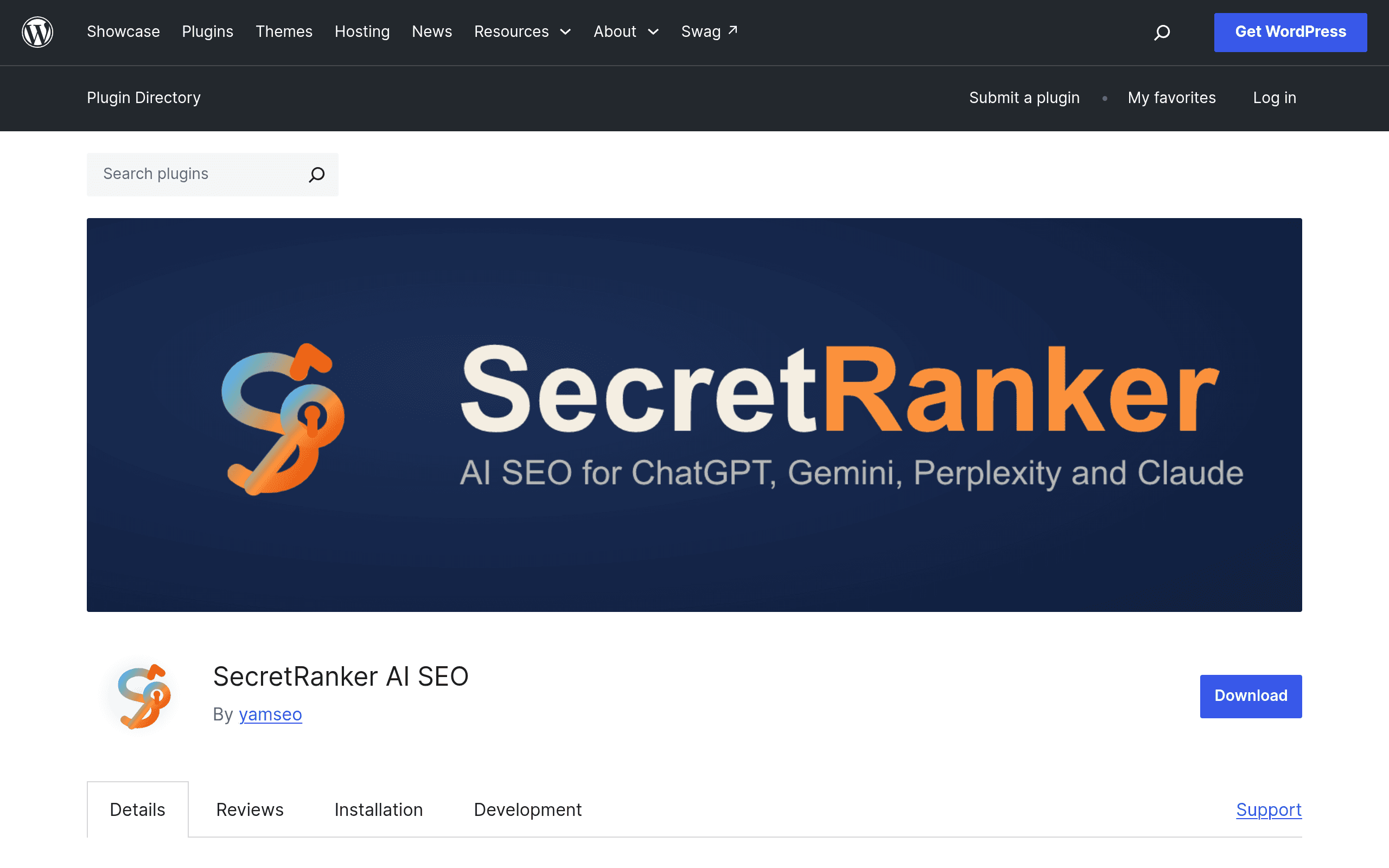
SecretRanker AI SEO is a new WordPress plugin (listed at wordpress.org/plugins/secretranker-ai-seo) that skips the traditional Google-ranking playbook entirely and focuses on a narrower, newer problem: making sure AI answer engines like ChatGPT, Perplexity, and Google's AI Overviews can find, crawl, and cite your site.
Concretely, on activation it does four things:
- Generates an llms.txt file automatically — a plain-text summary of your site's pages, structure, and purpose, formatted for large language models to parse quickly (this is the emerging "robots.txt for AI" standard several sites have started adopting).
- Edits robots.txt to explicitly allow known AI crawlers — think GPTBot (OpenAI), PerplexityBot, ClaudeBot, and Google-Extended — instead of leaving them blocked by default or ambiguous, which is how many WordPress sites accidentally lock AI bots out.
- Adds schema markup aimed at making content more machine-readable (Article, FAQ, Organization-type structured data), which overlaps with what traditional SEO plugins do but is framed here as helping AI systems extract clean facts rather than just helping Google build rich snippets.
- Tracks AI crawler visits in a dashboard inside wp-admin, so you can see when GPTBot, PerplexityBot, ClaudeBot, etc. actually hit your site, rather than guessing from raw server logs.
It's a single-purpose plugin, not a full SEO suite. There's no keyword research tool, no content grading, no backlink tracking.
Pricing: what's actually known right now
As of this writing, SecretRanker AI SEO does not publish a pricing page or tiered plans anywhere in its WordPress.org listing or documentation. It's distributed through the official WordPress plugin directory, which means the base plugin is free to install like any other wordpress.org-hosted plugin — WordPress.org rules require the listed plugin itself to be usable for free, even if a developer later sells a "Pro" add-on separately.
What we don't know yet:
- Whether crawler-visit tracking or schema features are gated behind a future paid tier
- Whether there's a premium version with more AI bot signatures, more schema types, or multisite support
- Any usage limits (e.g., number of pages covered by llms.txt generation)
If you're evaluating this today, treat it as: free to install, pricing structure undisclosed. That's unusual for a plugin this specific in scope, and it's worth checking the changelog and support forum on wordpress.org before rolling it out on a production site, since early-stage plugins from unlisted-pricing developers sometimes introduce paywalls in a later update.
Concrete use cases where this plugin matters
- A niche B2B SaaS blog wants ChatGPT's browsing mode or Perplexity to cite its comparison articles when users ask "what's the best alternative to X." Without an llms.txt file and explicit crawler allowances, there's no guarantee GPTBot or PerplexityBot are even parsing the site correctly.
- A local service business site (plumber, dentist, law firm) built on WordPress with a stock robots.txt that many hosting providers or security plugins have quietly hardened — sometimes blocking all bots except Googlebot. SecretRanker's robots.txt edit surfaces this and fixes it in one click instead of manually diffing directives.
- A publisher or documentation site that wants a visible, real-time signal of whether AI crawlers are actually showing up, instead of digging through raw Apache/Nginx logs for user-agent strings like "GPTBot/1.0."
- A site owner who already has Yoast or RankMath installed and doesn't want to migrate away from it, but wants to bolt on AI-crawler-specific handling without duplicating their existing meta title/description workflow.
How it compares to the SEO plugins you already know
| Plugin | Price | Core Focus | AI Crawler Support (llms.txt, bot allowlisting) | Best For |
|---|---|---|---|---|
| SecretRanker AI SEO | Free (wordpress.org listing); no published paid tier | AI answer engine visibility | Yes — built as the primary feature (llms.txt generation, robots.txt edits, AI bot dashboard) | Sites specifically chasing ChatGPT/Perplexity citations |
| Yoast SEO | Free / Premium at $99/year per site | Traditional on-page SEO (meta tags, sitemaps, readability) | No native llms.txt or AI-crawler dashboard as of now | Sites optimizing primarily for Google search |
| RankMath | Free / Pro at $59/year (single site) | Full SEO suite (schema, sitemaps, 404 monitor, keyword tracking) | Has schema markup tools but no dedicated AI-crawler allowlisting or llms.txt generator | Sites wanting an all-in-one SEO toolkit at a lower price than Yoast |
| Semrush SEO Writing Assistant | Bundled with Semrush plans starting at $139.95/month (Pro) | Content scoring, readability, and keyword optimization while writing | No crawler-level or llms.txt functionality — it's a content-writing tool, not a technical SEO plugin | Teams optimizing article drafts for keyword targets before publishing |
The honest takeaway from this table: SecretRanker AI SEO isn't competing head-to-head with Yoast, RankMath, or Semrush's writing assistant. It's solving a problem none of them currently address out of the box — visibility to AI crawlers specifically — while those three are built around Google's crawler and human-readable keyword optimization. Most site owners will end up running SecretRanker alongside Yoast or RankMath rather than instead of them.
Should you install it today?
If your site currently has no llms.txt file and you're not sure whether GPTBot or PerplexityBot can actually reach your content, this plugin solves a real, specific, and currently under-addressed gap — and it costs nothing to find out, since it's free on wordpress.org. The crawler-visit dashboard alone is useful diagnostic information most WordPress users have no visibility into today.
The caution: it's a new, single-purpose plugin from a team that hasn't published pricing, roadmap, or a track record of updates yet. Before deploying on a production or client site, check the wordpress.org support forum for open issues, confirm the plugin's "last updated" date is recent, and back up your existing robots.txt before letting it auto-edit crawler directives — a misconfigured allow/disallow rule is the one way this plugin could do more harm than good.