Shibui Finance: First Look at the Free MCP Server That Gives Claude and ChatGPT Real Stock Market Data
By Day Zero Guides Editorial · How we produce guides
Some links in this guide are affiliate links. If you sign up through them, Day Zero Guides may earn a commission at no extra cost to you. This never affects which products we cover or what we say about them. See our affiliate disclosure for details.
What Shibui Finance Actually Does
If you've ever asked Claude or ChatGPT for a stock's P/E ratio or a backtest of a moving-average crossover strategy, you've probably gotten an answer that sounds confident and is subtly wrong. Language models don't have live or historical market data baked in — they're pattern-matching on training text, not querying a price database. Shibui Finance fixes that specific problem.
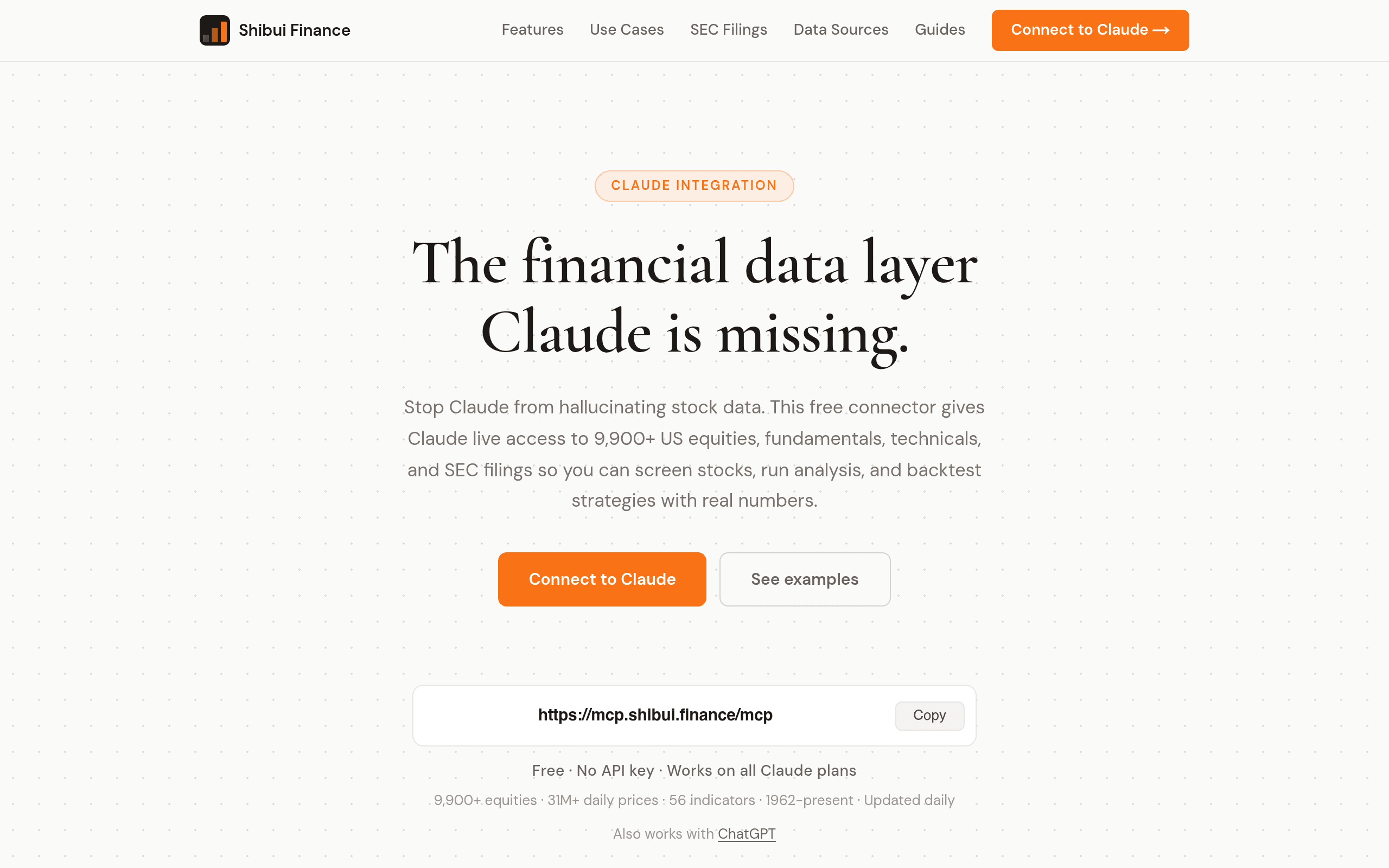
It's a free MCP (Model Context Protocol) server that plugs directly into Claude Desktop, Claude Code, or ChatGPT and gives the model actual tool-calling access to a real financial dataset: 64 years of US stock market history, 9,900+ equities, 31 million daily price records, 56 technical indicators, and 6.4 million SEC filings. Instead of the model guessing or hallucinating a number, it calls a tool, gets a real value back, and reasons over that.
This matters most for three workflows: stock screening ("find small-cap industrials with ROE above 15% and debt-to-equity under 0.5"), fundamental analysis ("pull AAPL's last 8 quarters of gross margin from its 10-Qs and tell me if it's trending up"), and backtesting ("test a 20/50 SMA crossover on QQQ since 2010 and show me the drawdown"). All three are things people already try to do with ChatGPT and Claude today — Shibui just makes the answers real instead of plausible-sounding fiction.
Setup: What Actually Happens
There's no account creation, no API key, no OAuth flow. You add the MCP server config to Claude Desktop (or Claude Code, or ChatGPT's MCP-compatible clients) pointing at Shibui's endpoint, restart the client, and the tools show up. The project claims under two minutes end to end, and based on the setup being a single config entry with no key provisioning step, that's plausible for anyone who's added an MCP server before. If you've never touched Claude's claude_desktop_config.json, budget an extra five minutes to find the file.
Once connected, you're not opening a new app or dashboard — you're just chatting with Claude or ChatGPT as normal, except now those models can call get_price_history, screen_stocks, get_filing, or similar tools behind the scenes. The value-add is invisible by design: better answers, same chat window.
Pricing
Shibui Finance is free. No API key, no usage tier, no credit card, no rate-limited free plan that nudges you toward a paid one. It works across all Claude plans, including the free tier, since the cost lives on Shibui's infrastructure, not yours. There's currently no published enterprise or paid tier — this is a genuinely free layer on top of tools you're likely already paying for (Claude Pro, ChatGPT Plus, or nothing at all if you use free tiers).
The obvious question is how long that lasts. Free data-infrastructure tools that don't gate access behind a key or account often introduce metering later. Nothing in the current setup suggests that's imminent, but if you're building a workflow you depend on daily, it's worth checking back on their pricing page periodically.
Where It's Actually Useful
- Screening inside a chat, not a dashboard: "Show me all NASDAQ stocks under $10 with positive free cash flow and revenue growth over 20% YoY" — and get a real filtered list, not five made-up tickers.
- Backtesting without writing Python: Ask Claude to backtest a strategy across a specific date range and get real drawdown/Sharpe numbers pulled from actual daily price data, rather than a hand-wavy narrative answer.
- Filing-grounded fundamental analysis: Because it has access to 6.4 million SEC filings, you can ask for specific line items across quarters instead of relying on the model's stale training-data memory of a company's financials.
- Quick technical checks mid-conversation: With 56 indicators available, you can ask about RSI, MACD, or Bollinger Band position for a ticker without switching to a charting tool.
What it's not good for: real-time intraday trading decisions, options data, international equities, or a visual charting experience. This is a US equities, EOD-and-fundamentals tool accessed conversationally — not a trading terminal.
How It Compares
| Shibui Finance | FinChat | Seeking Alpha Premium | TradingView | |
|---|---|---|---|---|
| Price | Free, no API key | Free tier limited; paid plans from ~$25–40/mo | Free tier; paid plans from ~$14.95–$59.95/mo | |
| Core interface | Claude/ChatGPT chat via MCP | Own AI chat app + API | Web dashboard + screener | Charting platform + web/app |
| Data depth | 64 yrs history, 9,900+ equities, 6.4M filings | AI-summarized financials, earnings calls, filings | Analyst ratings, screener, quant ratings | Real-time/delayed price feeds, extensive indicator library |
| Backtesting | Yes, via conversational prompts | No native backtesting | No | Yes, via Pine Script strategies |
| Best for | Asking Claude/ChatGPT real financial questions without leaving the chat | AI-native financial research with sourcing | Stock ratings, screening, and analyst commentary | Charting, technical analysis, and manual strategy building |
| Setup friction | Under 2 min, no key | Account + subscription | Account + subscription | Account, free tier usable immediately |
The honest framing: Shibui isn't competing head-on with TradingView's charting depth or Seeking Alpha's analyst commentary. It's competing with the experience of asking an LLM a financial question and not trusting the answer. FinChat is the closest conceptual competitor since it's also AI-native, but FinChat is a separate app with its own subscription, while Shibui rides inside a tool you already use.
Who Should Try This Today
If you already use Claude or ChatGPT for research and have caught it fabricating a number, ticker, or ratio, install this now — the setup cost is a config edit, and the downside is zero dollars. If you need real-time quotes, options chains, or visual charting, keep TradingView open alongside it. If your research process centers on analyst sentiment and ratings rather than raw numbers, Seeking Alpha still does that job better.
The realistic use case: keep Shibui connected as a standing MCP server, and treat it as the difference between Claude guessing your portfolio's fundamentals and Claude checking them.