SiteCare for Breakdance: A First Look at the Free Plugin That Fixes Breakdance's UI Friction
Some links in this guide are affiliate links. If you sign up through them, Day Zero Guides may earn a commission at no extra cost to you. This never affects which products we cover or what we say about them. See our affiliate disclosure for details.
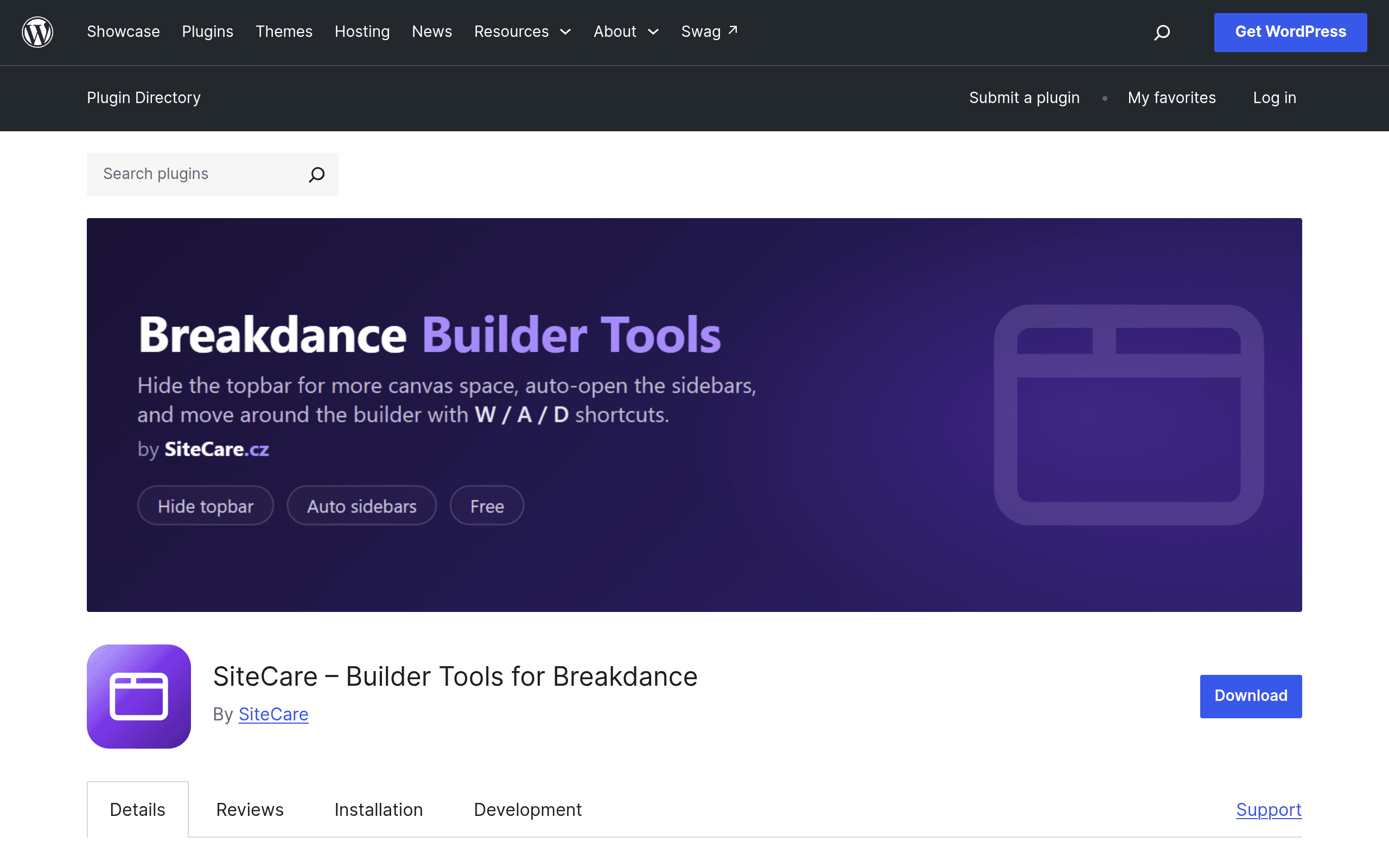
What SiteCare Actually Is
SiteCare – Builder Tools for Breakdance is not a page builder. It's a small utility plugin that sits on top of an existing Breakdance install and cleans up a handful of UI annoyances that Breakdance users have been complaining about in support forums for a while — mainly that the builder's topbar eats vertical screen space, panel toggling requires mouse clicks, and there's no fast way to open a page you're editing in a fresh tab without losing your place.
It's built in vanilla JavaScript with zero external dependencies, which matters more than it sounds: a lot of "builder enhancer" plugins in the WordPress space quietly load jQuery UI, Alpine, or a bundled framework just to move a sidebar. SiteCare doesn't. That keeps the footprint tiny and reduces the chance it fights with Breakdance's own JS stack or another optimization plugin you're already running.
The plugin is distributed through the official WordPress.org repository, so installation is the standard three-click flow: search for it in Plugins > Add New, install, activate. There's no license key, no account creation, and no onboarding wizard. It just requires that Breakdance is already installed and active — SiteCare has no function on its own.
What It Actually Does
Three concrete features, no more:
- Topbar hide/show toggle — collapse Breakdance's top navigation bar while you're working in the canvas, then bring it back with a click or shortcut when you need to save, preview, or switch modes.
- Keyboard-shortcut sidebar toggling — show or hide the left/right panels (layers, settings, global blocks) without reaching for the mouse, which speeds up repetitive edit-preview-edit cycles.
- Open in new tab — jump from the builder into a live version of the page (or a different page) in a new browser tab instead of navigating away from your current editing session.
That's the entire feature set as of this release. There's no settings page bloat, no additional templates, no AI features, no bundled site library. It's a utility, and it's scoped like one.
Who This Is Actually For
- Freelancers and agency builders who live in Breakdance daily. If you're building 5–10 client sites a month in Breakdance, the keyboard shortcuts and topbar toggle save real, repeated clicks over a full workday — the kind of friction you don't notice until it's gone.
- Anyone on a smaller laptop screen. Breakdance's topbar plus both side panels can eat a huge chunk of a 13" or 14" display. Being able to collapse the topbar on demand gives you meaningfully more canvas to work with.
- Multi-tab workflows. If you regularly need to check a live page against your draft, or reference another page's design while building a new one, the open-in-new-tab shortcut removes a few navigation steps you'd otherwise repeat constantly.
It is not for anyone who isn't already using Breakdance — the plugin does nothing without it — and it won't help you if your bottleneck is design decisions rather than UI navigation speed.
Pricing
SiteCare is completely free. There are no pricing tiers, no pro version, and no feature gating. The only "monetization" is an optional Buy Me a Coffee link for users who want to tip the developer. You can install it, use every feature, and never pay anything — which tracks with its scope as a narrow utility plugin rather than a product with a roadmap to sell against.
How It Compares
SiteCare isn't really competing with page builders — it's a companion tool — but it's worth seeing where it sits relative to the tools people reach for when they hit the same friction points.
| SiteCare (Builder Tools for Breakdance) | Breakdance (built-in) | WP Block Editor + panel plugins (e.g. Fullscreen Block Editor) | GeneratePress / theme builder companions | |
|---|---|---|---|---|
| Price | Free, optional tip via Buy Me a Coffee | $149/yr (or $499 lifetime) — required dependency for SiteCare | Free core editor; panel plugins typically free or under $30/yr | GP Premium ~$59/yr; most companion plugins free |
| Key feature | Topbar toggle, keyboard-shortcut panels, open-in-new-tab | Full visual builder: layouts, dynamic data, global blocks, WooCommerce builder | Distraction-free writing/editing mode for Gutenberg | Lightweight hooks/elements system for a specific theme framework |
| Setup effort | Install and activate, no config screen | Full builder install, license activation, template setup | Install plugin, toggle a setting | Install theme + companion plugin, configure elements |
| Best for | Existing Breakdance users wanting less UI friction during editing | Building full custom sites without touching code | Writers/editors who want fewer distractions in native WP | Sites already built on GeneratePress needing header/footer control |
| Dependency | Requires Breakdance to function at all | None (it's the builder) | None — works with core WP | Requires GeneratePress or the target theme |
The honest takeaway: if you don't use Breakdance, this comparison is irrelevant to you — go look at Breakdance itself, or Bricks/Elementor if you're still choosing a builder. If you already use Breakdance daily, none of the alternatives above actually solve the same problem, because they're not built for Breakdance's specific UI chrome. SiteCare is filling a gap Breakdance itself hasn't addressed yet, not competing with a general-purpose editing plugin.
Should You Install It Today?
Yes, with almost no downside, if you're already a Breakdance user. It's free, has no configuration overhead, uses no external libraries, and does exactly three things without trying to upsell you into a bigger plugin later. Install it, try the keyboard shortcuts for a day of real editing work, and if the topbar toggle alone doesn't save you noticeable time, deactivate it — you've lost nothing.
If you're not using Breakdance, there's nothing here for you yet. Bookmark it in case you switch builders later, since utility plugins like this tend to expand their supported builder list once there's demand.