SliceQuote for WordPress: A First Look at Instant 3D Printing Quotes on Your Own Site
Some links in this guide are affiliate links. If you sign up through them, Day Zero Guides may earn a commission at no extra cost to you. This never affects which products we cover or what we say about them. See our affiliate disclosure for details.
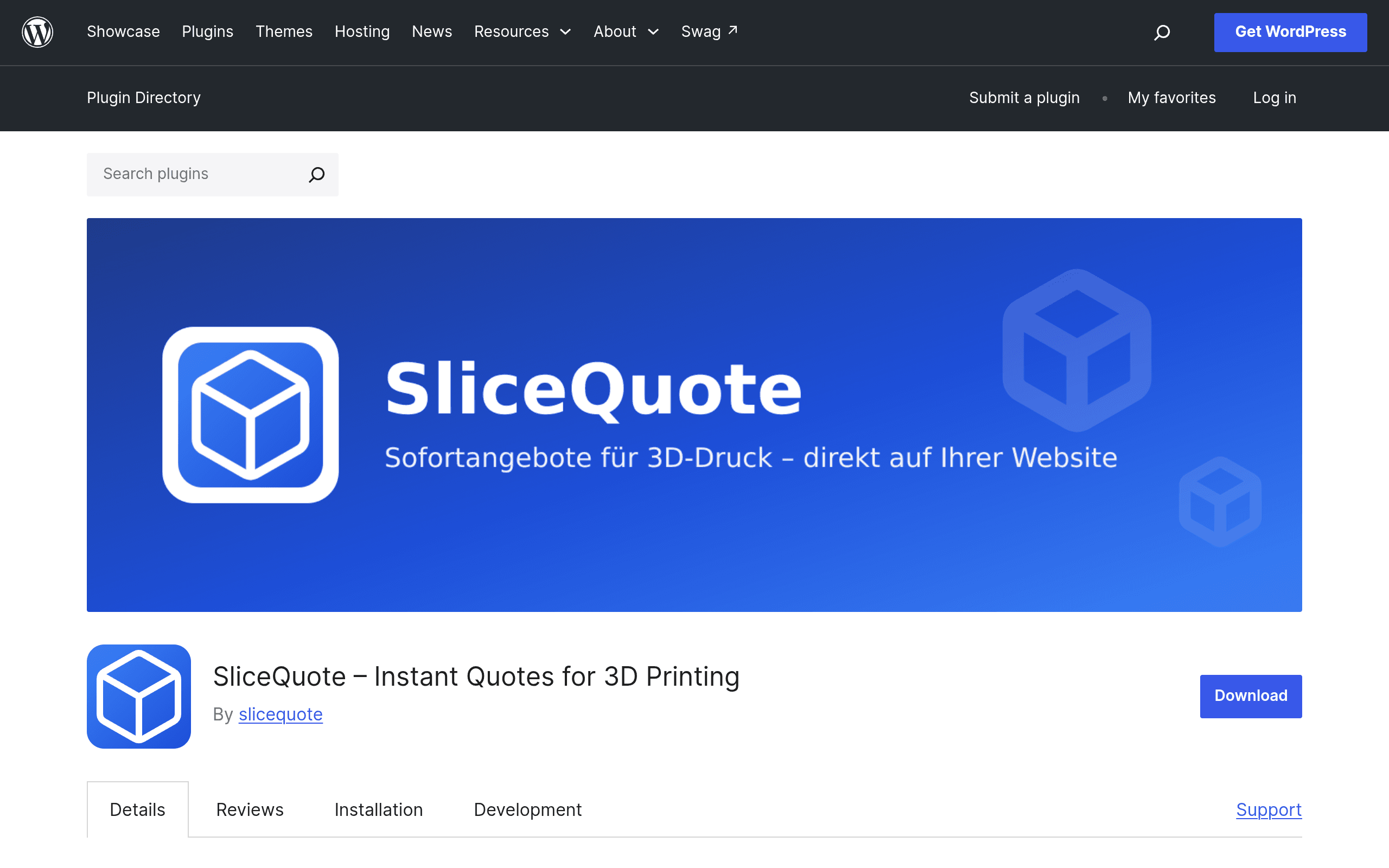
What SliceQuote actually is
SliceQuote is a WordPress plugin (available now on wordpress.org/plugins/slicequote) that drops a quoting widget into any page or post. A visitor uploads an STL, 3MF, or OBJ file, picks a material (PLA, PETG, resin, etc. — options are configured by the site owner), chooses finish and quantity, and gets a price back immediately. That price is binding, not a "we'll get back to you" estimate, and the widget carries the customer straight into checkout and payment without leaving your site.
The catch, and it's an important one for anyone evaluating this today: the quoting interface itself isn't generated locally. It loads as an iframe pulled from slicequote.de, and using it requires a SliceQuote account. The plugin is essentially a WordPress-friendly wrapper around a hosted quoting engine, similar in spirit to how a Calendly or Typeform embed works — you're installing a few lines of WordPress glue code, but the actual slicing/pricing logic, file handling, and account management live on SliceQuote's servers.
How it works in practice
- Install the plugin from the WordPress plugin directory and activate it.
- Create a SliceQuote account (a free plan exists) and connect it to the plugin.
- Configure materials, pricing rules, and options inside the SliceQuote dashboard — this is where per-gram, per-cm³, or per-hour pricing logic presumably lives, since the plugin listing doesn't expose slicing parameters directly.
- Drop the widget shortcode/block onto a page.
- A visitor uploads a model, the file is sent to slicequote.de for analysis (volume, print time estimate, support material, etc.), and a price renders back in the widget.
- Checkout and payment are handled inline, so the customer doesn't bounce to a separate cart or marketplace.
This is aimed squarely at people who already run their own print shop, print farm, or engineering/prototyping service and want quoting to happen on their own domain rather than sending customers to a third-party marketplace.
Pricing: what we actually found
This is the part to go in with eyes open on. As of this writing, SliceQuote does not publish a pricing page or tier breakdown anywhere in the plugin listing or accompanying materials. What we do know:
- There is a free plan you can sign up for to connect the plugin and start testing.
- Paid tiers almost certainly exist (a hosted quoting/slicing backend with file processing and payment integration isn't free to run at scale), but the specific limits — quotes per month, materials supported, transaction fees, whether payment processing takes a cut — are not disclosed publicly.
- You'll need to create an account and check the dashboard directly to see current plan limits before committing any real store traffic to it.
If pricing transparency matters to your buying process, treat this as a real limitation right now, not a footnote. Budget time to sign up and poke around the account settings before you promote the widget to customers.
Concrete use cases
- A local print farm with a WordPress site that currently emails back manual quotes after receiving STL files — SliceQuote replaces that back-and-forth with an instant number and immediate checkout.
- A prototyping/engineering shop that wants a self-serve "upload your part, get a price" page for small one-off jobs, without building custom slicing/pricing logic themselves.
- A niche materials seller (say, a shop specializing in flexible TPU or a specific resin) who wants to quote based on their own cost structure rather than a marketplace's generic material list.
- An existing WooCommerce store that wants to add print-on-demand-style custom parts as a product line without routing customers off-site to a marketplace.
What it's not a great fit for: anyone who wants an audience/marketplace to find new customers (there's no discovery layer — you're bringing your own traffic), or anyone who wants fulfillment handled for them (SliceQuote quotes and takes payment; who actually prints and ships the part is on you, unless later docs clarify otherwise).
How it compares to real alternatives
| SliceQuote (WordPress plugin) | Printful | Shapeways | Treatstock | |
|---|---|---|---|---|
| Pricing | Not published; free plan exists, paid tiers undisclosed | Free to integrate; you set retail prices, Printful takes the product cost | Free to list; Shapeways sets/handles manufacturing pricing and takes a cut on sales | Free to join; commission-based on orders placed through the marketplace |
| Core model | Embeds a quoting widget on your own site; you own the customer relationship | Print-on-demand for apparel/merch, fulfilled and shipped by Printful | On-demand 3D printing marketplace + manufacturing network, they print and ship | Marketplace connecting buyers with independent 3D printing service providers |
| Who prints the part | You (or your own print farm) — SliceQuote only quotes and takes payment | Printful | Shapeways or its manufacturing partners | Whichever provider on the marketplace accepts the job |
| File handling | Direct STL/3MF/OBJ upload inside your site via iframe from slicequote.de | N/A (not 3D printing — mostly POD apparel/products) | Upload via Shapeways' own site/app, not embeddable on yours | Upload via Treatstock's marketplace, not on your own domain |
| Best for | Shops that already have traffic and want in-house instant quoting without building it from scratch | Sellers who want apparel/merch drop-shipped, not 3D prints | Sellers who want manufacturing handled and don't need their own storefront | Print shops who want new customers to find them, not a widget for their own site |
The honest framing: Printful, Shapeways, and Treatstock aren't really competing on the same axis as SliceQuote. SliceQuote is infrastructure you install on a site you already run and already drive traffic to. The other three are platforms where the traffic and (in Shapeways'/Printful's case) the fulfillment come bundled in. If you want a marketplace to find customers, look at Treatstock or Shapeways. If you already have customers and just want to stop manually quoting STL uploads over email, SliceQuote is solving a narrower, more specific problem.
Should you try it today?
Given it's a fresh listing with undisclosed pricing and a dependency on a third-party iframe (slicequote.de) for its core functionality, this is a reasonable one to test on the free plan before committing anything customer-facing to it. Concrete things to check before going live:
- Confirm what happens to uploaded files — where they're stored, retention, and whether slicequote.de terms cover your customers' IP concerns for proprietary models.
- Test the quoting math against your own known costs (material, print time, failure rate) before trusting it as a binding price.
- Check current plan limits directly in the dashboard since none are published in the plugin listing.
- Confirm checkout/payment provider support (which processors, and whether there's a transaction fee on top of your processor's cut).
If those check out for your material list and price ranges, it's a low-friction way to stop quoting 3D print jobs by hand. If you need published, comparable pricing before you'll even sign up, that information isn't available yet — you'll have to create the free account to find out.