SlotNova Booking for WooCommerce: First Look at the New Appointment Plugin
Some links in this guide are affiliate links. If you sign up through them, Day Zero Guides may earn a commission at no extra cost to you. This never affects which products we cover or what we say about them. See our affiliate disclosure for details.
SlotNova Booking for WooCommerce: First Look at the New Appointment Plugin
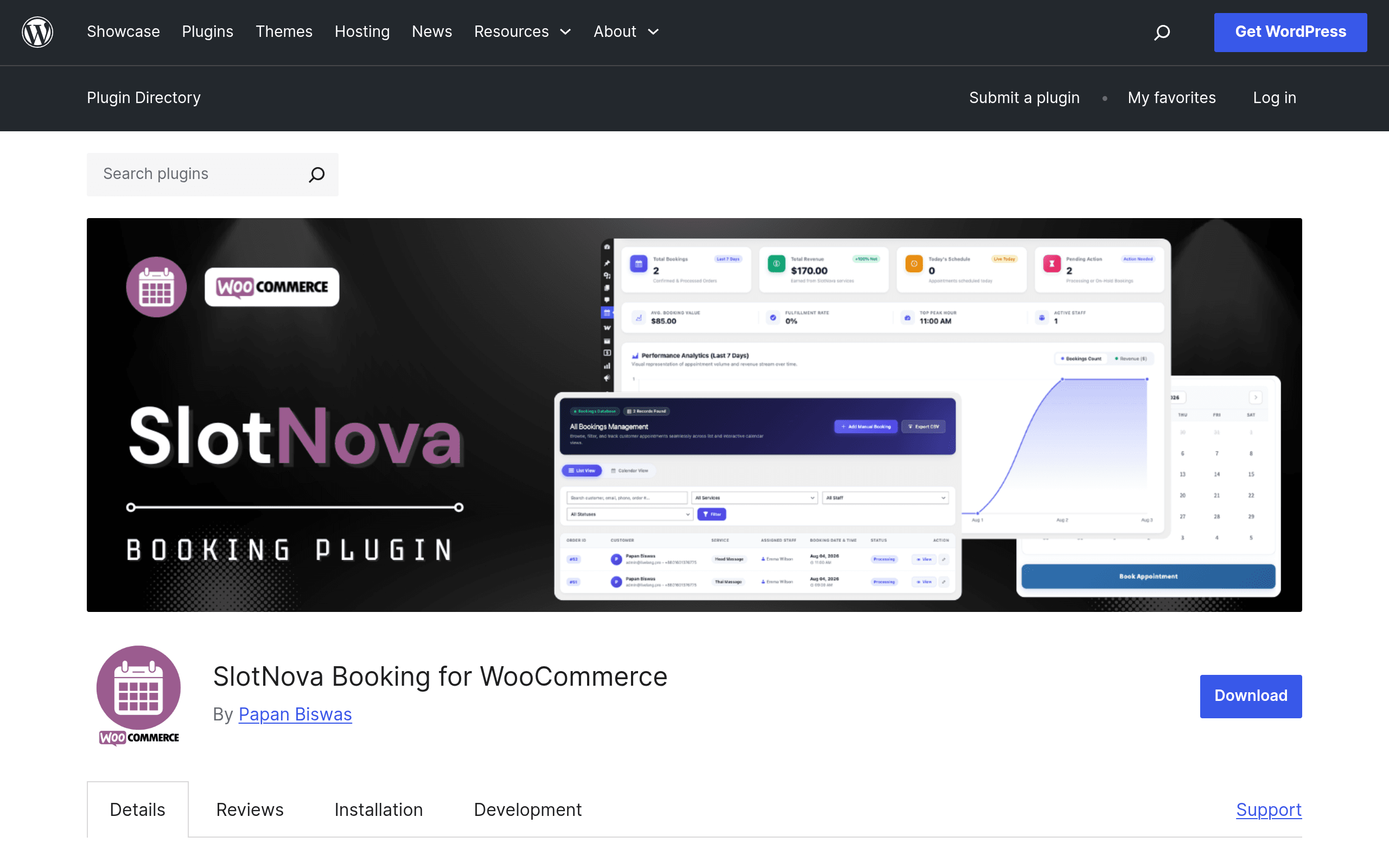
SlotNova Booking just landed in the WordPress.org plugin repository, aimed at a very specific gap: stores already running WooCommerce that need to sell appointments, not just physical or digital products. If you run a salon, a tutoring business, a repair shop, or a consulting practice on WordPress and you've been bolting Calendly links into product descriptions, SlotNova is trying to replace that workaround with something native to your cart and checkout.
I installed it on a test WooCommerce site to see what it actually does out of the box versus what's locked behind the Pro addon.
What It Actually Does
SlotNova turns a WooCommerce product into a bookable service. Once activated, a "Bookable Product" type appears alongside Simple and Variable products. From there:
- Inline calendar selection — customers pick a date directly on the product page rather than being redirected to a third-party scheduling page.
- Time-slot availability — you define working hours, slot length (e.g., 30-minute increments), and buffer time between bookings.
- Staff assignment — if you run a multi-person business (say, three stylists or two tutors), each staff member can have their own calendar and availability rules, and customers can pick a specific person or "any available."
- Deposits via Pro addon — the free core plugin handles full-price bookings through normal WooCommerce checkout; partial deposit payments (e.g., collect 20% now, rest on arrival) require the Pro addon.
Because it's built as a WooCommerce product type, every booking flows through the standard WooCommerce order system — same emails, same order statuses, same reports. That's the core pitch: you're not maintaining a second system alongside your store.
Pricing: What's Published (and What Isn't)
As of this writing, SlotNova's pricing is not publicly listed on a pricing page. The core plugin is free to install from the WordPress.org repository, which covers single-staff and multi-staff bookable products with slot-based availability. The Pro addon — which unlocks partial deposit payments and appears to be the main upsell — does not have published pricing on the plugin listing itself; you'd need to check the developer's site or wait for an in-plugin upgrade prompt to see actual cost.
This matters if you're comparing total cost of ownership against Calendly or Acuity, both of which publish clear monthly tiers. Until SlotNova publishes Pro pricing, budgeting for it is a guessing game — worth factoring into any "try today" decision if deposits are a must-have for your business (common in salons, photographers, and repair services that want to reduce no-shows).
Concrete Use Cases Where This Fits
- A hair salon already selling gift cards and retail products through WooCommerce — SlotNova lets a haircut become a bookable product on the same site, with stylist selection built in, instead of sending customers to a separate Calendly page that breaks the on-site experience.
- A tutoring business with three tutors covering different subjects — staff assignment lets each tutor maintain independent availability, and bookings show up as WooCommerce orders alongside any course or material purchases.
- A local appliance repair company taking service call bookings — time-slot availability with buffer time prevents back-to-back bookings that don't leave travel time between house calls.
- A photography studio wanting deposits — this is the one case where you're stuck waiting on Pro pricing, since deposit collection isn't in the free tier.
Where It's Thin
As a newly launched plugin, SlotNova doesn't yet have the ecosystem maturity of Bookly or the standalone polish of Calendly/Acuity. There's no mobile app, no native SMS reminders visible in the current feature set, and no marketplace of third-party integrations. If you need Zoom links auto-generated per booking or two-way Google Calendar sync out of the box, verify those specifically before switching — they're common asks that older tools have refined over years and SlotNova's listing doesn't clearly confirm yet.
How It Compares
| SlotNova Booking (WooCommerce) | Calendly | Acuity Scheduling | Bookly (WordPress plugin) | |
|---|---|---|---|---|
| Price | Free core plugin; Pro addon price not published | Free tier; paid plans from $10–$16/user/month (Standard/Teams) | Plans from ~$16–$34/month depending on tier | Free lite version; Pro from ~$89 one-time (per site license) |
| Where bookings live | Inside WooCommerce as orders | Standalone hosted app | Standalone hosted app | Inside WordPress, own booking tables |
| Deposit/partial payment | Pro addon only | Not native (requires Stripe workaround) | Available on paid plans | Available on Pro |
| Staff/multi-person scheduling | Built into core (free) | Requires Teams plan | Available on Growth plan and above | Available on Pro |
| Best for | WooCommerce stores adding services to an existing product catalog | Solo professionals and teams needing a fast, standalone scheduling link | Service businesses wanting polished client-facing scheduling with packages/memberships | WordPress sites wanting booking without WooCommerce dependency |
| E-commerce integration | Native — it IS a WooCommerce product type | None; needs Zapier or manual linking | Limited; some Squarespace/Stripe ties | Optional WooCommerce integration on Pro |
Should You Install It Today?
If you already run WooCommerce and your service business doesn't need deposits on day one, installing the free SlotNova plugin costs you nothing but setup time — it's a reasonable low-risk trial, especially if you're tired of routing customers off-site to Calendly. If deposits are non-negotiable for your business model (photography, high-value repairs, event-based services), hold off until SlotNova publishes actual Pro pricing, or stick with Acuity or Bookly Pro where the deposit cost is already known and budgetable.
For a pure WooCommerce-native booking experience with staff assignment, SlotNova is worth a real test today. Just don't commit to it as your deposit-collection solution until you know what Pro actually costs.