StoreSeeder: First Look at the New WordPress Plugin for WooCommerce and Fluent Cart Test Data
Some links in this guide are affiliate links. If you sign up through them, Day Zero Guides may earn a commission at no extra cost to you. This never affects which products we cover or what we say about them. See our affiliate disclosure for details.
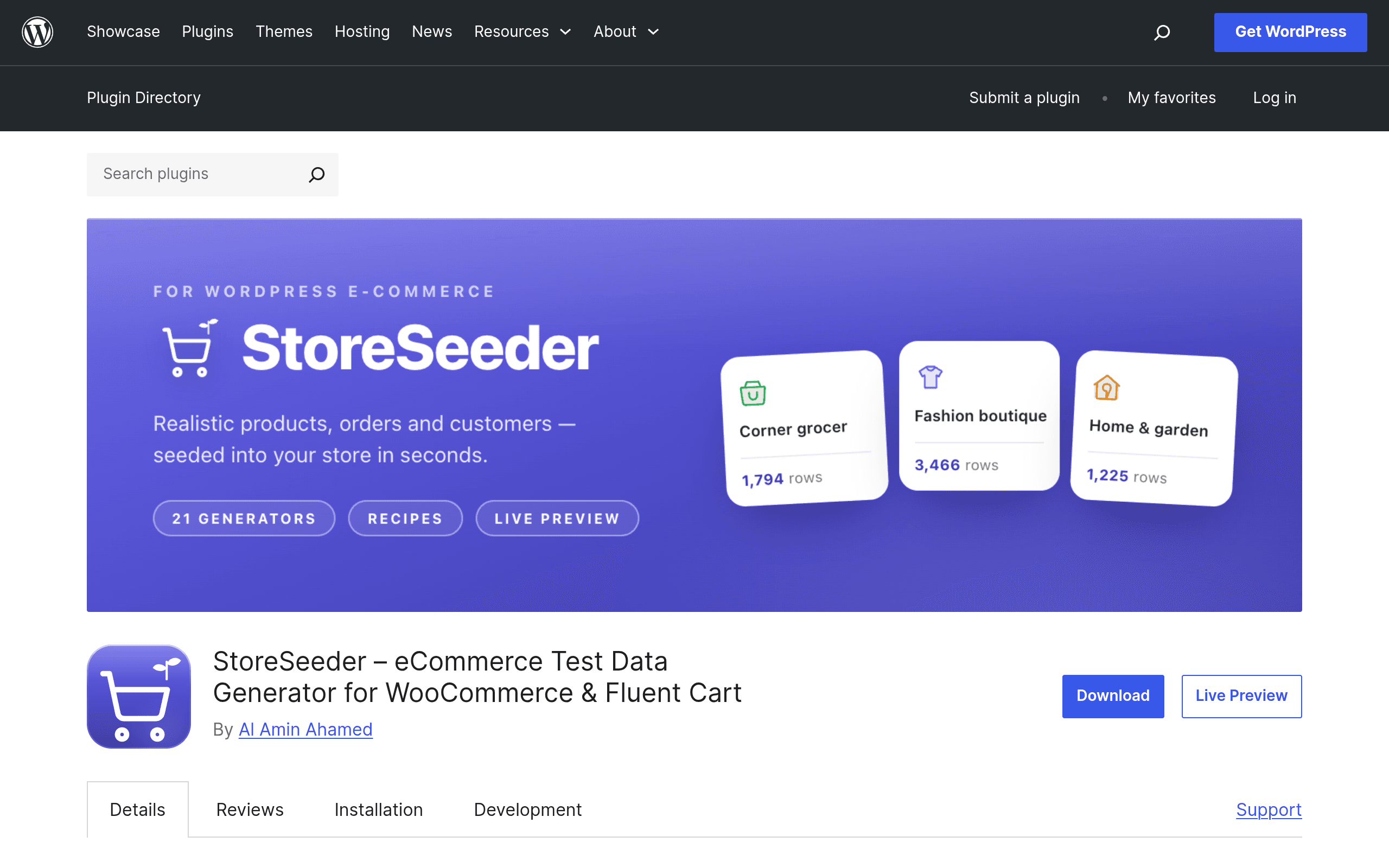
What StoreSeeder actually does
If you've ever needed to demo a WooCommerce or Fluent Cart store that isn't embarrassingly empty, you know the usual options are bad: manually clicking through the "Add Product" screen fifty times, writing a one-off SQL script that breaks on the next core update, or dumping in a generic Faker-generated CSV that doesn't understand order statuses, tax line items, or customer meta.
StoreSeeder, a new plugin listed on the official WordPress.org plugin directory, is built specifically to solve this for WooCommerce and Fluent Cart stores. Instead of writing raw rows into the database, it creates records through each platform's native models — so a seeded product goes through the same WC_Product object creation path a real product would, and a seeded order gets built the way WooCommerce itself builds orders. The stated goal is compatibility: seeded data should behave like real data in reports, exports, emails, and third-party plugins that hook into WooCommerce's normal lifecycle events, not just data that looks right in a table view.
The core interaction model is "recipes" — pre-built or configurable definitions that spin up an entire sample shop in one pass (products with variations, customers, and a spread of orders across different statuses and dates). If you don't want a whole shop, you can generate individual resource types one at a time — just products, just customers, just orders — with a live preview so you can see what you're about to create before committing it to the database.
Where this fits in a real workflow
This isn't a plugin for a live production store. It's a developer/agency/QA tool. Concrete situations where it's useful:
- Theme and plugin developers who need a WooCommerce store with 200+ products across multiple categories, varying stock levels, and a mix of order statuses (pending, processing, refunded, cancelled) to actually test how a theme renders shop archives, order history tables, or admin reports — without hand-building each scenario.
- Agencies building client demos who need to hand over a staging site that looks like an operational store on day one, rather than a blank WooCommerce install with three sample products.
- QA and regression testing before a WooCommerce or Fluent Cart core update, where you want a repeatable dataset with edge cases (backordered items, guest checkouts, subscription-adjacent orders) rather than whatever leftover test data happens to be lying around.
- Fluent Cart specific testing — this is one of the few seeding tools that explicitly targets Fluent Cart rather than treating it as an afterthought to WooCommerce, which matters if you're building for that platform and have had to hand-roll test orders yourself.
- Training and onboarding, where a new hire or client needs a sandbox with realistic-looking (but fake) customer and order data to click around in without touching anything real.
What it's not for: generating data for platforms outside WooCommerce/Fluent Cart, or seeding non-commerce content types (posts, pages, generic custom post types) — for that you're back to a general tool.
Pricing
StoreSeeder is distributed through the official WordPress.org plugin repository, which means the core plugin is free to install under the GPL, as is standard for anything hosted there. At the time of this writing, no separate pricing page, premium tier, or add-on structure has been published — there's no visible "Pro" version, license key, or upsell flow documented yourein the plugin listing. That could change as the plugin matures (a lot of WordPress.org plugins eventually split into a free core + paid Pro add-on model), but right now there's nothing stopping you from installing it and testing the recipe and live-preview features without hitting a paywall. If you're evaluating it today, budget for zero cost and re-check the plugin page before assuming that stays true long-term.
How it compares to the tools people already reach for
Most teams currently solve this problem with one of three approaches: the general-purpose PHP Faker library wired into a custom script, a generic WordPress dummy-content plugin like Dummy Data Factory, or FakerPress, which is the closest existing WordPress-native competitor.
| StoreSeeder | Faker (PHP library) | Dummy Data Factory | FakerPress | |
|---|---|---|---|---|
| Price | Free (WordPress.org, no published paid tier) | Free, open-source (MIT license) | Free, WordPress.org plugin | Free, WordPress.org plugin |
| WooCommerce/Fluent Cart awareness | Purpose-built for both; creates products, customers, and orders through native models | None — it's a raw data generator, you write all the WooCommerce integration yourself | Generic posts/pages/users/comments; no e-commerce object model | Generic posts, taxonomies, users, comments; no WooCommerce order/product model |
| Setup effort | Install plugin, run a recipe or generate a single resource type, done | Requires a developer to write a seeding script, hook it into WP-CLI or a custom admin page, and handle WooCommerce object creation manually | Install and click generate; no e-commerce-specific config needed because it doesn't do e-commerce | Install and generate; same limitation for commerce use cases |
| Live preview before creation | Yes, built into the resource generator | No — you see results only after the script runs | No | No |
| Best for | Agencies/developers who specifically need realistic WooCommerce or Fluent Cart store data | Developers who need raw fake data (names, addresses, lorem text) inside a custom script they already control | Filling a generic WordPress site with dummy posts/pages for layout testing | Bulk-generating generic WordPress content types, not commerce data |
The honest takeaway: Faker is still the right tool if you're seeding data outside WordPress entirely, or if you want full script-level control and don't mind writing the WooCommerce integration yourself. Dummy Data Factory and FakerPress are fine if your test site doesn't actually involve a store — they were never built for products, orders, or customers as commerce objects. StoreSeeder is the only one of the four in this table that treats a product, a customer, and an order as first-class, platform-native objects rather than rows of lorem-ipsum text, which is exactly the gap it's trying to fill.
Should you install it today
If you maintain WooCommerce or Fluent Cart sites for clients, build themes/plugins against either platform, or regularly need to spin up believable demo stores, StoreSeeder is worth installing right now — it's free, it's on the official repository (so it's gone through the basic WordPress.org review process), and the live-preview-before-commit approach is a genuinely useful safety net compared to scripts that just dump rows in blind. The main open question is longevity and support: pricing isn't published, so there's no signal yet on whether this stays fully free, gets a paid tier, or slows down on updates. For a one-off staging site or a demo you need built this afternoon, that uncertainty doesn't matter. For a tool you're planning to build a permanent QA pipeline around, keep an eye on the changelog before you commit.