StyloText Generator: A First Look at WordPress's Client-Side Unicode Text Styler
Some links in this guide are affiliate links. If you sign up through them, Day Zero Guides may earn a commission at no extra cost to you. This never affects which products we cover or what we say about them. See our affiliate disclosure for details.
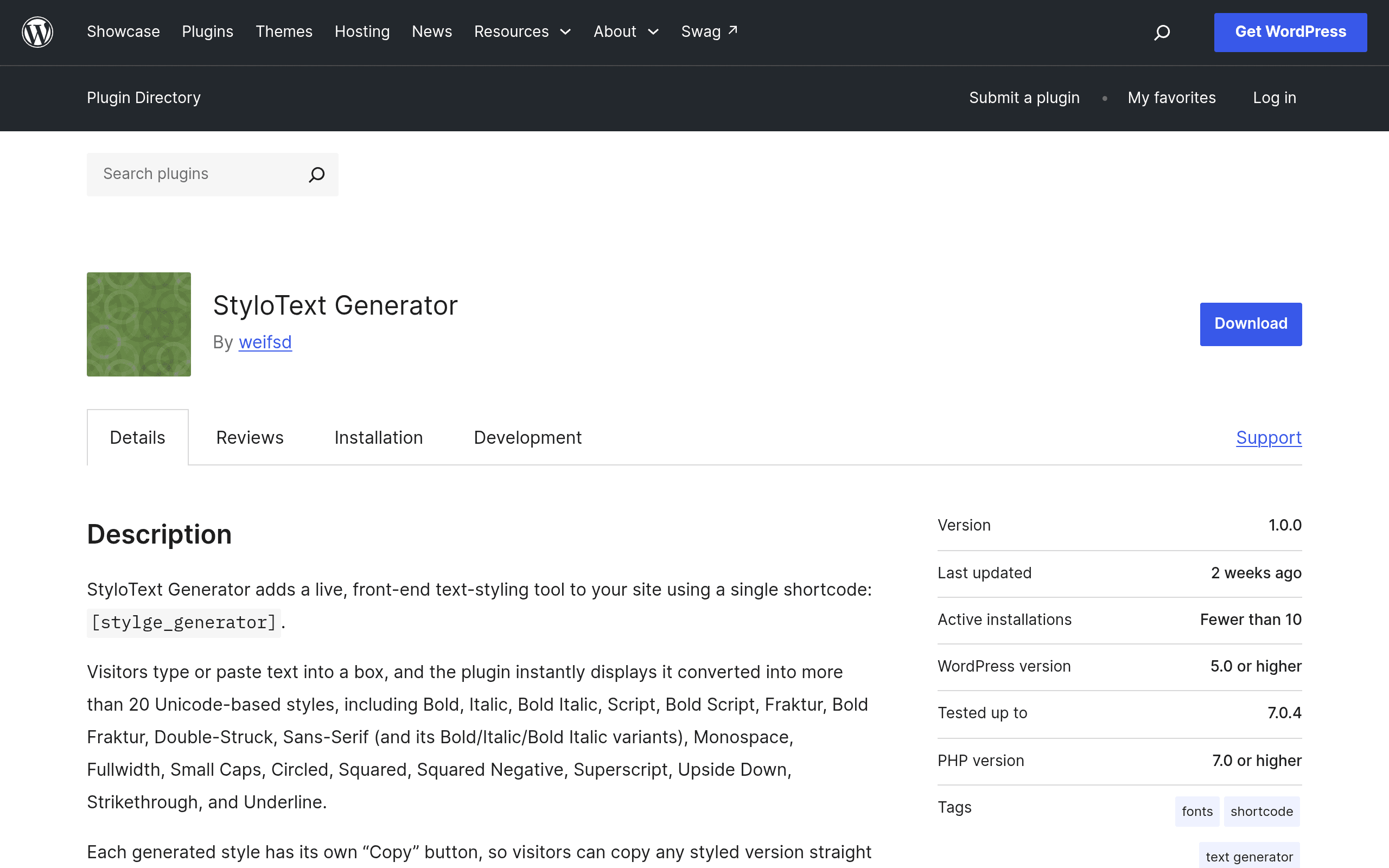
What StyloText Generator Actually Does
StyloText Generator is a WordPress plugin that drops a text-styling tool directly onto any page or post via a shortcode. A visitor types into a text box, and the plugin instantly renders that input in 20+ Unicode-based styles — bold sans, italic script, fraktur (blackletter), double-struck, small caps, circled letters, and more — with a one-click copy button next to each variant.
The part worth underlining: there's no server round-trip. Everything happens in the browser using JavaScript that maps standard characters to their Unicode lookalikes. That means no database writes, no analytics pings, no third-party API calls, and no logging of what people type. If you've ever winced at embedding a random "fancy text generator" iframe from an ad-supported site into your WordPress install, this is the opposite approach: it's self-hosted, it's yours, and it doesn't phone home.
Installation is standard WordPress plugin fare — search it in the plugin directory, install, activate, then drop [stylotext] (or whatever shortcode the plugin defines on activation) into a page. No settings screen to fuss over, no API keys, no account creation.
Why This Matters for a WordPress Site Specifically
Most "fancy text" tools live on standalone websites cluttered with ads, and if you want that functionality on your own site, you're stuck either linking out to a third party or building something custom. StyloText Generator closes that gap for WordPress users who want to offer this as a feature — not send traffic away for it.
Concrete Use Cases
- Niche content sites and blogs about social media growth: Embed the generator directly on a "how to get fancy fonts for Instagram bio" post, so readers convert and copy text without leaving the page — keeping session time and reducing bounce to competitor tools.
- Community or membership WordPress sites (BuddyPress, bbPress forums): Let members style display names or forum signatures using stylized Unicode text without needing a plugin-level font system.
- Digital marketing agencies: Add it as a lightweight utility page on a client site to demonstrate ongoing site value — a free, sticky tool that doesn't require a subscription or backend maintenance.
- Privacy-conscious publishers: For sites in the education or non-profit space avoiding third-party embeds due to data policy or student privacy concerns, having the tool self-hosted and client-side is a compliance-friendly plus.
- Personal brand or portfolio sites: A designer or writer could use it as a small interactive Easter egg on an "about" or "tools" page.
Pricing
StyloText Generator is free and open source, distributed through the official WordPress.org plugin repository. There are no premium tiers, no upsells, and no license keys as of this writing. You install it the same way you'd install any free WordPress plugin — no billing information required. If that changes with a future "Pro" version, it isn't reflected in the current WordPress.org listing.
How It Compares
| StyloText Generator | Fancy Text Generator (web tool) | Unicode Text Converter (web tool) | Character Map / OS Text Style Tools | |
|---|---|---|---|---|
| Price | Free, open source | Free, ad-supported | Free, ad-supported | Free (built into OS) |
| Where it lives | Embedded on your own WordPress site via shortcode | Standalone third-party website | Standalone third-party website | Local OS utility (not web-embeddable) |
| Data handling | 100% client-side, no server calls or tracking | Server-rendered or ad-tracked, varies by site | Often has analytics/ad scripts | N/A — local only |
| Number of styles | 20+ Unicode styles | Typically 30-80+ styles (broader library) | Usually 10-30 styles | Manual character-by-character, no automatic styling |
| Best for | Site owners wanting to host the tool themselves without third-party dependencies | Individual users who just need output fast and don't care where it comes from | Casual one-off conversions | Occasional single-character lookups (e.g., ™, emoji) |
| Setup effort | Install plugin + drop shortcode (~5 minutes) | None — just visit the site | None — just visit the site | None — built into OS |
The honest trade-off: dedicated fancy-text websites like Fancy Text Generator often have a larger style library because they're not constrained by a plugin's release cycle and can iterate faster. If your only goal is to grab stylized text once for a Discord bio, a web tool is faster and requires zero setup. StyloText Generator's value isn't in out-styling those sites — it's in giving WordPress site owners a way to offer this feature natively, without routing visitors to a third-party domain or trusting an ad-laden page with what users type.
Who Should Try It Today
If you run a WordPress site in the social-media-tips, forum, or community-tool space and have been linking out to third-party fancy-text sites, install this today — it's a five-minute setup with zero downside since it's free and client-side. If you're an end user just wanting stylized text for a bio or caption right now, a standalone web generator will get you there faster without needing a WordPress site at all. The plugin is squarely a builder's tool, not a consumer destination — that framing tells you immediately whether it's for you.
Things to Verify Before Relying on It
As a newly listed plugin, check the WordPress.org listing for the current tested-up-to WordPress version before deploying on a production site, and test the shortcode inside your specific theme's page builder (Elementor, Gutenberg, Divi) since Unicode rendering and copy-button behavior can occasionally clash with theme CSS resets. Since there's no settings panel, there's also nothing to misconfigure — but that also means no built-in way to limit which styles appear if you only want a subset shown to visitors.
Update — 2026-08-19
The shortcode name changed from [stylotext] to [stylge_generator], and a 200-character input limit was added. The plugin now includes a character counter and an optional placeholder attribute for customization.