Tabelio Price Table: A First Look at the Free Gutenberg & Elementor Pricing Table Plugin
Some links in this guide are affiliate links. If you sign up through them, Day Zero Guides may earn a commission at no extra cost to you. This never affects which products we cover or what we say about them. See our affiliate disclosure for details.
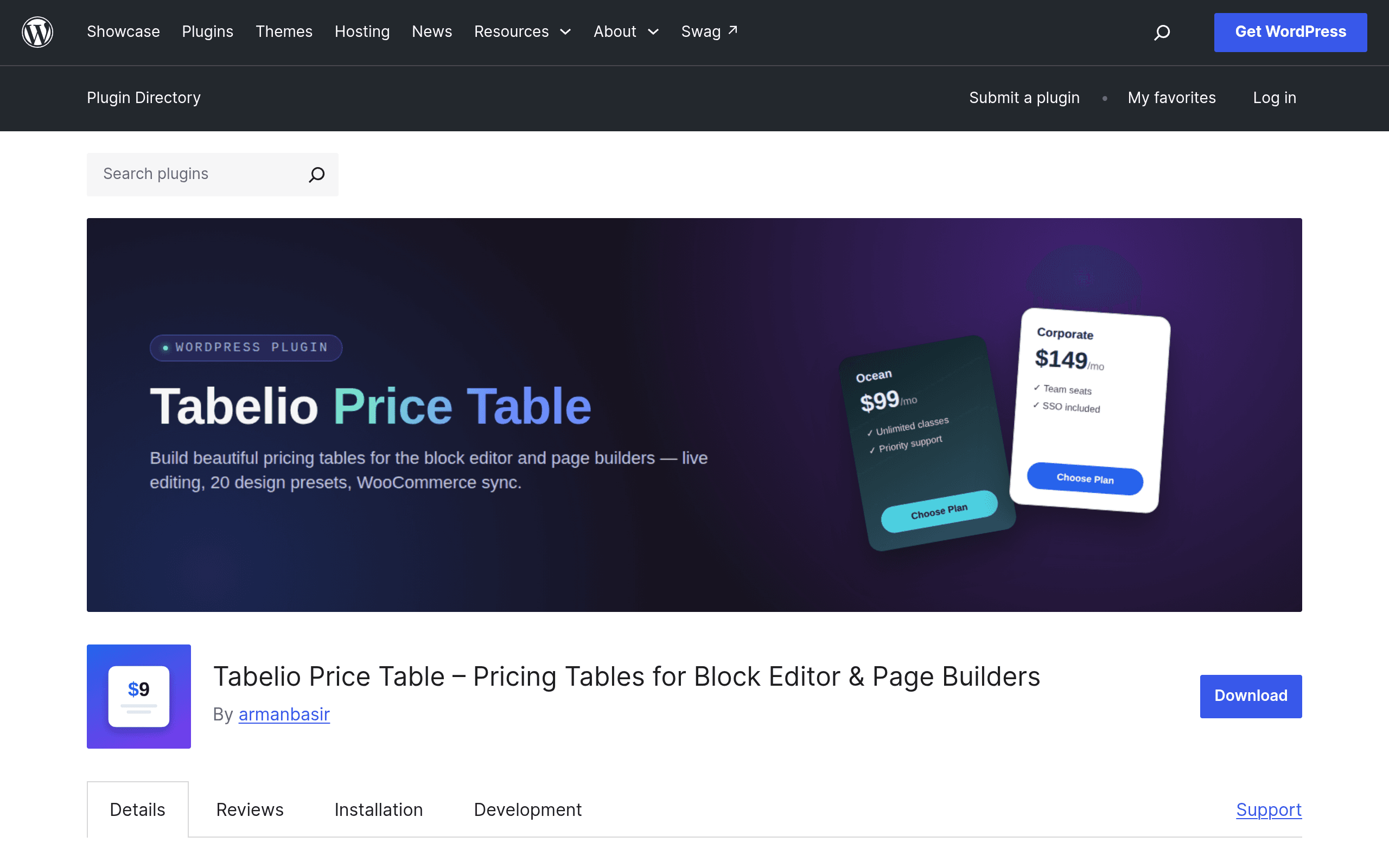
What Tabelio Price Table Actually Does
Tabelio Price Table is a WordPress plugin built specifically for one job: getting a pricing table onto your page without wrestling with custom CSS or a bloated page builder addon pack. It landed on the WordPress.org plugin repository as a fresh entry, and it's worth noting upfront — it appears to be a successor or rebuild of a plugin called Priceloom, sharing a similar feature set and UI philosophy but launched under a new name and listing.
The plugin hooks into three separate workflows, which is unusual for a first release:
- Gutenberg block — drop a Tabelio block directly into the block editor
- Elementor widget — for sites built entirely in Elementor's page builder
- Shortcode — for classic editor setups, theme template files, or page builders without native block/widget support
That triple-coverage matters because a lot of pricing table plugins pick one editor and leave everyone else stuck copy-pasting shortcodes into text widgets. Tabelio's positioning is clearly "work with whatever you already have."
Core Features Worth Knowing About
- Comparison table layout — multi-column tables with feature rows down the side, useful for SaaS-style "Basic / Pro / Enterprise" comparisons
- Monthly/yearly toggle — a switch that recalculates displayed prices, the standard pattern for subscription pricing pages
- Drag-and-drop column reordering — rearrange plans in the editor without touching settings panels
- Export/import — move a table's configuration between sites, handy for agencies replicating pricing pages across client builds
- WooCommerce integration — pull in product data rather than manually re-typing prices that already exist in your store
Pricing: Here's the Catch
As of this writing, Tabelio Price Table does not publish a pricing page, and the WordPress.org listing shows it as a free download with no visible premium tier, upsell banner, or "Pro" version linked yet. That's typical for a plugin in its earliest release window — many WordPress.org plugins launch free-only and introduce a paid tier (extra layouts, more blocks, priority support) months later once they've built an install base.
Practically, that means: if you install it today, you're getting the full current feature set at no cost. There's no trial to worry about, no license key to manage, and no risk of hitting a paywall mid-setup. The tradeoff is the usual unknown — we can't tell you what a future Pro tier will cost or lock behind a paywall, because it doesn't exist yet.
Concrete Use Cases
- A freelancer's services page — three tiers (Starter, Growth, Agency) with a feature comparison table and a yearly-discount toggle, built in Gutenberg without touching a page builder
- A WooCommerce membership site — pricing table pulling live prices from WooCommerce products so plans update automatically when the store price changes, instead of manually editing table text
- An Elementor-built SaaS landing page — dropping in the Elementor widget to match a table's styling to the rest of a hero/feature/FAQ page built entirely in Elementor
- An agency replicating a pricing page across five client sites — configuring one table, exporting it, and importing the same structure into each site rather than rebuilding from scratch
How It Compares
| Tabelio Price Table | Pricing Table by Thrive | Elementor Price List Widget | Priceloom (predecessor) | |
|---|---|---|---|---|
| Price | Free (no published paid tier yet) | Bundled in Thrive Suite (~$299/year, not sold standalone) | Free, built into Elementor core/Pro | Free, legacy plugin |
| Editor support | Gutenberg block + Elementor widget + shortcode | Thrive Architect only | Elementor only | Similar multi-editor approach to Tabelio |
| Monthly/yearly toggle | Yes | Yes | No (static list only) | Yes |
| WooCommerce integration | Yes | No | No | Limited/none |
| Comparison table layout | Yes | Yes | No (simple list widget, not full comparison grid) | Yes |
| Best for | Sites mixing Gutenberg and Elementor, or agencies needing shortcode fallback | Existing Thrive Suite users who already pay for the ecosystem | Elementor-only sites wanting a bare-bones list, not a full table | Sites already using it that haven't migrated |
Should You Install It Today?
If you're running a WordPress site that isn't locked into a single page builder — say, a Gutenberg-based blog with an Elementor landing page or two — Tabelio's cross-editor support is the actual differentiator here, not the pricing table styling itself (most competitors can make a table look fine). The WooCommerce integration is the other real reason to pick it over Thrive's or Elementor's native options, since neither of those two pulls live product pricing automatically.
The honest caveat: this is a new listing with limited track record, no visible changelog history to judge update cadence, and no pricing roadmap published. If you need guaranteed long-term support or an SLA, that's not something a brand-new free plugin can promise yet. But if you just need a pricing table live on a page this afternoon and don't want to pay for Thrive Suite or hand-code Elementor list items, there's no real downside to testing it — it costs nothing and can be deactivated in seconds if it doesn't fit.