Tinta Voice: First Look at the On-Device Whisper Dictation Tool for Mac
By Day Zero Guides Editorial · How we produce guides
Some links in this guide are affiliate links. If you sign up through them, Day Zero Guides may earn a commission at no extra cost to you. This never affects which products we cover or what we say about them. See our affiliate disclosure for details.
The scenario that sells this app
You're a lawyer, therapist, or journalist sitting on three hours of recorded client interviews or source calls that you need transcribed by tomorrow morning. The content is sensitive enough that uploading it to a cloud transcription service makes you nervous — maybe there's a confidentiality clause, maybe it's just a gut feeling about where that audio file ends up living on someone else's server. You don't want to pay per-minute transcription fees either, and you don't have time to wait for a human transcriptionist to turn it around.
This is the exact situation Tinta Voice is built for. You drag the audio file onto the app, it runs OpenAI's Whisper model entirely on your Mac's Apple Silicon chip, and you get a text transcript without a single byte leaving your machine. No upload progress bar, no "processing on our servers," no account tied to the recording. For anyone handling privileged, medical, or embargoed audio, that's not a nice-to-have — it's the whole reason to pick this tool over the alternatives.
What Tinta Voice actually is
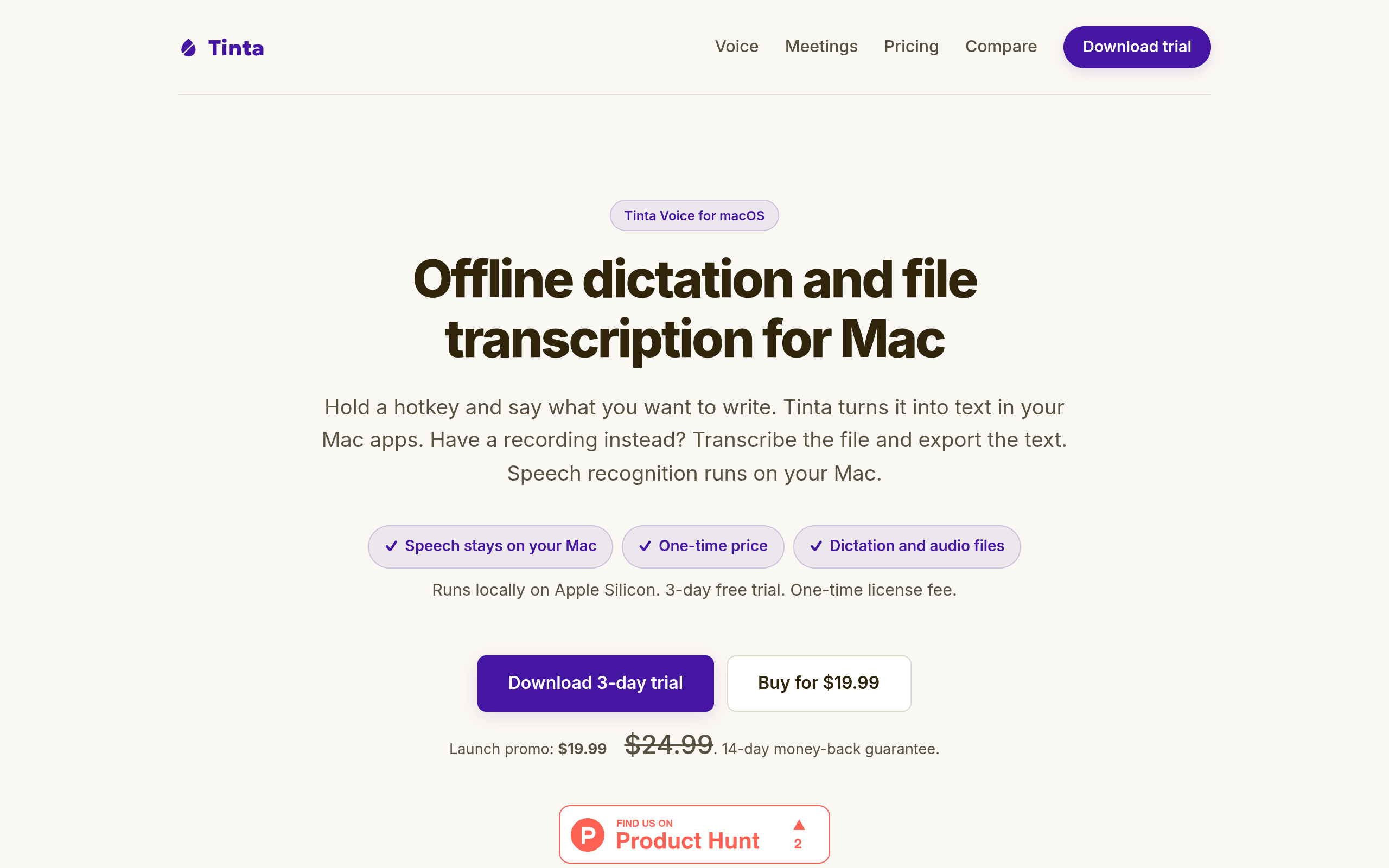
Tinta Voice is a macOS menu bar utility with two main jobs: live dictation anywhere in the OS via a global hotkey, and batch transcription of existing audio/video files. Both run through a local Whisper implementation, so there's no network call involved in either mode. Because it leans on Apple Silicon's neural engine for the heavy lifting, it only runs on M1-and-later Macs — there's no Intel build, and there won't be one given the architecture dependency.
The dictation side works like a souped-up replacement for Apple's built-in dictation: press your assigned hotkey, talk, and the transcribed text gets typed into whatever field has focus — Slack, Mail, Pages, a terminal, anywhere. The file transcription side is a drop zone: feed it an MP3, WAV, MOV, or MP4, and it spits out a text file (with timestamp options) once local processing finishes. Processing speed depends on your chip — on an M2 Air, a 30-minute recording takes roughly 2-4 minutes, noticeably slower than a cloud service but with zero data leaving the laptop.
Pricing breakdown
- Free trial: 3 days, full feature access, no credit card required
- Launch price: $19.99 one-time (regular price will be $24.99 after launch window closes)
- License model: single payment, no subscription, no per-minute or per-file charges
- Refund policy: 14-day money-back guarantee if it doesn't work out
- Hardware requirement: Apple Silicon Mac only (M1, M2, M3, or M4 series) — Intel Macs are not supported
There's no tiered pricing structure here — you buy the license once and that's it, no "Pro" tier gating features like batch transcription or longer dictation sessions.
How it compares
| Tinta Voice | Apple Dictation | Otter.ai | Rev | |
|---|---|---|---|---|
| Price | $19.99 one-time (launch), $24.99 regular | Free (built into macOS) | Free tier (300 min/mo); Pro $16.99/mo | $1.99/min pay-as-you-go or $24.99/mo plan |
| Processing location | 100% on-device, no internet needed | On-device for short dictation, cloud for "Enhanced Dictation" in some cases | Cloud-based, audio uploaded to Otter's servers | Cloud-based; human-reviewed transcripts also uploaded |
| File transcription (not just live dictation) | Yes — drag-and-drop audio/video files | No — live dictation only, no file import | Yes — upload existing recordings | Yes — this is its core service |
| Best for | Privacy-sensitive transcription and dictation on Apple Silicon with no recurring cost | Casual, free dictation already built into macOS for short text snippets | Teams needing meeting notes, speaker labels, and collaboration features | High-accuracy transcripts of legal/media audio with human proofreading |
| Offline capable | Yes, fully | Partially (basic dictation works offline, enhanced features don't) | No | No |
| Ongoing cost | None after purchase | None | Recurring subscription for heavier use | Pay-per-minute adds up fast on long recordings |
Where it actually wins and where it doesn't
If your workflow involves genuinely sensitive audio — legal depositions, therapy sessions, HR interviews, unreleased film dailies — Tinta Voice's local-only processing is a real differentiator, not a marketing line. Otter and Rev are both excellent at what they do, but they require trusting a third party with your raw audio, and Rev's human-review model means an actual person listens to your file.
Where Tinta Voice is weaker: it doesn't do speaker diarization or live meeting transcription with name tagging the way Otter does, and it won't give you Rev's near-perfect accuracy on heavily accented or noisy audio since there's no human pass. It's also a hard no if you're on an Intel Mac — there's no workaround.
For solo use — dictating emails, transcribing a stack of personal interview recordings, drafting notes by voice instead of typing — the one-time $19.99 fee undercuts a year of Otter Pro ($203.88) or even a modest Rev transcription job (10 hours of audio at $1.99/min would run over $1,100) almost immediately. If you transcribe audio regularly and you're already on Apple Silicon, the math favors trying the 3-day trial today rather than defaulting to a subscription you'll keep paying for month after month.