Titlize: First Look at the WordPress Plugin That Auto-Generates Your Social Preview Images
Some links in this guide are affiliate links. If you sign up through them, Day Zero Guides may earn a commission at no extra cost to you. This never affects which products we cover or what we say about them. See our affiliate disclosure for details.
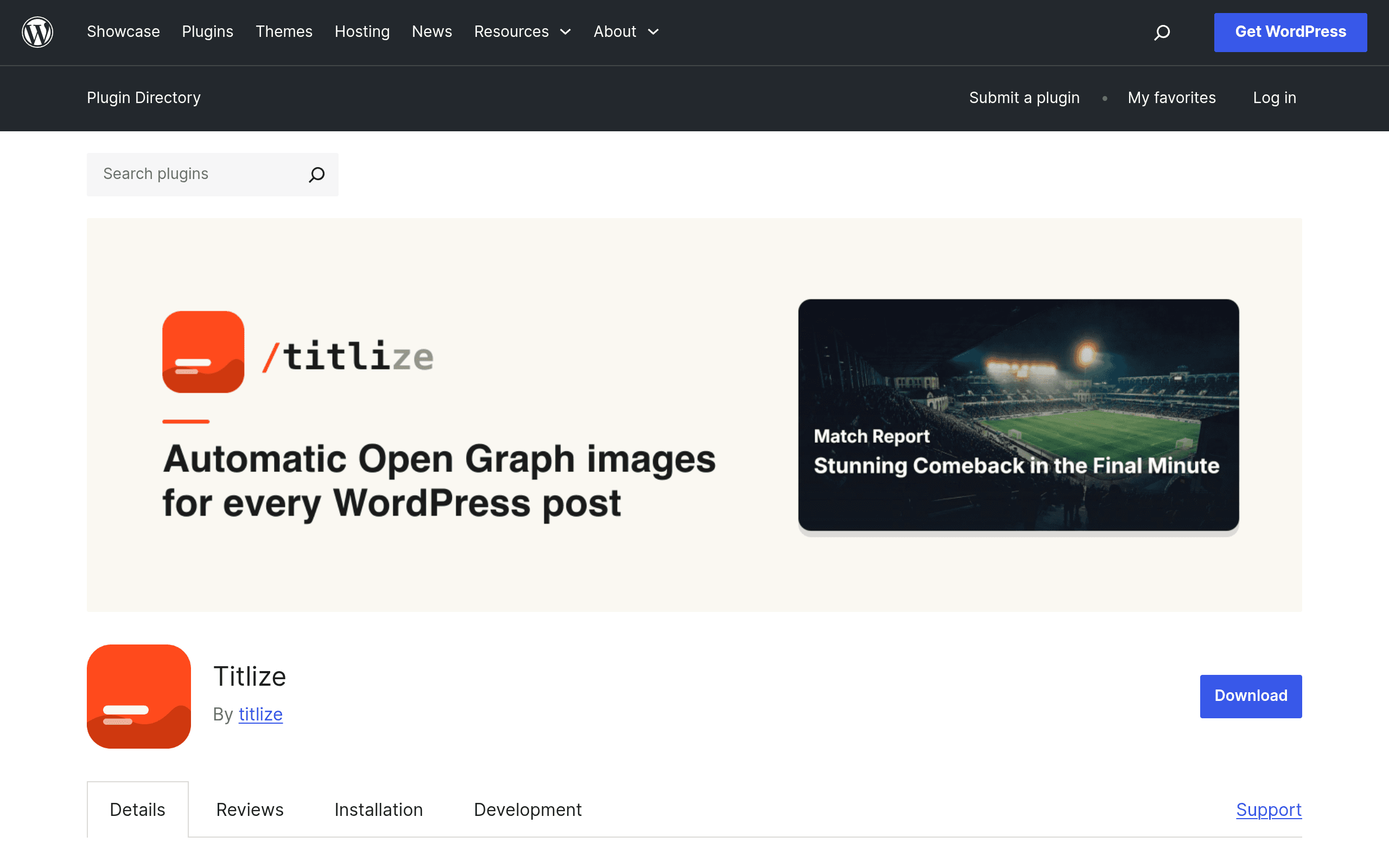
What Titlize Actually Does
Titlize is a narrow-purpose WordPress plugin with one job: turning your featured image and post title into a styled Open Graph (OG) preview image automatically, every time you publish. If you've ever posted a link on X, LinkedIn, or Facebook and gotten an ugly stretched thumbnail with no title overlay, that's the problem Titlize is solving.
Under the hood, Titlize doesn't render images locally — it connects to a Titlize API account (free to create, required for the plugin to function) which composites your featured image, post title, and a chosen style template into a finished 1200x630 OG image, then serves it back into your page's meta tags. This is architecturally different from most SEO plugins, which either let you upload a static fallback image or do nothing at all for social previews beyond pulling your featured image as-is.
Core Features Found in the Plugin
- Automatic OG image generation on publish/update, using featured image + title + a style template
- Per-post customization — override the auto-generated title text, swap templates, or disable generation for individual posts/pages
- Bulk regeneration — re-run image generation across your existing back catalog after you change a template or brand kit, rather than manually editing hundreds of old posts
- Brand kit integration — set fonts, colors, and logo placement once so every generated image matches your site's visual identity instead of looking like a generic template
- Requires a free Titlize API account to activate — this is the one setup step that's easy to miss, since the plugin won't generate images until you connect it
Pricing: What's Actually Published
As of this listing on wordpress.org, Titlize ships with a free tier that's enough to install, connect an API account, and start generating OG images. What's notably absent from the plugin page is any published pricing table for paid tiers — there's no visible breakdown of image generation limits, brand kit restrictions, or what triggers an upgrade prompt.
In practice, this means: you can try it today at no cost, but you won't know your ceiling (image volume caps, site limits, template restrictions) until you create the API account and see what the dashboard shows you. If you're managing a high-volume publisher or agency with dozens of client sites, budget time to test bulk regeneration limits before committing to a workflow built around it.
Concrete Use Cases
- A solo blogger who currently exports Canva templates by hand for every post — Titlize removes that step entirely by generating the image at publish time from the featured image already in the post.
- An agency managing 15+ client WordPress sites — brand kit integration means each client's OG images can match their own fonts/colors without the agency designer touching each one individually.
- A publisher doing a site redesign or rebrand — bulk regeneration re-renders OG images across the entire archive under the new template, instead of leaving years of old posts with mismatched or missing previews.
- A niche e-commerce blog posting frequent product roundups — auto-generated images give consistent, branded link previews on Pinterest and Facebook without a design step in the publishing workflow.
How It Compares to Yoast, RankMath, and AIOSEO
It's worth being precise here: Titlize is not a full SEO suite and isn't really competing head-to-head with Yoast SEO, RankMath, or All in One SEO on meta tags, sitemaps, or schema. Where it overlaps is specifically social preview image handling — and that's the lens for this comparison.
| Titlize | Yoast SEO | RankMath | All in One SEO | |
|---|---|---|---|---|
| OG image approach | Auto-generates a styled composite image (title + featured image + brand template) per post | Lets you set a static fallback social image; no dynamic generation | Lets you set a social image per post; no dynamic generation | Lets you set a social image per post; no dynamic generation |
| Bulk update across old posts | Yes — bulk regeneration re-renders archive-wide after template changes | No native bulk social-image tool | No native bulk social-image tool | No native bulk social-image tool |
| Brand kit / consistent styling across posts | Yes, built-in (fonts, colors, logo placement) | Not applicable — no image generation | Not applicable — no image generation | Not applicable — no image generation |
| Scope beyond social images | None — single-purpose plugin | Full SEO suite (meta, sitemaps, schema, readability) | Full SEO suite (meta, sitemaps, schema, internal linking) | Full SEO suite (meta, sitemaps, schema, redirects) |
| Setup requirement | Free external API account required to activate | Works immediately after install | Works immediately after install | Works immediately after install |
| Pricing model | Free tier + unpublished paid tiers | Free + paid (Yoast Premium ~$99/yr per site) | Free + paid (RankMath Pro ~$59/yr per site) | Free + paid (AIOSEO Pro plans from ~$49.50/yr) |
The practical takeaway: if you already run Yoast, RankMath, or AIOSEO for your core SEO work, Titlize isn't a replacement — it's a companion plugin that fills the one gap none of those three actually solve, which is generating a real designed image rather than just picking which existing image to use.
Should You Install It Today
If your social previews currently look like whatever WordPress grabbed from the post body, or you're manually making OG images in Canva/Figma before every publish, Titlize is worth the ten minutes it takes to install, create the free API account, and test on a handful of posts. The bulk regeneration feature alone is useful if you have an existing archive with inconsistent or missing preview images.
The one real caution: because paid-tier pricing isn't published on the plugin page, don't build a high-volume workflow around it (agency-scale bulk regeneration across many client sites) without first creating the account and checking what limits the dashboard actually enforces. For a single site or a small archive, the free tier is low-risk enough to just try it now.