Trimardeau SEO Log: A First Look at the WordPress Plugin Tracking Googlebot, GPTBot, and AI Assistants
Some links in this guide are affiliate links. If you sign up through them, Day Zero Guides may earn a commission at no extra cost to you. This never affects which products we cover or what we say about them. See our affiliate disclosure for details.
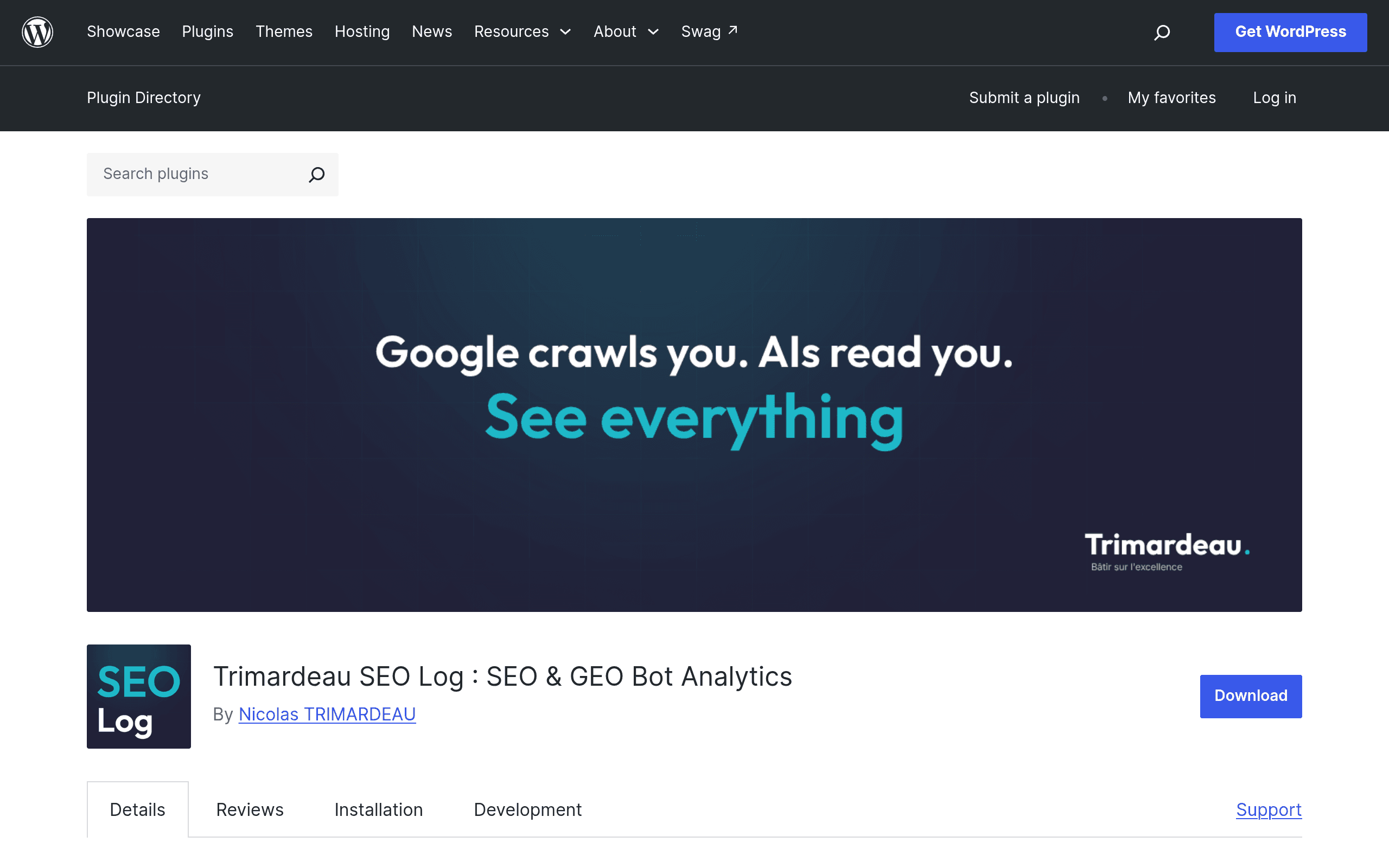
What Trimardeau SEO Log Actually Does
Trimardeau SEO Log is a WordPress plugin, distributed through the official WordPress.org repository, that sits between your site's request logs and your dashboard to answer one question most site owners can't currently answer: which bots are actually crawling my content, and how often?
Unlike a general analytics plugin, it deliberately ignores human visitors. It's built to log and classify three categories of non-human traffic:
- Traditional search engine bots — Googlebot, Bingbot, and other crawlers indexing pages for search results.
- AI training crawlers — bots like GPTBot, ClaudeBot, CCBot, and Google-Extended that scrape content to train large language models.
- Live AI assistant fetches — real-time requests from tools like ChatGPT browsing, Perplexity, or Copilot when a user asks a question and the assistant pulls a page to answer it.
The plugin installs with no required configuration — it starts logging as soon as it's active — and surfaces the data through a main dashboard, per-content analytics (so you can see which specific posts or pages each bot hit), a live log view for near-real-time monitoring, and a 404 monitor that flags broken URLs bots are still hitting.
Why This Matters Right Now
Since AI assistants started citing web pages as sources, site owners have had almost no visibility into whether their content is being crawled for training data, indexed for citations, or ignored entirely. Server logs technically contain this information, but reading raw Apache or Nginx logs isn't something most WordPress users do. Trimardeau SEO Log's entire pitch is turning that invisible layer into a readable dashboard without touching a terminal.
Concrete Use Cases
- Catching AI crawler activity on gated or sensitive content. If you have a pricing page, a members-only excerpt, or content you don't want scraped for LLM training, the content-specific analytics let you check whether GPTBot or CCBot has already hit it.
- Diagnosing why AI assistants don't cite you. If ChatGPT or Perplexity never surface your articles, the live log can show whether their fetchers are visiting at all — if there's zero activity, the problem is discovery, not content quality.
- Finding crawl waste on 404s. The 404 monitor shows when Googlebot or Bingbot repeatedly hit dead URLs (old category pages, deleted posts, broken pagination), which is a classic crawl-budget leak that's otherwise hard to spot without server-side log access.
- Verifying migration or redesign cleanup. After a site restructure, you can watch the live log to confirm bots are landing on new URLs instead of stale ones cached from before.
- Spot-checking crawl frequency by page type. Comparing how often product pages vs. blog posts get crawled can reveal whether your internal linking is starving certain sections of bot attention.
Setup Experience
Because it's distributed as a standard WordPress.org plugin, installation is the usual upload-and-activate flow from the Plugins screen or a direct search in your dashboard. The stated selling point is zero required configuration — no API keys, no external service connection, no log-shipping setup. That's a meaningful difference from tools that require pointing your server logs at a third-party ingestion service before you see any data.
Pricing
At the time of this writing, Trimardeau SEO Log does not publish a pricing page or list premium tiers — it's distributed as a free plugin through the WordPress.org repository, and there's no separate pro/paid version currently documented. That could change as the plugin matures (many WordPress.org plugins add a paid add-on or hosted tier later), but as of this first look, there is no purchase step standing between installing it and seeing bot data. If you're evaluating it today, budget for a free trial run, not a subscription decision.
How It Compares
Trimardeau SEO Log isn't a full SEO suite — it's a narrow, bot-focused logging tool. Here's how it stacks up against the tools people typically reach for instead:
| Trimardeau SEO Log | Semrush SEO | Ahrefs Site Audit | Bing Webmaster Tools | |
|---|---|---|---|---|
| Price | Free (no published paid tier) | Plans start at $139.95/mo (Pro), up to $499.95/mo (Business) | Site Audit included in paid Ahrefs plans starting at $129/mo (Lite); free via Ahrefs Webmaster Tools for verified sites | Free |
| AI crawler / bot-specific logging | Yes — distinguishes Googlebot, GPTBot, ClaudeBot, live AI assistant fetches, per page | No — focused on keyword, backlink, and rank tracking, not raw bot logs | No — audits crawlability and technical issues, not individual bot identity | Partial — shows Bingbot crawl stats only, no AI crawler breakdown |
| 404 monitoring tied to bot hits | Yes, built-in | Via site audit crawl reports (not bot-specific) | Yes, as part of broader technical audit | Limited, via crawl errors report |
| Human traffic analytics | None — bots only, by design | Yes, extensive (traffic analytics, keyword rankings) | Yes, keyword and backlink data | No, search/crawl stats only |
| Setup required | None — works on activation | Account setup, site verification, keyword tracking config | Account setup, project creation, crawl scheduling | Google/Microsoft account, site verification, sitemap submission |
| Best for | Site owners who want to know exactly which bots (especially AI crawlers) touch which pages | Teams needing full keyword, competitor, and content strategy tooling | Technical SEOs auditing site health and backlink profiles | Confirming Bing's own indexing and crawl behavior |
Where It Falls Short
It's not a replacement for Semrush or Ahrefs if you need keyword research, backlink analysis, or competitor tracking — it doesn't do any of that. It also won't tell you why a bot didn't crawl a page, only that it did or didn't. And since pricing and roadmap aren't public yet, there's no guarantee about long-term support, update cadence, or whether a paid tier will appear and change what's currently free.
Verdict: Should You Install It Today
If you've been wondering whether GPTBot or Perplexity's crawler are actually visiting your site — and you don't want to grep server logs to find out — Trimardeau SEO Log is a low-risk way to find out today. It's free, requires no configuration, and answers a question none of the major SEO suites answer directly: which specific bots hit which specific pages. Pair it with Semrush or Ahrefs for strategy and keyword work, and use it as the dedicated lens for AI-crawler and search-bot visibility that those tools don't provide.