UPDF Review: Pricing, AI Features, and How It Stacks Up Against Acrobat
By Day Zero Guides Editorial · How we produce guides
Some links in this guide are affiliate links. If you sign up through them, Day Zero Guides may earn a commission at no extra cost to you. This never affects which products we cover or what we say about them. See our affiliate disclosure for details.
What UPDF Actually Does
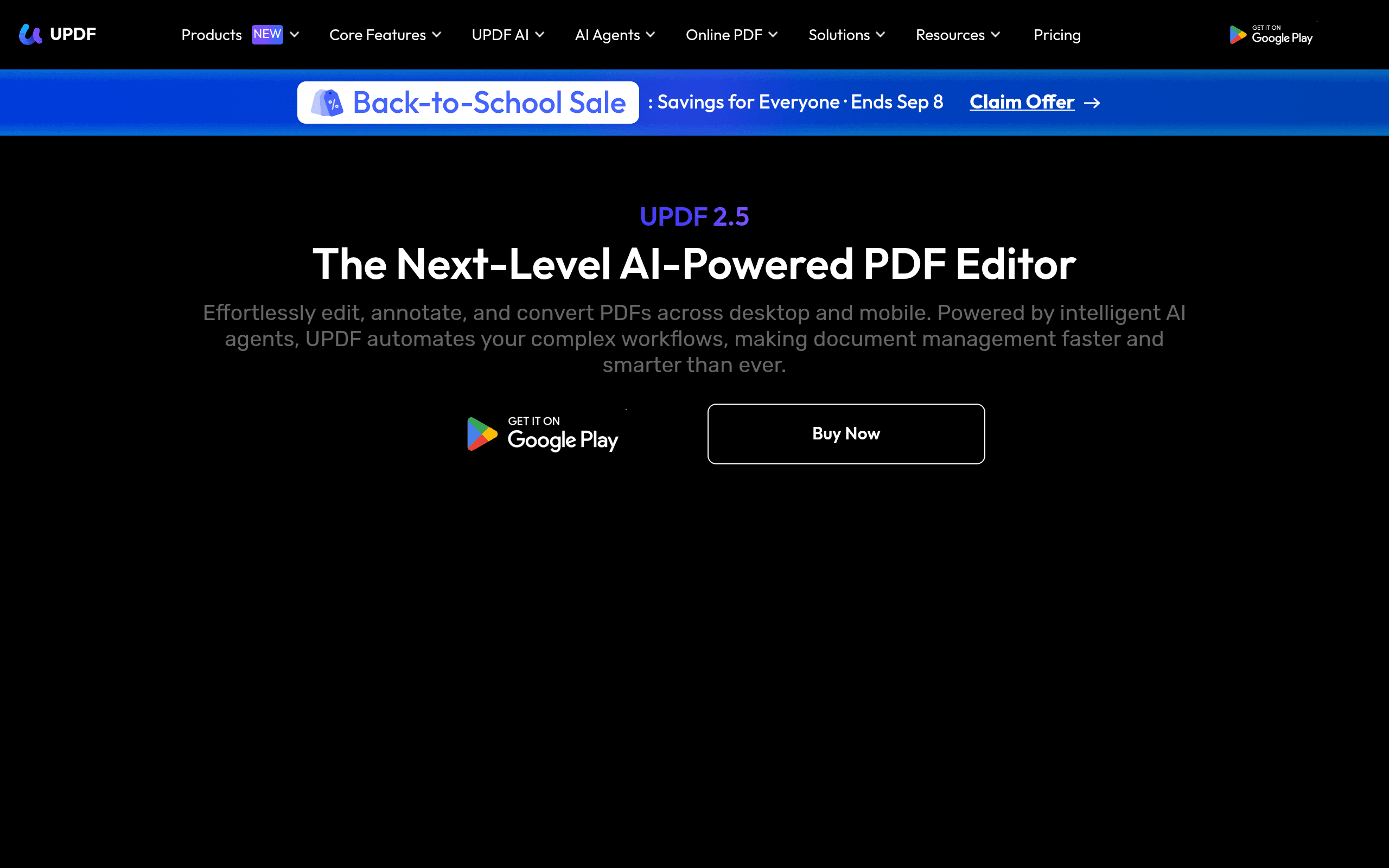
UPDF is a PDF editor for Windows, Mac, iOS, Android, and web that's positioned itself as a lighter, cheaper alternative to Adobe Acrobat. The core toolset covers what most people actually need day to day: editing text and images directly in a PDF, merging/splitting/compressing files, adding annotations and digital signatures, converting PDFs to Word/Excel/PowerPoint/Image formats, and OCR for scanned documents.
What separates it from older-generation PDF tools is a layer of AI agents built into the editor. UPDF currently ships with 10+ of these, covering tasks like summarizing long documents, translating text in place, answering questions about a PDF's content (chat-with-document), generating quiz or study questions from a file, and running semantic search across a document instead of relying on exact keyword matches. Under the hood, UPDF routes these requests through GPT-5 and DeepSeek (R1), and lets you pick which model handles a given task in some workflows.
If you've used ChatGPT to summarize a PDF by copy-pasting text into a chat box, UPDF is essentially trying to make that workflow native to the PDF viewer itself, without the manual copy-paste and without uploading files to a separate tool.
Pricing Breakdown
UPDF doesn't publish a single fixed price list that stays static — like most PDF software vendors, it runs frequent promotional pricing, so treat the numbers below as representative of what you'll typically see rather than a locked-in quote. As of recent pricing cycles, the structure looks like this:
- Free version: Basic viewing, annotation, and limited editing/conversion, with feature caps and watermarks on some exports.
- UPDF Pro (Yearly): Roughly $39.99/year for one device (Windows or Mac), sometimes discounted at checkout. Multi-device (Windows + Mac + iOS + Android) yearly plans run higher, typically in the $59.99–$69.99/year range.
- UPDF Pro (Lifetime): A one-time license, commonly listed around $79.99–$99.99 depending on device count, with periodic sales pushing it lower.
- UPDF AI add-on: The AI agents (GPT-5/DeepSeek-powered summarization, chat, translation) are sold as a separate bundle or higher tier on top of Pro, often priced as an additional annual fee rather than bundled free into base Pro. Expect this to add roughly $30–$60/year depending on the current promotion.
- Business/Team plans: Volume licensing with admin controls, quoted per seat — you'll need to contact sales for exact numbers.
The practical takeaway: budget for around $70–$130/year if you want the full AI-enabled, multi-device experience, or a one-time lifetime fee in the $80–$150 range if you'd rather avoid subscriptions. Always check the live pricing page before buying — flash sales and lifetime-deal periods swing this by 30–50%.
Where UPDF Is Actually Useful
- Students and researchers dealing with long PDFs (papers, textbooks, reports) who want a fast summary or the ability to ask the document direct questions instead of skimming 40 pages.
- Small business owners and freelancers who need to edit contracts, invoices, or proposals without paying for a full Acrobat subscription.
- Multilingual teams who need in-place translation of PDF content without exporting to another tool.
- Anyone converting scanned paperwork — the OCR is solid for typed text in reasonably clean scans, though it struggles more than dedicated OCR tools on handwriting or low-quality faxes.
- Mac users specifically — UPDF's Mac app is more fully featured than many competitors', which historically treated macOS as a secondary platform.
Where it's not the right fit: heavy enterprise document workflows requiring granular redaction audit trails, Bates numbering at scale, or deep integration with document management systems — that's still Acrobat or PDFtron/Apryse territory.
How It Compares
| UPDF | Adobe Acrobat DC | PDFtron (Apryse) | Nitro PDF Pro | |
|---|---|---|---|---|
| Price | ~$39.99–$69.99/yr or ~$79.99–$149.99 lifetime | ~$19.99–$23.99/mo (Standard/Pro, annual plan) | Custom SDK licensing, not sold as a retail app — enterprise quotes only | ~$14.99/mo or ~$179.99 one-time perpetual license |
| AI features | 10+ built-in AI agents (GPT-5, DeepSeek R1) for summarization, chat, translation, semantic search | Acrobat AI Assistant (add-on, subscription-gated, GPT-based) | None as a standalone product — it's a developer SDK, not an end-user AI feature set | No native AI document chat/summarization |
| Best for | Individuals/small teams wanting AI-assisted reading and editing at a lower cost | Enterprises needing deep compliance, e-signature, and ecosystem integration (Adobe Sign, Creative Cloud) | Developers embedding PDF viewing/editing into their own software products | Budget-conscious teams wanting a one-time perpetual license without AI |
| Platform support | Windows, Mac, iOS, Android, Web | Windows, Mac, iOS, Android, Web | Cross-platform via SDK (not an installable end-user app) | Windows and Mac (weaker mobile support) |
| Learning curve | Low — UI is closer to consumer apps than enterprise software | Moderate to high, especially for advanced features | High — requires developer implementation | Low to moderate |
Honest Pros and Cons
Pros:
- Meaningfully cheaper than Acrobat over a 2–3 year span, especially if you go lifetime
- AI agents are genuinely useful for summarization and chat-with-PDF, not just a marketing checkbox
- Clean, modern interface that doesn't feel like it was designed a decade ago
- Strong Mac and mobile apps relative to older PDF tools
Cons:
- Pricing isn't transparent or fixed — you'll need to check current promotions rather than trust a published rate card
- AI features are often gated behind an additional cost on top of the base Pro plan, which isn't always obvious upfront
- Not built for enterprise-scale compliance workflows (legal holds, advanced redaction audit logs) the way Acrobat is
- OCR accuracy drops noticeably on messy or low-resolution scans
Verdict
If you're an individual, student, or small business that wants PDF editing plus genuinely useful AI reading assistance without paying Adobe's subscription rates, UPDF is a reasonable buy — budget for the AI add-on if you actually want the chat/summarization features, since the base Pro tier alone is closer to a straightforward PDF editor. If you need enterprise compliance tooling or you're building PDF handling into your own software, Acrobat or PDFtron/Apryse are still the more appropriate choices, respectively. If you just need basic editing with no AI, Nitro's one-time license remains the cheapest long-term option.