Uploadfic Review: Unlocking Restricted MIME Types in WordPress Without Editing functions.php
By Day Zero Guides Editorial · How we produce guides
Some links in this guide are affiliate links. If you sign up through them, Day Zero Guides may earn a commission at no extra cost to you. This never affects which products we cover or what we say about them. See our affiliate disclosure for details.
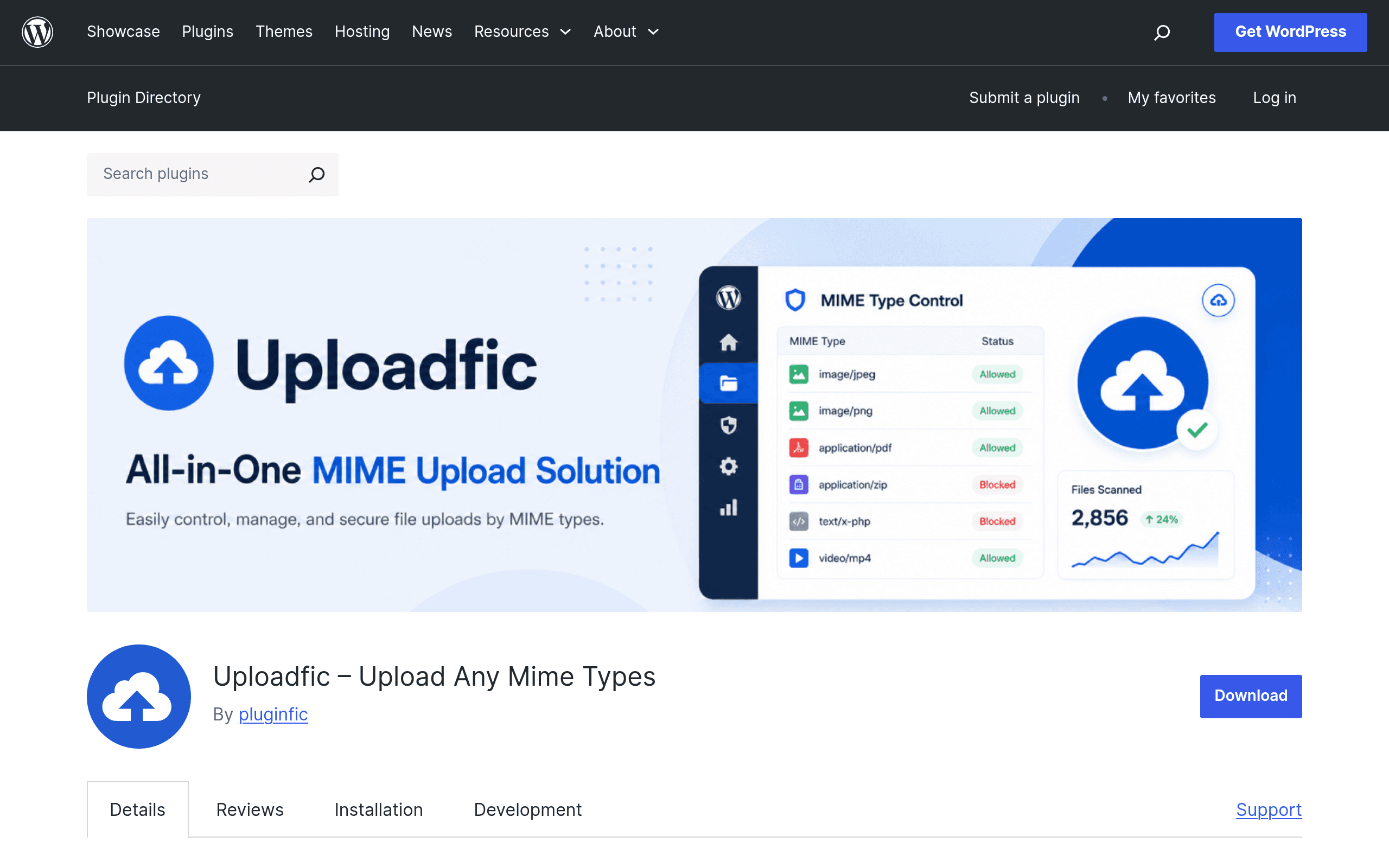
What Uploadfic Actually Does
If you've ever tried to upload an SVG logo, a font file, or a DOCX template into the WordPress Media Library and hit the dreaded "Sorry, this file type is not permitted for security reasons" error, you already know the problem Uploadfic is solving. WordPress core deliberately restricts a long list of MIME types by default — SVG, EXE, WOFF/WOFF2 fonts, PSD, and many document formats — because unvalidated file uploads are a common attack vector.
The standard fix has always been dropping a snippet into functions.php using the upload_mimes filter, which works fine if you're comfortable editing theme files and know exactly which MIME type string maps to which extension (a surprisingly fiddly lookup). Uploadfic replaces that snippet with a settings screen: you get a dashboard where you check boxes next to the file types you want to allow, save, and you're done. No child theme required, no filter hooks to remember.
The plugin also runs validation on uploaded files rather than just whitelisting extensions blindly, which is the detail that separates it from copy-pasted "allow all uploads" snippets people pull from random blog posts.
Who Actually Needs This
- Agencies handing off sites to clients who need to upload SVG icons for a page builder (Elementor, Divi) without calling a developer every time.
- Membership or LMS sites where students need to submit DOCX, PPTX, or ZIP assignments through a front-end upload form (e.g., paired with Gravity Forms or WPForms).
- Web font hosting — self-hosting WOFF/WOFF2/TTF files for GDPR-compliant typography instead of pulling from Google Fonts CDN.
- Software or resource download sites that need to distribute EXE, DMG, or other executable installers directly from the Media Library instead of routing through a third-party file host.
- Design handoff workflows where PSD, AI, or EPS files need to move through WordPress as a shared asset hub.
If your only pain point is "I can't upload one SVG file for my logo," Uploadfic is arguably overkill — a four-line functions.php snippet does that too. Uploadfic earns its place when you need to manage multiple MIME types on an ongoing basis, or when non-technical site owners need self-service control without touching code.
Pricing
Uploadfic is distributed through the free WordPress.org plugin repository, and as of this writing there's no published pricing page, premium tier, or upsell flow visible on the plugin listing. That means the version available today is the free version, full stop — there's no confirmed "Pro" SKU to compare feature gates against. This is worth flagging for buyers: some WordPress.org plugins quietly launch a premium add-on months after gaining traction (this is the standard freemium playbook), so if you're evaluating this for a client project with a long timeline, don't assume the free feature set is permanent. For anything you deploy today, treat it as free-tier-only and re-check before scaling usage across many sites.
How It Compares
Uploadfic isn't really competing with page builders or content plugins — its closest comparison points are other tools people reach for when WordPress's upload restrictions get in the way, or when they need structured data/fields instead.
| Uploadfic | WP File Manager (WordPress plugin) | Custom Post Type UI | Advanced Custom Fields Pro | |
|---|---|---|---|---|
| Price | Free (WordPress.org) | Free, with Pro add-ons from $59/year | Free (WordPress.org) | From $49/year (single site) |
| Core purpose | Whitelist additional MIME types for Media Library uploads | Browse/edit/manage server files and folders from wp-admin | Register custom post types and taxonomies via UI | Add custom fields, including file/upload fields, to any post type |
| Setup effort | Checkbox dashboard, no code | Moderate — file permission and security config matters | Low — form-based UI, no code | Low, but requires field-group setup per post type |
| Security posture | Built-in file validation on top of whitelisting | Broader attack surface since it exposes server file system | N/A (not upload-related) | Relies on WordPress core validation; file field doesn't bypass MIME restrictions on its own |
| Best for | Sites that just need specific blocked file types allowed through standard Media Library uploads | Users who need direct server file/folder management, not just uploads | Developers structuring content types, unrelated to MIME restrictions | Teams building custom upload fields inside structured content (e.g., a "resume" field on a job listing CPT) |
The honest takeaway: Custom Post Type UI and ACF Pro aren't really substitutes for Uploadfic — they solve adjacent problems (content structure, custom fields) and someone researching MIME type uploads may land on them because ACF's file upload field also runs into the same core WordPress MIME restriction wall. If you're using ACF's file field and getting rejected uploads, you still need something like Uploadfic (or a manual filter) underneath it to actually widen what's allowed. WP File Manager is the closer competitor, but it's solving a different job — full filesystem access versus a narrower, safer Media Library whitelist.
What to Watch Before You Install
- Test on staging first, especially if you're enabling EXE or other executable uploads — even with validation, widening MIME restrictions increases your attack surface, and you should pair this with malware scanning (Wordfence, Sucuri) if you're accepting uploads from untrusted users.
- Check plugin update frequency on the WordPress.org listing before relying on it for a production client site — newly launched plugins with small install counts are worth watching for a few update cycles before treating as set-and-forget.
- Don't use this to allow uploads from anonymous front-end forms without additional hardening — Uploadfic solves the WordPress-side whitelist problem, not general upload security hygiene (file size limits, rate limiting, user permission checks are still your job).
Bottom Line
Uploadfic fills a narrow but genuinely annoying gap: letting site owners self-serve MIME type permissions without a developer touching code. For agencies tired of writing the same upload_mimes filter snippet for every client, or for LMS/membership sites that need to accept a wider range of document types, it's a sensible small utility to add today, especially since it costs nothing to try. Just don't expect it to replace a proper file management or custom fields plugin — it does one job, and for now, it does it for free.