Visiblix Block Rules: A First Look at WordPress's New Conditional Visibility Plugin
Some links in this guide are affiliate links. If you sign up through them, Day Zero Guides may earn a commission at no extra cost to you. This never affects which products we cover or what we say about them. See our affiliate disclosure for details.
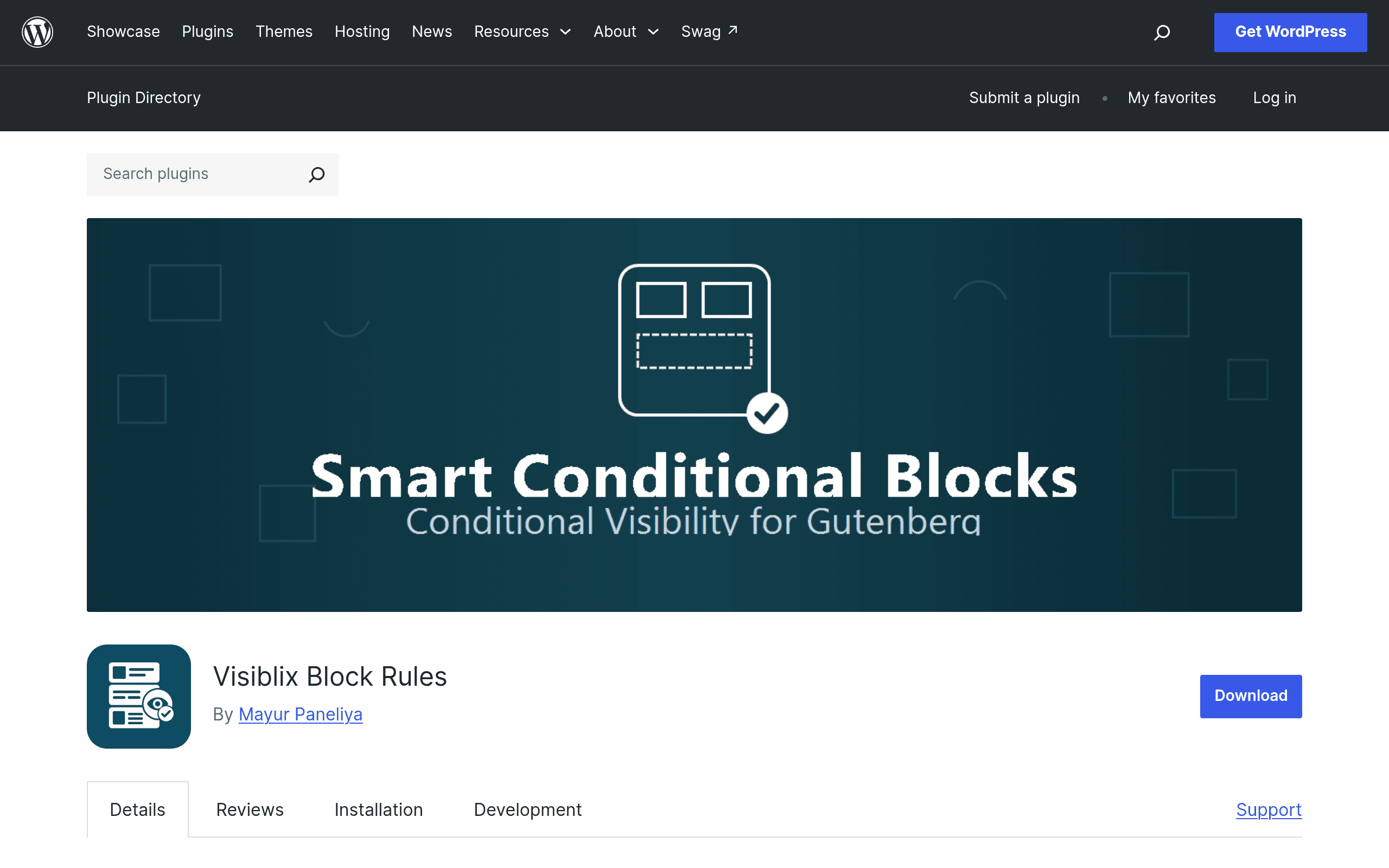
What Visiblix Block Rules Actually Does
Visiblix Block Rules is a WordPress plugin that bolts conditional visibility onto the native Gutenberg block editor. Instead of installing a separate page-builder or writing custom PHP in functions.php, you select any block — a paragraph, a group, a WooCommerce product block, a CTA button — and attach rules that determine whether it renders for a given visitor.
The rule engine covers the categories most site owners actually ask for:
- User role (logged-in, logged-out, specific roles like Subscriber or Customer)
- Device type (desktop, tablet, mobile)
- Geolocation (country/region-based, via IP lookup)
- Date and time windows (schedule a block to appear only between two dates, or on recurring days)
- WooCommerce purchase history (has purchased product X, has an active subscription, cart total thresholds)
Rules can be chained with AND/OR logic, so you can build something like "show this block if (role = Customer) AND (has purchased Product A) AND (device = desktop)," all from the block sidebar without touching code.
This is a newly listed plugin on the WordPress.org repository, which matters for how you should evaluate it: it doesn't yet have the install base, changelog history, or support-forum track record of established competitors. That's not disqualifying, but it's the first thing to weigh before you put it on a production site.
Pricing: What's Published (and What Isn't)
As of this writing, Visiblix Block Rules does not publish a pricing page or a free/pro tier breakdown. The plugin is listed on WordPress.org, which means the version available there is free to install under the GPL, as required for repository listing. There's no visible indication yet of:
- Whether advanced rule types (geolocation, WooCommerce conditions) are gated behind a future Pro upgrade
- Per-site or per-year licensing if a premium tier does arrive
- A roadmap or changelog showing update cadence
If you're budgeting for a client project, treat the current feature set as "free for now" but don't assume it stays that way — plugins that ship this broad a feature set (device detection, geolocation, WooCommerce integration) commonly move to a freemium model once they have traction. Check the plugin's WordPress.org page directly before committing a client to it.
Concrete Use Cases
- Membership sites: Hide a "Renew Now" block for Subscribers who already have an active membership, and show it only to Free-tier accounts.
- WooCommerce upsells: Display a bundled add-on block only to customers who purchased the base product but haven't bought the add-on yet.
- Localized promotions: Show a shipping-cost banner only to visitors in countries where you charge extra for freight.
- Mobile-specific CTAs: Swap a desktop-only sticky sidebar CTA for a simplified mobile block on phones, without maintaining two page templates.
- Time-boxed launches: Schedule a "Black Friday" block to appear November 24–27 and disappear automatically afterward, without a developer touching the page on launch day.
How It Compares
| Criteria | Visiblix Block Rules | WordPress Conditional Blocks | Show/Hide Pro by WP Conditional | Block Visibility |
|---|---|---|---|---|
| Price | Not published; free on WordPress.org currently | Free, no paid tier | Freemium — free core, Pro roughly $49/site/year | Free core; Pro tiers roughly $39–$349/year depending on site count |
| AND/OR rule logic | Yes, native to the rule builder | Limited — mostly single-condition rules | Yes, on Pro tier | Yes, including nested condition groups |
| WooCommerce conditions | Yes (purchase history, cart totals) | No | Pro tier only | Pro tier only (via add-on) |
| Geolocation targeting | Yes | No | No | Pro tier only |
| Maturity / track record | Brand new, minimal install base and review history | Established, small but stable user base | Established, moderate install base | Well established, large install base, active development by Nick Diego |
| Best for | Testing bleeding-edge conditional logic without extra cost while it's free | Simple role/date-based hiding on a budget, no WooCommerce needs | Sites already invested in the WP Conditional ecosystem | Teams wanting a mature, actively maintained plugin with proven Pro support |
Should You Install It Today?
If you're comfortable being an early adopter, Visiblix Block Rules is worth a test on a staging site: the feature set — especially bundling geolocation and WooCommerce purchase conditions with AND/OR logic in the native block editor — is genuinely more capable out of the gate than most free alternatives, including Block Visibility's free tier.
The honest caveats: there's no visible pricing commitment, no long-term changelog to judge update reliability against, and no meaningful support-forum history to see how the developer handles bugs. For a client site where uptime and long-term support matter, Block Visibility remains the safer default given its track record and transparent Pro pricing. For a personal project, an agency's internal site, or anyone who wants to kick the tires on advanced conditional logic before paying for it, Visiblix Block Rules is a reasonable plugin to install this week and watch how it develops.
Update — 2026-08-19
The plugin now includes several new features not mentioned in the guide: URL parameters and custom fields conditions, membership level support (MemberPress, Restrict Content Pro, WooCommerce Memberships), allow-listed PHP callbacks for advanced logic, export/import of condition sets as JSON, REST API access, and request-aware caching. The geolocation method also changed from a generic "IP lookup" to specifically CDN headers (e.g., Cloudflare) without remote API calls.