warmup.rocks First Look: A WordPress Plugin That Warms Your CDN Edges Globally
Some links in this guide are affiliate links. If you sign up through them, Day Zero Guides may earn a commission at no extra cost to you. This never affects which products we cover or what we say about them. See our affiliate disclosure for details.
What warmup.rocks Actually Does
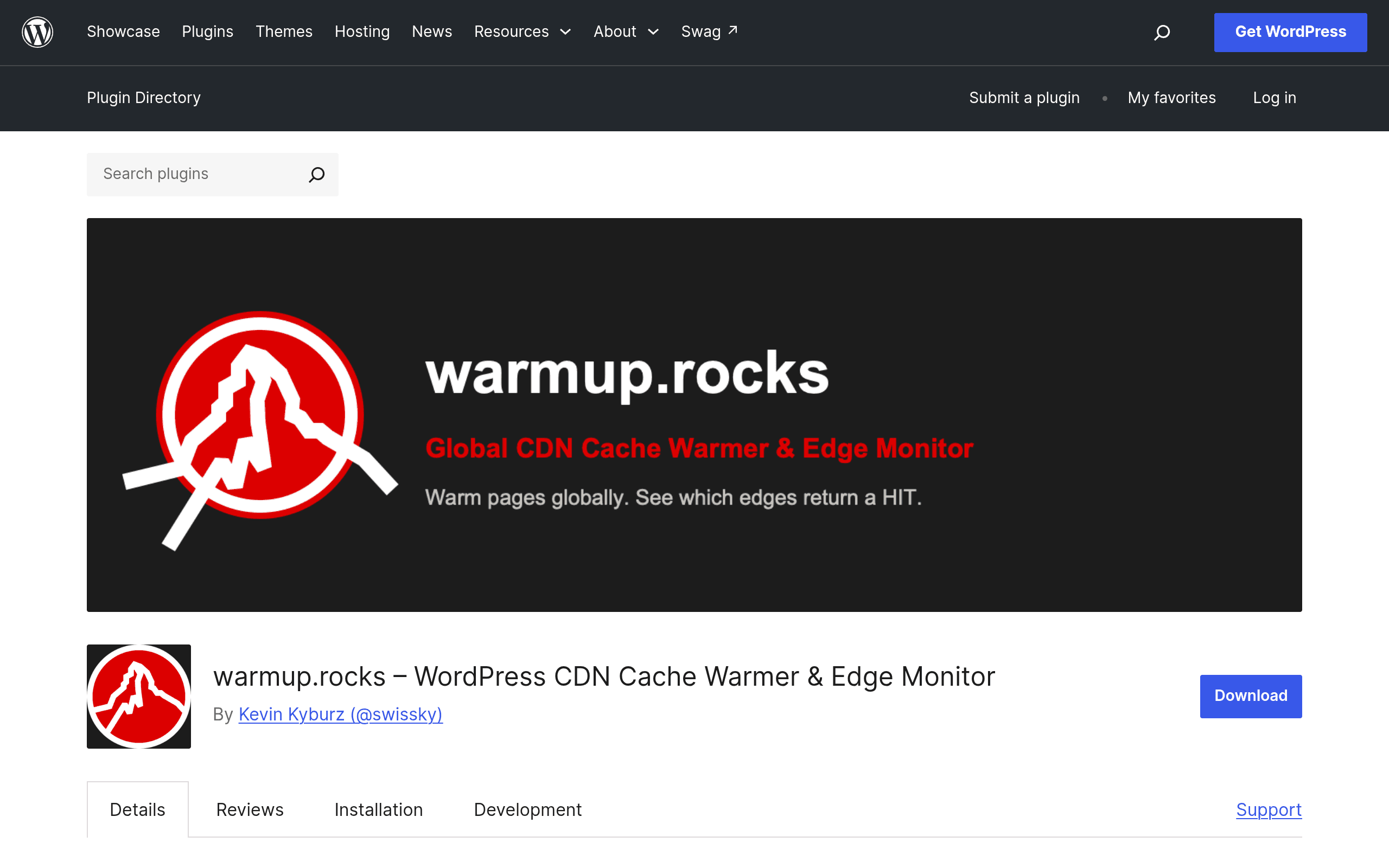
warmup.rocks is a WordPress plugin, listed on the official plugin repository, that solves a narrow but real problem: your CDN's edge nodes only cache a URL after someone requests it. Until that first request hits a given edge (say, Singapore, São Paulo, or Frankfurt), visitors there get a cache miss and your origin server takes the hit. warmup.rocks fixes this by pulling URLs from your XML sitemap and requesting them from a distributed network of points, forcing your CDN to populate its edge caches before real visitors arrive.
It reports back per-location cache hit/miss status, so you can see, for example, that your Cloudflare PoP in Mumbai is cold while London is warm. It's built to work against Cloudflare, CloudFront, Fastly, and "other major CDN providers" without you needing to stand up your own crawler fleet or manage proxy lists — the warming requests are dispatched through warmup.rocks' remote service rather than from your own server.
This matters most right after a deploy, a cache purge, or a CDN configuration change, when your entire edge network resets to cold and the next wave of visitors in every region effectively becomes your cache-warming crawler (at the cost of a slow first load).
How It Works, Concretely
- Install the plugin from wordpress.org and activate it.
- Point it at your sitemap.xml (or let it auto-detect via Yoast/RankMath/core sitemaps).
- It hands off the URL list to warmup.rocks' remote warming service.
- That service issues requests from multiple geographic points and reports cache status per URL per location back into your WP admin.
- You get a dashboard view of which regions are warm and which are still serving misses.
Because the actual warming requests originate from warmup.rocks' infrastructure rather than your own server or a self-hosted proxy list, there's no server load spike on your end during a warm-up run, and you don't need to source or rotate proxies yourself — which is the part that makes competing DIY approaches (a wget loop through a proxy list, for instance) tedious to maintain.
Pricing: Here's the Catch
As of this writing, warmup.rocks does not publish pricing on its plugin page or anywhere in the readme. The plugin itself is free to install from the WordPress repository, but since warming requests are routed through a remote service rather than run entirely locally, it's reasonable to expect usage-based tiers or a paid plan gating higher-frequency warming, more locations, or more URLs once you get past whatever free allowance exists. If you're evaluating this for a client site or anything with a hard budget, don't commit before confirming current plan limits directly in the plugin's setup flow — install it on a staging site first and see what tier boundaries appear once you connect the remote service. Treat any pricing you find elsewhere as unconfirmed until you see it inside the actual onboarding screen.
Concrete Use Cases
- Post-deploy warm-up: You push a new release, your CDN cache purges globally, and you want APAC and EU edges warm again before your morning traffic wave hits — instead of your first hundred visitors in each region eating a cold-cache page load.
- E-commerce flash sales: A sitemap-driven warm-up of category and product pages ahead of a scheduled promotion, so a sudden traffic spike from a Facebook or email campaign doesn't all land on cache misses simultaneously.
- Multi-region audits: Diagnosing why users in one country consistently report slow loads — the per-location hit/miss report can confirm whether a specific PoP is misconfigured or simply never gets warmed by organic traffic in low-traffic regions.
- Migrating CDN providers: When switching from, say, Cloudflare to CloudFront, running a full sitemap warm-up against the new provider before cutting over DNS.
How It Compares
| warmup.rocks | KeyCDN Cache Warmer | Cloudflare APO | WP Super Cache | |
|---|---|---|---|---|
| Price | Free plugin; remote service pricing unpublished/unconfirmed | Free tool, but requires an active KeyCDN account (pay-as-you-go CDN pricing) | $5/month add-on (requires Cloudflare Pro plan at $20/month) | Free, no paid tier |
| CDN scope | Multi-CDN: Cloudflare, CloudFront, Fastly, others | KeyCDN only | Cloudflare only | None — it's page caching, not CDN edge warming |
| Warming mechanism | Remote distributed requests via warmup.rocks service, sitemap-driven | Manual/scripted purge+pull against KeyCDN zones | Automatic edge caching of HTML for WordPress via Cloudflare Workers | Local disk/object cache on your own server, no edge network |
| Per-location visibility | Yes — reports hit/miss by geographic point | Limited, tied to KeyCDN's own zone stats | No per-location breakdown surfaced to user | Not applicable (no CDN edges involved) |
| Setup effort | Low — install plugin, connect sitemap, no proxy/crawler management | Medium — requires KeyCDN account and zone config | Low if already on Cloudflare Pro, but locked to that ecosystem | Low, but solves a different problem (origin caching, not edge) |
| Best for | Multi-CDN sites wanting global warm-up without building crawler infra | Sites already fully committed to KeyCDN | Cloudflare-only sites wanting a fully managed, hands-off solution | Sites without a CDN, or as a complement alongside any of the above |
Where It Fits and Where It Doesn't
If your stack is entirely Cloudflare and you're already paying for Pro, Cloudflare APO is the more integrated, fully-managed option and probably a better default — it's baked into the platform you're already paying. warmup.rocks earns its place when you're multi-CDN (common if you've got a Fastly setup for one region and CloudFront for another, or you're mid-migration between providers), or when you specifically need visibility into which edge locations are cold rather than a black-box "it's cached" assurance.
It's also a more practical choice than rolling your own warming crawler with a proxy list — that approach works but means you're maintaining proxy rotation and script infrastructure yourself, which is exactly the overhead warmup.rocks says it removes.
The unresolved question is cost. A free WordPress plugin backed by a remote warming service almost never stays entirely free at scale, and until warmup.rocks publishes a pricing page, anyone evaluating it for a high-traffic or multi-site setup should install it on a low-stakes site first, run a few warm-up cycles, and watch for where paywalls or rate limits appear before rolling it out further.
Bottom Line
Worth installing today if you run a multi-CDN or multi-region WordPress site and want sitemap-driven edge warming without building your own crawler — just don't assume it stays free once you scale up usage, since pricing isn't published yet. If you're single-CDN on Cloudflare Pro already, try APO first.