Whitetip Forms Builder: First Look at the New Drag-and-Drop WordPress Form Plugin
Some links in this guide are affiliate links. If you sign up through them, Day Zero Guides may earn a commission at no extra cost to you. This never affects which products we cover or what we say about them. See our affiliate disclosure for details.
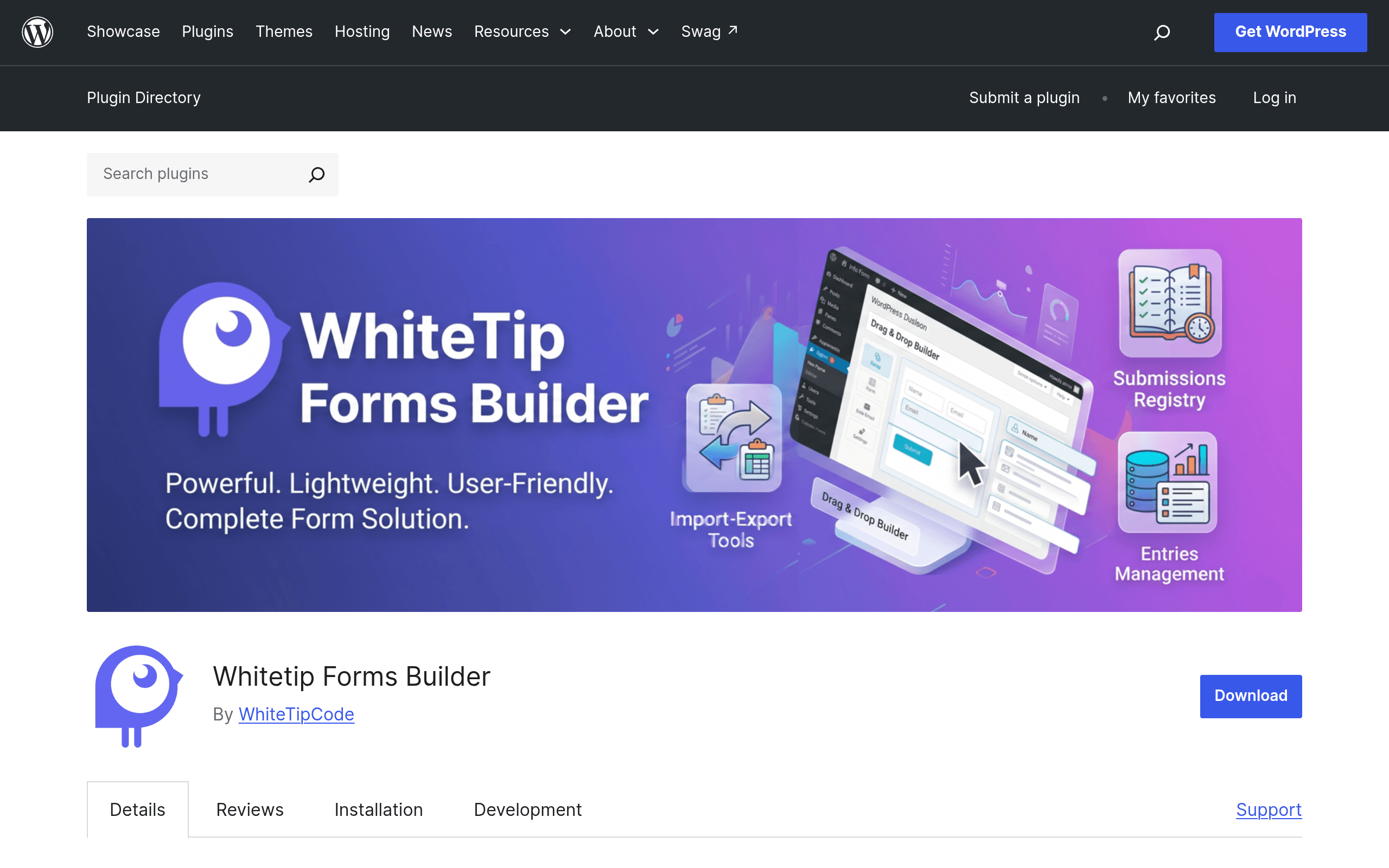
What Whitetip Forms Builder Actually Is
Whitetip Forms Builder is a new entrant in the crowded WordPress form-plugin space, distributed through the official WordPress.org plugin repository. It's built around a drag-and-drop form editor, a submission management dashboard inside wp-admin, and — notably — GDPR-focused data handling baked into the core rather than bolted on as an afterthought. That last part is worth pausing on: a lot of form plugins treat consent checkboxes and data retention as premium add-ons or third-party integrations. Whitetip appears to treat it as a first-class feature in the free tier.
The free version, available directly from the WordPress plugin directory, covers the essentials: build a form visually, place it on a page or post via block/shortcode, collect submissions, and manage them without leaving your dashboard. If you need conditional logic (show/hide fields based on prior answers), custom HTML email templates, SMTP delivery for more reliable email sending, or multilingual form support, those live behind a PRO upgrade sold separately through whitetipcode.com — the plugin's developer site, not WordPress.org itself.
Pricing: What's Actually Published (and What Isn't)
Here's the honest state of things as of this writing: the WordPress.org plugin page does not list PRO pricing. You install the free plugin from the repository like any other WordPress plugin — no account, no credit card — and if you want conditional logic, SMTP, custom email templates, or multilingual support, you're routed to whitetipcode.com to see PRO tier pricing and complete a purchase there. This is a common pattern for WordPress.org-listed plugins (Gravity Forms and Formidable Forms both operate the same way — free listings driving to a separate commercial site), but it does mean you can't do a full side-by-side cost comparison until you leave the directory page.
What we can say concretely:
- Free tier: Full drag-and-drop builder, submission management, GDPR data handling — installable today at no cost.
- PRO tier: Conditional logic, custom email templates, SMTP integration, multilingual support — price disclosed only on whitetipcode.com.
If pricing transparency matters to your decision today, that's a real friction point worth factoring in before you invest setup time.
Concrete Use Cases
- A local service business (plumber, dentist, small law office) needing a contact form and a booking-request form with GDPR consent checkboxes for EU visitors — the free tier likely covers this without any upgrade.
- An agency building client sites that need multilingual forms (e.g., a Belgian or Swiss business site in French/Dutch/German) — this pushes you into PRO for the multilingual field support.
- A membership or event site that needs a signup form where later questions depend on earlier answers (e.g., "Are you bringing a guest?" reveals a guest-name field) — this is the conditional logic feature, PRO-only.
- Any site on shared hosting with unreliable default mail sending — SMTP integration in PRO addresses the common WordPress problem of form notification emails landing in spam or not sending at all.
How It Compares
| Whitetip Forms Builder | WPForms | Gravity Forms | Formidable Forms | |
|---|---|---|---|---|
| Entry price | Free (core features); PRO price on whitetipcode.com only | Free (Lite) / Basic plan ~$49.50/yr | No free tier; Basic license ~$59/yr | Free (Lite) / Basic ~$39.50/yr |
| GDPR handling | Built into free core | Available via addon/settings on paid plans | Available via addons | Available on paid plans |
| Conditional logic | PRO only | Free tier includes basic conditional logic | Included in all paid licenses | Free tier has limited logic; full in paid |
| SMTP integration | PRO only | Requires separate SMTP plugin (e.g., WP Mail SMTP) typically | Requires separate SMTP plugin typically | Requires separate SMTP plugin typically |
| Multilingual support | PRO only | Via WPML/Polylang compatibility | Via WPML/Polylang compatibility | Via WPML/Polylang compatibility |
| Best for | Sites wanting GDPR-first free forms without early paywall | Beginners wanting the most polished free tier | Power users needing complex workflows/integrations | Budget-conscious sites needing views/reporting |
The standout comparison point: WPForms already includes basic conditional logic in its free Lite version, while Whitetip reserves that same feature for PRO. If conditional logic is a must-have and you don't want to pay, WPForms' free tier currently has the edge. Where Whitetip differentiates is GDPR handling shipping free out of the box — Gravity Forms and Formidable typically require you to configure or add GDPR-compliant consent flows more manually, even on paid plans.
Should You Try It Today?
If you're building a straightforward contact, booking, or lead-capture form on a WordPress site and want GDPR-conscious defaults without paying anything upfront, installing Whitetip Forms Builder from WordPress.org costs you nothing but a few minutes of setup. It's a reasonable first form plugin to test, especially if you've been frustrated by GDPR consent being an upsell elsewhere.
Where you should pump the brakes: if you already know you need conditional logic, SMTP, or multilingual forms, you can't get a firm total cost of ownership until you click through to whitetipcode.com. Compare that PRO price against WPForms' published $49.50/year Basic plan or Formidable's $39.50/year Basic plan before committing — those are known quantities today, and Whitetip's PRO tier currently isn't.
As a brand-new plugin, it's also worth checking its WordPress.org support forum and update history before deploying it on a production/client site — an early-stage plugin with a smaller install base carries more unknowns around long-term maintenance than an established option like Gravity Forms.