WPYog Fleet: A First Look at the New WordPress Booking Manager for Taxi and Cab Operators
Some links in this guide are affiliate links. If you sign up through them, Day Zero Guides may earn a commission at no extra cost to you. This never affects which products we cover or what we say about them. See our affiliate disclosure for details.
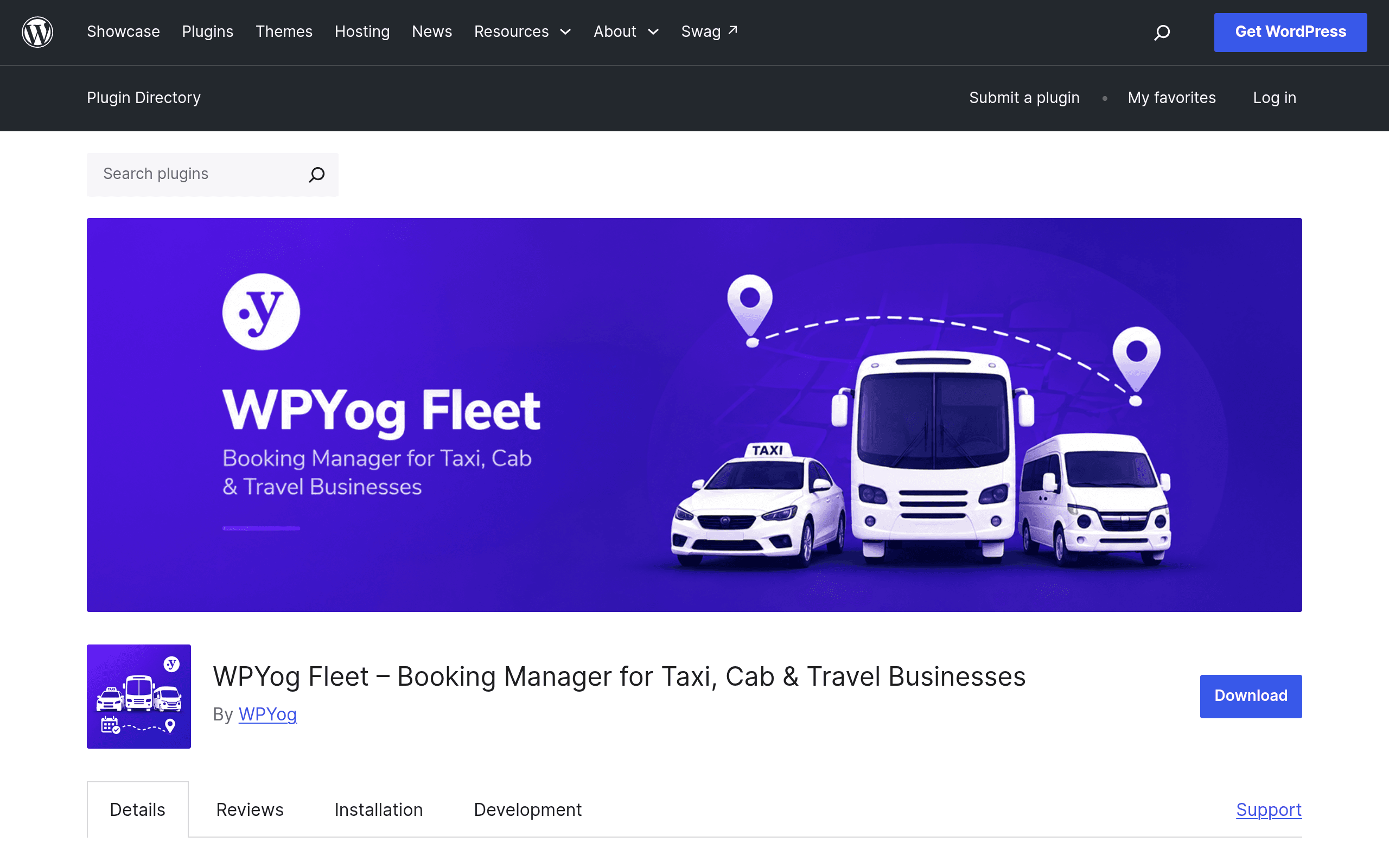
What WPYog Fleet Actually Is
WPYog Fleet is a WordPress plugin, listed on the official WordPress.org plugin repository, built specifically for small taxi companies, cab rental outfits, airport transfer services, and local tour operators. It is not a generic appointment scheduler wearing a taxi costume — it's built around the actual back-office workflow of a dispatch desk: take a booking, assign a vehicle and a driver, record what the customer paid (or owes), track an advance if one was collected, and log trip expenses like fuel or tolls against that specific booking.
The plugin's own positioning is telling: it's aimed at businesses that are currently running this whole operation out of Excel sheets and WhatsApp group chats. If you recognize that description — a dispatcher juggling a spreadsheet, a phone, and a driver group chat every morning — this plugin was built with your desk in mind.
Core Features Found in the Plugin
- Booking records — capture customer, pickup/drop details, date, and trip type in one place instead of a shared spreadsheet row.
- Vehicle and driver assignment — attach a specific car and driver to each booking, which matters once you're running more than two or three vehicles and need to know who's where.
- Payment tracking — log what's been collected against a booking, not just a lump total at month end.
- Advance payment handling — record deposits taken at time of booking separately from final settlement, which is common in cab rental and tour deposits.
- Trip expense logging — attach fuel, toll, or maintenance costs to a specific trip or vehicle, useful when you're trying to figure out which routes or vehicles are actually profitable.
Because it's a WordPress plugin, it lives inside a self-hosted WordPress install — you'll need WordPress itself, a database, and enough admin comfort to install and configure a plugin from the dashboard. This is a self-managed tool, not a hosted SaaS dashboard you log into from a vendor's domain.
Pricing: What We Found (and Didn't)
At the time of this review, WPYog has not published a public pricing page or tiered plan structure for Fleet. The plugin is distributed through the WordPress.org repository, where the base listing is free to download and install, consistent with how WPYog has historically operated its other WordPress plugins — free core functionality on WordPress.org, with the possibility of a paid "Pro" tier or add-ons sold separately through their own site for advanced features (multi-branch support, advanced reporting, SMS/WhatsApp notifications, etc. are common upsells in this plugin category, though none are confirmed for Fleet specifically).
If pricing certainty matters for your decision today, treat this as a free-to-test plugin with an unknown premium ceiling. Install it on a staging site before you commit any operational data to it, and check WPYog's own site directly for any Pro pricing before assuming the free version covers everything you need long-term.
Concrete Use Cases
- A 6-car local taxi dispatch office currently logging bookings in a shared Google Sheet and coordinating driver assignments over a WhatsApp group — Fleet replaces the sheet with a structured booking record tied to vehicle/driver assignment, cutting down on double-booked cars.
- An airport transfer operator taking advance payments for pre-booked pickups — the advance-tracking feature lets the front desk see at a glance which bookings are fully paid versus which still owe a balance on arrival.
- A small tour operator running day trips with rented or owned vehicles — expense logging per trip helps them see, trip by trip, whether a particular route or vehicle is actually making money once fuel and tolls are counted.
- A single owner-operator with 2-3 cars who wants bookings and payment status visible to a part-time office assistant without paying for a full SaaS fleet platform.
How It Compares to Existing Tools
It's worth being blunt here: WPYog Fleet doesn't compete head-on with Calendly or Acuity Scheduling in the way a typical SaaS comparison suggests, and it's not an accounting replacement for Zoho Books either. But these are the tools taxi and travel businesses often get pushed toward by default, so here's how they actually stack up on the workflow that matters to a dispatch desk.
| WPYog Fleet | Calendly | Acuity Scheduling | Zoho Books | |
|---|---|---|---|---|
| Price | Free core plugin (WordPress.org); premium tier pricing not published | Free plan; paid plans from $10–$16/user/month | Plans from $16–$61/month (billed annually) | Plans from $0 (free tier) to $30+/month depending on tier |
| Vehicle/driver assignment | Yes — built-in | No | No | No |
| Advance/partial payment tracking per booking | Yes | No (payment via integrations only) | No (payment via integrations only) | Yes, but as general invoicing, not trip-specific |
| Trip-level expense logging | Yes | No | No | Possible via manual expense entry, not trip-linked by default |
| Hosting model | Self-hosted WordPress plugin | Hosted SaaS | Hosted SaaS | Hosted SaaS |
| Best for | Taxi/cab/tour operators needing bookings + fleet ops in one place | Meeting/appointment scheduling for consultants, sales calls | Service-business appointment booking (salons, coaches, clinics) | General small business accounting and invoicing |
The honest takeaway from that table: if what you actually need is "let customers pick a time slot," Calendly or Acuity will do that better and with a nicer front-end booking widget. If what you need is full-blown accounting, Zoho Books wins. WPYog Fleet's reason to exist is the narrow middle ground none of those three cover well — matching a booking to a specific car, a specific driver, and a running tab of what's owed and what's been spent on that trip.
Should You Try It Today?
Install it if you already run WordPress for your business site and you're currently tracking bookings in a spreadsheet or a phone notebook — the switching cost is low since it's a free plugin, and the upside (one place for booking, assignment, and money) is real for a small fleet. Hold off if you need a customer-facing self-booking widget out of the box, need mobile driver apps, or need production-grade accounting — none of that is demonstrated in the current feature set. As with any early-stage WordPress plugin with an unpublished pricing roadmap, test it on a staging install first and confirm plugin support/update cadence on the WordPress.org listing before moving live booking data into it.