Gesture Synth: First Look at the Browser-Based Hand-Tracking Instrument
By Day Zero Guides Editorial · How we produce guides
Some links in this guide are affiliate links. If you sign up through them, Day Zero Guides may earn a commission at no extra cost to you. This never affects which products we cover or what we say about them. See our affiliate disclosure for details.
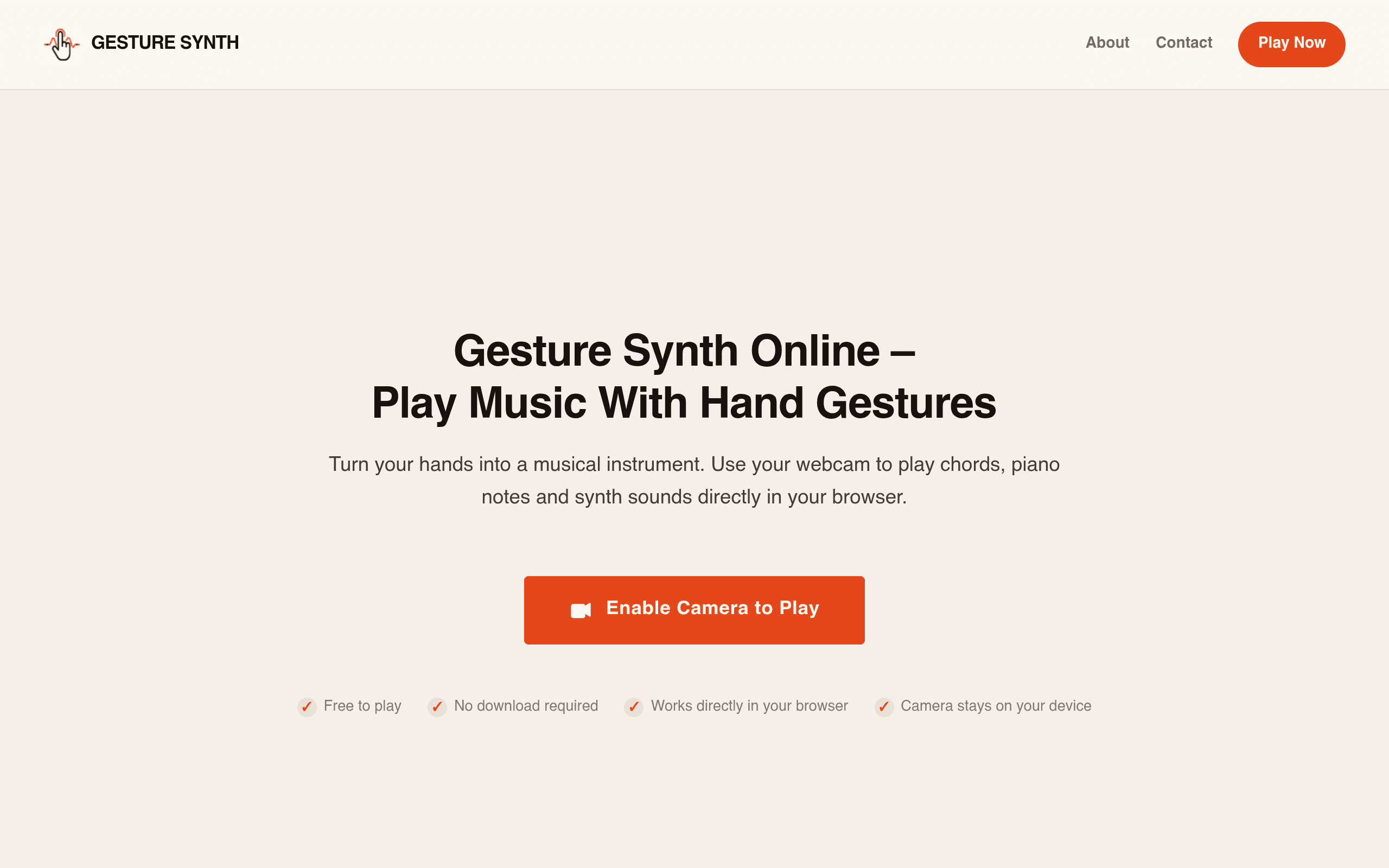
What Gesture Synth Actually Is
Gesture Synth is a free, browser-based instrument that turns your webcam into a motion controller for music. Open the site at gesturesynth.pro, grant camera access, and your hand movements become the input device — no MIDI controller, no mouse, no downloads. The hand-tracking model runs entirely client-side (likely a WebAssembly/TensorFlow.js-style pipeline), meaning the video feed never leaves your device. That's a real, verifiable privacy claim, not a marketing line — there's nothing to upload because there's no backend processing happening on frames.
The instrument has three core playing modes:
- Gesture mode: specific hand shapes or positions trigger chords or chord progressions, letting you "play" harmony with closed fists, open palms, or finger counts rather than a keyboard.
- Theremin mode: pitch and volume are mapped continuously to hand position (height and distance from camera), replicating the classic theremin's two-axis control scheme but without any physical hardware.
- Piano mode: maps a virtual keyboard layout across your tracked hand position, so finger/hand placement approximates playing individual notes rather than full chords.
On top of these modes, Gesture Synth layers chord style selection (major/minor/seventh-type voicings, depending on what's exposed in the UI) and audio effects (reverb, delay-style tails, filter sweeps) that can be toggled while playing, so a single gesture can sound dramatically different depending on the effects chain stacked on it.
Pricing
Gesture Synth is free, full stop. There's no account creation wall mentioned, no premium tier, no usage cap described in available materials. You go to the URL, allow camera permissions, and start playing. For a tool this experimental, the lack of a paywall matters — it lowers the bar to "just try it for five minutes" to effectively zero, which is the right call for a product whose core value proposition still needs to prove itself against the novelty-wears-off test.
Who This Is Actually For
- Music teachers running a classroom demo on body-as-instrument concepts (pitch, amplitude, gesture-to-sound mapping) without needing to source hardware theremins or MIDI controllers for 25 students.
- Streamers and video creators who want a visually interesting, camera-reactive performance element — hand-controlled sound is inherently more watchable than someone clicking a DAW.
- Hobbyist musicians curious about alternative controllers who don't own a MIDI keyboard or theremin and want to feel out theremin-style pitch-bending or chord-triggering without buying gear.
- Accessibility-driven use cases: for people who find traditional keyboard/mouse music input difficult, gesture-based triggering (not requiring fine motor precision on small keys) could be a genuinely useful alternative input method, though this isn't marketed as an assistive tool explicitly.
- Not for: anyone trying to produce a finished, mixed track, write it to a timeline, or collaborate with bandmates — Gesture Synth has no apparent recording, export, arrangement, or multi-track functionality based on available information. It's a live-performance/exploration toy, not a DAW.
How It Compares
| Gesture Synth | Soundtrap | Chrome Music Lab | Incredibox | |
|---|---|---|---|---|
| Price | Free | Free tier + paid plans (~$8-18/mo for Storage/Premium) | Free | Free to play; ~$6.99 one-time for premium app/desktop version |
| Input method | Webcam hand gestures | Mouse/keyboard/MIDI, standard DAW UI | Mouse/keyboard, simple click-based experiments | Mouse/keyboard, click to layer loops |
| Core purpose | Live gesture-controlled synth/theremin performance | Full online DAW: multi-track recording, mixing, collaboration | Collection of standalone audio/music science experiments | Loop-based beatmaking with character animations |
| Recording/export | None apparent | Yes — full project export, cloud save | No, each experiment is standalone and non-persistent | Yes — can save/export loop compositions |
| Best for | Novel live performance, classroom gesture demos, accessibility exploration | Producing and finishing actual songs, remote collaboration | Teaching isolated music/sound concepts to kids | Casual loop-based composition without music theory knowledge |
The honest takeaway from this table: Gesture Synth doesn't really compete with Soundtrap or Incredibox on their home turf — it has no recording or song-finishing workflow. Its closest conceptual cousin is actually Chrome Music Lab's individual experiments (like the "Kandinsky" or theremin-style tools), except Gesture Synth is a single, more developed instrument built around one specific input method (hand tracking) rather than a grab-bag of a dozen small experiments.
Verdict
Gesture Synth is worth five minutes of your time today specifically because it's free and the premise is testable immediately — there's no signup friction standing between you and finding out if hand-tracked music control is fun or gimmicky for your use case. It is not a replacement for Soundtrap if you need to actually finish and export a track, and it's not a structured teaching tool in the way Chrome Music Lab's experiments are built to be. Its real niche is live, visual, gesture-driven sound-making: a classroom demo, a stream overlay element, or a genuinely interesting on-ramp for thinking about alternative instrument controllers. Try it today if that's the itch you're scratching; skip it if you need persistence, export, or collaboration, because none of that appears to be part of what Gesture Synth is built to do.