Projecord: First Look at the Self-Hosted MCP Server That Makes AI Ask Before It Rewrites Your Project Docs
By Day Zero Guides Editorial · How we produce guides
Some links in this guide are affiliate links. If you sign up through them, Day Zero Guides may earn a commission at no extra cost to you. This never affects which products we cover or what we say about them. See our affiliate disclosure for details.
The scenario where you'd actually reach for this
You're three weeks into a project. On Monday you used Claude to hash out a database schema decision — you considered three approaches, picked one, and noted why the other two were rejected. On Wednesday you switched to ChatGPT to work through an API design question, and it has no idea the schema conversation ever happened. It suggests a field name that contradicts what you and Claude settled on four days earlier. You re-explain the context, again, for the fifth time this week.
This is the specific gap Projecord is built to close. It's an MCP (Model Context Protocol) server that sits between your AI clients and a single project document, acting as a checkpoint: when ChatGPT or Claude proposes a documentation change mid-conversation — a new decision, an updated spec, a corrected assumption — Projecord captures that proposal instead of letting the AI just assert it into existence. You review the diff, approve or reject it, and only approved changes get committed to the living document that every AI client reads from next time. Rejected alternatives and open questions don't disappear; they're preserved alongside the decision, so six weeks later you can still see why you didn't go with the other approach.
If you're not juggling multiple AI tools on the same project, or you don't care about an audit trail of decisions, this isn't for you. If you are the person re-explaining the same context to a different chatbot every other day, this is the exact itch it scratches.
What Projecord actually is
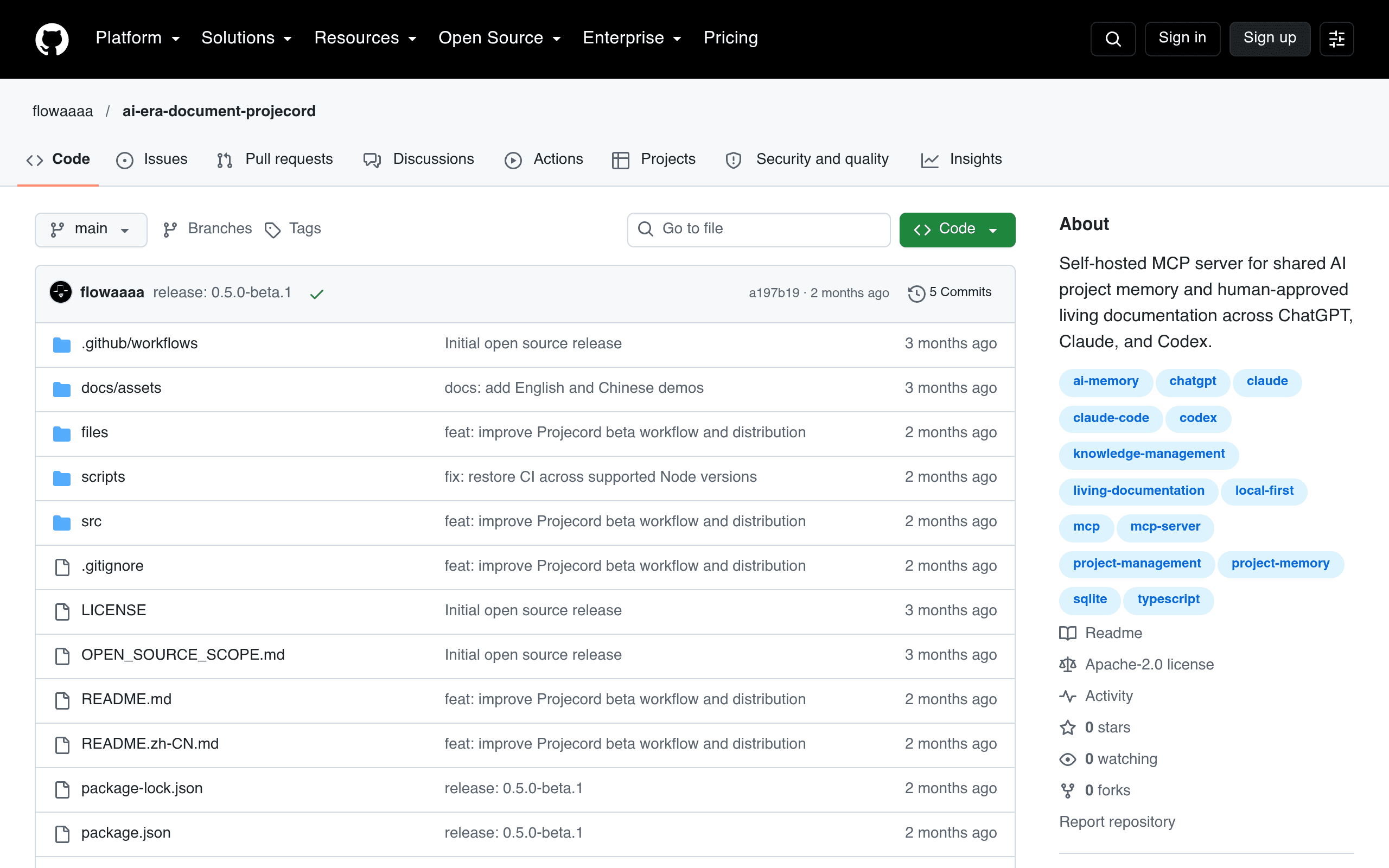
Projecord is a self-hosted MCP server, open-sourced on GitHub (github.com/flowaaaa/projecord). It doesn't live in the cloud and it isn't a SaaS product you sign up for — you run it yourself, point your MCP-compatible AI clients at it, and it manages a structured project document on your machine or server. The core mechanics:
- Proposal capture: when an AI client suggests a doc update during a conversation, Projecord intercepts it as a pending proposal rather than writing it directly.
- Human review gate: you see the proposed change before it's committed — this is the part Notion AI and most "AI writes your docs" tools skip entirely.
- Shared source of truth: any MCP-compatible client (Claude, ChatGPT via MCP-compatible setups, others) reads from and proposes changes to the same document, so context doesn't fragment by which chatbot you happened to open.
- Preserved history: decisions, the alternatives that were considered and rejected, and open questions that haven't been resolved yet are kept as first-class parts of the document, not buried in chat logs you'll never scroll back through.
Because it's an early, self-hosted project rather than a polished product, expect to be comfortable running a local server and configuring MCP connections — this is a tool for people already living in the MCP ecosystem, not a drag-and-drop SaaS.
Pricing
Projecord has no published pricing because there isn't a commercial offering — it's a self-hosted, open-source project you run yourself. There's no subscription, no seat fee, and no vendor to pay. Your actual costs are:
- Hosting: free if you run it on a local machine; a few dollars a month if you put it on a small VPS so a team can share it.
- AI API usage: whatever you're already paying Anthropic or OpenAI for Claude/ChatGPT access — Projecord doesn't add a markup since it's just coordinating MCP calls.
- Your time: setup and configuration, since there's no managed onboarding.
If the project matures and a hosted version appears later, that would presumably come with its own pricing — but as of this writing, "free to run, bring your own AI costs" is the honest answer.
Concrete use cases
- Solo founder bouncing between Claude and ChatGPT: using Claude for architecture discussions and ChatGPT for marketing copy, both working off one shared facts document instead of two divergent mental models of the project.
- Small eng team doing async decision-making: a developer proposes an API contract change via AI mid-conversation; a teammate reviews and approves it the next morning instead of it silently landing in a wiki no one reads.
- Consultants maintaining client project state: keeping a running record of what's been decided, what's been rejected (and why), and what's still open, so a client question six months later ("didn't we consider using Postgres instead?") has a documented answer instead of a shrug.
- Research or spec-heavy work: capturing open questions explicitly as a tracked category, rather than letting them evaporate once the AI conversation moves on to something else.
How it compares
| Projecord | Notion AI | Confluence (AI features) | GitHub Wiki + AI assistance | |
|---|---|---|---|---|
| Price | Free, self-hosted (open source); you only pay for AI API usage and optional hosting | Plus plan ~$10/user/mo, AI add-on ~$8-10/user/mo on top | Standard ~$6.05/user/mo, Premium ~$11.55/user/mo; AI features bundled into higher tiers or Atlassian Intelligence add-on | Free with any GitHub repo; AI assistance depends on whatever Copilot/chat tool you bolt on |
| Review-before-commit for AI edits | Core feature — every AI-proposed change is a pending proposal you approve or reject | No — Notion AI writes/edits inline, no formal approval gate | No — Confluence AI drafts content, you edit manually after the fact, no structured proposal queue | No — depends entirely on manual PR review discipline, not a built-in concept |
| Shared context across multiple AI clients (Claude + ChatGPT, etc.) | Yes — designed specifically for this via MCP | No — tied to Notion's own AI, not external clients | No — tied to Atlassian Intelligence, not external AI tools | No — wiki content can be read by any tool, but there's no proposal/sync layer |
| Preserves rejected alternatives & open questions as structured data | Yes — explicit categories in the document | No — history exists only as page version history, not categorized decisions | Partial — page history exists, but "rejected alternatives" isn't a tracked concept | No — only via commit messages/PR discussions if you're disciplined about it |
| Best for | Teams/individuals using multiple AI tools who want one reviewed source of truth | Teams already living in Notion who want AI to draft/edit docs faster | Enterprises already on Atlassian who want AI summarization inside existing wiki workflows | Developers who want docs versioned with code and don't need a formal review layer for AI edits |
Should you try it today
Projecord is early and unapologetically a tool for a specific workflow: multiple AI clients, one project, and a desire for a paper trail of decisions rather than a chat history you'll never revisit. It won't replace Notion or Confluence as a general-purpose docs platform — it doesn't have their editing UI, templates, or permission systems. What it does that none of the three alternatives do is treat an AI's proposed documentation change as a draft requiring sign-off, and treat "what we decided not to do and why" as something worth keeping on purpose.
If that specific gap — AI context fragmenting across tools, decisions getting lost, no review step before docs change — is actively costing you time this week, it's worth cloning the repo and running it against one real project before deciding whether it earns a permanent spot in your stack. If you're happy with Notion AI drafting inside pages you already control, there's no urgent reason to switch.