Grimnir Password Manager: First Look at the Donation-Funded, Local-First Vault for Mac
Some links in this guide are affiliate links. If you sign up through them, Day Zero Guides may earn a commission at no extra cost to you. This never affects which products we cover or what we say about them. See our affiliate disclosure for details.
What Grimnir Actually Is
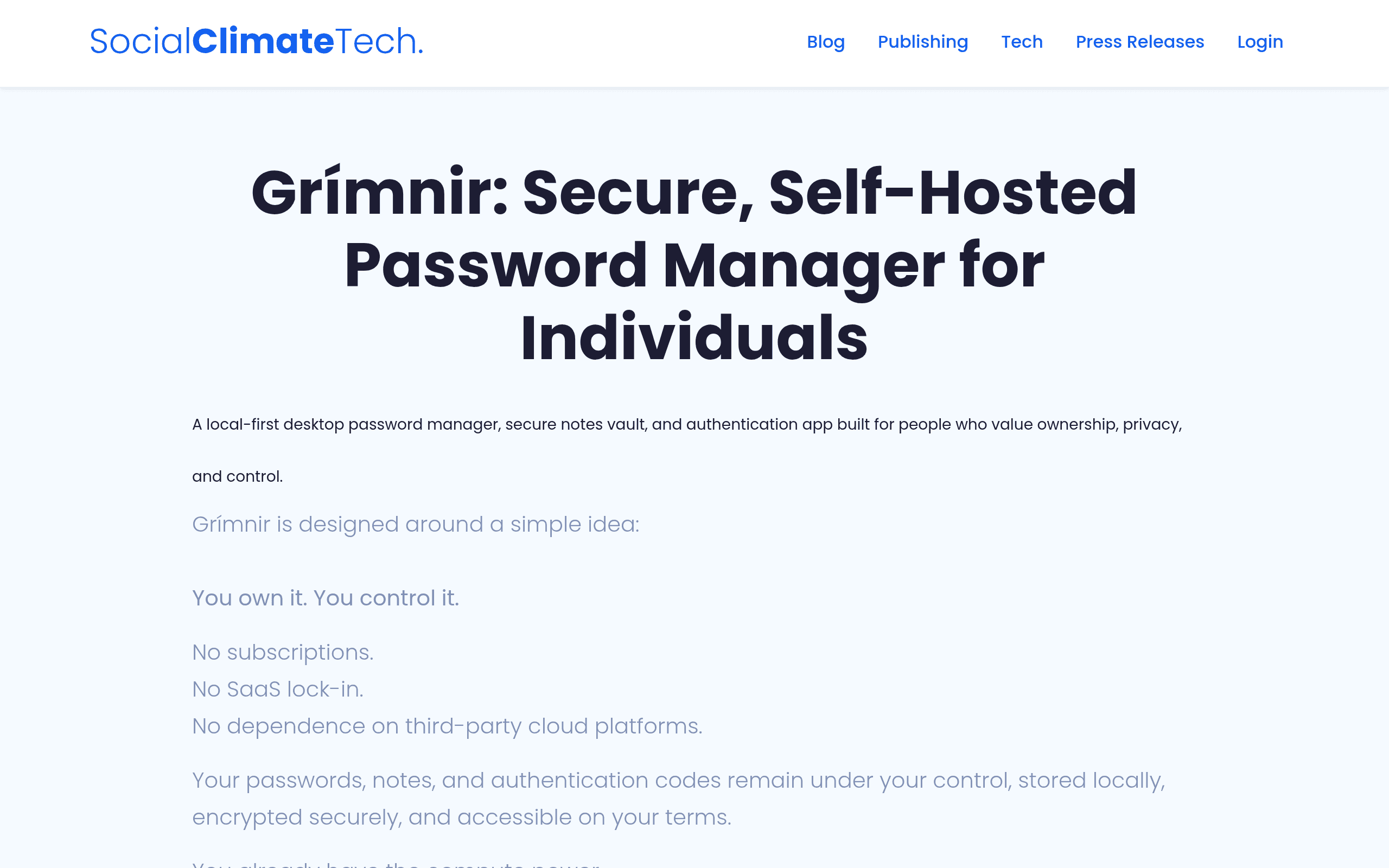
Grimnir is a standalone Mac app that bundles three things people usually pay three different subscriptions for: a password manager, a secure notes vault, and a 2FA/TOTP authenticator. The pitch is simple and, in 2024, almost unusual — everything lives on your machine, encrypted with AES and PBKDF2 key derivation, with no account creation, no cloud storage, and no recurring bill. It's built and distributed by Social Climate Tech, a non-profit, which explains the funding model: instead of a monthly or annual subscription, Grimnir is funded through one-time donations starting at €19.
There's no freemium tier to poke at first — the €19 minimum donation is effectively the price of entry, positioned as a "pay what you want, at least this much" model rather than a licensing fee. That's worth sitting with for a second: you're not renting access to your own passwords, you're buying (or donating for) the app once and keeping it.
How It Actually Works
Grimnir stores your vault locally, encrypted with AES and a PBKDF2-derived key from your master password. There's no server component — if Social Climate Tech's website disappears tomorrow, your vault on disk keeps working exactly as it did the day before, since nothing about unlocking it depends on a remote service. That's the core promise of "local-first": your data's availability isn't tied to a company's uptime, funding, or continued existence.
The tradeoff, and it's a real one, is sync. Grimnir does not appear to offer built-in cross-device sync or a mobile companion app at launch — it's a Mac desktop application, full stop. If you want your vault on your iPhone or a Windows machine, you're on your own for moving that file (iCloud Drive, an encrypted USB stick, Syncthing, whatever you trust), and backup responsibility shifts entirely to you. There's no "forgot my device, recover from the cloud" safety net. For some people that's the entire point. For others, it's a dealbreaker.
Concrete Use Cases Where Grimnir Makes Sense
- You're a Mac-only, single-device user who's tired of subscription fatigue. If you don't need your vault on a phone and just want your logins, secure notes, and 2FA codes unlocked with one master password on your laptop, Grimnir removes an entire recurring line item from your budget.
- You work somewhere air-gapped or bandwidth-restricted. Journalists, researchers, or field workers who need credential storage without any network dependency get a vault that functions identically with wifi on or off, permanently.
- You want your 2FA codes and passwords in one place without trusting a third party's servers with either. Consolidating TOTP codes and passwords into a single local file reduces the number of cloud services holding pieces of your security posture.
- You care where your money goes. Because Grimnir is run by a non-profit and funded by donations rather than investors, users who are uncomfortable with password managers being VC-backed, ad-supported, or acquisition targets have an alternative that isn't chasing growth metrics.
- You already have a personal backup discipline. If you're someone who already runs Time Machine or a manual backup routine, the lack of built-in sync is a non-issue rather than a hidden risk.
Where Grimnir is not a fit: teams needing shared vaults or admin controls, anyone needing Android/Windows/Linux support today, and anyone who wants "install and forget" automatic multi-device sync without managing files themselves.
Pricing Breakdown
| Item | Cost |
|---|---|
| App access | One-time donation, minimum €19 |
| Recurring fees | None |
| Family/team plans | Not offered |
| Platform | macOS only (standalone app) |
There's no tiered feature-gating mentioned — the donation unlocks the app rather than specific features within it, which is a cleaner model than most competitors offer, but also means there's no free trial tier to test-drive before donating.
How Grimnir Compares
| Grimnir | Bitwarden | 1Password | KeePass | |
|---|---|---|---|---|
| Price | €19 one-time (donation) | Free tier; Premium $10/year | $2.99–$4.99/month (billed annually) | Free (open source) |
| Cloud sync | None (manual/self-managed) | Built-in, cross-platform | Built-in, cross-platform | None natively (plugins/manual) |
| Platforms | macOS only | Windows, Mac, Linux, iOS, Android, browsers | Windows, Mac, Linux, iOS, Android, browsers | Windows, Mac (via ports), Linux |
| Business model | Non-profit, donation-funded | VC-backed company, freemium | Private company, subscription | Open-source volunteer project |
| Best for | Single-Mac users wanting zero subscriptions and full local control | Most people wanting free, synced, cross-platform password management | Families/teams wanting polished UX and shared vaults | Power users wanting fully open-source, plugin-extensible local storage |
The closest philosophical cousin here is actually KeePass, not Bitwarden or 1Password — both Grimnir and KeePass reject the cloud-subscription model entirely. The difference is that KeePass is open-source, cross-platform, and has a two-decade plugin ecosystem for adding sync or mobile access yourself, while Grimnir is closed, Mac-only, and newer, trading flexibility for a simpler out-of-the-box experience and a mission-driven backer.
Should You Try It Today?
If you're a Mac user who has been paying for 1Password or Bitwarden Premium mainly out of habit, and you don't actually need your vault on a phone or a Windows box, Grimnir is worth the €19 to test — that's less than two months of most competitors' subscriptions, paid once. If you need multi-device sync, team sharing, or anything beyond macOS, wait and watch: those are the gaps most likely to determine whether Grimnir becomes a serious alternative or stays a niche tool for a specific kind of local-first, subscription-averse user.