Inbox Academy First Look: Course Delivery That Skips the Dashboard Entirely
By Day Zero Guides Editorial · How we produce guides
Some links in this guide are affiliate links. If you sign up through them, Day Zero Guides may earn a commission at no extra cost to you. This never affects which products we cover or what we say about them. See our affiliate disclosure for details.
What Inbox Academy Actually Does
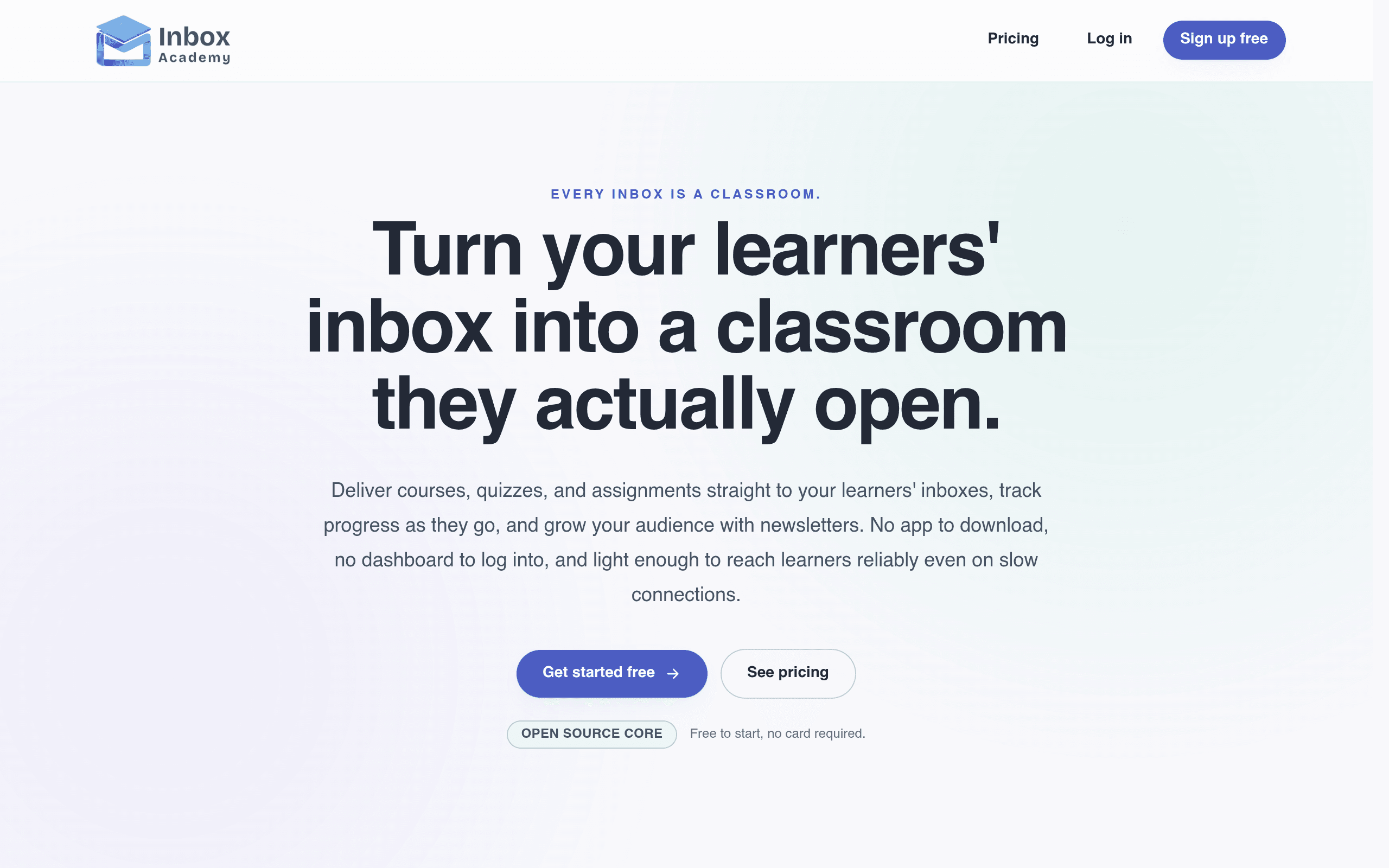
Inbox Academy skips the login screen. Instead of building a course dashboard that learners have to remember to visit, it delivers lessons, quizzes, and assignments as sequenced emails straight to the inbox. Learners reply to emails or click through to complete quizzes; there's no separate app, no password reset flow, no "please log in to continue your course" friction.
That's the entire pitch, and it's a narrower one than most course platforms attempt. Inbox Academy isn't trying to be a website builder, a payment processor, or a community hub. It's trying to be the plumbing that gets structured, sequential educational content into someone's inbox and proves they finished it.
Who This Is Actually For
After digging into the feature set, three use cases stand out as the real fit:
- Internal compliance and onboarding training. A company using Google Workspace can bulk-enroll an entire team into a 5-module security or HR compliance course without asking anyone to create a new account. The verifiable certificate at the end covers the audit trail.
- Cohort-based email courses for creators. Someone running a "7-day email marketing challenge" or a "14-day SQL fundamentals" course can use the branded enrollment widget on their existing site, and the entire delivery mechanism (lessons, quizzes, grading) runs without them building any infrastructure.
- Certification bodies with lightweight content. Trade associations or niche credentialing groups that need to deliver a short, quiz-gated course to a few hundred people a year — where a full LMS would be overkill for the actual volume of content.
What it's not well-suited for: video-heavy courses, cohorts that need live community discussion, or anyone planning to sell a $2,000 flagship course with upsells and a slick sales funnel. That's Kajabi's or Teachable's territory, not this.
Pricing, As of Launch
Inbox Academy's pricing is simple and clearly built to get you testing before you pay:
| Plan | Price | Courses | Learners | Org Members | Newsletter Sendouts |
|---|---|---|---|---|---|
| Free | $0 | 1 | 200 | 2 | Not specified beyond base tier |
| Professional | $29/month | 20 | 1,000 | 5 | 4,000/month |
The free tier is genuinely usable for a real pilot — 200 learners and one full course is enough to run an actual onboarding cohort or a small paid challenge before committing $29/month. The jump to Professional is where you get the volume needed for company-wide rollouts (1,000 learners) and multi-course catalogs (20 courses), which is the realistic ceiling for most small teams or solo course creators.
There's no pricing tier shown yet for anything beyond Professional, which suggests this is still an early-stage product without an enterprise plan — worth flagging if you're evaluating this for a 5,000-person org.
Standout Features Worth Knowing About
- AI-generated quizzes: You feed in lesson content and it drafts quiz questions, which cuts a real chunk of course-building time for anyone assembling a compliance or fundamentals course from existing documentation.
- Verifiable certificates: Completion certificates that can be checked/verified, which matters for compliance training and professional credentialing use cases specifically — this is the feature that separates it from just "a drip email sequence."
- Bulk enrollment via Google Workspace: You can enroll an entire company or team directly from Workspace without CSV wrangling, which is the single biggest time-saver for internal training use cases.
- Branded enrollment widgets: Embeddable sign-up widgets that keep your own branding, so learners never see "Powered by Inbox Academy" plastered across the experience.
How It Stacks Up
Inbox Academy isn't really competing head-to-head with the big course platforms — it's carving out the "no dashboard needed" niche — but if you're deciding where to put your course, here's the honest comparison.
| Inbox Academy | ConvertKit | Kajabi | Teachable | |
|---|---|---|---|---|
| Starting price | Free (200 learners, 1 course) | Free (up to 10,000 subscribers, limited features) / paid from ~$25/mo | From $89/month (Kickstarter plan) | Free (limited) / paid from $39/month |
| Delivery mechanism | Pure email, no dashboard/app required | Email sequences + landing pages, not built for structured courses | Full hosted course site with video, dashboard, community | Full hosted course site with video, dashboard |
| Quiz/assessment tools | AI-generated quizzes, built-in grading | None built-in | Basic quizzes on higher tiers | Quizzes available on paid plans |
| Certificates | Verifiable certificates included | Not available | Available on some plans | Available on paid plans |
| Bulk org enrollment | Native Google Workspace bulk enrollment | Not applicable (not course-focused) | CSV import, no native Workspace integration | CSV import, no native Workspace integration |
| Best for | Compliance training, short email-native courses, internal onboarding | Newsletter-driven audiences and lead nurturing | Premium video courses with sales funnels and community | Mid-size course businesses wanting a polished storefront |
| Learner cap on entry tier | 200 learners free | ~10,000 subscribers free | No free plan | Limited free plan, capped features |
The practical takeaway: if your course is fundamentally video-based or you're trying to build a paid-course business with a storefront, sales pages, and upsells, Kajabi or Teachable remain the better bet — Inbox Academy has no video hosting or sales funnel tooling at all. If you're using ConvertKit purely to blast newsletters and don't need quizzes, grading, or certificates, Inbox Academy adds a structured layer ConvertKit was never built for. The clearest win for Inbox Academy is anywhere the course is short, text/quiz-based, and needs to reach people who will never remember to log into yet another tool — internal training being the strongest example.
Should You Try It Today?
Given the free tier costs nothing and takes maybe 20 minutes to set up a first course, there's low downside to testing it against a real use case — ideally an onboarding sequence or short internal training module you already have written content for. The $29/month Professional tier is cheap enough that even a small team can justify it once you exceed 200 learners or need more than one course, which will happen quickly if you're using this for anything beyond a single pilot.
The honest caveat: this is a new, narrow product. There's no visible enterprise tier, no mention of API access or integrations beyond Google Workspace, and no video support. If your course content is inherently visual or you need a richer learner experience, this isn't the tool. But for compliance training, cohort-based email courses, or lightweight certification programs, Inbox Academy is solving a real, specific problem that Kajabi, Teachable, and ConvertKit all handle poorly or not at all.