JameClaw: First Look at the Open-Source AI Agent Framework With Built-In Human Checkpoints
By Day Zero Guides Editorial · How we produce guides
Some links in this guide are affiliate links. If you sign up through them, Day Zero Guides may earn a commission at no extra cost to you. This never affects which products we cover or what we say about them. See our affiliate disclosure for details.
Concrete use cases that fit today's version
- Repo maintenance agent: define a workflow that scans open issues, drafts a triage plan, and pauses for your approval before labeling or closing anything — useful for a solo maintainer who wants leverage without losing control.
- Local data pipeline runs: an agent that pulls a CSV, transforms it, and writes output files, with a verify step before any file overwrite — good for someone automating a recurring local ETL task without trusting a script to run fully unattended.
- Multi-tool research task: plan a task that searches, summarizes, and drafts a doc, stopping for human review before the doc gets saved or sent anywhere — a fit for content or research workflows where the output needs a sanity check before it goes anywhere permanent.
- Personal task automation with guardrails: for indie developers who want agent automation on their own machine but are uncomfortable letting an LLM take irreversible actions (deleting files, pushing commits) without a checkpoint.
What it's not a great fit for yet: production multi-user deployments, anything needing a hosted/managed runtime, or teams wanting a visual workflow builder. It's local, single-machine, terminal-driven at this stage.
What JameClaw actually is
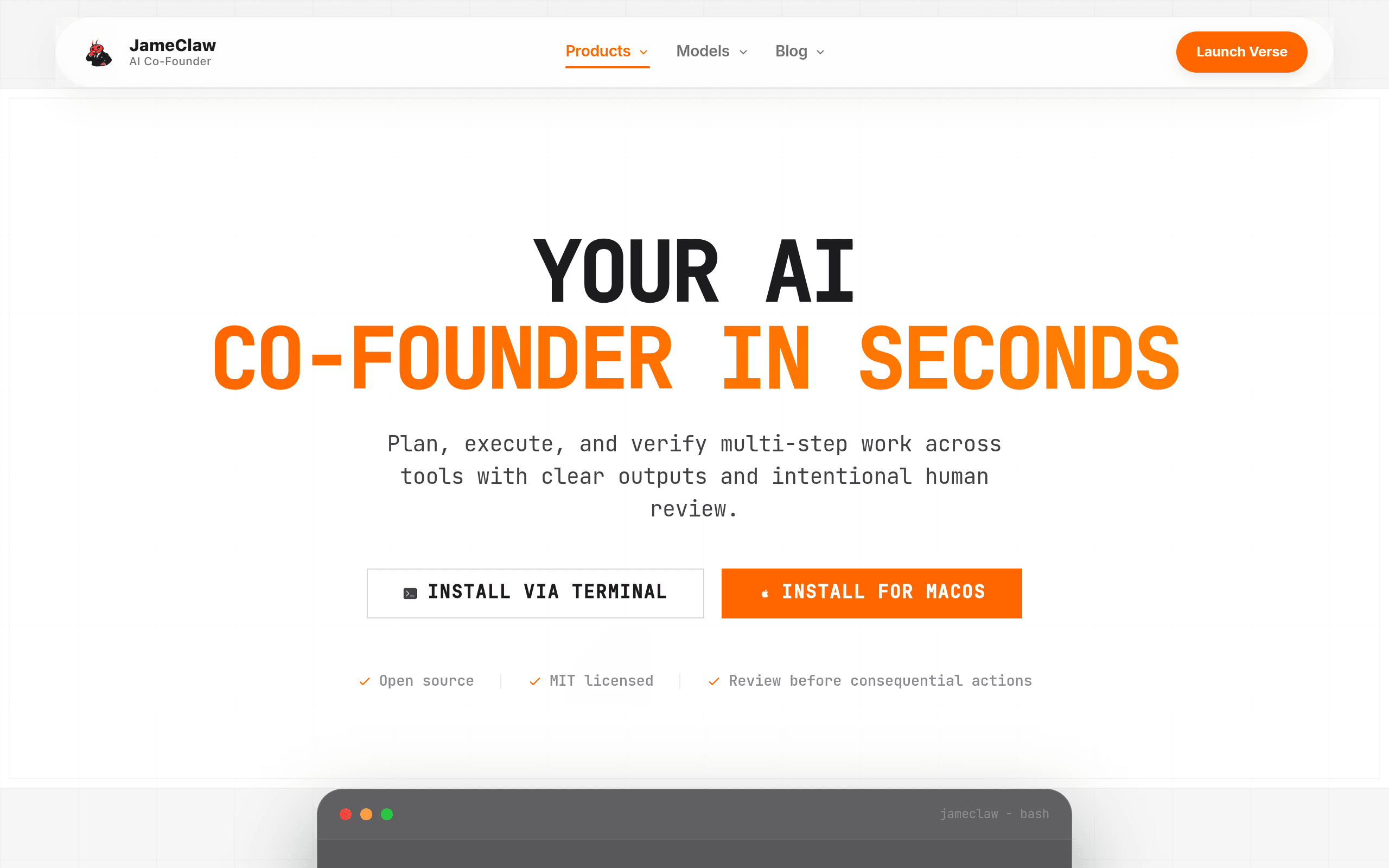
JameClaw is an open-source AI agent framework you install via npm and run locally on macOS from your terminal. It's not a hosted SaaS agent builder like you'd get from a no-code automation tool — it's a code-adjacent framework aimed at developers who want an agent that can plan a multi-step task, execute it across connected tools, and pause for human sign-off at defined checkpoints before continuing. That last part is the actual differentiator: most agent frameworks either run fully autonomously or require you to babysit every tool call. JameClaw sits in between with explicit "review points" baked into its workflow definition.
You set up a workspace — a local config directory that holds your agent definitions, tool credentials, and task history — and then define workflows as a sequence of plan → execute → verify steps. At the verify step, JameClaw can be configured to stop and wait for you to approve, edit, or reject the agent's proposed action before it touches a real tool (a file system write, an API call, a git commit, etc.).
Getting it running
Installation is a straightforward npm install -g jameclaw followed by jameclaw init to scaffold a workspace. From there you point it at whichever LLM backend you're using (it's model-agnostic rather than locked to one provider), define your tools in the workspace config, and run tasks from the CLI. There's no GUI yet — this is a terminal-first tool as of this launch, which matters if you were expecting a dashboard. If you live in the terminal already, setup takes under 10 minutes. If you wanted point-and-click, this isn't it yet.
Pricing as it stands today
JameClaw's pricing is refreshingly simple because there's not much of it yet:
- Free — $0/mo: 1 agent, up to 100 task runs per month. This is enough to run the framework for personal projects, testing workflows, or automating a handful of recurring tasks (say, a weekly report pull or a repo cleanup script) without hitting the ceiling.
- Pro — $5/mo (coming soon, not yet billable): 10 parallel agents, unlimited task runs. This tier is clearly aimed at anyone running multiple concurrent workflows — e.g., one agent monitoring a repo, another handling scheduled data pulls, another doing QA checks — without the 100-run cap becoming a bottleneck.
Worth noting: since Pro isn't live yet, everyone using JameClaw today is on the free tier by default, single-agent, capped at 100 runs/month. If your use case needs more than one agent running concurrently right now, you're limited until Pro ships.
How it compares to the established options
| JameClaw | Anthropic Claude API (tool use) | OpenAI Assistants API | LangChain Agent Framework | |
|---|---|---|---|---|
| Price | Free (1 agent, 100 runs/mo); Pro $5/mo coming soon (10 agents, unlimited runs) | Pay-per-token API pricing, no framework fee | Pay-per-token API pricing, no framework fee | Free/open-source, but you pay underlying model API costs |
| Human-in-the-loop review | Built-in verify/checkpoint step in every workflow by default | Must be custom-built by the developer | Must be custom-built by the developer | Possible via custom callback/hook code, not default |
| Setup | npm install, terminal + workspace config, macOS-focused | API integration into your own app/backend | API integration into your own app/backend | Python/JS library, requires more scaffolding code |
| Model flexibility | Model-agnostic backend | Locked to Claude models | Locked to OpenAI models | Model-agnostic, supports many providers |
| Best for | Developers wanting reviewable, checkpointed local automation with minimal setup | Teams already building on Claude who want native tool-calling | Teams already building on OpenAI's ecosystem, want managed threads/state | Teams building custom, complex agent logic who need full control over chains |
The key distinction: Claude's tool use and OpenAI's Assistants API are primitives — you build the review logic, state management, and safety checks yourself. LangChain gives you more structural scaffolding but still expects you to wire up your own approval gates. JameClaw ships the human-checkpoint pattern as a first-class feature out of the box, which is the whole pitch — less code to write if a review step is exactly what you wanted anyway.
Should you try it today
If you're comfortable in a terminal, run macOS, and want to test an agent that plans and executes multi-step tasks with a pause-for-approval step without writing that logic yourself, the free tier costs nothing to try — install it, scaffold a workspace, and run one real workflow against your own tools. The 100-run cap and single-agent limit will bite quickly if you're trying to run several workflows in parallel, and Pro isn't billable yet, so plan around that. If you need a GUI, multi-user access, or a hosted runtime, this isn't ready for that today — check back once Pro ships and see if a dashboard or team features follow.