KnowBase AI: First Look at the New Document-to-AI-Assistant Platform
By Day Zero Guides Editorial · How we produce guides
Some links in this guide are affiliate links. If you sign up through them, Day Zero Guides may earn a commission at no extra cost to you. This never affects which products we cover or what we say about them. See our affiliate disclosure for details.
What KnowBase AI Actually Does
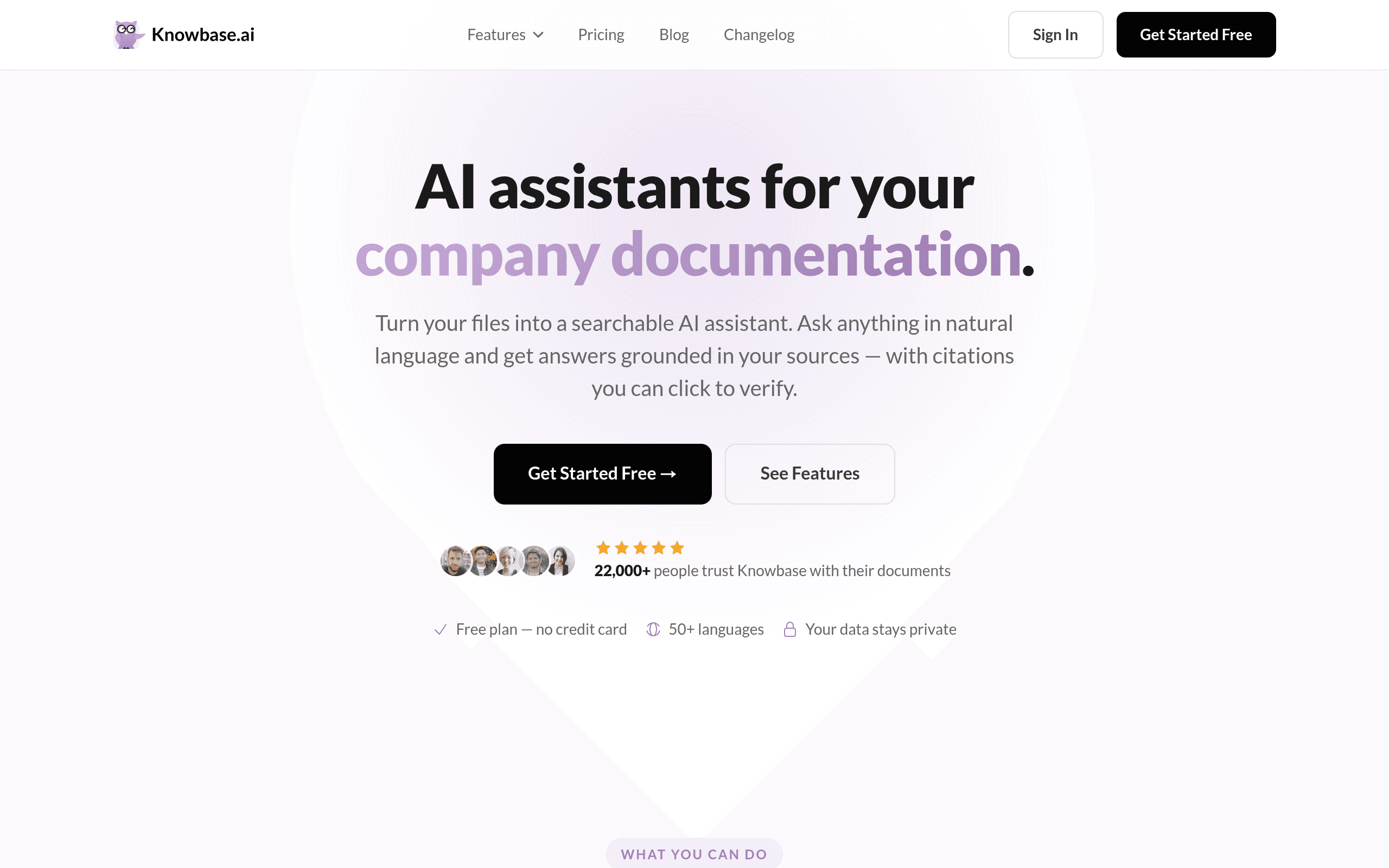
KnowBase AI (knowbase.ai) takes files you upload — PDFs, Word docs, video files, and audio recordings — and turns each one (or a collection of them) into a queryable AI assistant. Instead of skimming a 40-page contract or scrubbing through a 90-minute recorded meeting, you type a question in plain language and get an answer with a clickable citation that jumps to the exact page, timestamp, or paragraph the answer came from.
That citation-to-source behavior is the actual differentiator here, not the AI chat itself. Plenty of tools summarize documents; fewer make it trivial to verify where an answer came from, especially across video and audio, which is the part most competitors handle poorly or not at all.
Pricing: What's Confirmed and What Isn't
As of this writing, KnowBase AI publishes only its free tier on the homepage:
| Plan | Storage | Queries | Price |
|---|---|---|---|
| Free | 100 MB | 25 queries/month | $0 |
| Paid tier(s) | Not disclosed | Not disclosed | Not disclosed |
Worth flagging plainly: there's no visible pricing page for paid plans at launch. If you're evaluating this for a team or ongoing use beyond the free cap, you'll need to sign up and hit a paywall (or contact sales) to find out what it actually costs. That's a real gap compared to competitors who post tiered pricing upfront, and it's the single biggest thing to watch before you commit time to migrating documents into the platform.
100 MB is small — roughly a few dozen PDFs or one modest video file, depending on compression. Twenty-five queries a month works out to under one question a day, which is enough to test the product but not enough to run it as a daily research tool without upgrading.
Concrete Use Cases Where This Fits
- Legal or compliance review: Upload a contract or policy PDF and ask "What's the termination notice period?" — get an answer plus a jump-link to the exact clause, useful for cross-checking without re-reading the whole document.
- Meeting and interview recordings: Upload an audio or video file of a recorded interview or all-hands meeting, then ask "What did they say about the Q3 roadmap?" and jump straight to that timestamp instead of scrubbing manually.
- Research synthesis across multiple PDFs: Load several academic papers or reports into one assistant and ask comparative questions ("Which of these studies used a control group?") with citations back to the specific paper and page.
- Onboarding documentation: Turn a stack of internal SOPs or training PDFs into a Q&A assistant new hires can query instead of digging through a shared drive.
What it's not built for: open-ended web research or general-purpose writing assistance. It's scoped to the documents you upload, which is a feature (no hallucinated outside context) but also a real constraint if you need broader answers.
How It Compares
| KnowBase AI | ChatPDF | Perplexity AI | Notion AI | |
|---|---|---|---|---|
| Price | Free: 100 MB / 25 queries/mo; paid tiers undisclosed | Free: 2 PDFs/day, 120 pages each; Plus ~$19.99/mo | Free tier available; Pro ~$20/mo | Bundled into Notion plans; AI add-on ~$8-10/user/mo on top of workspace plan |
| Source citations | Clickable citations to exact page/timestamp, including video and audio | Citations to PDF page number only | Citations to web sources, not uploaded documents | Limited; summarizes workspace content without granular source linking |
| Supported file types | PDF, Word, video, audio | PDF only | Web content primarily; some file upload in Pro | Docs/pages within Notion workspace |
| Best for | Turning mixed media (video/audio + docs) into a searchable, cited assistant | Quick single-PDF Q&A | Real-time web research with sourcing | Teams already living in Notion who want AI on existing pages |
The practical takeaway: if your source material is only PDFs, ChatPDF is simpler and its pricing is transparent. If you need answers sourced from the live web, Perplexity does that job and KnowBase AI doesn't attempt to. If your knowledge base already lives in Notion, the native AI add-on avoids a new tool entirely. KnowBase AI's edge is narrow but real — it's the only one of the four built to cite exact moments inside video and audio files, not just text.
Should You Try It Today
Yes, if you have a specific stack of documents or recordings under 100 MB and want to test whether citation-linked AI Q&A actually saves you time — the free tier is enough to run that test in under an hour. Hold off if you need to budget for a team rollout, since there's no way to see paid pricing without signing up, and the 25-query monthly cap will get exhausted fast if more than one person is using it. Worth revisiting once KnowBase AI publishes actual paid-tier pricing.