OpenASCII: First Look at the Browser-Native ASCII Art Studio That Exports to React
Some links in this guide are affiliate links. If you sign up through them, Day Zero Guides may earn a commission at no extra cost to you. This never affects which products we cover or what we say about them. See our affiliate disclosure for details.
What OpenASCII Actually Is
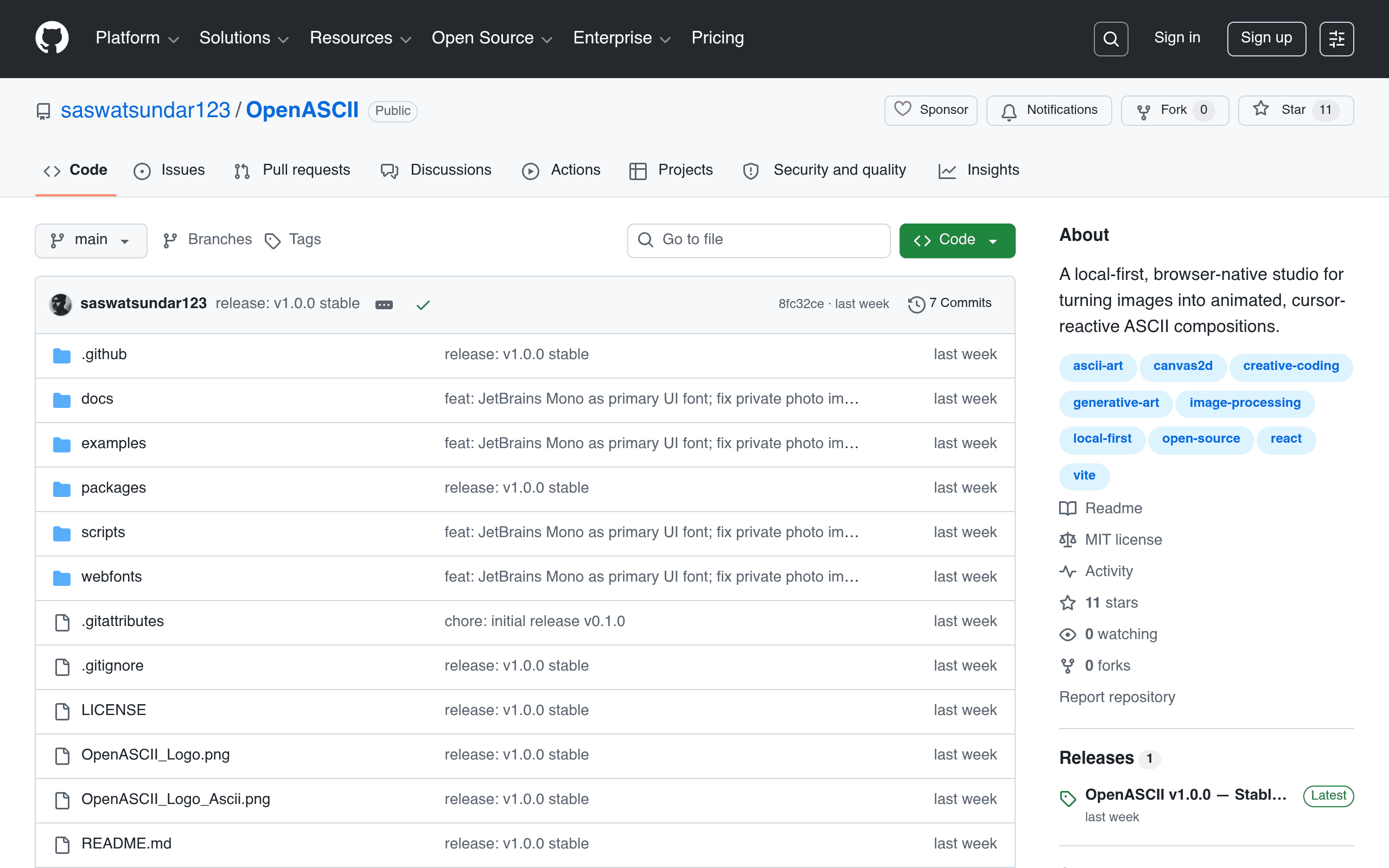
OpenASCII is a free, open-source web app (hosted on GitHub, built to run entirely client-side) that converts images into animated, interactive ASCII art. You drop in an image, pick from 9 render modes and 9 color palettes, add motion effects, and the tool spits out ASCII art that reacts to your cursor in real time — think particles that scatter, characters that shift density, or brightness maps that ripple as you move your mouse across them.
The headline technical detail: nothing leaves your browser. There's no upload step, no server round-trip, no account creation. The conversion, rendering, and animation all happen locally using the browser's own processing power. If you're converting a photo of a client logo or an unreleased product shot, that matters — you're not handing the file to a third-party server you don't control.
This is clearly built by a developer for developers first. The most distinctive feature isn't the ASCII conversion itself (plenty of tools do that) — it's the export options. You can export your creation as a self-contained interactive HTML file or as a ready-to-drop React component, which means the ASCII art can go straight into a portfolio site, a landing page hero section, or a side project without you hand-coding the animation logic.
Who This Is Actually For
- Developers building portfolio sites who want an animated hero section or loading screen that's more interesting than a Lottie file, and who want the actual component code rather than a video/gif embed.
- Frontend devs prototyping a "retro terminal" or "hacker aesthetic" UI — the React export means you can iterate on it inside your existing codebase instead of screen-recording a demo and re-embedding it.
- People who care about privacy/IP and don't want to upload sensitive images (product renders, unreleased branding, personal photos) to a random web tool's server.
- Digital artists experimenting with generative/glitch art who want motion and cursor-reactivity, not just a static text-art conversion.
- Anyone making a one-off asset — a Twitter/X banner, a Discord server icon animation reference, a README header — who wants more control over style (9 palettes, 9 render modes) than a single-mode online converter offers.
What it's not great for: batch-converting dozens of images quickly, or producing traditional static ASCII art for printing/plain-text contexts (README art, email signatures) where you just need clean monospace text output, not an interactive component.
Pricing
OpenASCII is an open-source project hosted on GitHub with no published pricing tier, no paid plan, and no SaaS signup — it's free to use as a web app and free to self-host or fork. There's no indication (as of this writing) of a hosted "pro" version or usage limits. If you want to modify render modes or add your own palette, the code is open for that too. This is a meaningful difference from most tools in this category, which either gate exports behind a paywall or run ad-supported converter pages.
Concrete Use Cases
- Portfolio hero animation: Upload a headshot or logo, pick a particle-based render mode, export the React component, drop it into a Next.js site as an interactive hero that reacts when visitors move their mouse.
- Terminal-themed product demo: Convert a screenshot of your CLI tool into ASCII form with a matrix-style palette for a README or landing page that reinforces a "built for developers" aesthetic.
- Local, offline art experimentation: An artist without reliable internet or who doesn't want to trust a cloud tool with unpublished artwork converts and iterates on renders entirely offline in the browser.
- Interactive HTML embed for a newsletter or blog post: Export the standalone HTML file and embed it in a blog post (via iframe) so readers can move their cursor over the art directly on the page.
- Quick, private conversion of a personal photo into ASCII art for a gift, sticker, or print — without uploading a personal photo to an unknown ASCII-converter website.
How It Compares
| OpenASCII | Asciify | ASCII Art Generator (web) | Generic Image-to-ASCII converters | |
|---|---|---|---|---|
| Price | Free, open source | Free / freemium depending on platform | Free | Free, often ad-supported |
| Processing | 100% local in-browser, no uploads | Varies by implementation, often server-based | Server-side upload required | Server-side upload required |
| Animation / interactivity | Yes — cursor-reactive motion effects, 9 render modes | Mostly static output | Static text output only | Static text output only |
| Export formats | Interactive HTML, React component | Text/image export | Plain text / image | Plain text (.txt) or PNG |
| Color palette options | 9 built-in palettes | Limited or single palette | Usually monochrome | Usually monochrome |
| Best for | Developers wanting embeddable, animated ASCII components | Quick static ASCII conversions | Fast, no-frills text-art generation | One-off casual conversions |
The Honest Take
OpenASCII isn't trying to be the fastest or simplest way to turn a photo into text art — several one-click online converters already do that job in two seconds. What it's doing differently is treating ASCII art as an interactive UI component rather than a static text blob, and that positioning is genuinely uncommon. The privacy angle (local-only processing) is a real, verifiable advantage, not just marketing language, since there's no upload step to audit.
The rough edges to expect from a freshly launched, single-purpose GitHub project: no changelog of stability guarantees, no official support channel beyond GitHub issues, and since there's no pricing page or company behind it, longevity depends on whether the maintainer keeps updating it. If you need something rock-solid for a client project tomorrow, test the React export carefully before you commit to it in production. If you're a developer who wants a fun, private, code-friendly way to make animated ASCII art today, it's worth the five minutes it takes to try — there's no signup wall stopping you from finding out.