Paste Drops: A First Look at the New Clipboard-Sharing App for Android and Web
By Day Zero Guides Editorial · How we produce guides
Some links in this guide are affiliate links. If you sign up through them, Day Zero Guides may earn a commission at no extra cost to you. This never affects which products we cover or what we say about them. See our affiliate disclosure for details.
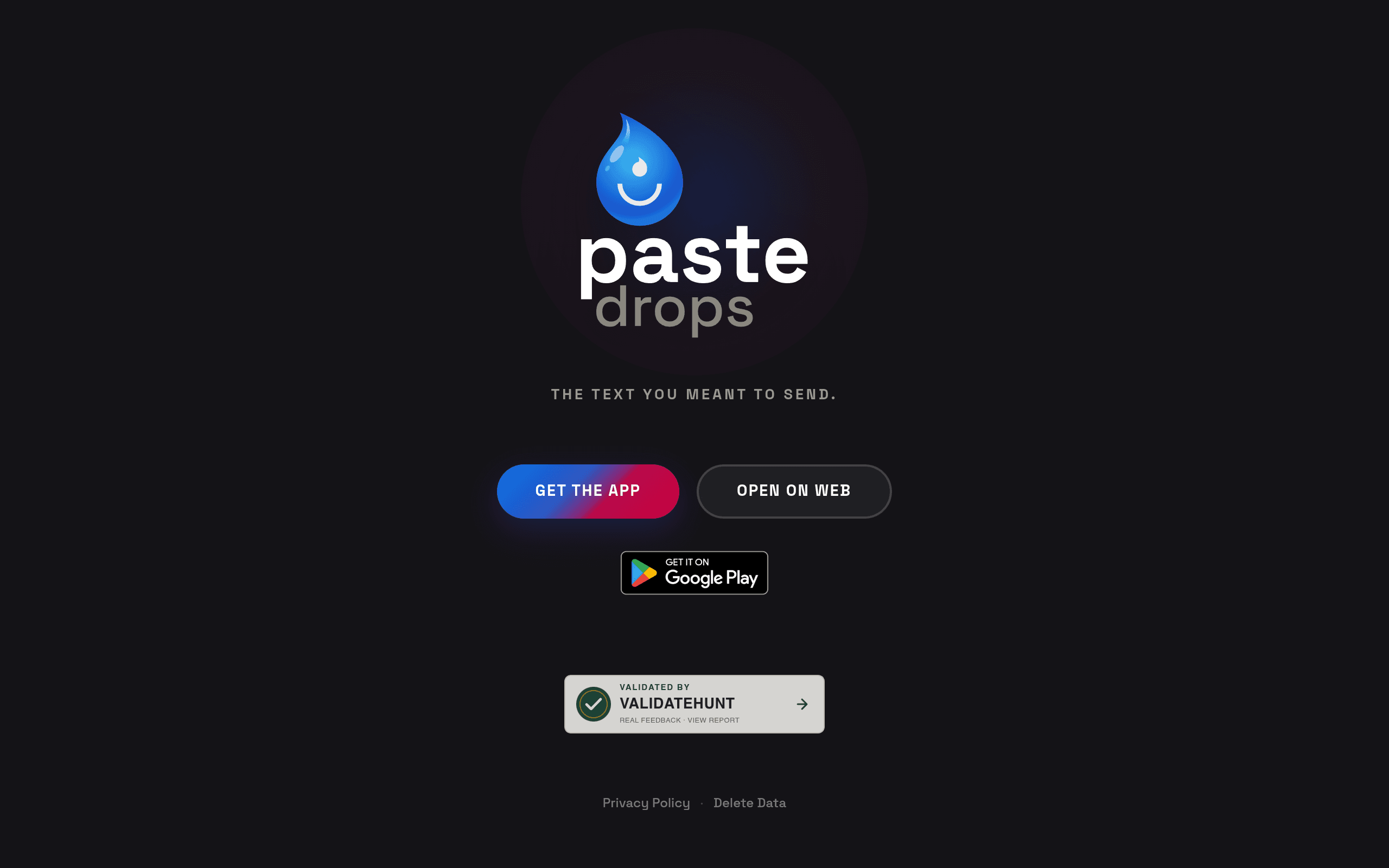
Paste Drops: A First Look at the New Clipboard-Sharing App
Paste Drops (pastedrops.com) landed with an Android app on Google Play and a companion web app, positioning itself as a way to move text and clipboard content between your phone and your computer. That's a real, recurring annoyance — you copy a tracking number or a link on your phone and have no fast way to get it onto your laptop without emailing yourself or opening a messaging app. The question for anyone finding this today is whether Paste Drops actually solves that cleanly, and whether it's worth installing before the product has published pricing or a detailed feature list.
What Paste Drops Actually Does
Based on the current homepage and app listing, Paste Drops functions as a clipboard/text drop tool: you save or send a piece of text on one device (say, the Android app) and retrieve it from another (the web app), without going through a messaging platform or cloud drive. It's the same basic category as "send yourself a note" tools, but built specifically around clipboard-style hand-off rather than persistent note-taking.
What's notably absent from the homepage right now:
- No published pricing page or plan comparison
- No detailed feature breakdown (character limits, expiration windows, encryption, link-sharing options)
- No stated account requirement — it's unclear if you need to sign up or can drop text anonymously
- No iOS app listed, only Android via Google Play plus the web app
This matters because it puts Paste Drops in "early access" territory functionally, even if it isn't labeled that way. You're trying a tool where the business model and feature ceiling haven't been made public yet.
Concrete Use Cases Where This Fits
- Moving a link from phone to desktop: You find a product page or article on mobile and want it open on your computer in two seconds, without texting yourself.
- Grabbing a confirmation code or order number: Copy it on your phone, paste it into a desktop form (useful for checkouts or account verification flows where the code arrives via SMS).
- Quick text handoff while working across devices: Drafting a short message or snippet on your phone during a commute, then finishing it on a full keyboard.
- Avoiding messaging-app clutter: Some people don't want to use WhatsApp or iMessage to send themselves a stray sentence — a dedicated clipboard drop avoids that friction.
What it's not built for, at least as far as the public listing shows: persistent note storage, team collaboration, code snippet formatting with syntax highlighting, or file attachments. If you need any of those, Paste Drops isn't positioned to compete there yet.
Pricing: Not Published
As of this writing, Paste Drops has no visible pricing tier, no "Pro" plan, and no stated free-tier limits on its website or Play Store listing. That means:
- You can't currently evaluate cost-per-month against competitors
- There's no way to know if clipboard drops expire, are capped in size, or require an account to persist
- Enterprise or team use cases (if planned) have no visible roadmap
If you're testing it today, treat it as a free trial of unknown duration rather than a committed product tier. Worth checking the Play Store listing directly before installing, since permission requests (clipboard access, background sync) can hint at what data the app touches even without a pricing page.
How It Compares to Established Alternatives
| Criteria | Paste Drops | Pastebin | Snipboard.io | ShareX |
|---|---|---|---|---|
| Price | Not published (currently free to try) | Free tier; Pastebin Pro from $10/mo (or ~$24/6 months) | Free | Free, open source |
| Platforms | Android app + web app | Web only (any browser) | Web only (any browser) | Windows desktop only |
| Core function | Clipboard/text sync between your own devices | Public or private text-snippet hosting via shareable URL | Instant clipboard-to-link sharing, no signup | Screenshot capture, annotation, and upload automation |
| Best for | Personal phone-to-desktop text handoff | Sharing code, logs, or long text publicly with others | One-off anonymous text drops you send to someone else | Power users automating screenshots and file-sharing workflows |
| Account required | Unclear — not stated | Optional for basic use, required for Pro | No | No |
The honest takeaway: Pastebin and Snipboard are built for sharing text with other people via a link, while ShareX is a heavyweight screenshot/automation tool for Windows. Paste Drops looks like it's solving a narrower, more personal problem — syncing your own clipboard across your own devices — which none of these three do particularly well out of the box. If that's genuinely the use case it nails, it fills a real gap. If it turns out to just be a worse Pastebin with an Android wrapper, the established tools above are more mature and better documented.
Should You Try It Today?
Install it if: you specifically want phone-to-desktop clipboard sync and don't mind using a product with no public pricing or feature documentation yet. The download cost is zero, and the use case (copy here, paste there) is easy to test in under two minutes.
Hold off if: you need guaranteed data handling practices, team/multi-user support, or you're not comfortable granting clipboard access to an app with minimal public documentation. Given the lack of a privacy policy detail or pricing transparency at launch, treat any text you drop through it as non-sensitive until the product publishes more information.
We'll update this guide once Paste Drops publishes pricing, an iOS app, or more detail on data retention — all of which are the natural next signals that this has moved past early-stage launch.