SKI First Look: A Free, On-Device Voice Layer for Claude Code, Cursor, and Gemini CLI
By Day Zero Guides Editorial · How we produce guides
Some links in this guide are affiliate links. If you sign up through them, Day Zero Guides may earn a commission at no extra cost to you. This never affects which products we cover or what we say about them. See our affiliate disclosure for details.
Concrete use cases
- Hands-off pairing with Claude Code during a long refactor. You describe the change verbally ("rename this function across the module and update the call sites"), Claude Code does the work, SKI reads back a summary of what changed instead of you scanning a wall of diff output.
- RSI or wrist-strain workarounds. If typing all day isn't an option, SKI lets you drive Cursor's agent by voice for stretches of the day without switching to a separate dictation app that wasn't built for code syntax.
- Reviewing agent output while multitasking — e.g., listening to what Gemini CLI just did to a config file while you're looking at a second monitor or stepping away from the desk, rather than reading a terminal dump.
- Privacy-sensitive codebases. Teams under NDA, working on unreleased hardware, or in regulated industries where sending audio (or even transcripts) to a third-party cloud STT service is a compliance problem. On-device processing sidesteps that conversation entirely.
- Quick verbal commands mid-flow — "add a null check here," "run the tests," "explain what this block does" — without breaking hand position or alt-tabbing to type a prompt.
What SKI actually is
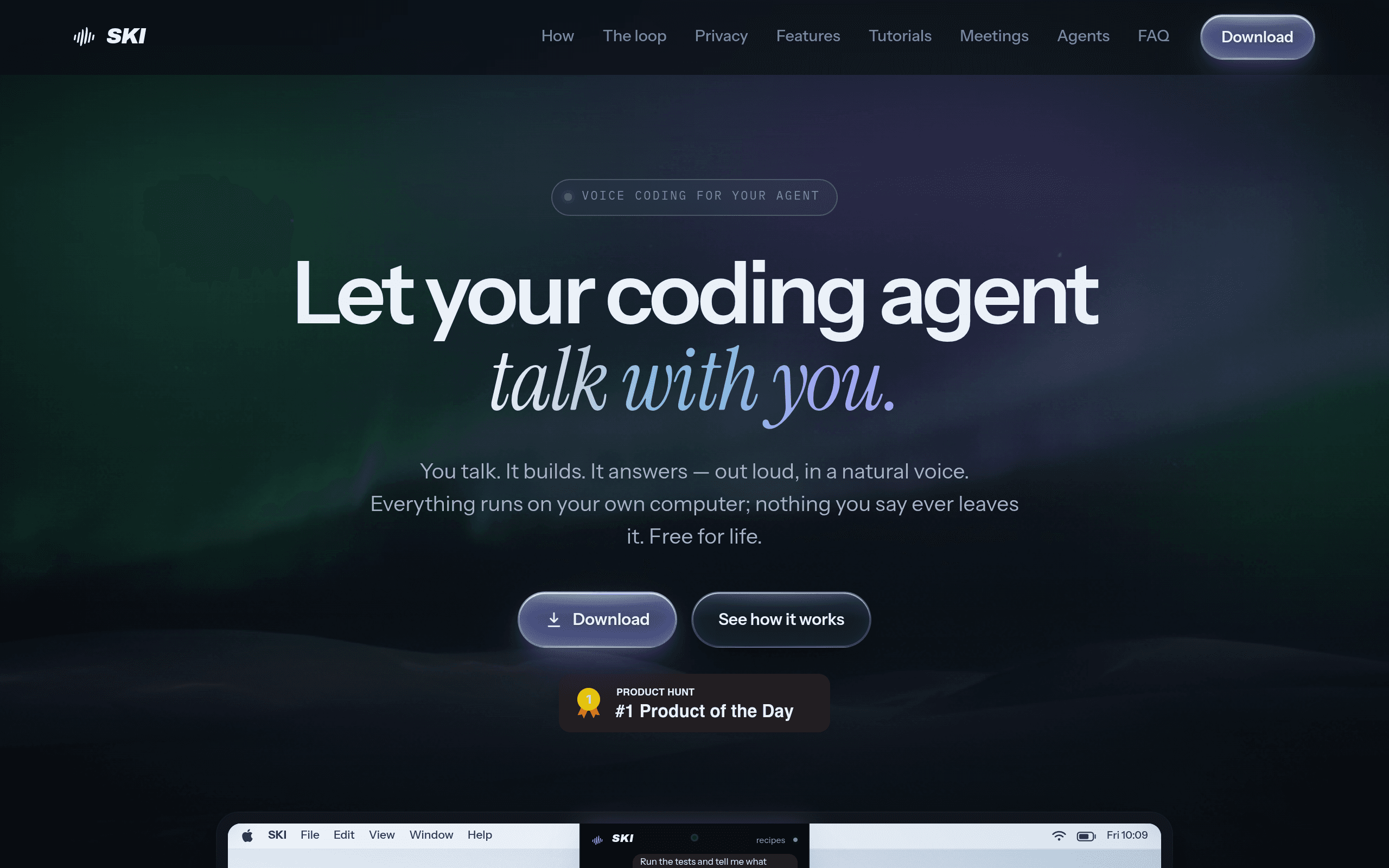
SKI isn't another AI coding agent — it's a voice layer that sits on top of the agents you already use. You talk, SKI transcribes your speech on-device, feeds the text to Claude Code, Cursor, Gemini CLI, or whatever agent you've pointed it at, and then speaks the agent's response back to you using on-device text-to-speech. No audio or transcript ever leaves your machine.
That last part is the actual pitch. Most voice-to-code tools (including the speech features baked into some IDEs) ship your microphone audio to a cloud speech API before it ever reaches the coding model. SKI's whole architecture is built around never doing that — speech recognition and speech synthesis both run locally.
You install SKI, point it at your terminal or editor session running Claude Code, Cursor's agent, or Gemini CLI, and start talking. It listens for your voice, converts it to text, hands that text to the underlying agent as if you'd typed it, and reads back whatever the agent says or writes as a summary. It does not write code itself — it's the mouth and ears for agents that already do.
Pricing: free for life
As of launch, SKI is free for life — no tiers, no seat limits, no usage caps published anywhere on heyski.io. There's no paid "Pro" tier sitting behind a waitlist and no mention of a future paywall in their materials. For a tool this early, that's worth noting explicitly rather than assuming it'll stay that way — free-for-life claims from pre-revenue dev tools are common at launch and not always permanent. But today, if you want to try it, there's no credit card and no trial clock.
How it compares
SKI doesn't compete directly with Cursor or Claude Code — it layers on top of them. The more honest comparison is against the voice-input options available to someone already using those tools, including the accessibility-oriented voice feature GitHub shipped for Copilot.
| SKI | Cursor (built-in) | Claude Code | GitHub Copilot Voice | |
|---|---|---|---|---|
| Price | Free for life | Free tier + $20/mo Pro, $40/mo Business | Usage-based via Claude API/Max plan (~$20–$200/mo tiers) | Included with Copilot subscription ($10–$19/mo) |
| Voice input | Yes — on-device STT, works across multiple agents | No native voice input | No native voice input | Yes — cloud-based, limited to specific IDEs |
| Spoken replies | Yes — on-device TTS | No | No | Limited, mostly command confirmation |
| Data handling | 100% on-device, nothing uploaded | Cloud-based agent processing (code context sent to model) | Cloud-based (Anthropic API) | Audio processed via cloud speech service |
| Best for | Adding hands-free voice control to an existing agent workflow | Full IDE + agent in one editor | Terminal-native agentic coding, larger codebases | Accessibility-focused voice commands inside GitHub's ecosystem |
The practical takeaway: if you're already paying for Cursor or Claude Code, SKI doesn't replace either — it changes how you talk to them. If you were hoping for a free alternative to the agents themselves, this isn't that.
What to actually check before installing
- Which agents it supports today. SKI works with Claude Code, Cursor, and Gemini CLI at launch — if your workflow depends on a different agent or a custom CLI wrapper, confirm compatibility on heyski.io before assuming it'll just work.
- Platform support. On-device speech processing of this kind is typically strongest on macOS first, with Windows/Linux support maturing afterward — check current OS coverage rather than assuming parity on day one.
- Microphone accuracy with code-specific vocabulary. Voice-to-code tools live or die on how well they handle variable names, camelCase, and symbols spoken aloud ("open paren," "snake case user id"). Test it on a real session before committing your daily workflow to it.
- Whether "free for life" survives contact with reality. Worth revisiting in six months — free infrastructure-light tools (client-side processing, no server costs per query) are more sustainable than free cloud-inference tools, and SKI's on-device design at least makes the claim more plausible than most.
Bottom line
SKI is a narrow, well-scoped bet: it doesn't try to be a better Cursor or a Claude Code competitor, it tries to be the best possible voice interface for the agents you're already running, with a privacy story (nothing leaves the device) that's genuinely differentiated from GitHub's cloud-based Copilot Voice. At free-for-life pricing with no signup friction, the only real cost of trying it today is the ten minutes it takes to wire it into your existing Claude Code or Cursor setup and see if talking to your agent actually feels faster than typing to it.