Spin Sensei: First Look at the Duolingo-Style App That Teaches You to DJ
By Day Zero Guides Editorial · How we produce guides
Some links in this guide are affiliate links. If you sign up through them, Day Zero Guides may earn a commission at no extra cost to you. This never affects which products we cover or what we say about them. See our affiliate disclosure for details.
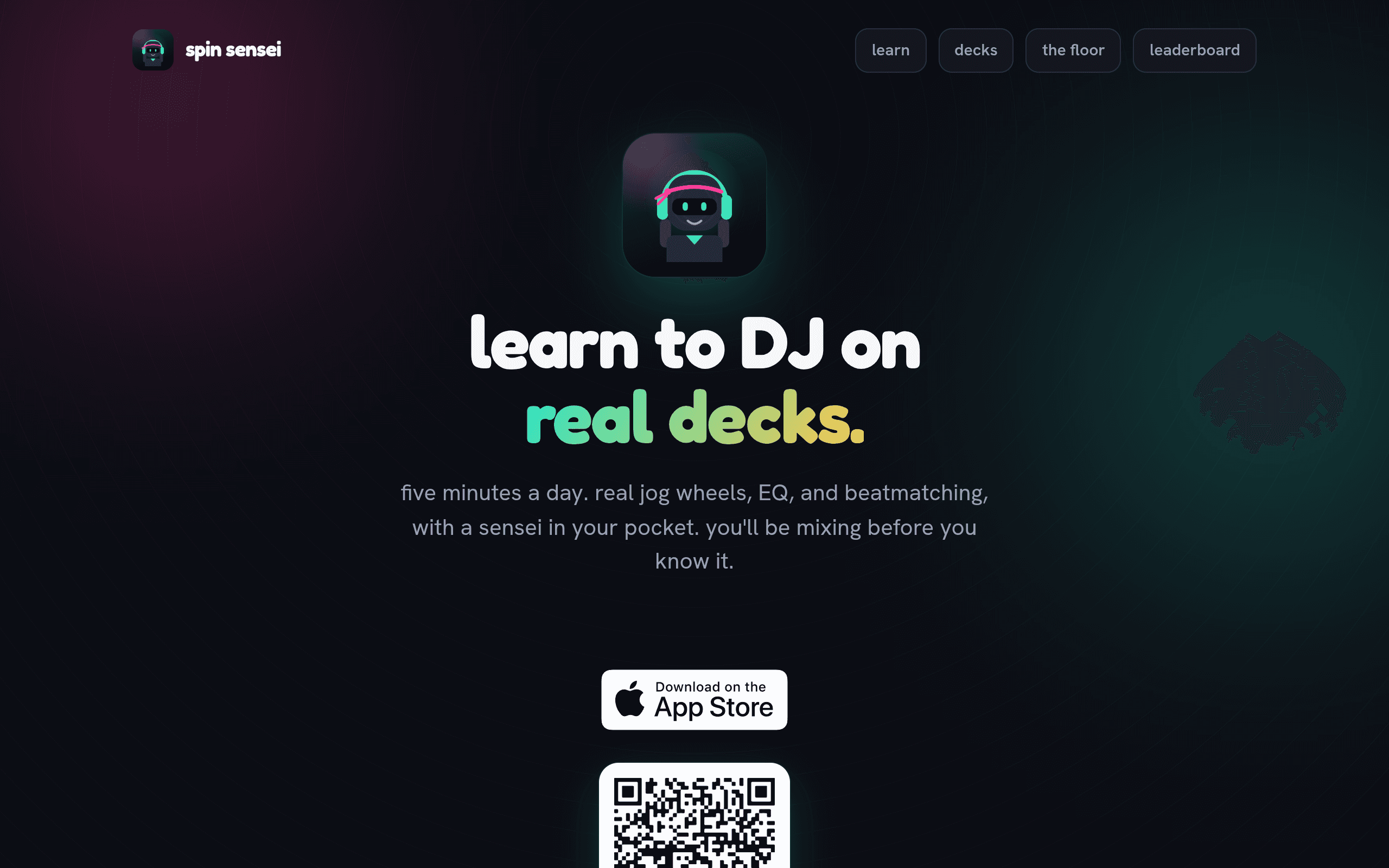
What Spin Sensei Actually Is
Spin Sensei is an iPhone app that treats learning to DJ like learning a language on Duolingo: short daily lessons, a streak counter, XP points, and a leaderboard, all built around a simulated DJ deck rather than a real controller. You get on-screen jog wheels, EQ knobs, and a beatmatching interface that respond to touch, and the curriculum walks you from "what is a BPM" up through blending two tracks and executing basic transitions.
This is not a mixing app for making finished sets, and it's not trying to be. It's a skills tutor. The closest mental model is less "DJ software" and more "flight simulator for turntablism" — you're drilling the motor and ear skills (beat counting, phrase matching, gain staging, EQ swaps) in a low-stakes sandbox before you ever touch a real Pioneer CDJ or a Numark controller.
How the Lessons Work
The curriculum is structured in stages rather than left open-ended:
- Foundations — identifying beats, counting bars, understanding BPM and tempo ranges
- Deck mechanics — jog wheel nudging, pitch fader use, cue points
- EQ and gain — cutting bass on the incoming track, gain-staging two channels so a mix doesn't clip or dip in volume
- Beatmatching — manually aligning two tracks by ear and by jog wheel, not just relying on sync
- Transitions — blending, cutting, and basic phrase-matched mixing between two songs
Each lesson is short — built for a commute or a coffee-break session rather than a sit-down studio practice. Finishing lessons earns XP, keeps your streak alive, and moves you up a leaderboard against other users, which is clearly the retention hook borrowed from language-learning apps.
Pricing: What's Actually Published Right Now
Spin Sensei is free to download and free to start — the early lessons and core mechanics (jog wheel, EQ, beatmatching basics) are accessible without paying anything. As of this writing, the app has not published formal subscription tiers or premium pricing. There's no visible "Pro" price point, no annual/monthly split, and no stated paywall for advanced curriculum stages.
Practically, that means:
- You can try the full onboarding flow today at zero cost
- Don't assume it stays free forever — apps built on this exact gamification model (streaks, XP, leaderboards) almost always introduce a subscription once the free curriculum runs out, the way Duolingo and Yousician did
- If you're deciding whether to start today, the honest answer is: there's no financial commitment yet, so the only cost is your time investment in a curriculum that may eventually gate further progress behind a paywall
Who This Is Actually For
A good fit if you:
- Have zero DJ experience and want to understand beatmatching and EQ theory before spending money on a controller
- Want to build ear-training habits (counting beats, hearing phrase structure) in small daily doses
- Like habit-loop apps — you've stuck with Duolingo streaks or a fitness app's XP system before and it worked on you
- Are commuting, waiting around, or otherwise phone-only and want to make progress without opening a laptop
A poor fit if you:
- Already own a controller or CDJs and want software to actually mix and record sets — Spin Sensei doesn't export or produce anything
- Want to make original tracks or edits — there's no production or sampling toolkit here
- Need iPad or Android support today — this is an iPhone-first release
How It Compares
Spin Sensei isn't really competing head-to-head with full DJ software — it's closer to a prep tool you'd use before or alongside those apps. But since people will ask "why not just use djay," here's the honest breakdown:
| Spin Sensei | djay (Algoriddim) | Pacemaker | Serato Studio | |
|---|---|---|---|---|
| Price | Free to start; no premium tiers published yet | Free with limited features; djay Pro subscription ~$4.99/mo or ~$49.99/yr | Free tier; Pacemaker Pro ~$9.99/mo | One-time purchase, roughly $129, or included in some Serato bundles |
| Core purpose | Teaches DJ fundamentals via gamified lessons | Full DJ mixing app with real track library access and streaming integration | Auto-mixing and DJ app aimed at quick, algorithm-assisted sets | Beat-making and track production, not live mixing |
| Real output | None — it's a training simulator, no exportable mix | Yes — live mixing, recording, streaming to Spotify/Apple Music libraries | Yes — generates shareable mixes and playlists | Yes — exports finished beats and tracks |
| Gamification | Central to the product: streaks, XP, leaderboards | None | None | None |
| Learning curve support | Structured curriculum, beginner to transitions | Assumes some existing DJ knowledge | Minimal — designed to auto-mix for you | Assumes music production familiarity |
| Platform | iPhone only | iOS, iPadOS, macOS, Windows | iOS, Android | macOS, Windows |
The practical takeaway: if your goal today is making an actual mix or set, Spin Sensei won't do that — reach for djay or Pacemaker. If your goal is understanding why a mix works before you spend money on gear or a subscription, Spin Sensei is the only one on this list built specifically for that.
Concrete Ways to Use It Today
- Before buying a controller: run through the Foundations and Deck Mechanics stages first so you know what a jog wheel and pitch fader actually do before spending $150+ on hardware
- As a warmup: if you already DJ, use the beatmatching drills as ear-training reps the way a musician runs scales
- With a beginner friend: the leaderboard/XP system makes it easy to turn learning into a small competition if you're both starting from zero
- Commute practice: five-minute lessons are genuinely built for phone-only, no-headphones-required sessions (though headphones help for the EQ/beatmatching drills)
The Verdict
Spin Sensei fills a real gap: there wasn't a dedicated, gamified way to learn DJ theory and deck mechanics from a phone before touching real equipment or paying for full DJ software. It's free right now with no visible catch, which makes it low-risk to try today. The open question is what happens once the free curriculum runs out — there's no pricing page to check yet, so go in expecting that a subscription is coming, budget-wise, even though nothing is confirmed. If you're DJ-curious and want to know what you're doing before you spend real money on a controller or a djay Pro subscription, this is worth the ten minutes it takes to try the first few lessons.