TicketZero: First Look at the New AI Live Chat Plugin for WordPress and WooCommerce
Some links in this guide are affiliate links. If you sign up through them, Day Zero Guides may earn a commission at no extra cost to you. This never affects which products we cover or what we say about them. See our affiliate disclosure for details.
What TicketZero Actually Is
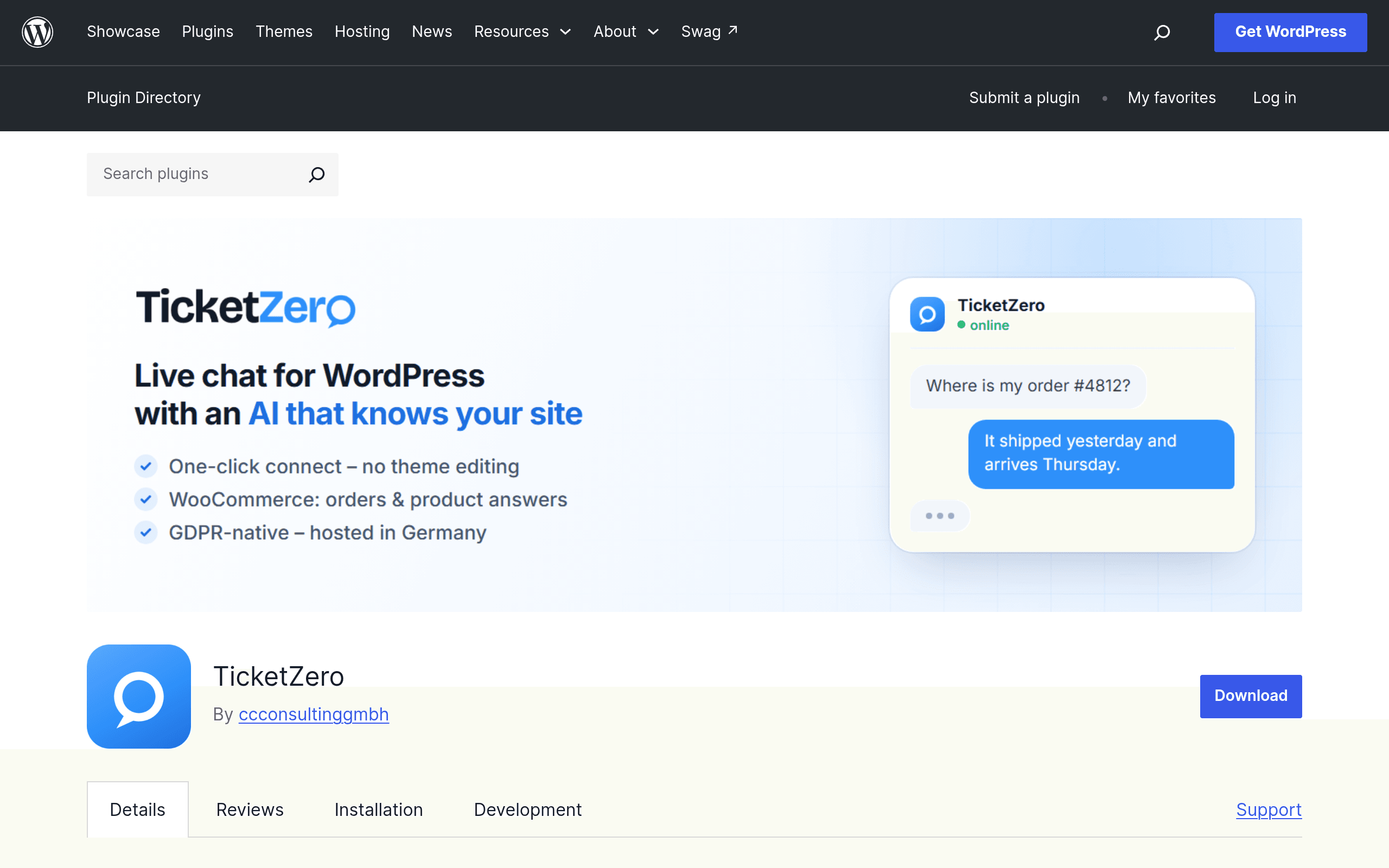
TicketZero is a free WordPress plugin (available on the official WordPress.org plugin repository) that drops a live chat widget onto your site without touching a line of code. Once activated, it connects your WordPress install to a hosted SaaS backend run by CC Consulting GmbH, which is where the actual AI inbox, ticket routing, and chat history live. The plugin itself is just the embed layer — the intelligence and the account you log into to manage conversations sit outside WordPress entirely.
The standout feature for WooCommerce stores is the optional order and customer sync. When enabled, TicketZero pulls a customer's order history, order status, and basic account details into the chat sidebar so a support agent (or the AI assistant) can see "customer asked about order #4821, shipped 3 days ago" without switching tabs or asking the shopper to repeat their order number.
Setup, in Practice
- Install and activate from the WordPress plugin directory like any other plugin.
- You're prompted to create or connect a TicketZero account (the SaaS side) — this is where the free trial kicks in.
- A shortcode/widget embed is auto-inserted; no theme editing or code snippets required.
- If you run WooCommerce, there's a toggle to authorize order/customer data sync, which requires granting the plugin read access to WooCommerce order tables.
This is a genuinely fast setup — realistically five minutes from install to a live chat bubble on your site — which is the plugin's biggest selling point over enterprise tools that require a JS snippet, DNS verification, or a sales call before you see a widget.
The Pricing Gap You Should Know About
Here's the catch: pricing is not published anywhere on the WordPress.org listing or the plugin's own settings screens at the time of this review. The plugin is free to install, and a free trial of the underlying TicketZero service is offered, but what happens after the trial — monthly cost, seat limits, ticket volume caps, whether WooCommerce sync is gated behind a paid tier — isn't disclosed upfront. You'll need to start the trial and go through account setup with CC Consulting GmbH to see an actual quote or pricing page.
If you're evaluating this for a client site or a store with real support volume, budget time to test the trial and get pricing in writing before you commit, since there's currently no public pricing page to screenshot or compare against.
Who This Actually Makes Sense For
- A solo WooCommerce store owner who currently answers "where's my order" emails manually and wants a chat widget that already knows the order status without integrating a separate helpdesk.
- A small agency managing 5-10 WordPress client sites who wants a lightweight chat option to offer clients without standing up a full Zendesk or Intercom instance for each one.
- A WordPress-only shop that doesn't want to manage a JavaScript snippet across a CDN or theme builder and prefers everything to live inside wp-admin.
Where it's a poor fit: multi-channel support (email, social, SMS) beyond the website widget, teams that need detailed SLA reporting or CSAT analytics dashboards, or anyone who needs guaranteed pricing before installing anything, since none is published.
TicketZero vs. Intercom vs. Drift vs. Zendesk
| TicketZero | Intercom | Drift | Zendesk | |
|---|---|---|---|---|
| Starting price | Not published; free WP plugin + trial, paid tier undisclosed | From $39/seat/mo (Essential plan) | Custom pricing, historically $2,500+/mo for base plans post-Salesloft acquisition | From $19/agent/mo (Support Team), $55+ for Suite plans |
| WordPress-native install | Yes — no code, plugin-based, no snippet | No — JS snippet embed, no official WP-specific plugin | No — JS snippet embed | Partial — third-party WP plugins exist, not first-party |
| WooCommerce order sync | Built-in, native toggle | Requires custom integration or third-party connector (e.g., via Zapier) | Not built-in; requires integration | Requires app marketplace integration |
| AI chat/ticket automation | Yes, core feature | Yes (Fin AI agent, priced separately per resolution) | Yes (Drift AI, enterprise-focused) | Yes (Zendesk AI, add-on on most plans) |
| Best for | Small WooCommerce stores wanting fast, code-free setup | Mid-market SaaS needing multi-channel support + marketing | Enterprise B2B sales-led chat and pipeline | Support teams needing mature ticketing, SLAs, reporting |
The Honest Verdict
TicketZero's pitch is speed and WordPress-nativeness: install a plugin, get a chat widget, see WooCommerce order data without any integration work. That's a real advantage over Intercom, Drift, or Zendesk, all of which require snippet installs and, in Zendesk and Intercom's case, actual per-seat budgeting from day one that's published and easy to compare.
The tradeoff is that TicketZero asks you to start a trial on faith — no pricing page, no seat limits listed, no published cap on chats or tickets. For a hobby store or a low-volume WooCommerce shop, that's a low-risk bet worth the five-minute install. For anything with real support volume or a client budget on the line, get pricing in writing during the trial before you rely on it, since right now that information simply isn't public.