tinbase: A Docker-Free, Single-Binary Supabase Alternative That Runs in Your Browser
By Day Zero Guides Editorial · How we produce guides
Some links in this guide are affiliate links. If you sign up through them, Day Zero Guides may earn a commission at no extra cost to you. This never affects which products we cover or what we say about them. See our affiliate disclosure for details.
Concrete use cases where this makes sense
- Local development without Docker. If your team already builds against
supabase-jsbut half the engineers are on machines where Docker Desktop is banned, slow, or eats battery life, swapping the local backend for tinbase keeps the same client code working. - CI pipelines. Spinning up the full Supabase Docker stack in GitHub Actions or similar adds real minutes to every run. A single binary that boots in seconds and speaks the same API is a meaningful CI speedup for integration tests.
- In-browser demos and tutorials. Because tinbase can run client-side, you can ship a live, fully functional "backend" in a CodeSandbox-style demo or an interactive tutorial with zero server cost and no signup flow for the reader.
- Edge and low-memory deployments. Small self-hosted apps on a $5 VPS or a Raspberry Pi where a multi-container Postgres+Kong+GoTrue stack simply won't fit in available RAM.
- Offline-first prototypes. Local-only apps that need Postgres-flavored querying and auth without any network dependency at all.
What it's not aimed at: production apps needing a managed, scaled, multi-region database with SLAs — that's still Supabase Cloud's or Firebase's job.
What tinbase actually is
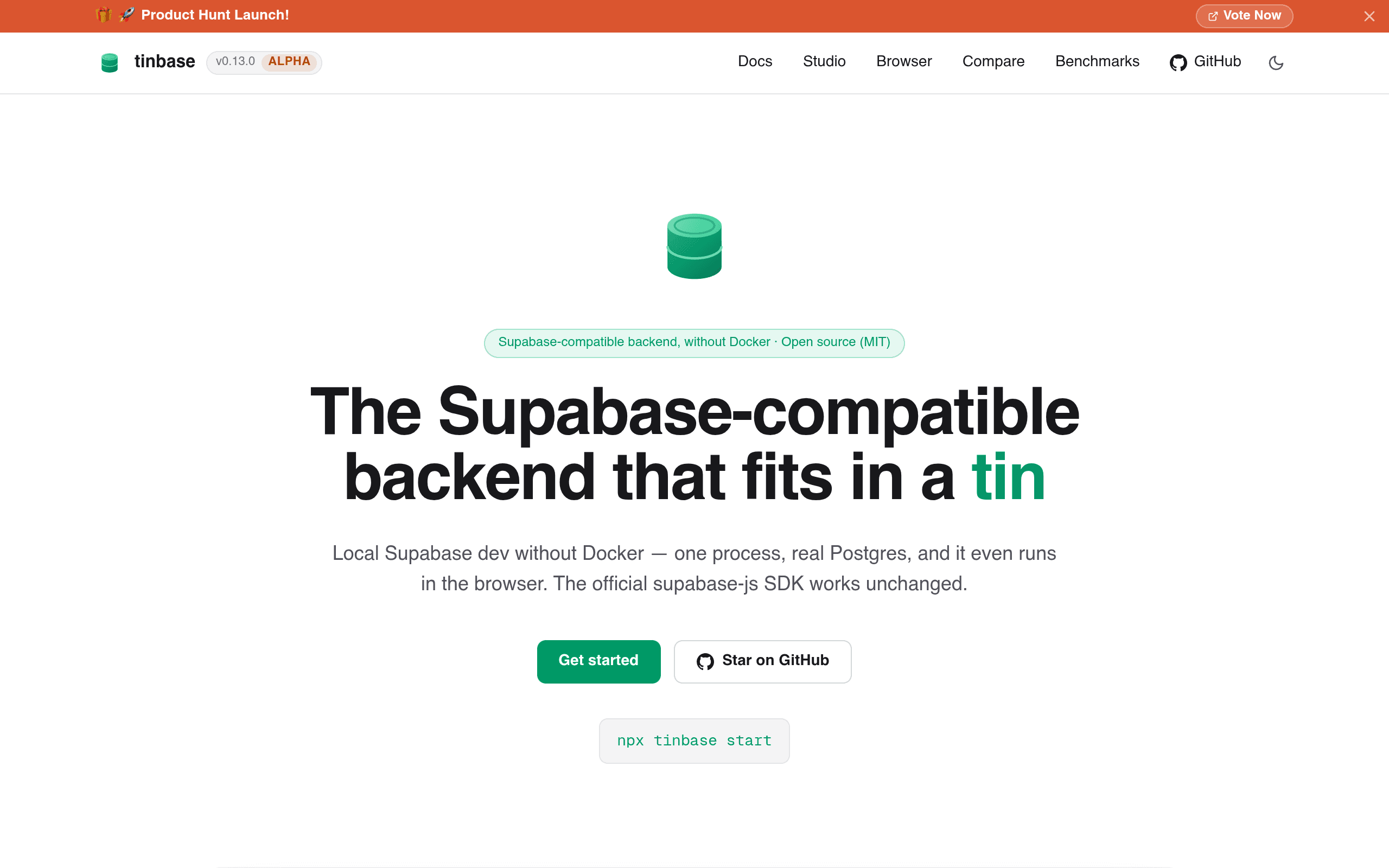
tinbase (tinbase.dev) is an open-source, MIT-licensed backend that re-implements the four APIs most Supabase apps depend on — PostgREST, GoTrue (auth), Storage, and Realtime — as a single compiled process. There's no Docker Compose file, no six-container stack, no supabase start spinning up a local Kong gateway. It's one binary (or one WASM bundle) talking to a real PostgreSQL database, and it speaks the same wire protocol that supabase-js expects, so existing client code generally doesn't need to change.
The headline feature isn't just "Supabase without Docker" — it's that tinbase can run inside a browser tab, using an embedded Postgres-compatible engine, with no server at all. That makes it usable for things Supabase's local dev stack was never built for: sandboxed demos, offline-first prototypes, CI test runs, and teaching environments where asking someone to install Docker Desktop is a non-starter.
How it's different from supabase start
If you've run the official Supabase CLI locally, you know the drill: Docker Desktop has to be running, the first supabase start pulls down GoTrue, PostgREST, Realtime, Storage-API, Studio, Kong, and Postgres images (often 2–4GB combined), and the whole stack sits around 1–2GB of RAM at idle. tinbase collapses that into one process with a minimal memory footprint — the project's own pitch is that it's meant for laptops, low-memory VPS instances, and CI runners where spinning up a Docker daemon is either impossible or wasteful.
It's not a hosted product. There's no dashboard-as-a-service, no managed database, no tinbase.dev cloud project you spin up with a credit card. It's a self-hosted, run-it-yourself tool, closer in spirit to PocketBase than to Supabase's hosted platform.
Pricing
There is no published pricing — because there's currently nothing to buy. tinbase is MIT-licensed and free to self-host, with no hosted/cloud tier, no paid support plan, and no usage-based billing mentioned anywhere on tinbase.dev at the time of writing. If that changes (a hosted tier, an enterprise support contract, etc.), it isn't public yet. For now, budget for your own compute (a VPS, a container, or literally your laptop) and nothing else.
How it stacks up
| tinbase | Supabase (local CLI stack) | PocketBase | Firebase / Firestore | |
|---|---|---|---|---|
| Price | Free, MIT, self-hosted only (no published hosted tier) | Free locally; hosted plans from $0 (Free) to $25/mo (Pro) and up | Free, MIT, self-hosted only | Free Spark tier; pay-as-you-go Blaze tier billed on reads/writes/storage |
| Runtime dependency | Single binary or WASM — no Docker | Requires Docker Desktop/daemon for the local dev stack | Single Go binary — no Docker | Fully managed, no local runtime needed |
| Database engine | Real PostgreSQL (or embedded Postgres-compatible engine in-browser) | Real PostgreSQL | SQLite | Firestore (NoSQL document store) |
| API compatibility | PostgREST + GoTrue + Storage + Realtime, works with supabase-js | Native Supabase APIs | Own REST/realtime SDK, not Supabase-compatible | Own Firebase SDKs, not Supabase-compatible |
| Memory footprint | Minimal — designed for low-RAM/browser use | Heavy — multi-container stack, 1–2GB+ at idle | Low — single binary, lighter than a full Postgres stack | N/A (managed cloud, no local footprint) |
| Best for | Docker-free local dev, CI, browser demos, low-memory self-hosting | Teams already committed to Supabase's full platform and Postgres | Simple self-hosted apps happy with SQLite | Apps wanting a fully managed NoSQL backend with generous free tier |
The catch
A few things worth knowing before you swap it into a real workflow:
- It's new. As a freshly launched project, expect rough edges in Realtime and Storage parity compared to the actual Supabase implementations — those are the two APIs most likely to have subtle behavioral differences.
- No hosted offering. Everything is on you to run and back up. If your team wants a managed production database, tinbase doesn't compete there — it's a dev/CI/edge tool, not a Supabase Cloud replacement.
- Community and docs are early-stage. Being MIT and new means less Stack Overflow coverage than Supabase or Firebase; expect to read source and open issues rather than find blog-post answers.
Should you try it today
If your pain point is specifically "I'm tired of Docker Desktop eating my laptop's RAM just to run supabase start," or you need a live backend embedded in a browser-based demo, tinbase is worth an afternoon to test against your actual supabase-js calls. If you need a production-grade managed backend, keep using Supabase Cloud or Firebase — tinbase isn't trying to replace that layer yet.