TranslateScan Review: Is This $29.95/Month Document Translator Worth It?
By Day Zero Guides Editorial · How we produce guides
Some links in this guide are affiliate links. If you sign up through them, Day Zero Guides may earn a commission at no extra cost to you. This never affects which products we cover or what we say about them. See our affiliate disclosure for details.
Where It's Actually Useful
- HR translating scanned employment contracts without losing table structure or signature blocks
- Freelancers translating scanned invoices from international clients where the layout needs to match the original for accounting records
- Students translating scanned foreign-language textbook pages into readable, still-formatted PDFs
- Small importers/exporters translating Excel-based shipping manifests without breaking spreadsheet formulas or columns
- Real estate agents translating scanned property documents with mixed text and image content
Where it's a poor fit: quick, casual translation of a paragraph or an email. For that, a free tool is faster and cheaper.
What TranslateScan Actually Does
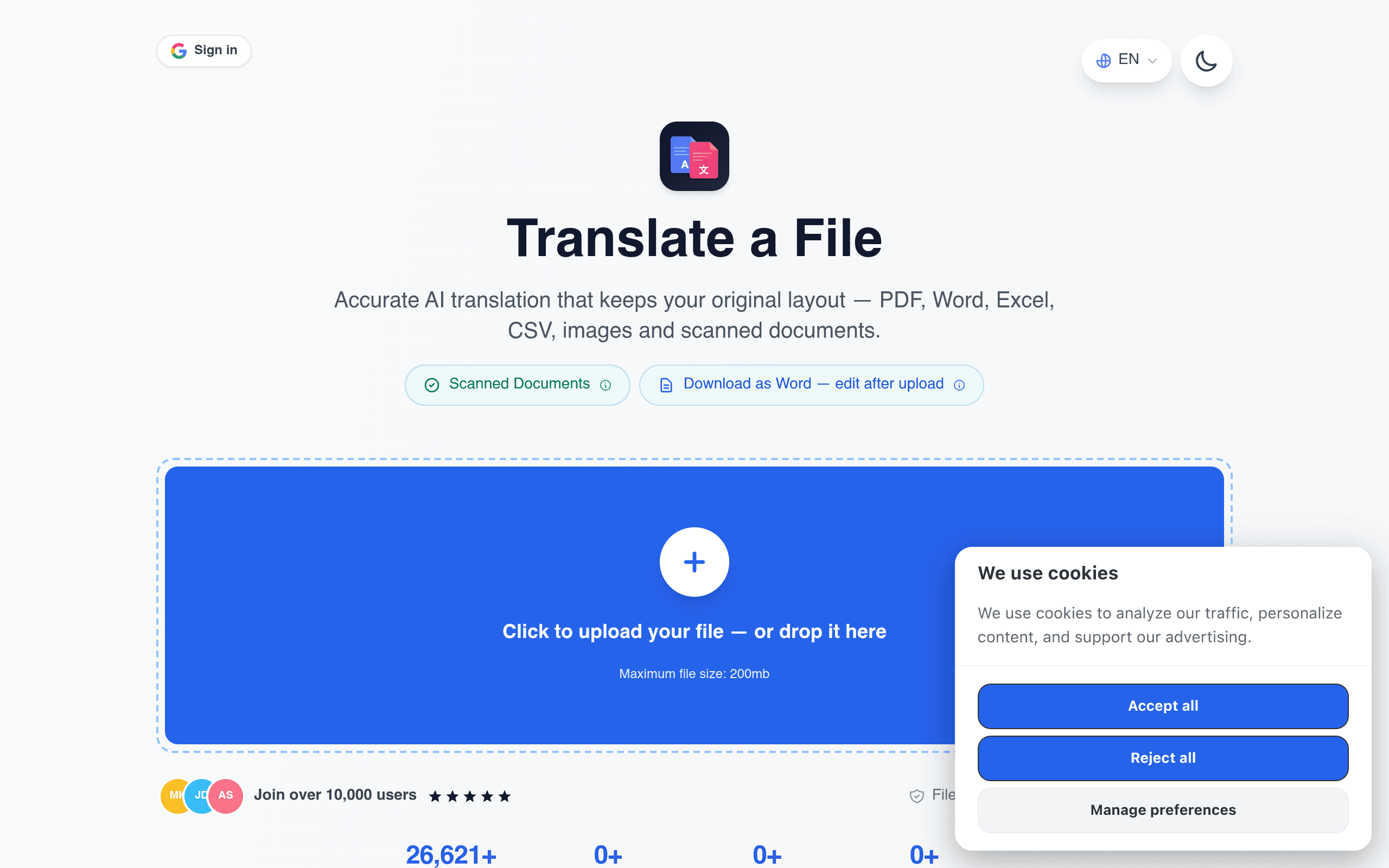
TranslateScan is a browser-based tool that translates full documents — PDFs, Word files, Excel spreadsheets, images, and scanned pages — while trying to keep the original layout intact. That last part is the actual pitch: instead of dumping translated text into a blank page, it attempts to preserve tables, columns, headers, and formatting so the output still looks like the source file, just in another language. It supports over 100 languages and deletes uploaded files automatically within one hour, which matters if you're feeding it anything sensitive like contracts or medical records.
There's no desktop app — everything happens at translatescan.com through file upload.
Pricing: What You're Actually Signing Up For
TranslateScan uses a subscription model, not pay-per-document:
- 48-hour free trial — includes up to 20 document translations during that window
- $29.95 every 4 weeks — billed automatically once the trial ends, unless you cancel
There's no published free tier beyond the trial, and no visible annual plan or one-off document pricing at the time of this review. That's worth flagging: if you only need to translate a handful of documents a year, a recurring $29.95/4-week charge is a lot more than most competitors charge for occasional use. This tool is built for people with a recurring need — think recruiters translating resumes weekly, small businesses handling multilingual invoices, or import/export teams processing shipping paperwork on a regular cadence.
Because billing is automatic after 48 hours, set a calendar reminder if you're just testing it out. Trial-to-paid autoconversion is the main financial risk here, not the price itself.
How It Compares
| TranslateScan | Google Translate (document upload) | Microsoft Translator | DocTranslator | |
|---|---|---|---|---|
| Price | $29.95 / 4 weeks after 48-hr trial | Free | Free | Free tier + paid plans from ~$4.99/document bundle |
| Formatting preservation | Core selling point — tables, layout, images retained | Inconsistent, especially with tables/images | Basic, often reflows text | Decent, marketed specifically for this |
| File types supported | PDF, Word, Excel, images, scanned docs | PDF, Word, PowerPoint | PDF, Word, PowerPoint | PDF primarily |
| File deletion policy | Auto-delete within 1 hour | Not clearly disclosed for uploads | Tied to Microsoft account/cloud policies | Varies by plan |
| Best for | Recurring, formatting-sensitive document translation | Occasional, casual document translation | Users already in Microsoft 365 ecosystem | Budget-conscious one-off PDF translation |
The Real Trade-Off
Google Translate and Microsoft Translator are free and translate documents adequately, but both are known to mangle tables, merge columns, or drop image-based text — annoying if you're sending the output to a client or filing it officially. DocTranslator undercuts TranslateScan on price for occasional users. TranslateScan's bet is that scanned-document handling and formatting fidelity are worth a recurring subscription fee for people who translate documents often enough that quality and consistency matter more than cost per file.
Should You Try It Today
If you have a stack of scanned contracts, invoices, or spreadsheets that need to keep their structure after translation, the 48-hour trial is a reasonable way to test the formatting-preservation claim against your actual documents — not a demo file. Upload something with a genuinely complex layout, not a plain text page, since that's where free tools usually fail. If the layout holds up and you'll use it more than once every few weeks, the $29.95/4-week price is defensible. If you just need one document translated, use Google Translate first and see if it's good enough — it probably will be for text-heavy pages, less so for scanned tables or image-based documents.